
- Award score
- 4.5Rating
- 500,000,000+installs
- Free
App information
- Version
- 4.9.1
- Updated
- Requires
- 7.0
- Price
- Free, in-app purchases
- Developer
- Wildlife Studios
- Content rating
- Everyone
Screenshots
 Analysis byAppsAward
Our review of Block Craft 3D:Building Game
I like the idea behind Block Craft 3D: Building Game: rather than asking me to race through an arcade level, it gives me a block-based city to shape at my own pace. That makes it an easy game to open for a few minutes when I want a small creative task, but it can also turn into a longer project if I get absorbed in arranging a build. My main advice is to approach it as a relaxed construction game, not as a demanding action challenge.
What the building pace feels like
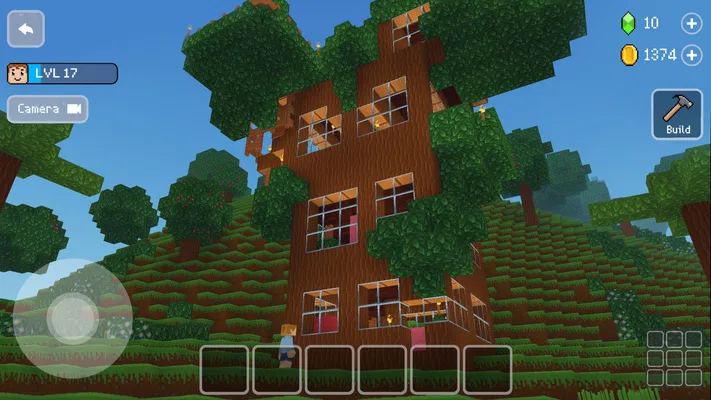
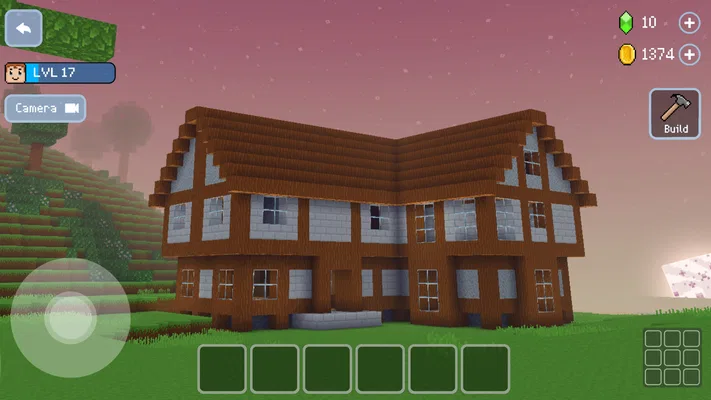
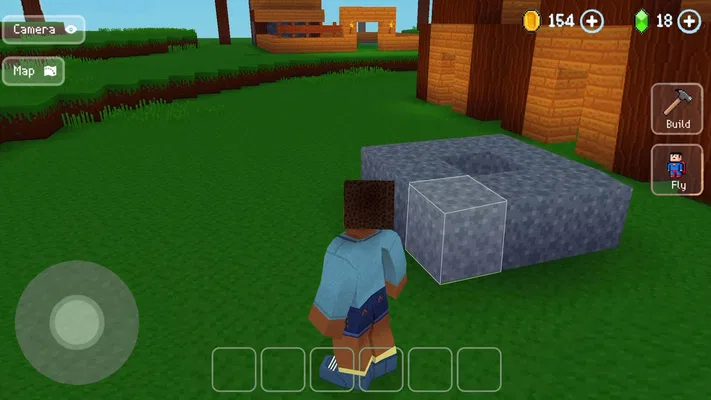
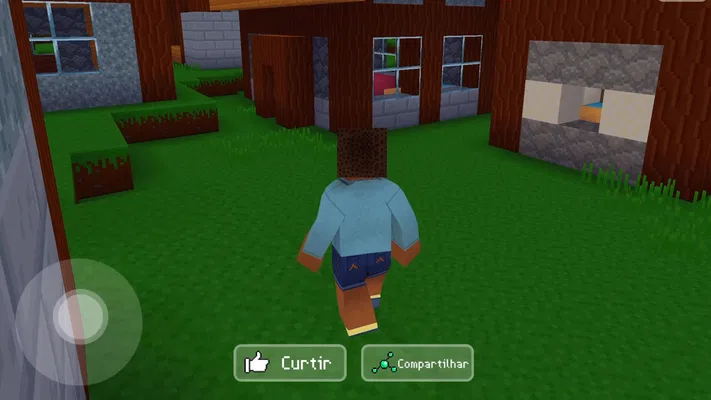
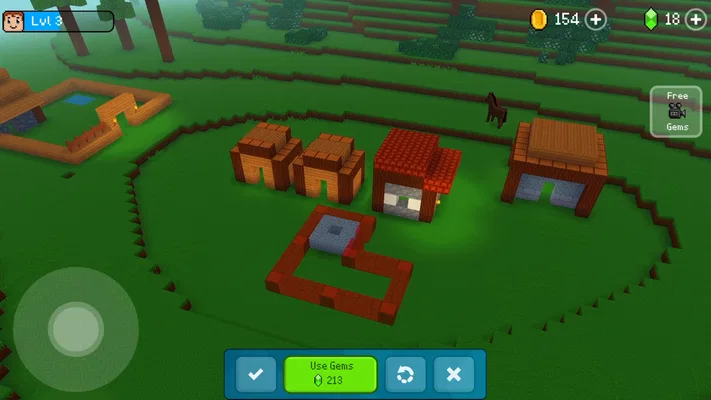
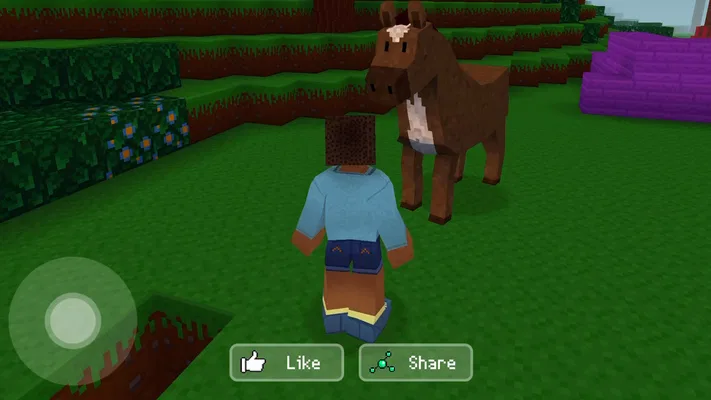
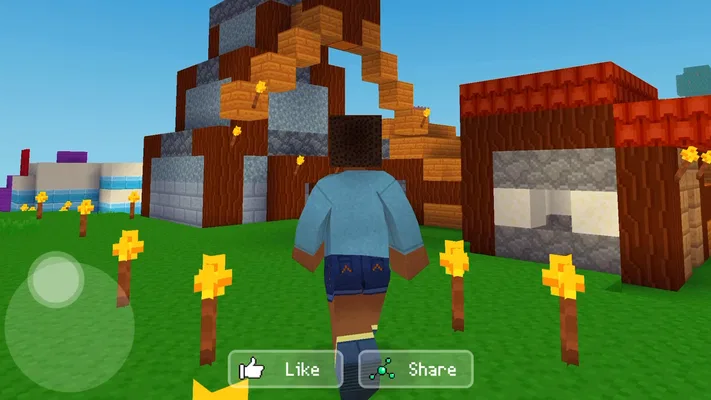
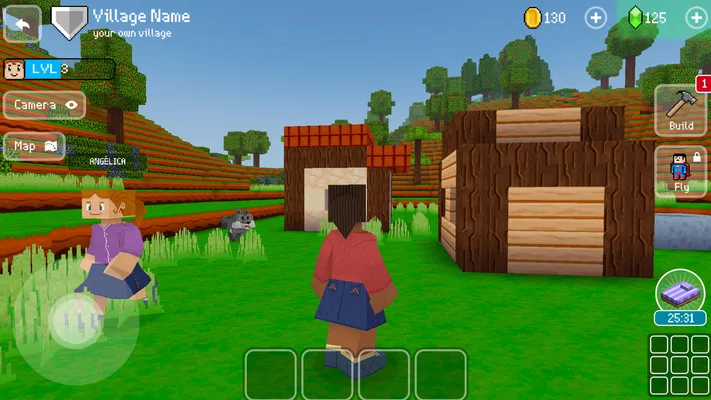
Block Craft 3D is a free arcade game from Wildlife Studios, released on August 24, 2016. Its premise is straightforward: build a city in a 3D block world. The appeal is less about beating a timer and more about deciding what to make, where it should go, and how your surroundings might fit together. If you enjoy making a place feel like yours, that open-ended rhythm is the strongest reason to try it.
The pace suits short breaks particularly well. I can think of a building goal before opening the game—such as laying out a road, finishing one structure, or improving an awkward corner—and treat that as a complete session. That is more satisfying than wandering around without a plan, especially if I only have a little time. For a longer visit, I would pick a larger project and work through it in stages rather than expect to finish an entire city at once.
The game has an average rating of 4.5 from around 3.1 million ratings, and it has passed 500 million installs. Those figures suggest broad appeal, but they do not mean the style will click with everyone. The block-based look is part of the point: it encourages simple shapes and recognizable designs rather than detailed, realistic architecture. If you prefer careful building and visual experimentation, that can be freeing. If you want polished realism or constant action, it may feel too spare.
Make a small plan before a big one
A useful habit is to decide how a new building will sit in the city before committing to its shape. Leave room for nearby structures and routes, and think about the view from the areas you already use. This little bit of planning can prevent a common creative-game frustration: making a building you like, then realizing it crowds the space around it. I find a compact, coherent district more rewarding than a collection of unrelated projects.
It also helps to treat each session as one step in a larger design. For example, I might focus on the footprint and placement first, then come back later to refine the look. That approach makes a sprawling creative task feel manageable, and it gives me a clear stopping point when everyday interruptions arrive. The game is at its best when I can enjoy the act of shaping a place without turning every session into a checklist.
When a session gets busy
Building can become more demanding on my attention as a project grows. A simple structure is easy to hold in mind; a city plan with several nearby buildings asks me to keep track of spacing, orientation, and how the pieces relate. That is a creative challenge rather than a reason to rush. I would work on one section at a time, especially on a small screen, so it is easier to judge whether a change improves the whole scene.
That workflow is also useful if I play in short bursts. Before stopping, I can leave myself a clear next step—such as extending one street or completing a particular building—rather than needing to rediscover the plan later. It is a modest strategy, but it makes a city-building game feel more welcoming when I cannot devote a long stretch of uninterrupted time to it.
There is a trade-off between freedom and direction. A sandbox-style building experience gives me room to choose what matters, but players who rely on a tightly guided sequence of objectives may want clearer direction than this premise suggests. I would recommend it to someone happy to supply their own goals. If I want every session to deliver a new stage, a high score, or a clear finish line, a level-based arcade game is likely a better fit.
Reliability and expectations
I would not judge a game’s reliability from its popularity alone. A large audience says that many people have chosen to install it, but it does not guarantee identical performance on every device or in every session. For a fair expectation, I would start with a modest project, see how the game feels on my own phone or tablet, and expand the scope only if the experience remains comfortable.
The current version is 4.9.1, and the minimum operating-system requirement is 7.0. That gives a practical starting point when checking compatibility, though meeting a minimum requirement is not the same thing as guaranteeing a particular level of smoothness. If the game feels sluggish or unstable on a device, I would avoid making a large build the first test. A brief session is a better way to see whether the controls and presentation suit the hardware I have.
For recovery after an interruption, I would keep my creative plans simple enough to resume: work on a clearly defined area and remember the next change I want to make. That is useful in any game I play between errands or during a commute, where interruptions are more likely than a long, quiet session. I would also avoid assuming that every unsaved moment can be recovered; as a general habit, pausing before switching apps or closing a game is sensible.
Choosing a device and managing expectations
Because the game presents a three-dimensional world, the experience depends on more than whether a device can install it. Screen size can affect how comfortably I judge a building’s placement, while an older or less capable device may feel different from a newer one. I would try it on the device I actually plan to use instead of relying on someone else’s performance impressions. The minimum operating-system requirement is a useful compatibility check, not a promise about speed.
For a smoother creative session, I would keep the first build modest and pay attention to how responsive the game feels while I move around it. If the device struggles, shorter sessions and smaller projects are more sensible than continually expanding a detailed city. If the game runs comfortably, I can gradually take on larger layouts. This gradual approach avoids investing time in a plan that turns out to be unpleasant to manage on a particular screen.
It is also worth considering the business model before settling in. The game is free to download, with in-app purchases ranging from $0.99 to $119.99 per item. I would treat those purchases as optional spending and check the price carefully before confirming anything. If I am trying it for the first time, I would begin with the free experience and decide whether I enjoy the building loop before considering any purchase.
Who will enjoy it—and who may not
I think it is a good fit for people who like casual creative games, block-built environments, and projects that can be picked up and continued later. It can work well as a low-pressure diversion after school or work: I could spend a short break improving one part of a town, then return to the rest when I have more time. The content rating is Everyone, which makes the age guidance broad, although families should still make their own choices about screen time and in-app spending.
I would steer away from it if I were looking for fast combat, intricate simulation systems, or a strongly scripted campaign. It is also not the best choice for someone who dislikes making their own objectives; an open building space can feel aimless without a personal project. Compared with the usual arcade game built around quick reactions and clear rounds, this one trades immediate action for creative control. Compared with more elaborate construction simulators, its block-based approach feels intentionally approachable rather than focused on realism.
That distinction matters when choosing what to play. If I want to unwind by arranging shapes and making a town gradually feel more complete, Block Craft 3D has a clear purpose. If I want a game that tells me exactly what to do next, or one where every session is built around a quick challenge, I would pick a different kind of arcade title. Neither preference is wrong; the right choice depends on whether I want to create or compete.
My performance verdict
My overall view is that Block Craft 3D is best approached as a relaxed building project whose speed and comfort depend partly on the device and the size of the work I take on. I would start small, set a concrete goal for each visit, and expand the city only when the controls feel comfortable. That gives me a practical way to enjoy the creative side without expecting every phone to handle every session identically.
Wildlife Studios has made a game with broad reach and an easy-to-understand idea, but the best reason to install it is personal: you want a block-based city that you can shape at your own pace. I would recommend giving it a try if that sounds appealing, while keeping the purchase options in mind and treating device performance as something to test for yourself. For a patient builder, it can be a pleasant place to spend spare time; for someone who wants speed, structure, or realism above all else, another game will likely be more satisfying.
Pros
- Easy controls make building approachable for younger players.
- Creative mode lets players build without worrying about survival.
- A wide range of blocks supports varied designs.
- Visiting other players' creations can spark ideas.
- The basic game is free to download.
Cons
- Optional purchases can make some items cost extra.
- Ads may interrupt play for free users.
- Building large projects can take considerable time.
- Online features require an internet connection.
- The game may run slowly on older devices.
Best Arcade Game 2026
Our verdict
Have fun building your city in this 3D simulation game!
Frequently Asked Questions
What is Block Craft 3D: Building Game?
Block Craft 3D is a casual building game where you create structures from blocks in a colorful, pixel-style world. You can start with simple designs or work toward larger projects, such as houses and landmarks. The game is designed for relaxed, creative play rather than combat-focused progression, though available activities and features may vary by version and device.
Can I play Block Craft 3D offline?
Some building activities may be available without a continuous internet connection, but online access can be needed for features such as visiting other players’ creations, cloud-related functions, or certain in-game services. Offline availability may also depend on the version installed. If you plan to play while traveling, open the game once beforehand and check which modes remain accessible when your device is disconnected.
Is Block Craft 3D free to download and play?
Block Craft 3D is generally offered as a free download, but it may include in-app purchases and advertising. Optional purchases can provide in-game currency or other conveniences, while ads may appear during play or around certain rewards. Check the store listing and your device’s purchase settings for current details, and use parental controls if children will be playing.
Is Block Craft 3D suitable for children?
The game’s creative building focus and approachable presentation may suit children, but parents should still review its current store age rating and privacy information. Depending on the version, online features, advertisements, and in-app purchases may be present. It is sensible to supervise younger players, restrict purchases through device settings, and discuss what information should or should not be shared online.
Does Block Craft 3D support multiplayer or sharing creations?
Block Craft 3D may offer ways to explore or share creations with other players, but the exact social features can change between updates and platforms. These features typically require an internet connection and may be affected by account, regional, or age settings. Before downloading, check the current store description and permissions, especially if you want to know whether a particular multiplayer option is available on your device.




