
- Award score
- 4.3Rating
- 500,000,000+installs
- Free
App information
- Version
- 8.18.1
- Updated
- Requires
- 7.0
- Price
- Free, in-app purchases
- Developer
- AMANOTES PTE. LTD.
- Content rating
- Everyone 10+
Screenshots
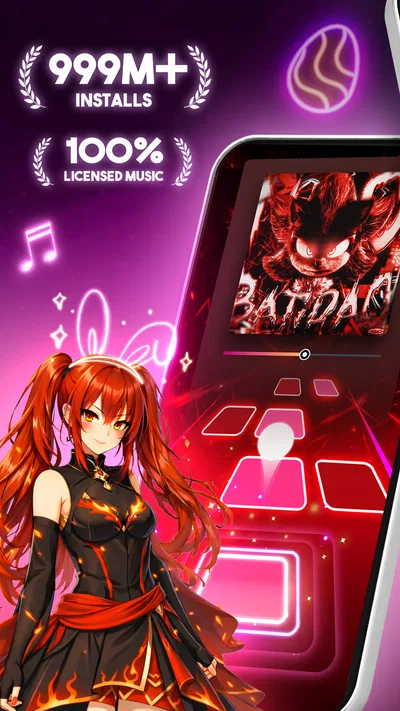
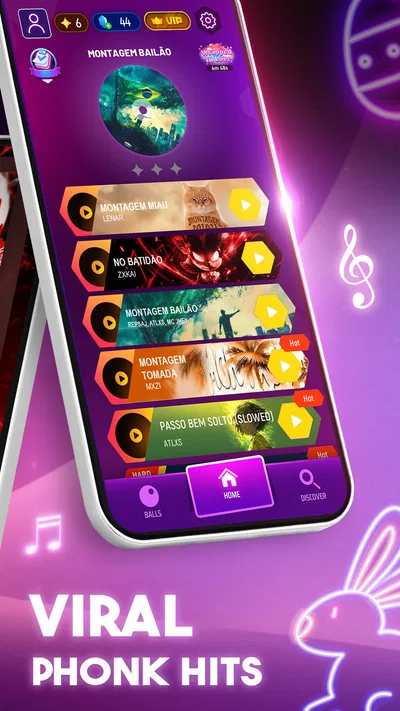
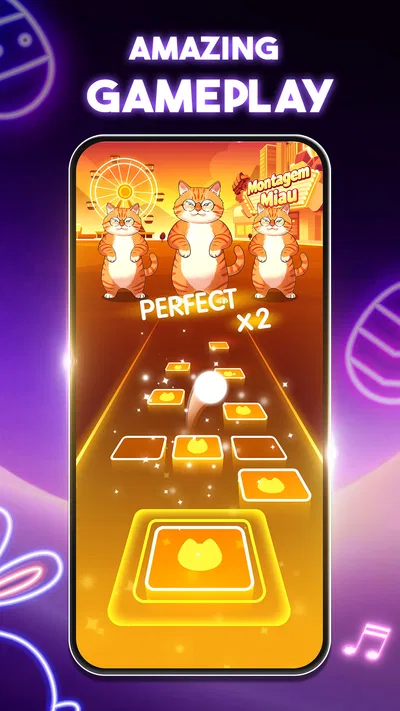
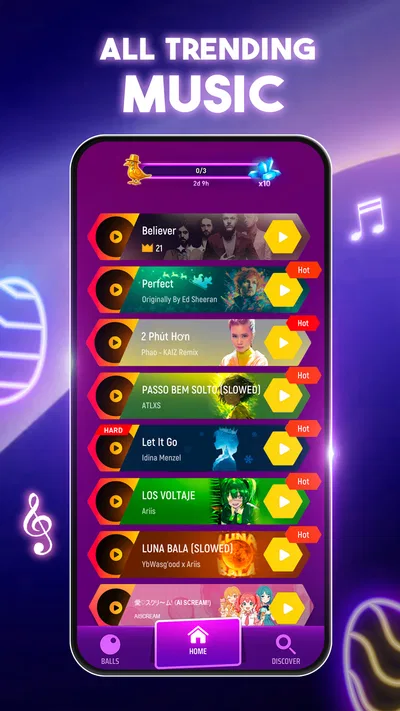
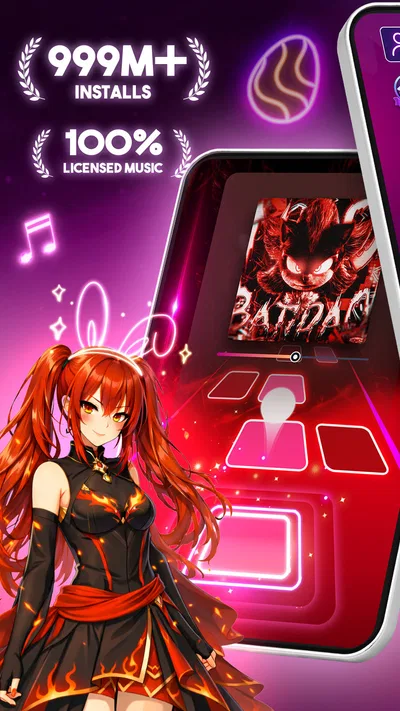
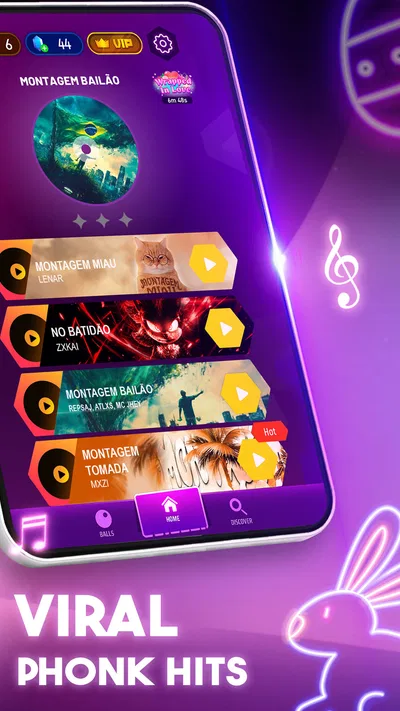
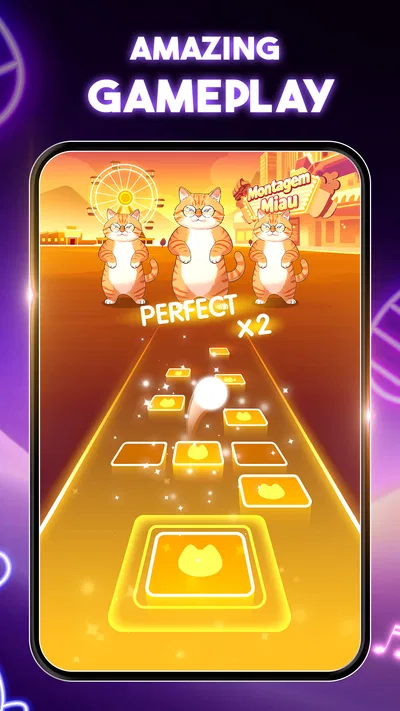
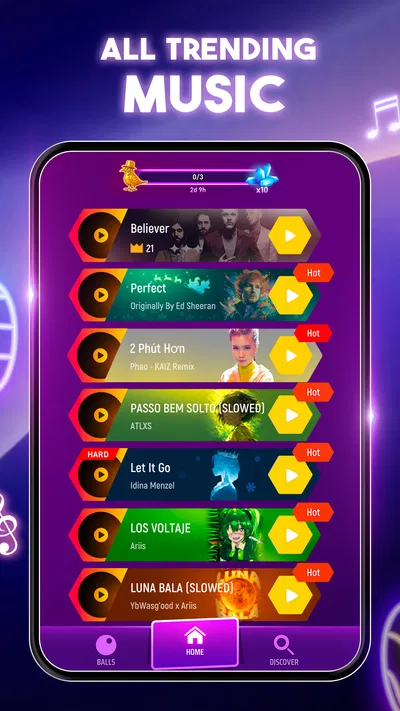
 Analysis byAppsAward
Our review of Tiles Hop Music & Ball Game
I find Tiles Hop Music & Ball Game easiest to understand once I stop thinking of it as a piano lesson and treat it as a timing game. You guide a bouncing ball across a path of tiles, trying to land in step with the music. That simple idea makes the first attempt approachable, but staying accurate as a song continues is where the challenge shows up. My first useful goal would be modest: follow the beat through a short stretch, notice what throws off my timing, and try again rather than expecting a perfect run straight away.
What to expect from the first session
This is a music game from AMANOTES PTE. LTD., built around listening and reacting rather than reading notes or learning an instrument. The ball’s movement gives the music a physical rhythm: each landing depends on a swipe or directional input, and the tile path asks for quick adjustments. The appeal is immediate, but the game rewards steady attention more than frantic tapping.
That distinction matters if you are choosing between this and a conventional rhythm game. Piano-tile games often ask players to tap keys as they arrive; here, the central task is guiding one bouncing ball from tile to tile. It feels more like steering through a musical route than playing a keyboard. If you enjoy visual movement and short bursts of concentration, that difference is a real strength. If you want to practise piano patterns or read musical notation, this is not a substitute.
The game is free to download, with optional in-app purchases listed from $0.99 to $49.99 per item. It is rated Everyone 10+, and it has a 4.3 average from around 3.4 million ratings, alongside roughly 80,000 written reviews. Those figures suggest that many players have tried it, but they do not tell me whether its rhythm style will suit you; the more useful test is whether you enjoy matching movement to a beat.
It has been available since January 16, 2018, and has passed 500 million installs. The current version is 8.18.1, and the stated minimum operating-system requirement is version 7.0. I would still check that the app store shows it as compatible with your own device before installing, especially if you use an older phone or tablet.
Make the first attempt a listening exercise
When you begin, resist the urge to swipe as fast as possible. Listen for the pulse, then make deliberate movements that correspond to the ball’s next landing. The visual action can tempt you to react only to the tile position, but the beat is the more helpful anchor. I find it easier to learn a song by concentrating on a small stretch at a time than by treating the whole run as one test.
A practical first-session routine is to play once without worrying about a score, then identify the moment where your rhythm slips. On the next try, focus on that transition: was your movement early, late, or too large? This turns a miss into useful feedback. It is a small but important shift from repeatedly restarting in frustration to understanding what the game is asking of you.
Set yourself up for a fair first try
Before a run, choose a comfortable place to hold your device and make sure you can see the full play area without covering it with your hand. Keep your grip relaxed; tense fingers make quick directional corrections feel clumsier. If you are playing in a noisy room, use a quieter moment or a listening setup that lets you follow the beat clearly. This is not a complicated setup, but the game is much less forgiving when your attention is split.
It also helps to separate learning the controls from learning a song. In an early attempt, pay attention to how your gestures move the ball across the path rather than trying to judge every miss as a musical failure. Once the movement feels predictable, you can focus more fully on rhythm. That order makes the first meaningful success—keeping the ball on course through a section—feel achievable instead of mysterious.
Tiles Hop is suitable for brief play sessions, which makes it easy to fit into a wait between errands or a quiet break. I would not use it while walking, crossing a street, or doing anything that needs visual attention: the changing path calls for your eyes as well as your timing. The best everyday scenario is a short, uninterrupted pause where you can listen and react without rushing.
What a successful run actually teaches you
Getting through a section is not only about having quick reflexes. You are coordinating what you hear with what you see, then choosing a movement before the ball reaches the next tile. If you keep missing after apparently correct gestures, slow down mentally and check whether you are reacting to the beat or merely to the image. That distinction can explain why a run feels out of control even when the tiles seem visible.
One useful habit is to keep your attention on the next landing rather than staring at the ball itself. Watching the route ahead gives you more time to prepare a correction. Another is to make movements cleanly instead of adding several hurried swipes after a mistake; extra corrections can make it harder to recover your sense of timing. These are practical ways to improve without needing a complicated strategy or a long practice session.
For a first-time player, success does not have to mean completing an entire song flawlessly. A more realistic milestone is noticing a tricky passage, making a better attempt at it, and staying composed when the path changes. That is the point at which the game starts to feel like a rhythm challenge rather than a series of unpredictable taps.
Common points of confusion
The most common early misunderstanding is expecting the ball to move automatically in the direction that looks obvious. The route is something you actively guide, so your gesture and the tile’s position have to agree. If a miss seems unfair, look at the movement you made as well as the beat: a late response or an overcorrection can send the ball off course even when you were watching carefully.
Another source of confusion is treating every song as if it should feel equally easy. A familiar rhythm can help, but visual changes and faster decisions can still demand attention. Knowing a tune is not the same as knowing when to make each movement in the game. I would avoid judging my ability from one difficult attempt; try a different song or return after a short break if the timing has started to feel rushed.
There is also a difference between playing for relaxation and chasing a high-performance run. The bright, bouncy presentation can look casual, yet maintaining a clean sequence takes concentration. If you want something that can stay in the background while you read messages or watch a show, this is a poor fit. It needs more active focus than a passive music player or a very simple idle game.
How it compares with other rhythm games
Compared with piano-key games, Tiles Hop puts less emphasis on reproducing a keyboard pattern and more on navigating a moving route in time with music. Compared with rhythm games that rely on rows of incoming notes, its ball-and-tile format makes spatial movement the main challenge. That gives it a distinct, easy-to-grasp premise, though players who prefer precise note lanes or instrument-style practice may find those alternatives more satisfying.
Its strengths are the low barrier to trying a run and the way sound, motion, and quick decisions work together. Its weakness is also tied to that simplicity: if you want detailed musical instruction, a deep simulation of playing an instrument, or a game that requires little visual attention, it is not the right choice. I would pick it for brief, active rhythm play, not as a replacement for music education or a hands-off soundtrack.
Because the game is free to start and offers purchases, it is sensible to treat optional spending as a separate decision rather than part of learning the basics. The listed purchase range runs from $0.99 to $49.99 per item, so check the purchase prompt carefully if you share a device or want to keep spending controlled. You can decide whether the core play suits you before considering anything optional.
Where to go after your first success
Once you can keep the ball moving through a section without panicking, raise the challenge gradually. Try a song whose rhythm feels different from the one you learned, and keep the same method: listen first, look ahead, and make deliberate corrections. If your performance worsens, return to a comfortable track and rebuild confidence rather than forcing repeated attempts while frustrated.
I would recommend Tiles Hop Music & Ball Game to someone who likes music-led reflex games and wants a clear objective that can be tackled in short sessions. It is especially approachable if you enjoy learning through repetition and can accept that early misses are part of figuring out the relationship between the beat and the route. It is less suited to people seeking music lessons, deep control customization, or a game they can play without watching closely.
My main advice for a new player is to make the first session about timing, not perfection. Find a quiet moment, choose a comfortable grip, listen for the pulse, and focus on the next landing rather than the whole song. If that loop feels satisfying, the game has a straightforward path from first attempt to genuine improvement. If the movement-and-beat combination feels more stressful than fun, a piano-tile or note-lane rhythm game may be a better match for your taste.
Pros
- Easy one-touch controls make it simple to start playing.
- A wide range of tracks supports varied music tastes.
- Short rounds suit quick gaming breaks.
- Unlockable ball designs add visual variety.
- Offline play works for many tracks after download.
Cons
- Precise jumps can be difficult on faster songs.
- Some tracks and features require an internet connection.
- Ads may interrupt play between rounds.
- In-app purchases can add up for frequent players.
- Gameplay can feel repetitive after extended sessions.
Best Music Game 2026
Our verdict
Fun song games! A fun challenge of piano tiles & magic tiles. Hop to the beat!
Frequently Asked Questions
What is Tiles Hop Music & Ball Game?
Tiles Hop Music & Ball Game is a music-based arcade game in which you guide a bouncing ball across a path of tiles in time with a song. The main challenge is to keep the ball on the platforms while following the rhythm and avoiding gaps. It is designed for short, easy-to-start sessions, though later sections can require sharper timing and more precise movement.
How do you play Tiles Hop Music & Ball Game?
You typically move the ball by touching and dragging across the screen, steering it from tile to tile as the music plays. The goal is to land on the platforms and continue through the level without falling. Because the tiles arrive in time with the soundtrack, listening to the beat can help, but players also need to watch the path and respond quickly to changes.
Does Tiles Hop Music & Ball Game work offline?
Some gameplay may be available without an internet connection, particularly if the relevant content has already been downloaded or is stored on your device. However, online access may be needed for features such as downloading additional songs, viewing advertisements, or accessing certain updates and services. Offline availability can differ by version, so check the game’s current store listing and test the features you plan to use.
Can you play your own songs in Tiles Hop Music & Ball Game?
Music options depend on the version and the features currently offered in your region. The game may provide built-in tracks or song content that can be selected from within the app, while access to personal music files is not guaranteed. Before downloading, review the store description and in-game options if using your own songs is important, since supported formats, permissions, and availability may change.
Is Tiles Hop Music & Ball Game free, and does it include ads or in-app purchases?
The game is generally offered as a free download, but free access can include advertisements and optional in-app purchases. These may relate to removing ads, unlocking content, or obtaining other game items, depending on the current version. Check the app-store listing for the latest pricing and purchase details, and review device or family purchase controls if children will be playing.




