
- Award score
- 4.7Rating
- 10,000,000+installs
- Free
App information
- Version
- 5.10.0
- Updated
- Requires
- 7.0
- Price
- Free
- Developer
- Sonata Studio: Piano Rhythm
- Content rating
- Everyone 10+
Screenshots
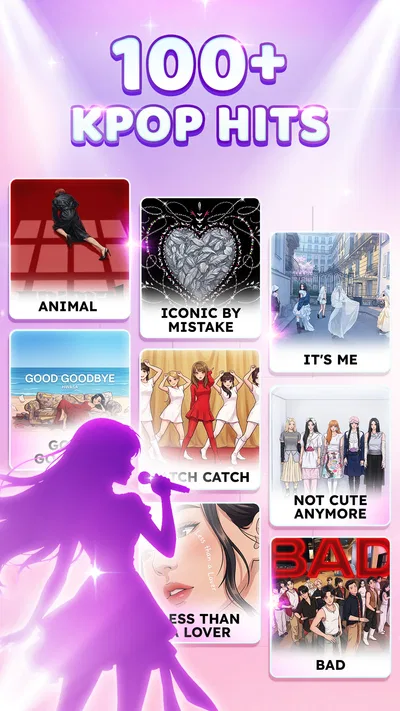
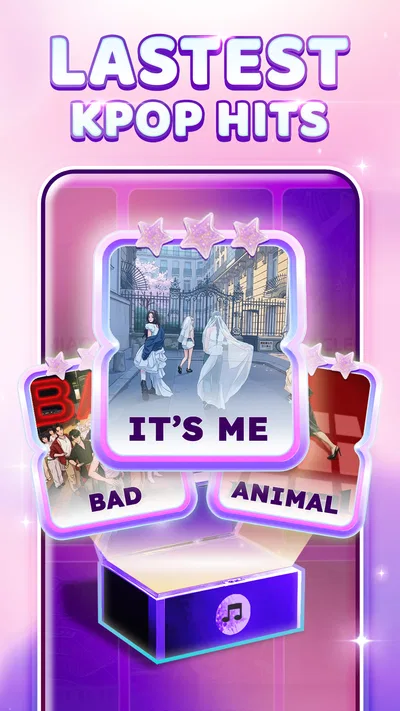
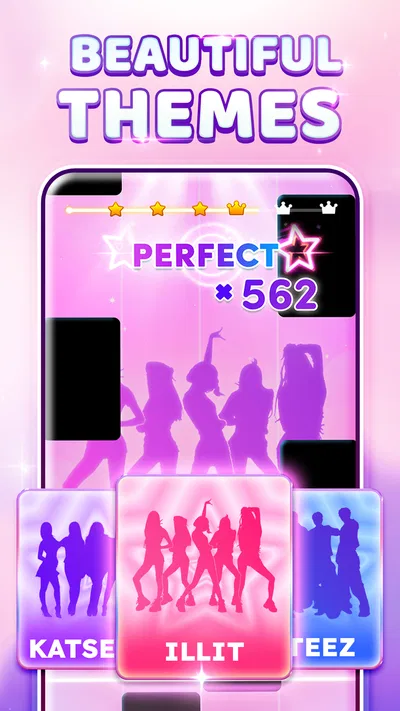
 Analysis byAppsAward
Our review of Kpop Piano Beats - Music Game
I see Kpop Piano Beats as a casual rhythm game for people who enjoy tapping along to pop music and want something more immediate than a full piano-learning app. Its appeal is easy to understand: follow the notes as they arrive, keep time, and try to improve your score. That makes it a natural choice for a short break, though it is not a substitute for music lessons or a deep rhythm-game setup.
What the tapping asks of you
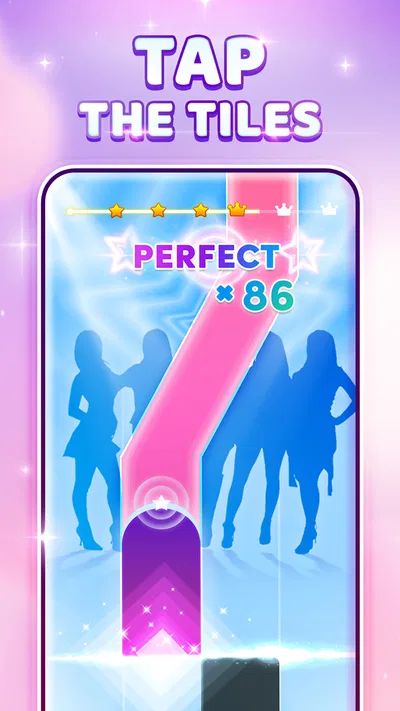
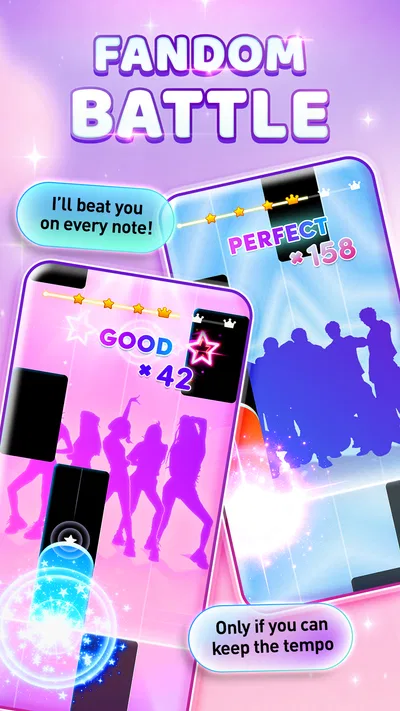
The central challenge is coordinating attention and timing. You watch the tiles, listen to the music, and tap in rhythm; the more comfortably those cues line up for you, the more satisfying a song feels. I like this format because it gives a clear goal without asking me to learn a complex control scheme first. A newcomer can start by following the screen, while a practiced rhythm-game player can concentrate on accuracy and consistency.
The piano framing gives familiar pop listening a hands-on angle, but tapping tiles should not be mistaken for playing a keyboard. The game is about responding to prompts, not choosing notes, shaping a melody, or building piano technique. If your aim is to learn chords or read sheet music, a piano-learning app will serve you better. If you want a light, music-led challenge, this is a more approachable fit.
Short sessions, deliberate practice
A useful way to play is to treat each attempt as a small practice loop rather than chasing a high score immediately. On a difficult passage, I would focus on where my timing slips: am I reacting late, looking too far ahead, or losing the beat after a run of taps? Changing just one habit on the next try makes improvement easier to notice than repeatedly tapping without a plan. That is a practical strength of score-based rhythm play, even when the session is only a few minutes.
It also suits everyday moments when a longer game would be inconvenient: a brief pause between tasks, a quiet wait, or a wind-down after finishing something else. I would avoid playing while walking or doing anything that needs attention, because the moving cues reward focus. For the best feel, hold the device comfortably and give the screen and audio your attention rather than trying to play as background entertainment.
There is a trade-off between listening and watching. If I rely only on the visual stream, the music can become a backdrop; if I try to follow the sound alone, a missed cue can throw off the run. A helpful middle ground is to learn the pulse from the music, then use the tiles to anticipate what comes next. That makes each attempt feel less like reflex testing and more like keeping time.
Progress without turning every run into pressure
The score gives a simple measure of how a run went, but it can also tempt players to restart immediately after a mistake. I would resist that when a song is still enjoyable. Finishing a run after a slip gives you a better sense of how the rest of the track feels, and it avoids making the game feel like a test that only counts when everything goes perfectly.
For someone who likes measurable improvement, compare your own attempts rather than treating every score as a verdict. A steadier run can be more meaningful than a single lucky high result. If you start feeling tense, take a break instead of forcing more attempts; rhythm games are most rewarding when concentration feels playful, not punishing.
The game is in the music category, and Sonata Studio: Piano Rhythm is its developer. It is free to install, with optional in-app purchases priced from $0.99 to $2.99 per item. That is useful context for deciding whether to try it: you can begin without paying, while purchases are an additional spending choice. I would set a personal limit before browsing any optional items, especially if you are handing the device to a younger player.
Spending, fairness, and what I can judge
The purchase range is clear, but it does not tell me what each item does or whether any purchase changes progression, access, or competition. I would not assume that paying is necessary to enjoy the basic tapping experience, nor claim that purchases are purely cosmetic. Those details matter to anyone deciding whether spending offers convenience, extra content, or something else, so I would check the in-game purchase descriptions before buying.
Likewise, a score-focused game can invite comparisons, but the available details do not establish how competitive results are handled or whether purchases affect them. I therefore cannot call the competition fair or unfair on that basis. My practical advice is to treat scores as a personal challenge unless the game itself clearly explains how any shared rankings work. Players who need transparent, tightly balanced competition may prefer a rhythm title that spells out its rules and progression more fully.
This is a particularly important distinction for parents. The content rating is Everyone 10+, and the game is free to start, but in-app purchases mean a child could encounter spending choices. I would review purchase settings on the device and discuss asking before buying. That is sensible for any game with paid items; it does not imply anything about how frequently purchases are shown or how they are presented here.
How it compares with other music games
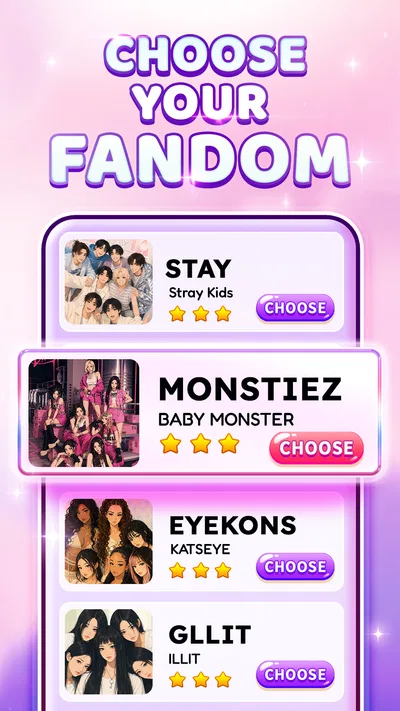
Compared with a traditional piano tutor, this game prioritizes quick reactions and score-chasing over musical instruction. Compared with a broad rhythm game built around many genres or complex controls, its K-pop piano identity gives it a more specific mood and a simple touch-first premise. That focus is appealing if you already enjoy K-pop and want to interact with music casually. It may feel narrow if you want a large range of instruments, deep customization, or a structured path toward musicianship.
It is also worth separating this kind of tile-tapping from rhythm games that ask you to learn intricate patterns or use dedicated controls. A phone screen is convenient and familiar, but it puts your fingers directly over the action and can make visual timing especially important. If you prefer physical buttons, longer challenge modes, or a more technical skill ceiling, another rhythm game may suit you better. If convenience matters most, the direct touch approach is a sensible match.
Compatibility and the details worth checking
The game was released on August 30, 2023, and its current version is 5.10.0. It requires Android 7.0 or later, so an older device below that requirement will not be a suitable install. Its average rating is 4.7 from around 494,000 ratings, with roughly 3,100 written reviews, and it has passed 10 million installs. Those figures suggest that many people have tried it, but popularity alone cannot tell you whether its song selection, difficulty, or purchase choices match your preferences.
Before settling in, I would check that the device is comfortable to hold and that the sound is at a level where the beat is easy to follow. If you play silently, the visual cues still matter, but the music is central to the experience, so headphones or a quiet setting may make timing more enjoyable. For younger players, check device purchase controls as well. These small preparations are more useful than expecting a rhythm game to feel equally comfortable in every setting.
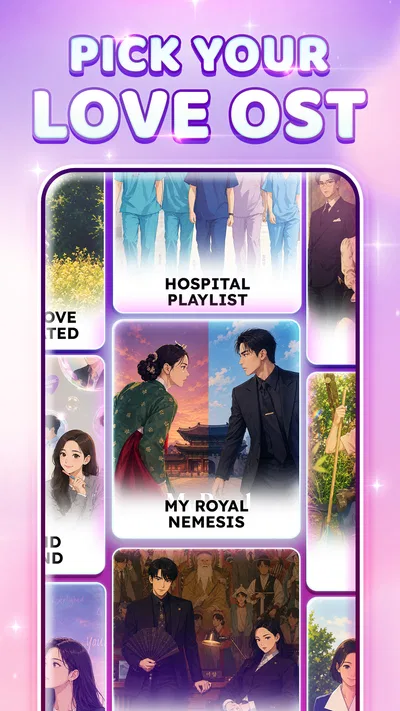
There are a few points I would want answered inside the game before making a longer commitment: what a particular paid item unlocks, how song access works, and what options exist for comparing scores. I would inspect those screens before spending or treating a score as a competitive result. This is not a reason to avoid the game; it is simply a sensible way to make a purchase decision when the exact terms matter to you.
Who I would recommend it to
Kpop Piano Beats is a good candidate for K-pop fans who enjoy quick, score-driven play and want a simple way to engage with music on a phone. It is also worth trying if you like repeating a short challenge to improve your timing. The free starting point keeps the first decision easy, while the Everyone 10+ rating gives families a useful age-context signal—though it does not replace checking the game and purchase settings yourself.
I would skip it if you expect piano lessons, precise musical theory, or a fully transparent competitive system, or if tile-tapping quickly feels repetitive to you. I would also choose a different game if you want a broader musical catalogue or a more involved rhythm challenge. Those are not failings so much as a reminder that this is a focused, accessible style of music game rather than an all-purpose music platform.
My verdict is cautiously positive: the straightforward rhythm-and-score loop makes sense for short, focused sessions, and its K-pop angle gives it a clear identity. The main thing I would keep in mind is the difference between enjoyable tapping and musical training, along with the need to inspect optional purchases before paying. If that trade-off fits what you want, it is a reasonable free game to try; if fairness details or deeper instruction are essential, I would look for a title that explains those areas more clearly.
Pros
- Quick rounds make it easy to play during short breaks.
- A simple tap-based design is approachable for new players.
- Increasing difficulty can keep experienced players challenged.
- Rhythm-focused play helps develop timing and concentration.
- The music-game format offers a lively alternative to standard piano apps.
Cons
- Fast note sequences may frustrate players who are new to rhythm games.
- Touch controls can feel imprecise on smaller screens.
- Repeated tracks may become monotonous over time.
- Some features may require an internet connection.
- Ads or in-app purchases may interrupt play or limit access to content.
Best Music Game 2026
Our verdict
Play Kpop piano music: Tap tiles, collect score, dance in rhythm, play with fun!
Frequently Asked Questions
What is Kpop Piano Beats - Music Game?
Kpop Piano Beats - Music Game is a rhythm game built around tapping piano-style tiles in time with music. Its K-pop focus makes it appealing to players who enjoy following a beat and recognizing songs from the genre. Gameplay is generally easy to understand, but faster sections can require quick reactions and accurate timing. Check the app listing for the current song selection and features, as these may vary by version.
How do you play Kpop Piano Beats - Music Game?
You tap the tiles as they appear and try to keep up with the rhythm without missing notes or touching the wrong areas. Songs typically become more demanding as the pace increases, so concentration and timing matter more than complicated controls. It is worth starting with a song or difficulty level that feels comfortable, then moving up as your accuracy improves. The exact modes and controls may depend on the version you install.
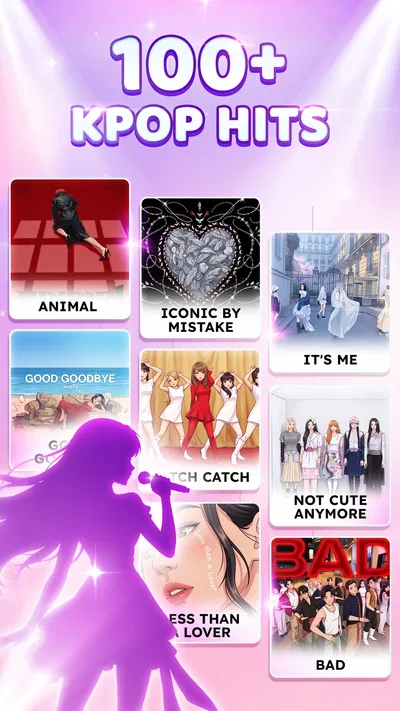
Does Kpop Piano Beats - Music Game include popular K-pop songs?
The game is presented as a K-pop-themed music experience, but the available tracks and how they are identified can change between releases. Before downloading, review the store listing and in-game song menu to see whether the artists or songs you want are included. Do not assume that every current chart hit is available, or that a song’s presence means it is officially licensed; consult the publisher’s information for details.
Is Kpop Piano Beats - Music Game free to download, and does it have ads or purchases?
Whether the game is free, includes advertising, or offers optional purchases can vary by platform, region, and app version. Check the Google Play or Apple App Store listing for the latest price and disclosures before installing. If ads or purchases are present, they may affect the experience or offer optional content, but their exact frequency and availability should be confirmed in the app rather than assumed from its title.
Can I play Kpop Piano Beats - Music Game offline, and what should I check before downloading?
Offline play depends on the version and whether songs or other content need to be downloaded or verified online, so check the listing or test the game’s requirements before relying on it without internet access. Also confirm that your phone meets the listed operating-system requirements and has enough storage. Review the app’s permissions and privacy information, and use the official store for your device to reduce the risk of downloading an imitation.




