
- Award score
- 4.8Rating
- 50,000,000+installs
- Free
App information
- Version
- 0.5.69
- Updated
- Requires
- 7.1
- Price
- Free, in-app purchases
- Developer
- PHY STUDIO
- Content rating
- Mature 17+
Screenshots

 Analysis byAppsAward
Our review of Magic Dancing Tiles
I can see why a rhythm game built around piano tiles is tempting: it takes only a moment to understand, and the music gives each tap a sense of momentum. Magic Dancing Tiles is a free music game from PHY STUDIO, aimed at people who want a quick, hands-on way to follow EDM beats rather than a deeper instrument simulator. Its basic appeal is immediate; the more useful question is whether that quick hit stays enjoyable once the novelty wears off.
Why the first sessions click
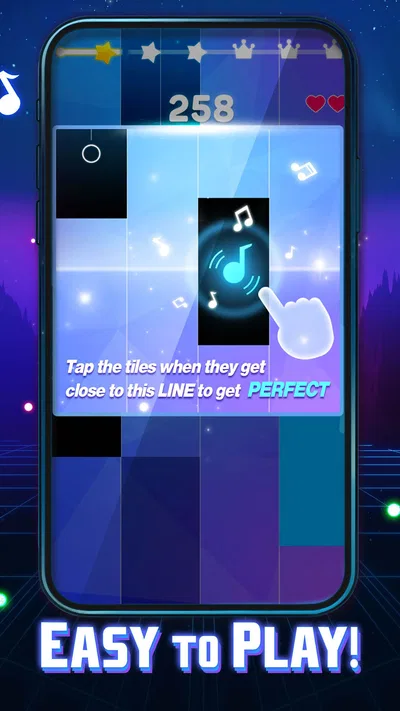
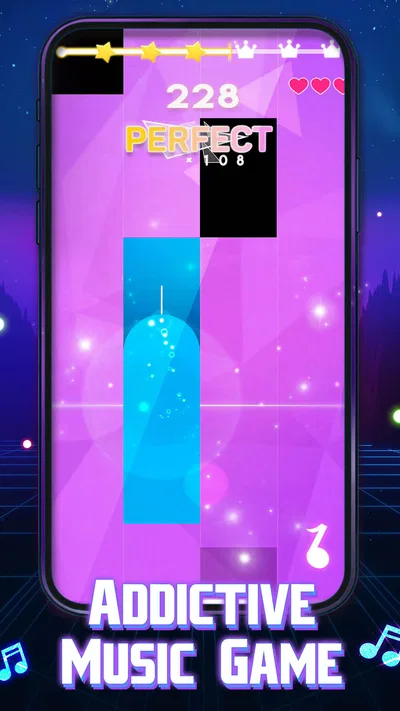
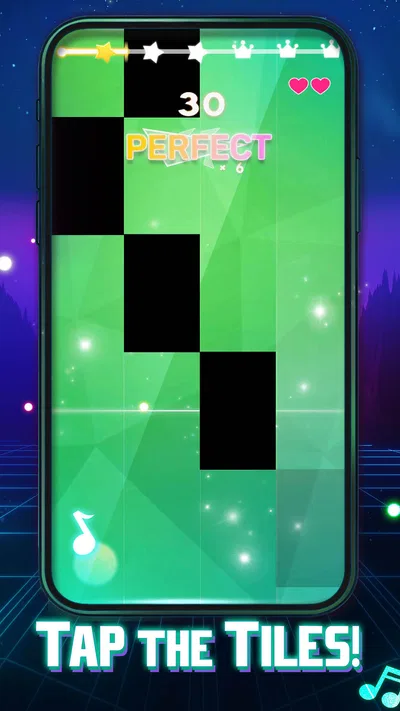
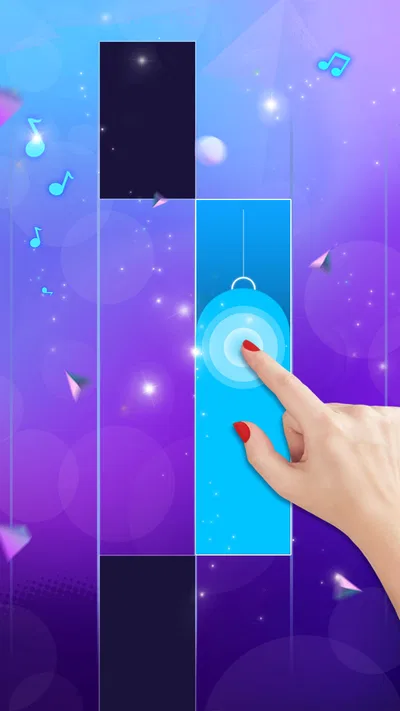
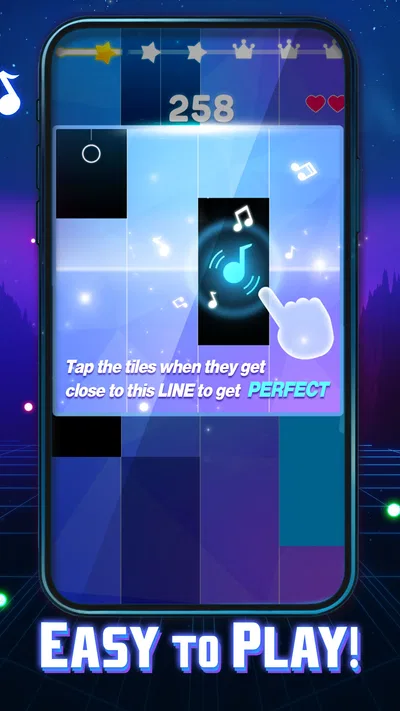
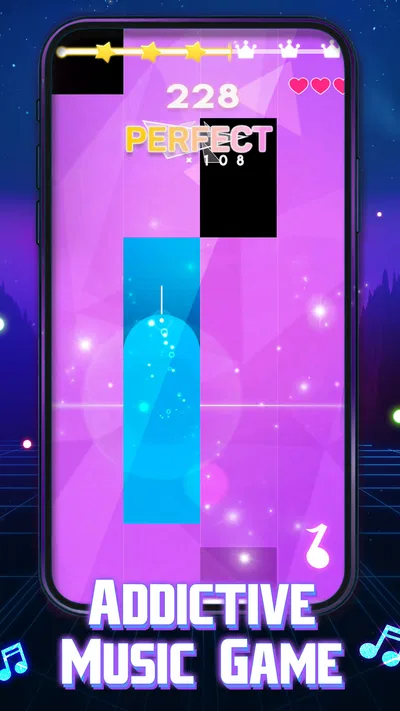
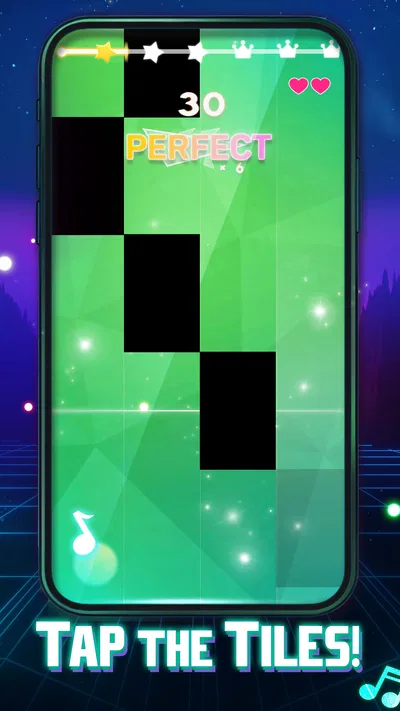
The central interaction is easy to grasp: watch the moving tiles and tap along with the music. That simplicity makes the game approachable even if you have never played a rhythm title before. I would expect the first sessions to work best as short breaks, when you want to focus on timing without learning a complicated control scheme or committing to a long play session.
There is still a difference between understanding the rule and keeping a steady run going. As the music moves forward, attention has to stay on the tiles, and a missed beat can break your rhythm. That gives the game a small but satisfying skill curve: you are not just listening passively, but trying to make your taps line up with what you hear and see.
The tile format also makes it easy to play in brief bursts. A useful approach is to start with a song you recognize or a pace that feels comfortable, then focus on accuracy before trying to push your speed. If you jump straight into a track that feels too demanding, the visual activity can become a scramble rather than a musical challenge. This is a timing game, so calm attention tends to help more than frantic tapping.
For a realistic everyday use, imagine waiting for a friend or taking a short break between tasks. You can open a music game, play for a little while, and put the phone away without needing to build a long session around it. That convenience is a real strength, though it also means the game competes with other quick distractions rather than with full-length music practice or story-driven games.
What kind of rhythm player will enjoy it?
I would recommend it most to players who like beat-led challenges and want an accessible entry point. The piano-tile presentation keeps the action visually clear, while the EDM focus gives the tapping a strong rhythmic frame. If you enjoy concentrating on a beat and improving your consistency, the basic loop has enough purpose to make repeated attempts feel more engaging than simply tapping at random.
It is less suited to someone looking for a piano lesson, a realistic keyboard, or a tool for learning songs. The game is about responding to the tile pattern in time, not building musical technique. Likewise, if you prefer rhythm games built around elaborate note charts, instrument-specific controls, or a broad range of musical styles, this simpler EDM-centered format may feel narrow.
The distinction matters when choosing between usual alternatives. Compared with a conventional piano-learning app, Magic Dancing Tiles is more immediately playful but offers less educational structure. Compared with rhythm games that emphasize complex charts, it appears to prioritize a straightforward tap-and-follow experience. I see that as a sensible trade-off for casual play, not a replacement for a more demanding music game.
Does the appeal last beyond the first week?
The game’s lasting value depends on whether the act of matching taps to music is enough for you on its own. A simple rhythm loop can be easy to return to because there is little setup to remember. On the other hand, a player who needs frequent changes in goals, controls, or musical variety may find that the same basic interaction loses its freshness after the initial discovery period.
I would treat it as a small repeatable pastime rather than a game that needs to become part of a daily routine. On some days, a quick session may be exactly what you want; on others, the same tile-following task may feel repetitive. That is not necessarily a flaw. It is a sign that the game’s recurring value comes from the moment-to-moment challenge, not from an elaborate long-term progression that I can promise on its behalf.
One practical way to avoid turning a fun diversion into a chore is to play when you actually want a rhythm challenge, rather than using it to fill every spare minute. Short sessions help preserve the sense of focus. If you notice that you are tapping automatically without listening to the beat or paying attention to the tiles, taking a break is likely to be more satisfying than forcing another run.
The game has a 4.8 average from around 50,000 ratings, and it has passed 50 million installs. Those figures suggest that the easy-to-understand format has broad appeal, but they do not settle whether it will suit your own habits. I would read that popularity as a reason to consider trying it, not as evidence that every player will want to keep it installed indefinitely.
Keeping it installed without making it a burden
Maintenance is fairly straightforward from a player’s point of view: this is a focused game, so you do not need to manage a complicated set of tools or learn a large collection of controls before playing. Its current version is 0.5.69, and it requires Android 7.1 or later. If you are deciding whether an older device can run it, checking the operating system version first is a useful step.
Because this is a game built around music and quick reactions, the quality of the moment matters more than elaborate preparation. I would play somewhere you can see the screen clearly and give the beat your attention. Trying to play while walking, crossing a street, or dividing your focus between the tiles and another task is a poor fit for a game that asks for timely taps. The short-session format is convenient, but it does not make distracted play a good idea.
It is free to download, with optional in-app purchases ranging from $3.99 to $29.99 per item. That makes it possible to try the core experience before spending anything, while the range of item prices is worth keeping in mind if you are sensitive to in-game purchases. I would decide on a personal spending limit before browsing any purchase options, especially if you are handing the device to a younger player.
The game is rated Mature 17+, so it is not a choice I would casually install for a child just because its tile-based play looks simple. Parents should check the age rating and purchase settings on the device before making that decision. The approachable controls do not change the content rating, and the rating is a more relevant guide for family suitability than the playful visual premise alone.
Where repetition can set in
The same accessibility that helps a new player can also become the main source of fatigue. Tapping tiles to the beat is clear, but the interaction does not automatically offer the variety of a game that changes its mechanics from one session to the next. If you need fresh objectives or a very different challenge each time you open a game, you may reach the point where the familiar loop feels more like repetition than relaxation.
Another trade-off is that a tile game asks you to divide attention between what you see and what you hear. That connection is part of the fun, but it can be less enjoyable if you are in a noisy place, cannot comfortably focus on the display, or simply want music in the background while doing something else. This is active play, not a passive listening app.
There is also a difference between chasing a better run and enjoying the music itself. If your main goal is to listen closely to songs, a music player is the better choice. If you want to practice piano, a teaching app or a keyboard-based game is a better match. Magic Dancing Tiles makes the most sense when the beat-following challenge is the point, and that specific preference is what will determine whether it earns a regular place on your phone.
I would also avoid treating every missed tap as a reason to keep replaying until you get a perfect result. Rhythm games can invite that kind of persistence, but it is easy for a short diversion to turn into an irritating loop if you are already tired or distracted. A few focused attempts are a better test of whether the game is enjoyable for you than a long session driven by frustration.
My long-term verdict
Magic Dancing Tiles earns its space as a lightweight, music-led game for people who enjoy timing challenges and want to start playing quickly. Its strongest case is practical: the tile concept is easy to approach, sessions can fit into small breaks, and the EDM rhythm gives each tap a clear purpose. I can see myself recommending it to a friend who wants a casual rhythm game rather than a serious music-learning tool.
I would be more cautious about recommending it as a permanent fixture for someone who quickly tires of repeating a core mechanic. The game’s ongoing appeal rests on whether the beat-and-tile interaction continues to feel satisfying, not on a promise of ever-changing play. If that loop suits you, returning for a short session can remain enjoyable; if you need broader musical range or more complex systems, another rhythm game may be a better long-term choice.
PHY STUDIO’s game is free to try, and its broad audience is reflected in its 50-million-plus installs. My advice is to approach it as an occasional, focused diversion: try a few sessions, notice whether you are enjoying the rhythm rather than merely chasing another attempt, and keep it installed only if that simple pleasure holds up. For the right player, that modest role is enough to make it worthwhile.
Pros
- Simple one-touch controls make songs easy to start playing.
- A broad song selection gives players plenty of tracks to explore.
- Short rounds suit quick play sessions.
- Increasing difficulty helps keep repeat plays challenging.
- The rhythm gameplay is easy for newcomers to understand.
Cons
- Ads may interrupt the experience between songs.
- Some tracks may require an internet connection.
- Touch timing can feel inconsistent on certain devices.
- Later levels may be difficult for casual players.
- Song availability may vary by region.
Best Music Game 2026
Our verdict
Tap the piano music tiles in the EDM music rhythm in a tap tap tile piano game
Frequently Asked Questions
What is Magic Dancing Tiles?
Magic Dancing Tiles is a rhythm game in which you tap or hold tiles in time with the music. The main challenge is to follow each song’s changing patterns without missing a note, while trying to earn a high score. It is designed for quick play sessions, though difficulty and available content can vary by version.
How do you play Magic Dancing Tiles?
Choose a song, then watch the tiles move toward the hit area and tap them in sync with the beat. Some sections may require holding a tile or responding quickly to a sequence, so keeping your attention on both the music and the screen is important. Practicing slower or simpler tracks can help you get used to the timing.
Is Magic Dancing Tiles free to download and play?
The game may be available to download for free, but the exact pricing model depends on the version and platform. Some editions of rhythm games include advertisements, optional in-app purchases, or content that unlocks through play. Check the store listing before installing, and review purchase settings if a child may use the device. Availability and terms can change.
Can you play Magic Dancing Tiles offline?
Offline play may depend on the specific release, and features such as song access, ads, rewards, or progress syncing may require an internet connection. If you want to play while traveling, open the game while connected first and check whether your chosen tracks remain available after disconnecting. Do not assume every song or feature works offline.
What should I check before downloading Magic Dancing Tiles?
Check that the store listing matches the game you intend to install, since similarly named apps can have different publishers and features. Review the supported device and operating-system requirements, recent user feedback, age guidance, privacy information, and any in-app purchase details. Also consider whether the music selection and touch-based controls suit your preferences before downloading.

Download Magic Dancing Tiles
Similar games
View all 8.6
 9.2
 9.5
 9.4


