
- Award score
- 4.7Rating
- 100,000,000+installs
- Free
App information
- Version
- VARY
- Updated
- Requires
- Varies with device
- Price
- Free, in-app purchases
- Developer
- Chess.com
- Content rating
- Everyone
Screenshots
 Analysis byAppsAward
Our review of Chess - Play and Learn Online
Choosing an online chess game depends on more than whether it lets you move pieces across a board. I look for a place that makes it easy to find a game, gives me ways to improve, and still feels useful when I only have a few minutes. Chess - Play and Learn Online, commonly known as Chess.com, brings online play together with tactics, puzzles, and analysis, making it a practical option for players who want both competition and learning in one app.
What to look for in an online chess app
Before picking a chess game for Android or iOS, I’d think about how I actually want to play. Some people want a quick match with a friend; others prefer working through puzzles or reviewing a game afterward. An app that supports several of those habits can be a better everyday choice than one focused on a single kind of chess experience.
It also helps to consider whether you’re learning the rules, building confidence, or already comfortable playing regularly. Beginners benefit from having useful practice options close at hand, while experienced players may care more about finding opponents and reflecting on their decisions. The right choice is the one that fits your routine, not necessarily the one with the longest feature list.
Chess.com’s stated focus is straightforward: play chess online with friends, learn tactics, solve puzzles, and use analysis. That combination gives the app a broad appeal. I can approach it as a place to play, or as a companion for putting a little more thought into my chess between matches.
A familiar entry point for players at different levels
Chess is easy to recognize but can take years to master, so a welcoming starting point matters. The app’s board-game identity makes its purpose clear from the outset: this is for playing chess. Its learning and analysis emphasis also suggests that it is not only aimed at people who already know exactly what they’re doing.
I’d especially value that range if I were returning to chess after a break. Rather than treating every session as a test of skill, I could use a puzzle or a bit of analysis to make practice feel more approachable. For a more confident player, the same mix can support a routine that alternates between playing and thinking about the game.
Where Chess.com stands out
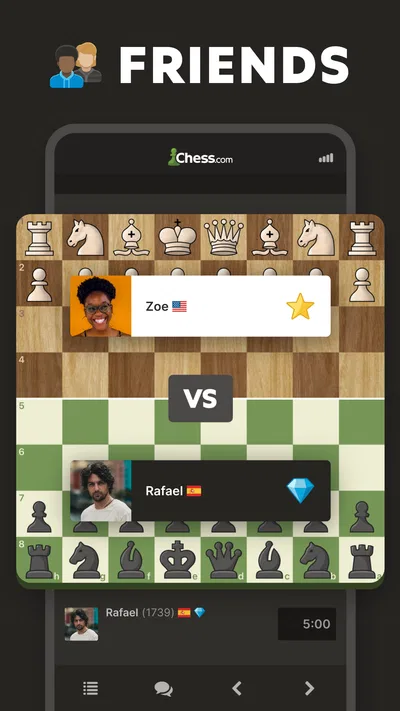
The strongest reason to consider Chess.com is the way its central activities fit together. Playing online with friends gives the app a social use, while tactics, puzzles, and analysis point toward learning and reflection. I like that balance: chess does not have to be only a match against someone else, and practice does not have to feel disconnected from playing.
That breadth is useful when my goals change from day to day. I might want a game when I have time, or a more focused activity when I’m in the mood to sharpen my thinking. Keeping those interests under one roof can make the app easier to return to than a collection of separate tools, particularly if I want to maintain a steady chess habit.
The game has a long history, having been released on February 1, 2010. Its scale is another part of the picture: it has over 100 million installs, a 4.7 average rating, around 3.5 million ratings, and roughly 47,000 written reviews. Those figures suggest that it has attracted a large audience, though they don’t tell me whether every player will enjoy its style or find the same value in its learning options.
It is free to download, with optional in-app purchases ranging from about one dollar to around two hundred thirty dollars per item. That makes it possible to start without paying, while the purchase range is worth keeping in mind if you prefer to avoid optional spending or manage purchases carefully. The content rating is Everyone, so its stated age classification is broad.
When another kind of chess app may suit you better
Chess.com is not automatically the best fit for every player. If you want a very simple digital board and little beyond the act of moving pieces, a more minimal chess app may feel more direct. That kind of alternative can appeal to someone who wants fewer learning or analysis elements and prefers to keep the experience narrowly focused.
There are also players who organize their chess around a particular offline routine. If your priority is playing in person with a physical board, an app built chiefly for online games may not be the centerpiece you need. It can still be useful as a place for puzzles or analysis, but your preferred format should guide the decision.
Likewise, someone looking for a broader collection of board games may want an app that covers several games rather than concentrating on chess. The trade-off is simple: a dedicated chess experience is easier to recommend when chess itself is the point, while a multipurpose game collection may make more sense for households or groups with varied interests.
I’d also separate “popular” from “right for me.” A large community can be reassuring, but a player who dislikes learning tools or does not want to engage with online play may not use the app’s main strengths. Before settling in, it’s worth asking whether you want social matches, ways to practice, or both. That small bit of self-checking can prevent downloading an app whose overall direction doesn’t match your habits.
Getting comfortable and weighing the switch
Moving from another chess app—or from playing only on a physical board—doesn’t require changing how chess works. The main adjustment is deciding how you want to use this particular app. You can treat it as a place for online games, explore its practice-oriented options, or combine both approaches as your interest develops.
If you already use a different service, the cost of switching is mostly about familiarity and routine. You may need time to get used to a new interface and decide whether its mix of play and learning suits you. I wouldn’t switch just because an app is widely used; I’d switch when its overall emphasis matches what I want from chess and makes it easier to keep playing.
For a beginner, the learning angle may be the more convincing reason to try it. For a social player, the appeal is the promise of online games with friends. For someone who already plays regularly, puzzles and analysis can make it feel like more than a place to start another match. Those are distinct reasons, and it helps to know which one matters most to you.
My recommendation
I’d recommend Chess.com to anyone looking for a free-to-start online chess app that combines playing with ways to practice and review. It is particularly appealing if you want to play with friends and also have tactics, puzzles, and analysis as part of the broader experience. Its established presence and large audience add reassurance, although popularity alone should not decide the choice.
If you want nothing but a bare-bones board, or you would rather use one app for several kinds of board games, a different category of alternative may suit you better. But if chess is your main interest and you like the idea of pairing matches with learning, this is an easy app to put on your shortlist.
My take is that the app’s best quality is its balance: it presents chess as something to play and something to keep learning. Start with the free download, see whether its approach fits your routine, and be mindful of optional purchases if you want to keep spending under control. If those priorities line up, Chess.com is a strong choice for enjoying chess online and building a more consistent practice habit.
Pros
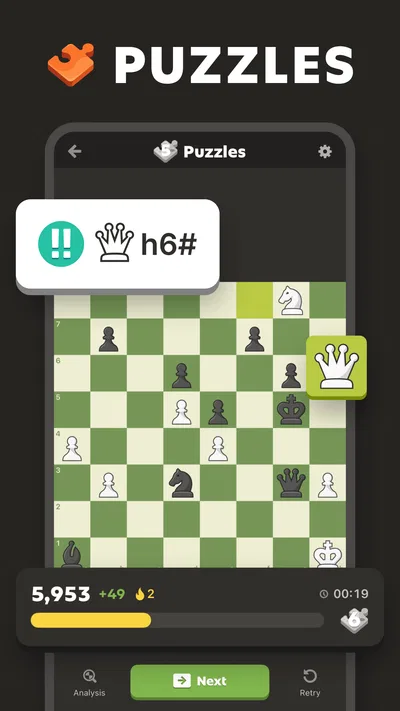
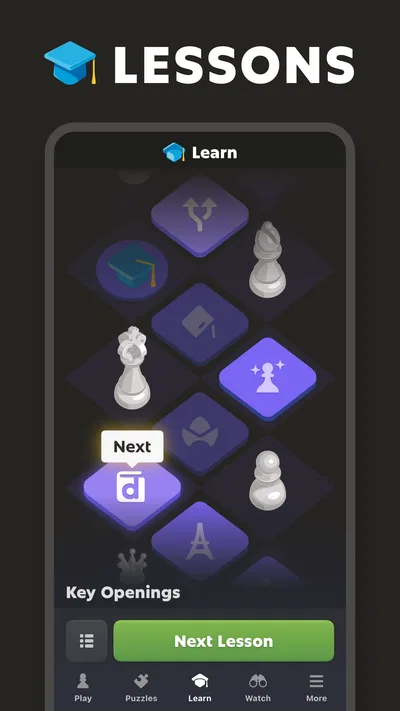
- Lessons and puzzles support skill development at every level.
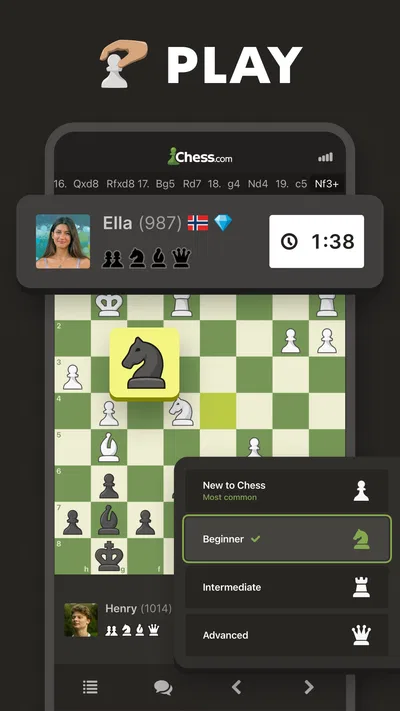
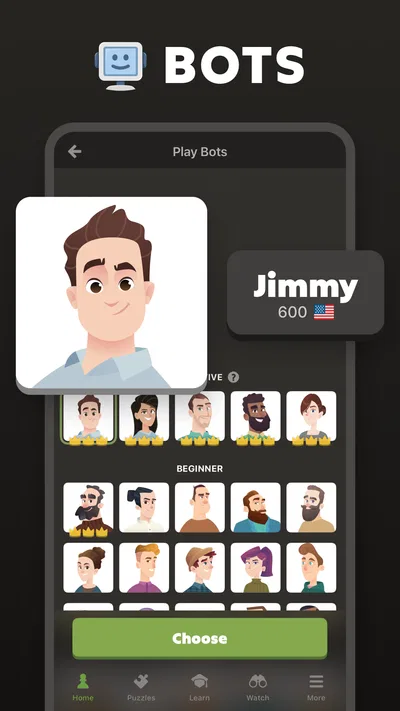
- Play against opponents online or practice against the computer.
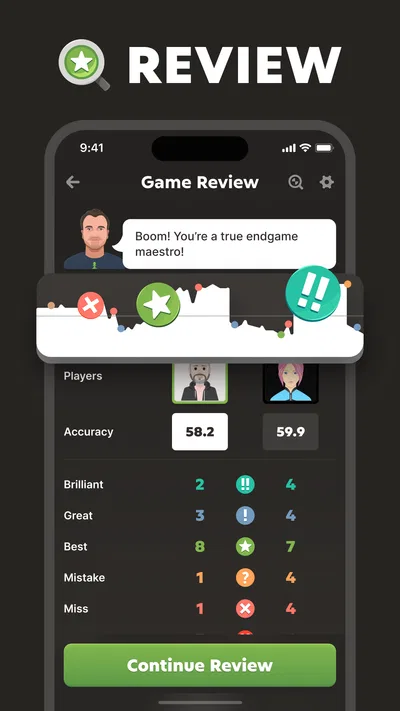
- Game analysis helps identify mistakes and missed opportunities.
- Daily challenges provide a quick way to sharpen your tactics.
- Community features make it easy to connect with other chess fans.
Cons
- Some learning features may require a paid subscription.
- An internet connection is needed for online matches.
- Beginners may find the range of lessons and tools overwhelming.
- Online opponents can vary widely in skill and playing style.
- Notifications may become distracting if left enabled.
Best Board Game 2026
Our verdict
Play chess online with friends! Learn chess tactics, puzzles & analysis!
Frequently Asked Questions
What is Chess - Play and Learn Online?
Chess - Play and Learn Online is a chess app for practicing the game, playing against other people, and learning at your own pace. It is designed for a range of experience levels, so beginners can explore the rules and tactics while more experienced players can work on strategy. Available features may vary by version, region, or account type, so check the app listing for the latest details.
Can beginners learn chess with this app?
Yes, the app is intended to support learning as well as playing. New players can use its instructional material and practice opportunities to get familiar with how pieces move, common tactics, and basic strategy. Chess takes time to master, so lessons and practice are best treated as a starting point rather than a guarantee of quick progress. The available learning tools may differ between app versions.
Can I play chess online with other people?
The app offers online chess play, allowing users to face opponents rather than only practice alone. Online games generally require an internet connection and may involve creating or signing in to an account. Matchmaking, time controls, and opponent availability can depend on the service and your settings. Review the app’s current listing and in-app options to confirm which modes are available on your device.
Does Chess - Play and Learn Online require an internet connection?
An internet connection is typically needed for online matches, account features, and content that is fetched from the service. Some practice or learning features may remain accessible offline, but offline availability can depend on the app version and what has already been downloaded. If you plan to play while traveling, check the app’s offline behavior beforehand and avoid assuming every mode will work without a connection.
Is Chess - Play and Learn Online free to download and use?
The app may be available to download without an upfront charge, but that does not necessarily mean every feature is free. Some versions may offer optional subscriptions, in-app purchases, or advertising, and pricing can vary by platform and region. Before installing or starting a trial, review the store listing and the purchase terms shown in the app so you understand any costs and renewal conditions.




