
- Award score
- 4.7Rating
- 10,000,000+installs
- Free
App information
Screenshots
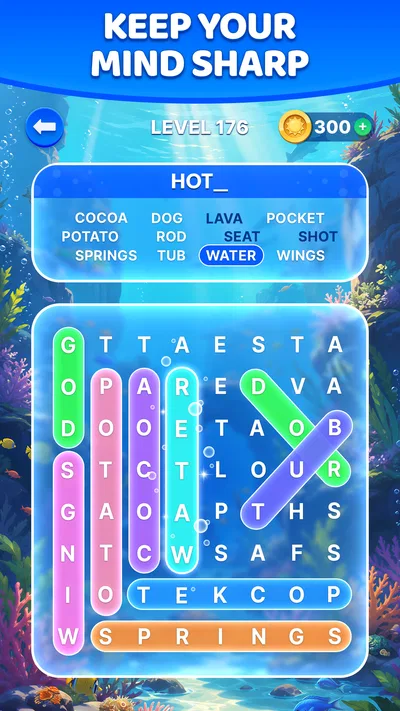
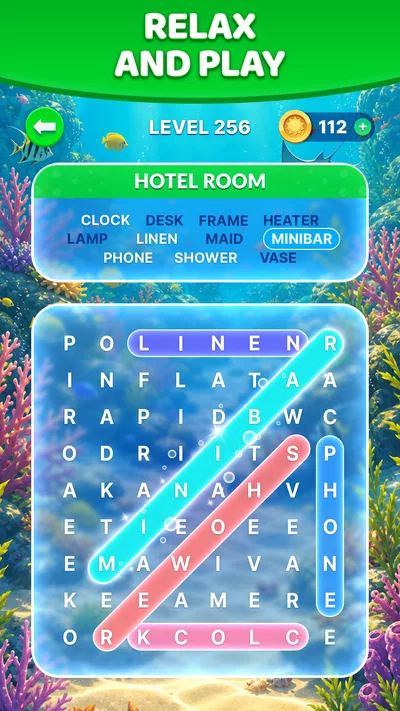

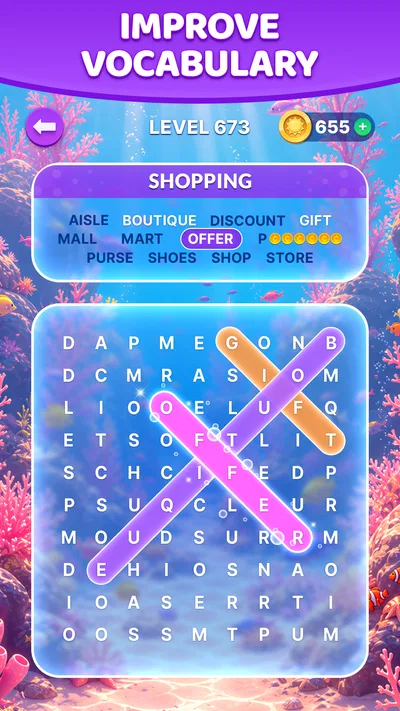
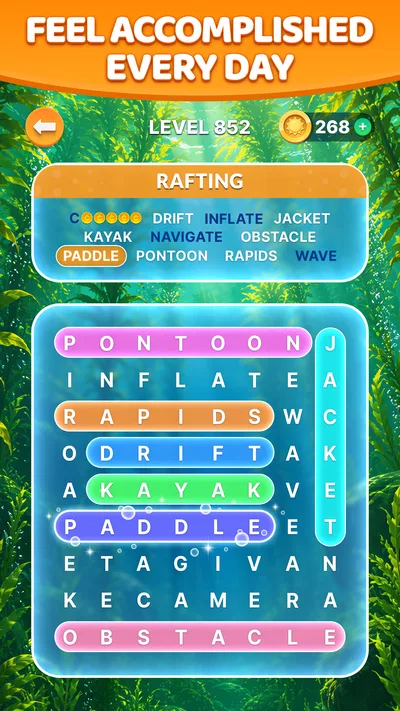
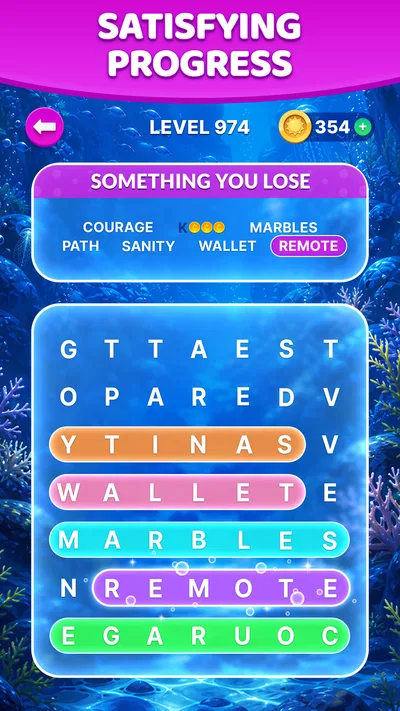
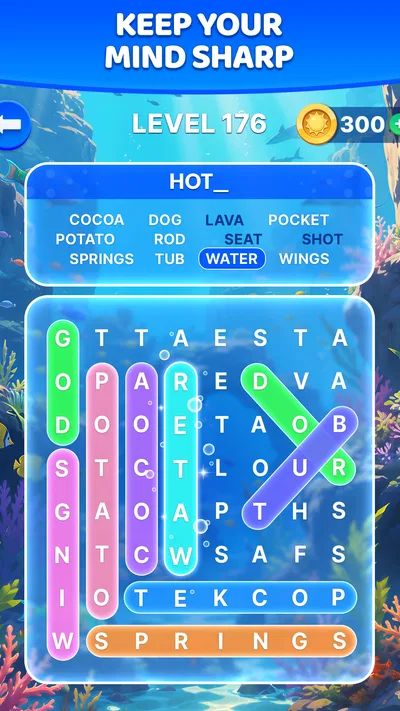
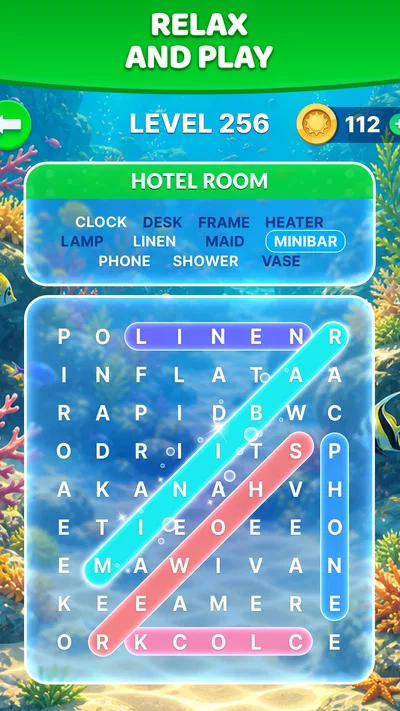
 Analysis byAppsAward
Our review of Wordscapes Search: Word Games
Wordscapes Search is a word game I’d recommend to anyone who likes scanning a letter grid at an unhurried pace. Its appeal is the simple loop: look over the letters, spot a word, and keep going. That makes it easy to pick up during a short break, though it is less suited to players who want a story, a competitive challenge, or a deep vocabulary lesson.
When a puzzle stops feeling straightforward
The first hurdle is often not knowing a word, but seeing it in the grid. A cluster of letters can look like several possibilities, and staring harder does not always help. I find it more useful to change how I scan: check the grid in one direction, then switch to another, rather than repeatedly searching the same area. A brief pause can also make familiar letter patterns stand out again.
That visual search is the game’s defining pleasure and its main source of friction. The puzzles ask for attention, but they do not turn every moment into a race. If you enjoy spotting words by sight, that pace feels calming. If you prefer solving clues, building words from a rack, or racing a clock, the search format may feel too passive.
It also helps to separate a genuine vocabulary gap from a missed visual pattern. When a word does not come to mind, try looking at short sequences and common beginnings or endings instead of guessing randomly. When you suspect you know the answer but cannot locate it, scan the rows and columns methodically. Those approaches make a stuck moment feel less like a dead end.
PeopleFun made this word-search game for a broad audience, and its Everyone age rating reflects an accessible style rather than a niche puzzle experience. I would be comfortable suggesting it to a family member who wants something uncomplicated, while noting that younger players may still need help reading less familiar words.
Small habits that make a session smoother
A useful habit is to stop after a few fruitless passes instead of tapping through the grid in frustration. I switch to a different area, look for a distinctive letter combination, and return to the harder section later. This is not a special mode or hidden tool; it is simply a way to reduce tunnel vision in a game built around visual scanning.
Another practical approach is to play in a setting where you can focus on the screen. A busy commute or a conversation-heavy room can make it harder to track where you have already searched. The game’s relaxed pace suits a quiet coffee break or a few minutes at home better than a moment when you need to keep looking up every few seconds.
Before you settle into regular play
The game is free to download, with in-app purchases priced from $0.99 to $99.99 per item. I’d treat that as a reason to pay attention during installation and play, especially if a child will use the device: confirm that purchase controls are appropriate for your household before handing it over. You can enjoy the basic idea without deciding in advance that you need to buy anything.
It is listed as version 1.56.0 and requires Android 7.0 or later. If installation or opening fails, start with the practical checks: make sure the device meets that minimum, check that the app store has completed the download, and restart the device before trying again. Those steps are more useful than assuming a puzzle-game problem is caused by the game itself.
It has been available since November 22, 2019, and has grown to over 10 million installs. Its average rating is 4.7 from around 234,000 ratings, with roughly 50,000 written reviews. Those figures suggest that the straightforward format has found a large audience, but they cannot tell you whether you personally enjoy visual word searches; a short trial is a better test.
Wordscapes Search is a sensible choice if you want a free game that is easy to understand and does not demand a long commitment each time you open it. I would skip it if your main goal is to learn definitions, compete against other players, or get a steady stream of narrative rewards. Its strength is a focused activity, not a broad collection of modes.
Recovering when progress feels stuck
If a session seems to have stopped responding, avoid rapid repeated taps. Give the screen a moment, then close and reopen the game if it remains unresponsive. If the issue happens while the device is under heavy load, closing other open apps and trying again can help. These are general troubleshooting steps, not a guarantee that every interruption comes from the same cause.
For a download that appears stalled, check the app store’s download status and your device’s available storage before repeatedly starting the installation. A weak or interrupted connection can also affect downloads, so trying again on a stable connection is a sensible next step. If the app opens but a particular puzzle is difficult, that is different from a technical failure; use a deliberate scan before restarting or reinstalling.
I would be cautious about deleting the game simply because one session behaved oddly. Removing an app can affect locally stored progress, depending on how that app handles it, so first try a restart and check whether the problem repeats. If you do need to reinstall, consider whether you are comfortable with the possibility of losing progress before proceeding.
When the phone or setting is the real obstacle
Not every frustrating session points to a fault in the game. A screen that is hard to read, a device running low on storage, or interruptions from notifications can make a letter grid harder to use. If you keep losing your place, try a quieter setting and make sure the screen is comfortable to look at before concluding that the puzzles themselves are the problem.
There is also a difference between wanting a word game and wanting this particular kind of word game. A crossword-style app gives you clues to interpret; a word-building game usually asks you to combine letters; a competitive word game puts more emphasis on speed or opponents. I would choose one of those alternatives if solving definitions, experimenting with letter combinations, or head-to-head play is the part I enjoy most.
By contrast, this game works well when I want a low-pressure task that still asks me to pay attention. It can fit into a short pause without requiring a plan or a long session. The trade-off is that the central action remains quite consistent: if searching a grid loses its charm for you, there is little reason to expect a completely different experience from one sitting to the next.
Who I’d recommend it to
I’d suggest it to casual players who like word searches, people who want a small mental diversion, and families looking for an approachable game rated for everyone. It is especially convenient for someone who prefers to pause whenever real life interrupts. The calm style is a better match for a waiting room or a quiet break than for a player seeking high energy or intense competition.
For a realistic everyday use, imagine waiting for an appointment with a few minutes to spare. You can open a puzzle, scan for a handful of words, and put the phone away when your name is called. That kind of stop-and-start use is where the uncomplicated format makes sense. If you need to keep your attention on a conversation or navigate somewhere, though, it is better to leave the game for later.
The main limitation is not a complicated setup or a steep learning curve; it is the narrowness of the core activity. A person who already finds word searches repetitive may not be won over by attractive presentation alone. On the other hand, someone who enjoys the satisfaction of spotting a word hidden in a busy grid does not need elaborate systems to get value from it.
A practical verdict for everyday play
PeopleFun’s free word game is worth trying if you want a gentle, easy-to-start search puzzle and are comfortable with optional in-app purchases being part of the app. The large audience and strong average rating are reassuring signs, but they are not substitutes for matching the game to your taste. I’d start with a few short sessions and notice whether the act of scanning feels relaxing or repetitive.
My recommendation is straightforward: choose it for casual word spotting, not for a full-featured word-game collection or a demanding challenge. Keep installation checks simple, give yourself a systematic way to search when you get stuck, and avoid blaming the app when a distracting setting makes concentration difficult. If that focused loop is what you want, Wordscapes Search is an approachable option; if you want clues, competition, or a different kind of puzzle, another word game will likely suit you better.
Pros
- Quick rounds make it easy to play in short breaks.
- Hints help when a word search gets tricky.
- The clean layout keeps letters easy to read.
- Daily puzzles offer a reason to return.
- Offline play makes it suitable for travel.
Cons
- Later puzzles can feel repetitive.
- Hints may run out without earning or buying more.
- Small letters can be hard to tap on compact screens.
- Ads can interrupt the flow between puzzles.
- The word list may include unfamiliar terms.
Best Word Game 2026
Our verdict
Enjoy the beautiful scenery and endless word search puzzles!
Frequently Asked Questions
What is Wordscapes Search: Word Games?
Wordscapes Search is a word puzzle game in which you look for words hidden in a letter grid. Each level provides a set of target words, and you swipe across neighboring letters to form them. The basic idea is easy to understand, but later puzzles can take more attention as grids grow and words become harder to spot. It is suited to players who enjoy word searches and short, self-paced challenges.
How do you play Wordscapes Search?
Choose a level and scan the grid for the words shown in the puzzle. To select a word, drag your finger across its letters in sequence; words may run in different directions, so it helps to check the grid carefully. Finding every required word completes the level. If you get stuck, available hints can point you toward an answer, though their availability and any costs may depend on the current game version.
Can I play Wordscapes Search offline?
Some word-search gameplay may be available without an internet connection, which can make the game convenient for travel or brief breaks. However, features such as advertisements, events, progress syncing, or other online services may require connectivity, and behavior can vary by version and device. If offline access is important to you, try launching a level with your connection disabled before relying on the game for a trip.
Is Wordscapes Search free to download, and does it include ads or purchases?
The game is generally offered as a free download, but free access does not necessarily mean every feature is without cost. Depending on the version and region, you may encounter advertisements, optional in-app purchases, or paid options related to hints and other extras. Check the store listing on your device for current pricing and purchase details, and review the in-game prompts before spending money.
Is Wordscapes Search suitable for children, and what should parents check?
Wordscapes Search focuses on finding words rather than competitive action, so its core puzzles can appeal to a broad range of ages. Still, suitability depends on the child and on the current app version. Parents should check the app-store age rating, privacy information, and whether advertisements, analytics, or in-app purchases are present. If a child plays, consider using device-level purchase controls and discussing how to handle ads or store prompts.




