
- Award score
- 4.5Rating
- 1,000,000+installs
- Free
App information
- Version
- 1.19.2
- Updated
- Requires
- 7.0
- Price
- Free, in-app purchases
- Developer
- UniRise Studio
- Content rating
- Everyone
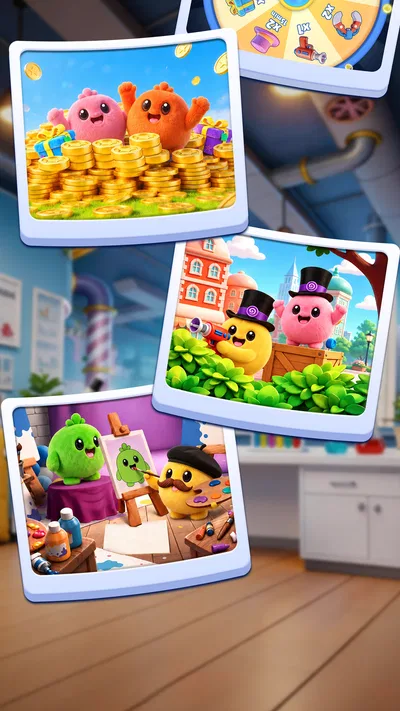
Screenshots

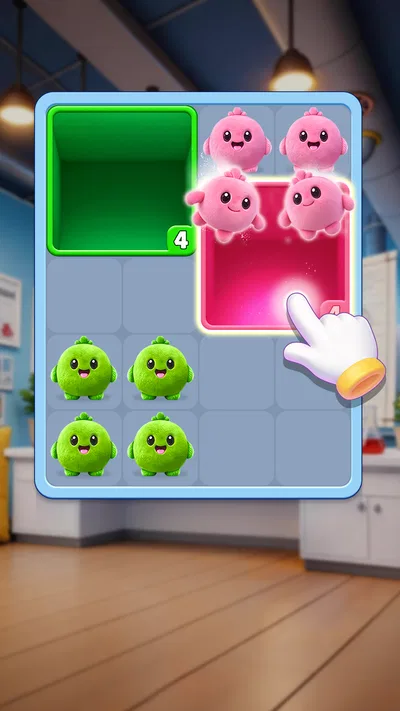
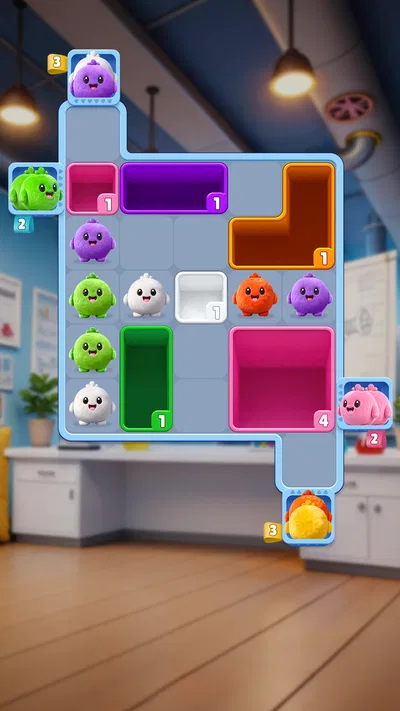
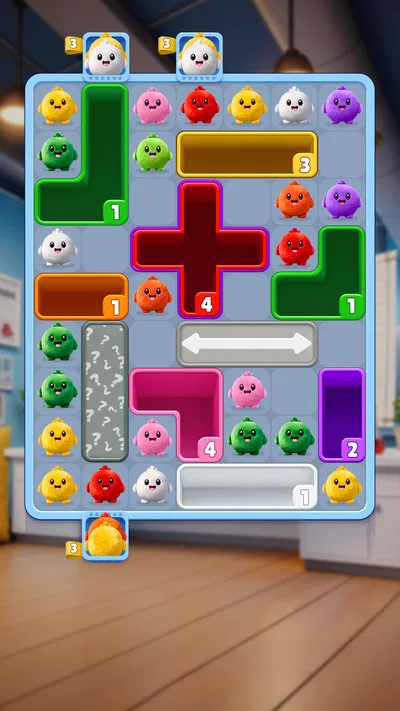
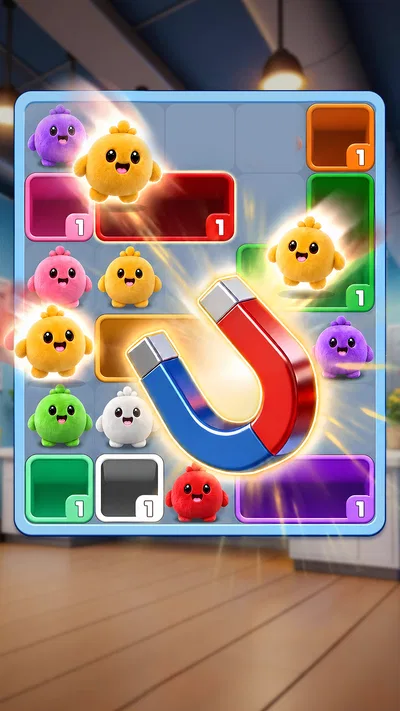

 Analysis byAppsAward
Our review of Fluffy Drop - No Timer
I approached Fluffy Drop as a casual puzzle game to try in the small gaps of an ordinary day, rather than as a trivia contest to study for. Its gentle premise makes it sound easy to pick up, and that is the appeal: it offers a softer alternative to quiz games built around speed, competition, or a constant stream of questions. My experience is that its suitability depends less on whether you enjoy puzzles in general and more on whether its presentation and interaction feel comfortable for you.
Comfort starts with how clearly you can follow the game
The first thing I look for in a mobile puzzle is whether I can understand what I am being asked to do without working through a cluttered screen. Fluffy Drop’s identity as a cozy puzzle adventure sets a relaxed expectation, but a calm theme alone does not guarantee clear navigation. I would judge it by whether the current task, the pieces or choices involved, and the result of an action are easy to distinguish at a glance. That matters especially when you open a game for only a few minutes and do not want to relearn where you left off.
For a player who enjoys visual puzzles, the useful habit is to pause before making a move and scan the whole play area rather than focusing on one prominent object. That simple approach can make a puzzle easier to reason through, especially on a compact phone screen. If the game allows you to take actions without a countdown, that would make it more forgiving; however, the title “Fluffy Drop - No Timer” should not be treated as proof that every mode or interaction is free of time pressure. I would check how the particular activity behaves before settling into a long session.
There is also a difference between a screen that looks friendly and one that is genuinely easy to read. Soft colors and decorative artwork can be pleasant, but they may make boundaries or small details harder to spot for some people. If you find yourself squinting, losing track of an object against the background, or tapping the wrong thing because elements sit close together, those are practical signs that the presentation is not working well for you. I would try it on the device you intend to use, with your usual brightness and display settings, rather than assume a cozy visual style will suit every screen.
Fluffy Drop is a trivia-category game from UniRise Studio, though the cozy puzzle framing suggests a different mood from conventional question-and-answer quizzes. That contrast may appeal if you want something more visual and less like a test. It may be less satisfying if you expect broad trivia topics, factual questions, or a clear learning component. Before installing, I would keep that distinction in mind: the category label alone does not tell you what kind of mental challenge will dominate a session.
Small-screen use and attention
On a phone, I find that puzzle clarity is partly about how much information I have to hold in mind at once. A game that presents a compact, understandable task can work well while waiting for a coffee or taking a short break. If a puzzle requires remembering several earlier moves, the same setting becomes less ideal: interruptions can break concentration, and returning to the screen may mean reconstructing your plan. A practical workaround is to start a fresh session when you have a little uninterrupted time, rather than begin a puzzle moments before you need to move on.
I would also treat the first few rounds as a check on navigation, not just difficulty. Notice whether the controls respond in a way you can predict, whether the game makes a successful action obvious, and whether it is easy to recover from an accidental tap. Those details matter more than a charming visual theme when you are deciding if the game is comfortable for repeated use. If the interface makes you guess what a button will do, that friction can outweigh the relaxed tone.
Touch, sensory comfort, and the setting you play in
Touch-based puzzles can be a good fit for players who prefer direct interaction to typing answers or managing small menus. They can also be demanding for someone who has limited dexterity, tremor, fatigue, or difficulty making precise taps. I would pay attention to whether targets feel forgiving and whether an unintended touch can disrupt a puzzle. Since I cannot assume how the controls behave across devices, the best advice is to test a short session and see whether your hands can interact comfortably without repeated corrections.
The same careful approach applies to sensory needs. A soft visual theme may feel less intense than a fast, flashy arcade game, but sound, animation, contrast, and motion can affect people differently. If you are sensitive to noise or movement, check the in-game controls and your device’s sound settings before playing in a quiet space. If those controls do not offer the adjustment you need, lowering device volume or choosing a less distracting setting may help, but it will not solve every sensory barrier. For someone who needs reliable control over motion or audio, a game with explicit options for those elements would be the safer choice.
One useful way to decide whether it fits is to compare how you feel after a brief play with how you feel after a typical quiz app. A conventional trivia game often asks you to read quickly, select an answer, and move on; a visual puzzle can shift the demand toward scanning, planning, and precise touch. That may be a welcome change if rapid reading is tiring, but it may be a poor trade if visual search or hand control is the harder part for you. The right choice depends on which kind of effort you find manageable.
In everyday use, I can imagine opening it during a quiet lunch break or while waiting somewhere with a stable place to hold my phone. That is a better fit than playing while walking, riding a bumpy bus, or trying to divide attention between the screen and a conversation. Puzzle play rewards looking carefully, and distractions can make an otherwise simple task feel frustrating. If you need a game that tolerates frequent interruptions, choose a moment when stopping mid-session will not matter or favor a title designed around very brief, self-contained turns.
Who may enjoy it, and who may want another option
I would recommend giving it a try if you like a gentle visual challenge, want a change from question-heavy quizzes, and are comfortable using touch controls. It is also a plausible pick for a household looking for an Everyone-rated game that can be explored casually. The Everyone content rating is about age suitability, not a promise that every player will find the controls or presentation accessible, so I would still let the intended player try it directly rather than assume the rating settles that question.
I would steer away from it if your main goal is to learn facts, compete on trivia knowledge, or get a fast-paced challenge that keeps raising the pressure. A traditional quiz game is a better match for those priorities. Likewise, if small visual details or precise tapping are difficult for you, a word-based game with adjustable text or a puzzle designed around larger controls may be more comfortable. These are not flaws in the concept; they are meaningful differences between the sort of attention each game asks from you.
For a shared session, it can be useful to let each person take turns describing what they notice before anyone acts. That turns the puzzle into a low-pressure conversation and can help a player who needs extra time to inspect the screen. It also reveals whether the game is enjoyable socially or works better as a solo activity. I would not assume it supports a particular multiplayer mode; this is simply a way to make a single-device puzzle more inclusive when people are gathered around it.
Value, expectations, and my inclusive verdict
The game is free to install, with optional in-app purchases ranging from $0.99 to $39.99 per item. I would treat those purchases as a reason to check the payment flow before handing the phone to a child or letting someone play unsupervised. The existence of paid items does not tell me what each purchase changes, so I would avoid buying anything until I understood its purpose in context. If your preference is a completely purchase-free experience, that distinction may make another game more appealing.
Fluffy Drop has a 4.5 average from around 19,000 ratings, and it has passed one million installs. That level of uptake suggests many players have found something to like, but popularity cannot tell you whether the game’s particular presentation suits your vision, motor comfort, or attention needs. It is currently at version 1.19.2 and requires Android 7.0 or later. Those details make it easier to check basic compatibility, though they do not replace trying the interface on your own device.
What I find most useful about considering this game through an inclusive lens is that “cozy” should be treated as a mood, not an accessibility guarantee. A calm puzzle can still involve visual scanning, fine touch, or sustained attention, and those demands may be easy for one player and tiring for another. My practical recommendation is to begin with a short test in a comfortable setting: check whether the objective is legible, whether the controls feel forgiving, and whether the sound and movement are pleasant enough to keep on. If one of those basics creates strain, do not force yourself to adapt to the game when a better-fitting alternative exists.
UniRise Studio has positioned this as a puzzle-led experience rather than a conventional trivia drill, and that makes it an interesting option for people who want a softer mental break. I would recommend it to friends who enjoy visual challenges and prefer to play at their own pace, while being clear that it is not automatically the best choice for every ability or situation. Its strongest case is a relaxed, self-directed puzzle session; its biggest question is whether the on-screen interaction feels comfortable for you. If that balance works on your device, the free entry point makes trying it straightforward. If you need adjustable presentation, especially forgiving controls, or fact-focused quiz content, I would choose a game built around those needs instead.
Pros
- No timer lets you play at a relaxed pace.
- Simple controls make it easy to pick up.
- Short rounds suit quick play sessions.
- The fluffy theme gives the game a cheerful look.
- No countdown pressure makes it suitable for casual play.
Cons
- Repeated levels may feel predictable over time.
- Some puzzles can require trial and error.
- Progress may feel slow for players seeking a challenge.
- Ads may interrupt the flow of play.
- The game offers limited variety compared with larger puzzle games.
Best Trivia Game 2026
Our verdict
A Cozy Puzzle Adventure
Frequently Asked Questions
What is Fluffy Drop - No Timer?
Fluffy Drop - No Timer is a casual mobile game centered on guiding a fluffy character through a falling-style challenge. Its no-timer format is intended to let players focus on positioning, timing their moves, and learning each stage at their own pace rather than racing against a countdown. Check the app store listing for the current description and screenshots, since features and level content can change with updates.
How do you play Fluffy Drop - No Timer?
The basic idea is to control the fluffy character as it drops through the game environment, steering around hazards and aiming for a safe landing or other stage goal. Controls and obstacles may vary by level, so it is worth trying the opening stages to see how movement works before progressing. Read the on-screen prompts carefully, and consult the store listing for details about supported controls and gameplay features.
Does Fluffy Drop - No Timer really have no time limit?
The title highlights a no-timer approach, which suggests that the game is designed without the usual countdown pressure. That can make it easier to pause, consider a route, and retry a tricky section at your own pace. However, individual stages may still include movement challenges or other constraints. Confirm the current rules in the game itself, as updates can affect how particular levels play.
Is Fluffy Drop - No Timer free, and does it include ads or in-app purchases?
Pricing, advertising, and optional purchases can vary by platform, region, and app version, so there is no single answer that applies to every player. Before downloading, check the Google Play or Apple App Store listing for the price, in-app purchase disclosures, and advertising information. If you prefer a game without interruptions or optional spending, review those details and any available parental controls before installing.
What should I check before downloading Fluffy Drop - No Timer?
Check that your Android or iOS device meets the app’s current requirements, and make sure you have enough storage and a compatible operating-system version. The store page is also the best place to confirm the developer, latest update, ratings, privacy information, and any permissions requested. Availability and features can differ between devices or regions, so verify the listing on your own platform before installing.




