- Award score
- 4.4Rating
- 50,000,000+installs
- Free
App information
Screenshots
 Analysis byAppsAward
Our review of Baby Games: Piano & Baby Phone
Baby Games: Piano & Baby Phone is an easygoing educational game for little children, built around tapping, listening, and exploring rather than completing lessons. I’d recommend it to parents who want a simple musical activity to share with a toddler, especially during a short stretch of downtime. Its appeal is immediacy: a child can try a piano or musical instruments, hear familiar nursery-rhyme-style content, and enjoy the cause and effect of touching the screen. That makes it approachable, though it also means this is not a deep music course or a substitute for hands-on play.
How it feels in everyday use
As a game in the educational category, it sits between a toy and a learning activity. The focus is playful exposure to sounds and musical interaction, not reading, formal practice, or a structured curriculum. I find that distinction useful when deciding whether it fits a family’s routine: it works best as a brief invitation to explore, with an adult nearby to name sounds, sing along, or turn a random tap into a little conversation.
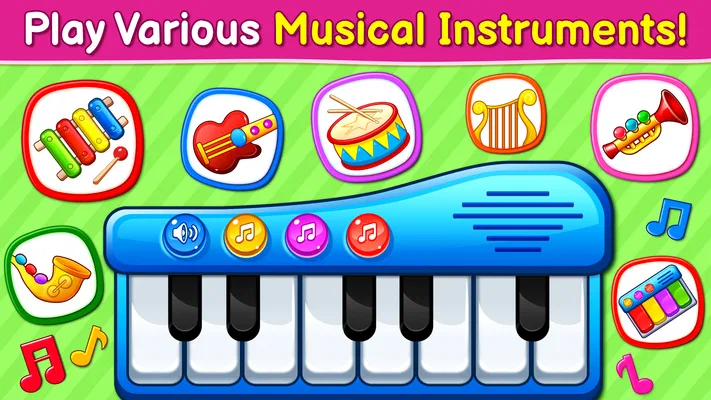
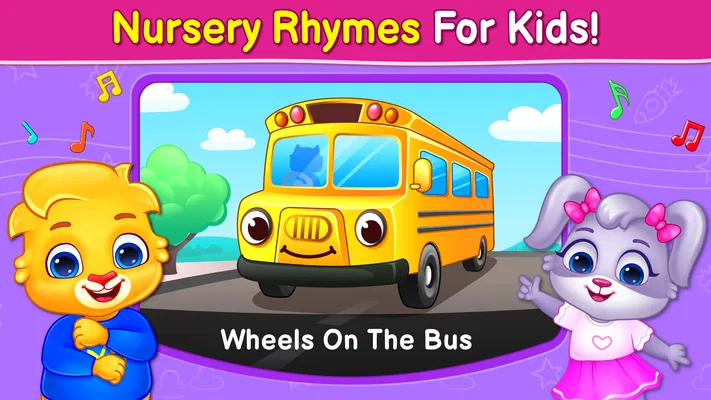
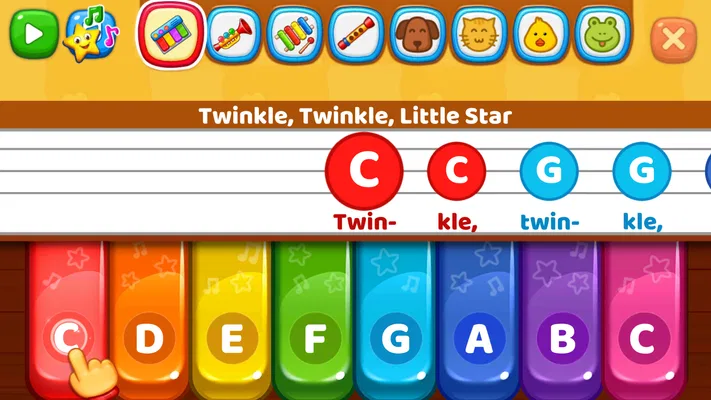
The piano element gives a child an obvious starting point. Even without knowing how to play, they can press keys and connect an action with a sound. Musical instruments and nursery rhymes broaden the experience beyond a keyboard, which helps if a child loses interest in repeating the same kind of tap. It is the variety of familiar musical ideas, rather than a demanding progression, that gives the game its practical value.
A realistic use is a quiet ten-minute break while a parent is preparing a meal or waiting for an appointment to begin. I would hand over the device with the sound at a comfortable level, stay close enough to guide the child, and treat the game as a shared activity rather than background entertainment. Asking “What did that sound like?” or humming along can make the screen time more interactive without turning it into a test.
The best results come when a grown-up joins in, especially for very young children who may tap without noticing how one sound differs from another. An adult can model a simple rhythm, let the child copy it, then pause and give them room to experiment. That small routine helps the app feel less like an electronic babysitter and more like a starting point for musical play.
A gentle first step into sound
For a child who is curious about keys, rhythm, or songs but not ready for a conventional instrument lesson, this kind of play can lower the barrier to trying. There is no need to know musical terms before opening the game. A child can explore at their own pace, while a caregiver can choose whether to keep things spontaneous or introduce a tiny challenge, such as tapping a short pattern and inviting the child to echo it.
That flexibility is also a useful way to avoid overstating what an educational game can do. A few minutes of tapping may encourage attention to sound and rhythm, but it does not automatically teach note names, instrument technique, or singing skills. If your goal is a planned course with clear learning milestones, a dedicated music-learning app or lessons with a teacher will be a better match. This game is more suitable when the goal is curiosity and a pleasant shared moment.
Where it sits among children’s apps
Compared with a general children’s video app, the important difference is that the child is acting rather than only watching: touching a key or instrument produces an immediate response. Compared with a dedicated piano tutor, however, it is less about building a sequence of skills and more about free exploration. That middle ground is why I see it as a handy occasional activity, not something a parent needs to make the center of a music routine.
It may also suit families looking for a focused alternative to handing over a phone with a stream of unrelated clips. The musical theme gives the play a clear direction, and a caregiver can keep the session short and purposeful. On the other hand, children who become absorbed in open-ended tapping may not naturally stop when an adult wants to move on. Setting the expectation before handing over the device—one song or a short turn, then a different activity—can make transitions easier.
Who is likely to enjoy it—and who may not
I can see it working well for toddlers and preschool-age children who like pressing buttons, hearing sounds, and repeating simple musical actions. It is also a reasonable option for a caregiver who wants a low-pressure activity to try together without first learning an instrument. The Everyone age rating is reassuring as a broad content classification, but it does not replace an adult’s judgment about whether a particular child is ready to use a device independently.
It is less suitable for older children who want a challenge, a measurable practice plan, or a more realistic instrument experience. A child already learning piano may prefer an app centered on lessons and progression, while a child who is sensitive to sound or easily overstimulated may do better with a quieter activity. If the family’s priority is screen-free play, real toy instruments, singing, or a homemade rhythm game will meet that need more directly.
What the release history does—and does not—tell me
The game was released on April 1, 2019, and it is developed by RV AppStudios. That release date tells me it is an established product rather than a brand-new experiment, but it does not by itself show how the app has changed over time. I would not assume that the current experience includes a particular feature or improvement simply because the game has been available for years.
No specific version history is available here to connect updates with changes in play, so I would judge the app on what is present when I open it rather than on expectations about its evolution. For existing users, the practical question is straightforward: does the current musical play still hold the child’s interest, and does it fit the family’s device habits? If it does, there may be no reason to replace it with a more complicated option. If the child has outgrown free exploration, moving to a structured music app is a more meaningful next step than expecting this one to become a lesson program.
Small trade-offs worth considering
The same simplicity that makes the game accessible can limit its staying power. A child who enjoys repeating sounds may happily return to it, while another may explore the available musical ideas quickly and then want something new. I would avoid presenting it as an activity that will hold every child’s attention for a long stretch; it is easier to use well in short turns, with a transition ready afterward.
Another trade-off is that screen interaction can imitate the trigger-and-response aspect of music, but it cannot fully replace the feel of pressing physical keys, shaking an instrument, or making a sound with one’s own voice. I like using the game as a prompt: after a few taps, pause and clap a rhythm together or sing a line from a familiar rhyme. That simple follow-up brings the play off the screen and gives the child a chance to use their voice and body.
The app is free, which makes it easy to try without a purchase decision. Its broad reach—over 50 million installs—suggests that many families have encountered it, and its average rating is 4.4 from around 62,000 ratings. Those figures can help a parent understand its general reception, but they are not a guarantee that its style will suit a particular child. I would still test it alongside the child and watch whether the sounds invite engaged play or just rapid tapping.
What I would check before making it a routine
Because a child’s reaction matters more than a headline description, I would begin with a short supervised session. Notice whether they explore different sounds, return to the piano, or respond to the musical material in another way. If the child seems frustrated, distracted, or eager to move on, there is little benefit in extending the session. The point is to offer a pleasant opportunity, not to coax a child into using an app that does not click for them.
I would also decide in advance where the game belongs in the day. A brief turn during a wait can be handy, while using it whenever a child is bored may make it harder to offer other kinds of play. A useful workflow is to let the child explore, join in for a rhyme or rhythm, then close the activity and try the same idea with clapping or a toy instrument. That gives the app a clear role without letting it crowd out more active experiences.
For families with more than one child, it can work as a turn-taking prompt: one child taps a pattern, and the other imitates it with claps or a simple instrument. This is not a feature I would expect the game itself to manage; it is a way a parent can adapt its musical content to a shared activity. The approach is most effective when the children are happy to take turns, rather than when the phone becomes a point of competition.
My take for parents
Overall, I see Baby Games: Piano & Baby Phone as a friendly, low-pressure introduction to musical sounds for young children. Its strongest use is a short, supervised play session in which an adult can sing, name sounds, and carry the activity into the real world. The piano, instrument, and nursery-rhyme focus gives it a clearer purpose than an unrelated screen distraction, while its open-ended nature keeps it from feeling like a lesson.
I would try it if you want a free musical game for a toddler or preschooler and are comfortable joining in. I would skip it if you need a detailed teaching path, longer-term practice structure, or a screen-free solution. With over 1.6 thousand written reviews and an Everyone content rating, it has broad visibility, but the right fit still depends on your child’s temperament and your household’s screen-time boundaries. Used in short bursts, it can be a pleasant little prompt to listen, tap, sing, and play together.
Pros
- Simple controls make it easy for toddlers to play independently.
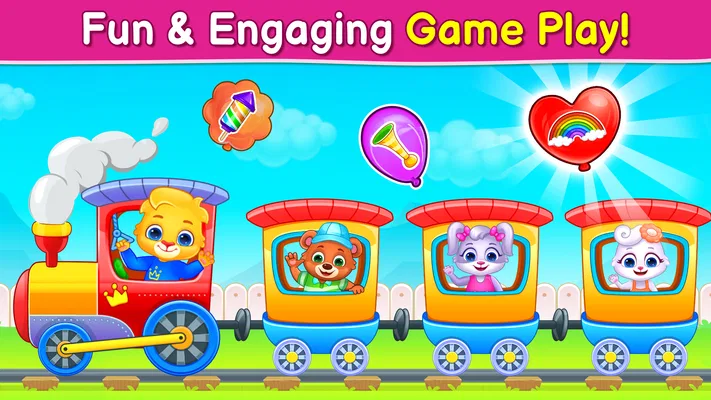
- Bright visuals help keep young children engaged.
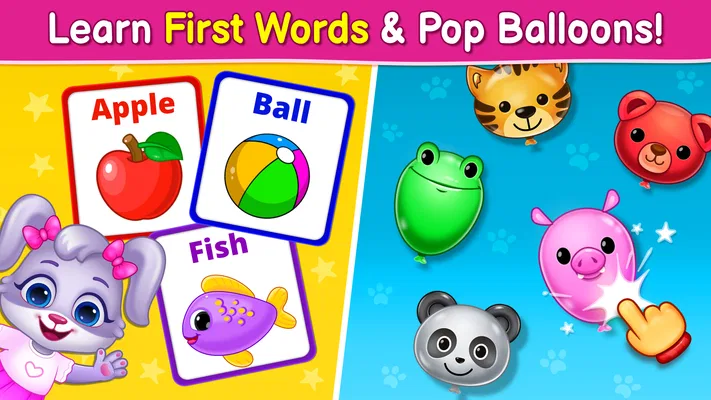
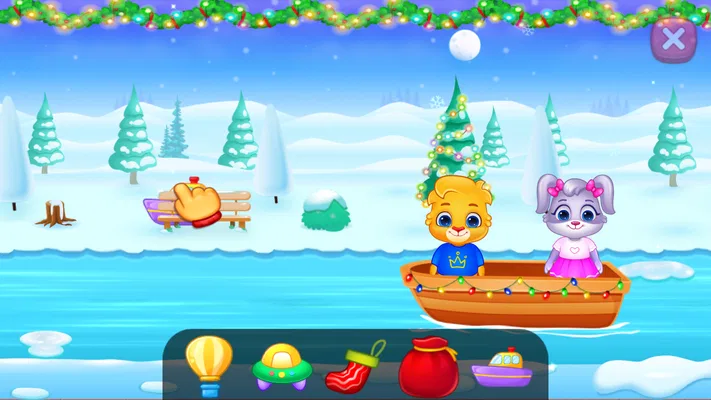
- Mini-games offer variety beyond the piano activity.
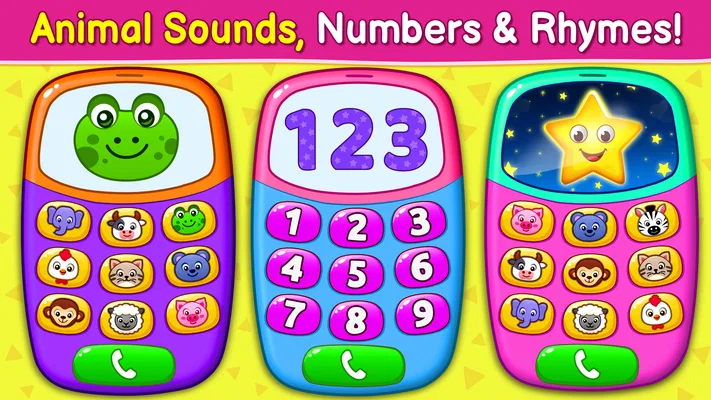
- Animal sounds introduce children to familiar noises.
- Short activities suit brief play sessions.
Cons
- Some activities may feel repetitive after extended play.
- Frequent ads can interrupt play in the free version.
- Young children may need help navigating between activities.
- Sound effects may be too loud for quiet settings.
- The app offers limited depth for older children.
Best Educational Game 2026
Our verdict
Fun baby games for kids. Play baby piano, musical instruments & nursery rhymes.
Frequently Asked Questions
What is Baby Games: Piano & Baby Phone?
Baby Games: Piano & Baby Phone is a child-focused mobile app that combines simple music activities with pretend phone play. Depending on the version available in your app store, children may be able to tap piano keys, hear sounds, and explore playful phone-style interactions. The interface is intended to be easy for little hands to use, but parents should check the listing and screenshots to confirm which activities are included in the version they plan to download.
What age is Baby Games: Piano & Baby Phone suitable for?
The app is designed for young children, but the best age range can depend on a child’s development and the specific activities in the current version. Babies and toddlers may enjoy tapping colorful controls and hearing sounds, while older preschoolers may explore the pretend-play elements more independently. Parents should supervise play, especially for very young children, and check the store’s age rating and content information before installing.
Does Baby Games: Piano & Baby Phone require an internet connection?
Basic activities in many children’s music and pretend-phone apps can often be used offline after installation, but availability may vary by version. An internet connection may be needed to download the app, load certain content, or access advertisements and other online features. Before handing the device to a child, try the app in airplane mode and review its settings so you know what remains available without a connection.
Is Baby Games: Piano & Baby Phone safe for children to use?
The app is intended for children, but no app should be treated as automatically safe or suitable without a parent’s review. Check its current privacy policy, age rating, advertising practices, and any in-app purchase or external-link options on the relevant app store. Explore the screens yourself before letting a child play, and use device-level parental controls to limit purchases, browsing, and access to other apps.
Is Baby Games: Piano & Baby Phone free to download, and does it include ads or purchases?
The price and monetization can differ between Android and iOS, and may change over time or by region. Check the app’s store listing for whether it is free, contains ads, or offers in-app purchases or paid features. If a child will use the device, consider requiring approval for purchases and supervising play, since young children may tap buttons without understanding that they can open an advertisement or start a transaction.

Download Baby Games: Piano & Baby Phone
Similar games
View all 8.8
Coloring Games: Color & Paint
Educational
 6.6
Toca Boca Jr: Fun Kids Games
Educational
 8.7
Toca Boca World
Educational
 8.6
PBS KIDS Games
Educational


