- Award score
- 3.3Rating
- 100,000,000+installs
- Free
App information
Screenshots
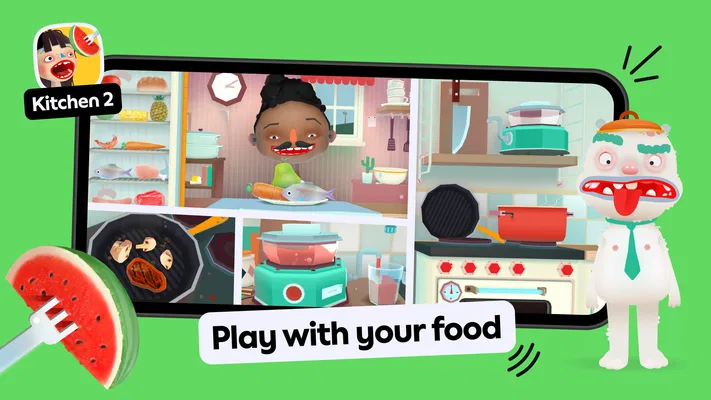
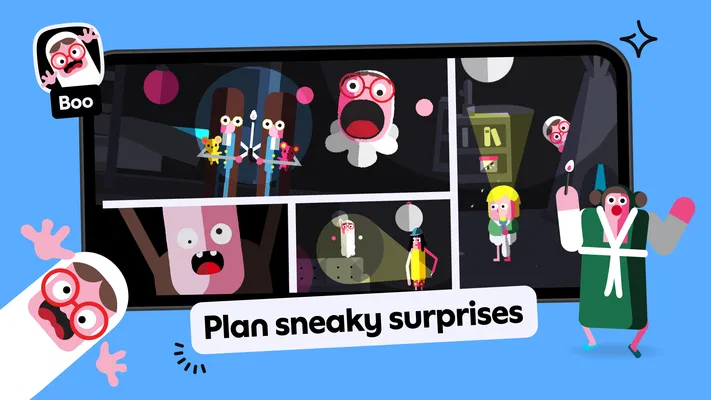
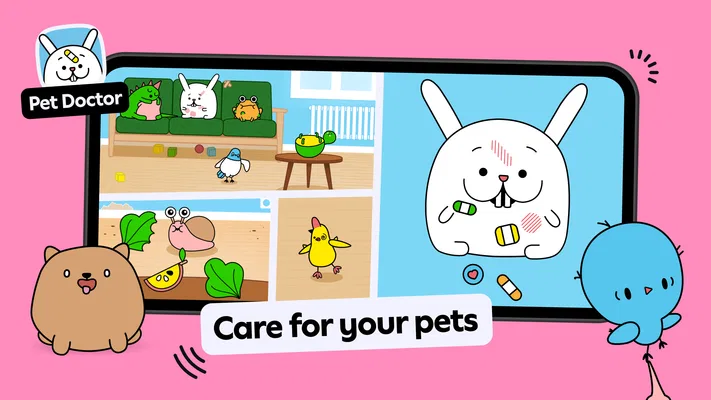
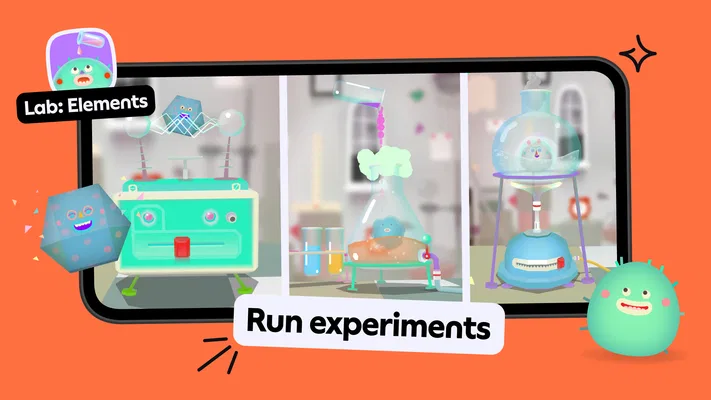
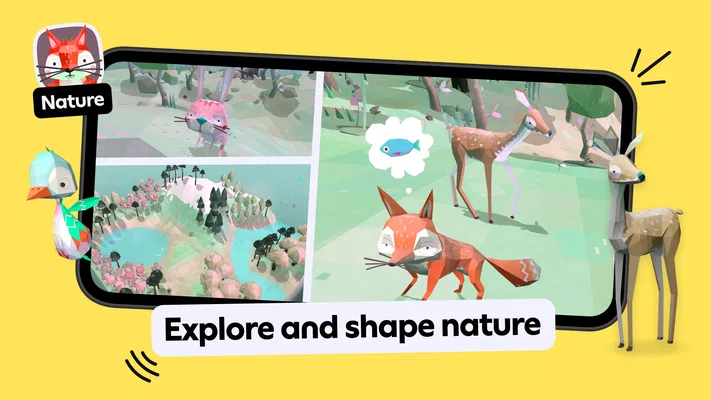
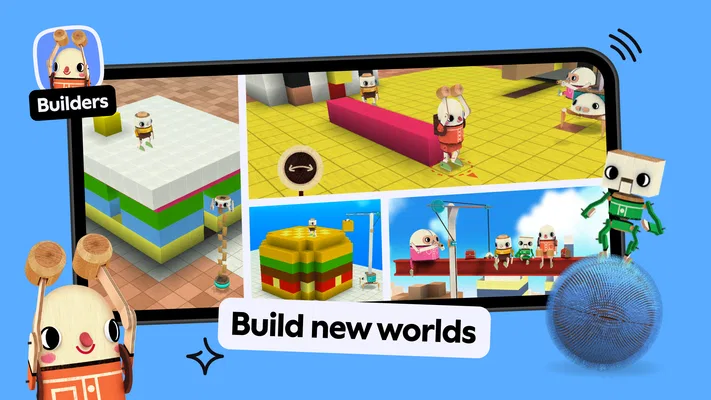
 Analysis byAppsAward
Our review of Toca Boca Jr: Fun Kids Games
The first thing I’d tell a parent about Toca Boca Jr is that it is best approached as a little play space, not as a lesson plan with a fixed route. It is an educational game from Play Piknik for young children, and the appeal is that a child can explore and make choices at their own pace. That makes it a more natural fit for a short, curious play session than for an adult looking for structured drills, scores, or a clear curriculum.
If you are opening it for the first time, aim for a small win rather than trying to understand every activity at once. Sit alongside your child, let them choose where to begin, and invite them to try one simple action that catches their attention. In my view, that first moment of independent exploration is the point: the app is most useful when a child feels free to experiment, while a parent stays close enough to help when the screen is unclear.
What the play experience is best at
The game is intended for children from ages two to eight, a broad range that naturally includes very different attention spans and abilities. A toddler may enjoy tapping and seeing what happens; an older child may want to explore more deliberately. I would not expect both ages to use it in the same way, or assume that the educational value comes from completing a particular sequence. Its strength is approachable, child-led play.
That makes open-ended exploration a better expectation than formal teaching. I would use it to give a child a chance to investigate, make choices, and stay occupied with a playful activity, rather than as a substitute for a reading lesson or a carefully paced learning program. If you want visible progress, defined challenges, or an adult-controlled lesson, a more structured educational game may suit your household better.
A practical first session can be as simple as opening the app together and asking your child what they want to try. Give them time to tap around before stepping in. If they seem unsure, demonstrate one action, then hand control back. That approach avoids turning a playful app into a parent-led test, and it gives you a quick sense of whether your child enjoys exploring without constant direction.
For example, it can fit a quiet stretch while dinner is being prepared: a child can have a short, supervised turn, and you can check in rather than trying to teach through every interaction. I would keep that use modest. A screen can occupy a child, but the best experience here still benefits from an adult nearby, especially when the child is very young or becomes frustrated by choices.
Getting to a first satisfying moment
After installing, start with the simplest possible goal: help your child find something that interests them and let them try it. There is no need to survey everything before play begins. Young children often respond better to one clear invitation—“What would you like to explore?”—than to a tour of every option. Once they make a choice and can act on it, they have reached a meaningful first success even if they do not follow a particular lesson or finish a task.
For a first-time parent, it helps to treat the opening session as a test of fit. Notice whether your child can get started with light guidance, whether they want to keep exploring, and whether you are comfortable with the amount of direction the experience provides. If your child repeatedly asks what to do next, that may be a sign they prefer a game with clearer instructions, not that they are using this one incorrectly.
One useful habit is to let the child lead while you narrate only when needed. Rather than tapping through options for them, ask what they think will happen, or invite them to try a different choice. This turns an otherwise passive screen session into a shared bit of discovery. It also lets you see whether the child is engaging with the activity itself or simply tapping quickly to move on.
There is a trade-off: child-led play feels relaxed, but it can also leave some children uncertain. If your child is easily overwhelmed by choices, narrow the decision verbally—offer two possibilities you can see together—and stay present until they settle into one. If that still feels like too much work, an app built around a single clear task may be a better everyday option.
Where parents may need to step in
Some first-time users may expect every educational game to explain what a child should learn and how to measure it. That is not the most helpful way to approach this one. Think of it as a collection of opportunities to play and explore, rather than a progress tracker. I would not use a child’s time in the app as proof that they have mastered a skill; look instead at whether they are curious, experimenting, and enjoying the activity.
Another common source of confusion is expecting a very young child to navigate independently from the start. Ages two to eight covers a wide developmental range, and a two-year-old may need an adult to help them get oriented even if an older child can take the lead. Stay close during the first few sessions, and be ready to pause or redirect if the child gets stuck. A little guidance is more useful than repeatedly taking over the screen.
Parents should also keep the purchase model in mind. The game is free to download, while in-app purchases are listed from $7.99 to $79.99 per item. I recommend checking the purchase options yourself before handing a device to a child, and agreeing on a simple rule about purchases in advance. That is a sensible precaution for any child-facing app with paid items, and it can prevent an otherwise pleasant play session from becoming a negotiation.
It is also worth setting expectations around the rating and audience. The content rating is Everyone, and the intended age range is young children, but that does not mean every child will find the same activities engaging or need the same level of supervision. I would make the first try a shared one, then decide whether independent use makes sense for your particular child and device routine.
How it compares with more structured alternatives
Compared with a typical educational app built around letters, numbers, quizzes, or step-by-step exercises, Toca Boca Jr feels less like a worksheet and more like a place for children to choose and explore. That distinction matters. If your goal is practice with a specific skill, a focused learning app may make progress easier to follow. If your goal is playful engagement without asking a child to complete a set of drills, this game has the more suitable premise.
It is not automatically the better choice just because it is less formal. A child who wants clear goals, immediate instructions, or a strong sense of completion may prefer a game that spells out what to do. Likewise, a parent who needs a curriculum-like tool for a particular learning objective should look for one designed around that outcome. I would choose this app for its open-ended character, not for promises of measurable academic gains.
The app has an average rating of 3.3 from around 1.7 million ratings, with roughly 64,000 written reviews, and it has passed 100 million installs. Those figures suggest that many families have tried it, but they do not guarantee that its style will suit every child. I’d treat the mixed average as a reminder to judge the actual experience in your home: whether the child can get into it, whether the play holds their interest, and whether the purchase setup works for your family.
Practical details before you settle in
The game is free to start and carries an Everyone age rating. It was released on May 25, 2015, and the current version is 4.6.0. It requires operating system version 9 or later. Those details are useful when deciding whether an older device is suitable, but the more important question for a young child is whether the device is comfortable to use and whether an adult can keep an eye on the session.
I would also avoid promising a child that every part of the experience is available without cost. Since paid items are offered, it is better to review the options before play and explain that purchases are an adult decision. The app’s free entry point makes it easy to try, but families should still be deliberate about any in-app spending rather than assuming that “free” means every option is included.
Play Piknik is the developer, and the game’s scale—more than 100 million installs—helps explain why it is familiar to many families. Still, popularity is not a substitute for checking how your own child responds. Children vary widely: one may happily follow their curiosity, while another may need a more obvious task or a parent to guide every step.
Who I’d recommend it to
I’d recommend giving it a try if you want a child-friendly game that leaves room for exploration, especially if you are comfortable sitting with your child at first and helping them find their footing. It can work well for a short shared play break, a quiet moment at home, or a chance for an older child in the intended age range to make choices without being pushed through a rigid sequence.
I would skip it, or at least compare alternatives, if you need a tightly structured learning tool, want a clear record of a child’s progress, or prefer an app with one obvious task at a time. I would also be cautious about handing it to a very young child unsupervised before you have checked how they navigate it and reviewed its purchase options. These are not reasons the game is wrong for everyone; they are simply the situations where its free-form approach may create more friction than value.
My advice is to make the first visit brief and low-pressure. Help your child choose something, let them try it, and watch how they respond before deciding whether it belongs in your regular rotation. For families who want playful exploration rather than a digital lesson, Toca Boca Jr is an inviting place to start. If your child needs clearer goals or you need more explicit teaching structure, a focused educational alternative will probably be the more practical choice.
Pros
- Designed for young children with simple touch controls
- Offers a range of playful activities in one app
- Bright visuals make the games easy for children to follow
- Supports imaginative play without competitive pressure
- Suitable for short play sessions
Cons
- Some content may require a paid subscription
- The full range of games may vary by platform
- Young children may need help navigating the app
- Screen time can add up across multiple activities
- Some activities may feel repetitive after extended play
Best Educational Game 2026
Our verdict
Kids age 2-8 are free to create, explore, and play Toca Boca games their way!
Frequently Asked Questions
What is Toca Boca Jr: Fun Kids Games?
Toca Boca Jr is a collection of playful activities designed for young children, with experiences that encourage exploration, creativity, and imaginative play. Depending on the games and features available in your version, children may encounter colorful characters, open-ended play spaces, puzzles, or simple activities. It is aimed at entertainment rather than formal lessons, so parents should check the current app listing to see exactly what is included.
Is Toca Boca Jr suitable for my child’s age?
The app is designed primarily for preschool-aged children, but the best fit depends on a child’s interests, comfort with touchscreen controls, and the content included in the current version. Many activities use visual cues and straightforward interactions, making them accessible to younger players. Parents should review the age rating, store description, and any available parental guidance before downloading, especially if they want to check suitability for a particular child.
Is Toca Boca Jr free to download, and are there in-app purchases?
Pricing and access can vary by country, platform, and the app’s current subscription or purchase model. The download may be free while some games, features, or content require a subscription or payment; trial offers may also have renewal terms. Check the Google Play or Apple App Store listing before installing, and review the payment and cancellation details so you know what is included and whether recurring charges apply.
Does Toca Boca Jr need an internet connection to play?
Some content may be available offline after it has been downloaded, while installing the app, accessing certain features, or refreshing subscription access may require an internet connection. Offline availability can differ between activities and app versions, so it is worth testing the games your child plans to use before traveling or handing over a device without connectivity. The app’s current store listing and in-app information are the best sources for specific requirements.
Is Toca Boca Jr safe for children, and does it include ads?
Toca Boca Jr is made for children, but parents should still review the app’s privacy information, age rating, and settings before use. Advertising, data practices, external links, and parental controls can depend on the version and platform, so do not assume every configuration is identical. Check the current store disclosures, manage device-level permissions, and supervise younger children, particularly when setting up subscriptions or using any features that connect outside the app.

Download Toca Boca Jr: Fun Kids Games
Similar games
View all 8.8
Coloring Games: Color & Paint
Educational
 8.7
Toca Boca World
Educational
 8.7
Baby Games: Piano & Baby Phone
Educational
 8.6
PBS KIDS Games
Educational


