
- Award score
- 4.4Rating
- 100,000,000+installs
- Free
App information
Screenshots

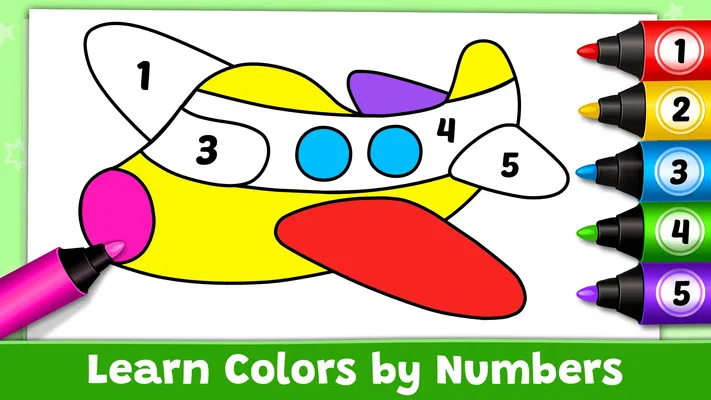
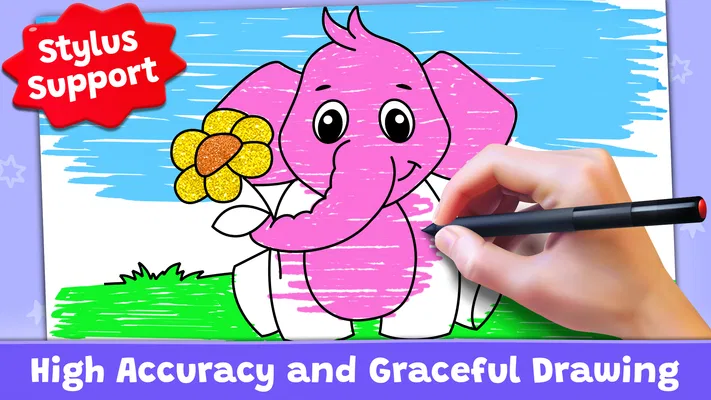
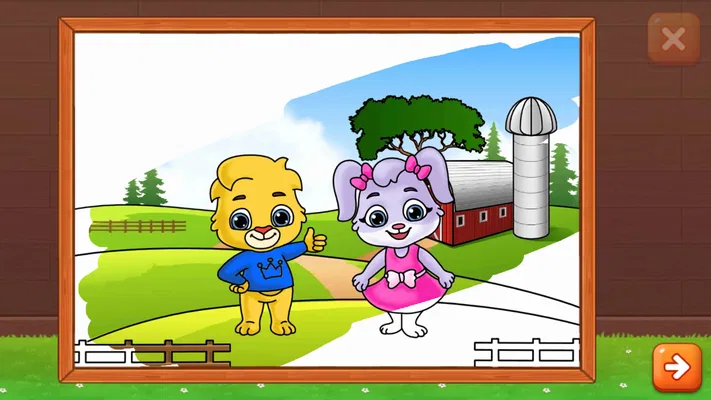
 Analysis byAppsAward
Our review of Coloring Games: Color & Paint
Coloring is one of those simple activities that can turn a quiet moment into something creative, especially for children who are still learning to recognize colors and use a drawing tool. Coloring Games: Color & Paint brings that idea together in a kid-focused game built around coloring, painting, neon drawing, and educational activities. I find its appeal easy to understand: it gives young players a welcoming place to experiment, while parents can look to it for a light, hands-on activity rather than a complicated game to master.
Made by RV AppStudios, this free educational game is rated for everyone and has reached over 100 million installs. It has a 4.4 average from around 122,000 ratings, a strong sign that many players have found something enjoyable in its straightforward creative approach. Those figures are useful context, but the real question for a family is more practical: does the game make it easy for a child to start creating, and can the activity hold their attention without feeling like a lesson? Its mix of coloring and play gives it a solid starting point.
Getting started with coloring and painting
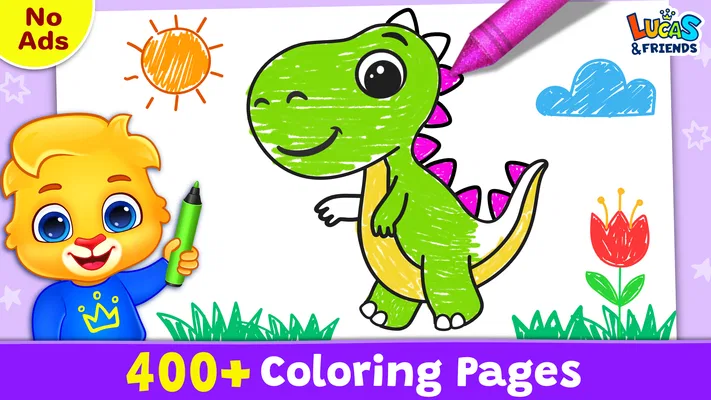
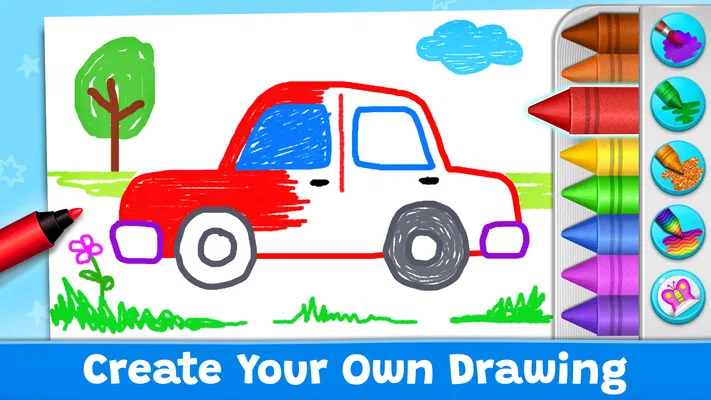
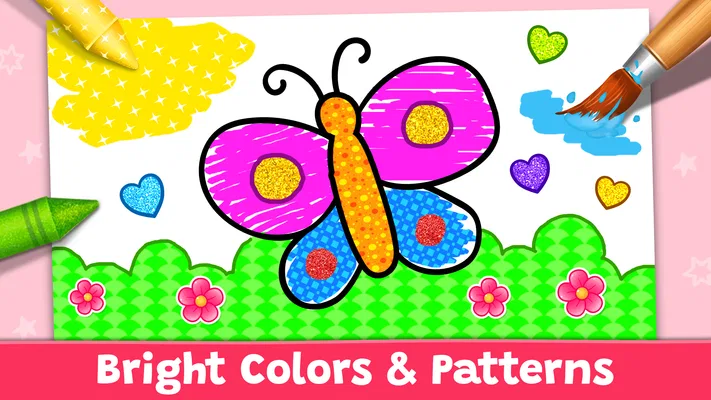
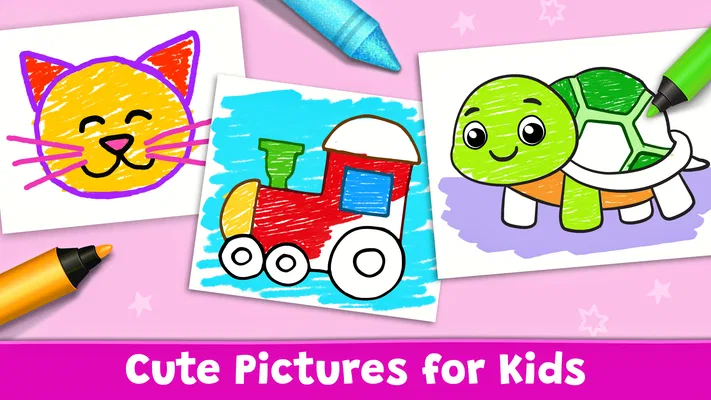
The basic rhythm is simple: open the game, choose a creative activity, and let the child explore. The store summary describes it as a coloring book for kids, with color learning, painting, neon drawing, and educational games. That combination gives the experience a broader feel than a digital page of outlines alone. Children can approach it as a chance to fill in a picture, try different colors, or make a drawing feel more playful through the neon-style option.
For a first session, I would keep the goal modest. Let the child pick an activity and spend time discovering what it offers before turning the experience into a guided exercise. That makes the game feel like play first, which matters when a young user is still getting comfortable with tapping, selecting colors, and making marks on a screen. A parent can join in by asking simple questions—what color should go here, or what might happen if the picture uses two colors—without making every choice feel like a test.
That balance is where Coloring Games: Color & Paint makes the most sense. The educational angle is present in the focus on learning colors and the inclusion of educational games, but the creative activities give children a reason to engage on their own terms. In my view, the strongest use is not to rush through activities or demand a polished result. It is to let a child try, change direction, and enjoy the process of making something visual.
A comfortable routine for young players
A repeatable routine can make the game easier to use without adding unnecessary rules. A child might start by choosing a coloring activity, spend a few minutes painting, then switch to neon drawing when they want a different kind of visual play. The point is not that every session needs to follow a fixed sequence; it is that familiar choices can help a young player settle in quickly and feel confident navigating the experience.
Adults can also keep the session age-appropriate by matching their involvement to the child. Some children will want to make their own decisions, while others may enjoy having a parent name colors or suggest a small theme. I would avoid taking over the screen to correct every choice. Creative play works better when the child feels ownership of the picture, even if the result is unexpected or a little messy.
Because the game is intended for children, the most useful measure of a session is not how many pictures get completed. It is whether the activity feels approachable and whether the child remains interested. A short, cheerful stretch of play can be worthwhile on its own. When attention wanders, taking a break is a sensible part of the routine rather than a sign that the game has failed.
Settings and choices worth checking
Before handing a device to a child, I recommend taking a moment to look through the options available in the game and the device itself. This is a general habit for family apps, not a claim about a particular hidden control. Check that the experience is comfortable for the child to use, that the volume suits the setting, and that the device is ready for a calm play session. A little preparation can prevent interruptions and make the first try feel smoother.
It can also help to decide how the game fits into the household routine. For example, a parent might choose to introduce it during a quiet activity period, sit nearby for the first session, and then let the child explore more independently once they understand the basic interaction. That approach keeps expectations clear without turning a simple coloring game into a chore. If a child is very young, staying close while they use a device is a sensible way to provide help when needed.
The game’s creative range gives families a few natural ways to vary a session: coloring, painting, neon drawing, or an educational activity. Rather than searching for a complicated setup, I would use those visible options as the main way to refresh play. A child who has spent time coloring might enjoy switching to drawing; another may prefer to repeat a familiar activity. Both are reasonable ways to use the game.
Faster patterns without rushing
Once a child knows the basic flow, familiarity can make each session feel more independent. Letting them return to an activity they recognize is often smoother than repeatedly explaining how to begin. Adults can encourage a small, repeatable pattern: choose an activity, make a few creative decisions, and pause to look at the result. This gives the child a sense of progress while leaving plenty of room for spontaneous choices.
For color learning, conversation can be more useful than constant instruction. Ask the child to name a color they have chosen, spot another color in the picture, or describe what they are making. These prompts fit naturally into the game’s stated focus on learning colors, but they do not require a parent to turn every interaction into a formal lesson. If the child would rather draw quietly, that is fine too; the game can still serve as creative screen time.
Shortcuts, in this context, are really habits that reduce friction. Keep the device ready, make sure the child can reach the activity they want, and let them repeat a familiar choice when they are in the mood for it. There is no need to invent a special technique or optimize every tap. With a young audience, a simple and comfortable routine is usually more valuable than speed.
It is also worth allowing room for experimentation. A picture does not need to use realistic colors to be enjoyable, and neon drawing can invite a different mood from ordinary coloring. If a child wants to revisit an activity or make unusual choices, that is part of the appeal. The game’s role is to provide a playful canvas and a few kinds of creative engagement, not to enforce one correct way to make art.
What experienced families can expect
Families who use children’s apps regularly may appreciate that the premise is immediately understandable. Coloring, painting, and drawing are familiar activities, so a child does not need a long explanation of the game’s central idea. That low barrier can make it handy for a quiet stretch at home or for a child who enjoys visual activities. Its educational framing adds another reason to try it, especially for families interested in gentle color practice.
At the same time, I would set expectations around what kind of experience it is. This is a kids’ coloring and creative game, not a deep art program or a structured course. The focus described for it is accessible play with learning elements, and that is the level at which it is easiest to appreciate. Parents looking for a highly detailed drawing workspace or a long progression of lessons should not assume that those are the game’s strengths.
The difference between a pleasant session and a frustrating one may come down to how much guidance the child needs. A confident player may be happy to explore without much help; a younger child might benefit from an adult nearby to explain choices and keep the activity moving. That is not a flaw so much as a reminder that children use creative apps at different stages. A parent’s presence can turn a few taps into a shared activity without taking control away from the child.
Limits and sensible expectations
The game’s straightforward premise is also its main boundary. Its appeal comes from approachable creative play, so it is best judged as a casual activity rather than a substitute for drawing materials, one-to-one teaching, or a broad art curriculum. The listed activities offer variety across coloring, painting, neon drawing, and educational play, but the overall experience remains centered on those child-friendly ideas.
Another practical limit is that screen-based creativity is still screen time. I would use the game as one option in a wider mix of activities, alongside drawing on paper, reading, or play away from the device. That keeps the app in perspective and gives a child different ways to make and learn. A brief session can be enjoyable without needing to occupy an entire afternoon.
It is also worth remembering that “educational” does not mean every child will respond to the same activity in the same way. Some may be drawn to painting, others to the novelty of neon drawing, and some may prefer the coloring-book approach. Giving the child room to choose helps reveal what they enjoy. If interest fades, switching activities or stopping for the day is a more natural response than insisting that they finish a picture.
With a free price and an everyone rating, the game is easy to consider as a family-friendly option, but its suitability still depends on the child and the household’s preferences. I would introduce it, observe how the child interacts with it, and decide whether it earns a place in the family’s routine. The large audience—over 100 million installs—shows that it has broad reach, while individual enjoyment will always depend on whether its simple creative style matches what a child likes.
Final thoughts on creative play
Overall, Coloring Games: Color & Paint is an approachable choice for children who enjoy making pictures on a screen. It combines coloring and painting with neon drawing and educational games, keeping the central idea clear while offering a few ways to change the mood of a session. I like that its appeal does not depend on a complicated premise: a child can explore color, make visual choices, and enjoy the act of creating.
The game is at its best when families treat it as relaxed, guided creative time. Check the device before play, let the child choose among the available activities, and use familiar routines when they help. A parent can add gentle color conversations, but there is no need to push for perfect pictures or turn every moment into instruction. That flexible approach gives children space to enjoy the game at their own pace.
For parents searching for a free coloring game for kids with a clear educational theme, this is a sensible option to explore. Its 4.4 average and around 122,000 ratings provide a useful snapshot of its popularity, while the actual deciding factor is whether your child enjoys the activities. My verdict is positive for families seeking simple digital coloring and creative play, with the best results coming from modest expectations, occasional adult support, and a healthy balance with offline activities.
Pros
- Simple controls make coloring easy for younger players.
- A broad range of pictures offers plenty of choices.
- Coloring can be enjoyed without artistic experience.
- The game encourages creativity through color selection.
- Short sessions suit quick breaks.
Cons
- Some coloring pages or features may require payment.
- Ads can interrupt the coloring experience.
- The game may feel repetitive after extended play.
- Small details can be tricky to color on a phone.
- A stable internet connection may be needed for some content.
Best Educational Game 2026
Our verdict
Coloring book for kids! Learn Color, paint, neon drawing with educational games.
Frequently Asked Questions
What can you do in Coloring Games: Color & Paint?
Coloring Games: Color & Paint is a digital coloring app where you choose an illustration and fill it in using on-screen tools. Depending on the available sections, you may find pictures for different interests, such as animals, flowers, or other familiar subjects. It is designed for casual, creative sessions rather than professional drawing, so the main activity is selecting colors and completing images at your own pace.
Is Coloring Games: Color & Paint suitable for children?
The app’s straightforward coloring format can appeal to children as well as adults who want a relaxing creative activity. However, suitability depends on the child’s age and the app’s current content, ads, and purchase options. An adult should review the store listing and in-app experience before handing over a device, and younger children may need help navigating menus or avoiding advertising and purchase prompts.
Does Coloring Games: Color & Paint work without an internet connection?
Some coloring apps let you work on illustrations that have already been downloaded, while other content or features may require an internet connection. Offline availability can also differ by app version and device, so it is best not to assume that every picture will be accessible without Wi-Fi or mobile data. Check the app’s description and test a saved or opened picture before relying on it offline.
Is Coloring Games: Color & Paint free to download and use?
The app may be available to download at no initial cost, but that does not necessarily mean that every feature or picture is free. Apps in this category can include advertisements, optional purchases, or content that becomes available through a subscription or other unlock. Review the current Google Play or App Store listing, along with any payment prompts in the app, to understand the costs before using it.
What should I check before downloading Coloring Games: Color & Paint?
Check that the listing is for the correct app and is compatible with your Android or iOS device. It is also worth reviewing the latest update date, user ratings, required permissions, privacy information, and whether the app contains ads or in-app purchases. These details can change over time, and checking them first helps you decide whether the available coloring activities and data practices fit your needs.

Download Coloring Games: Color & Paint
Similar games
View all 6.6
Toca Boca Jr: Fun Kids Games
Educational
 8.7
Toca Boca World
Educational
 8.7
Baby Games: Piano & Baby Phone
Educational
 8.6
PBS KIDS Games
Educational


