- Award score
- 4.3Rating
- 10,000,000+installs
- Free
App information
Screenshots
 Analysis byAppsAward
Our review of PBS KIDS Games
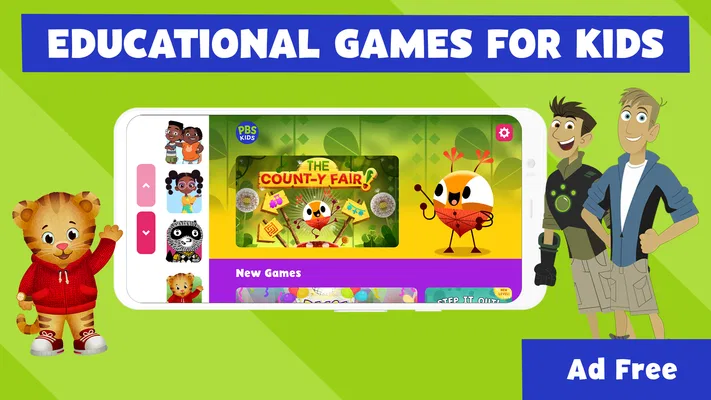
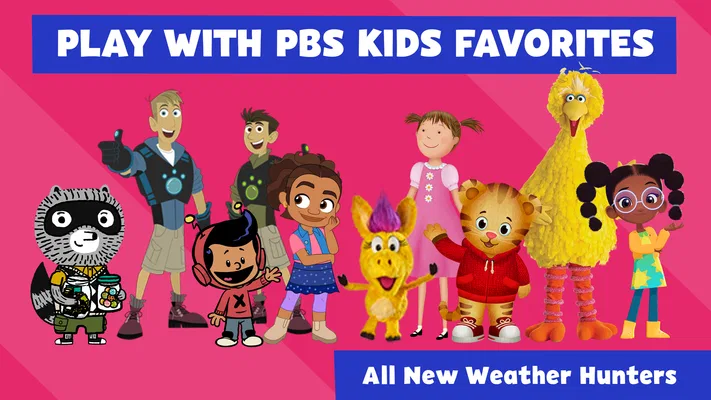
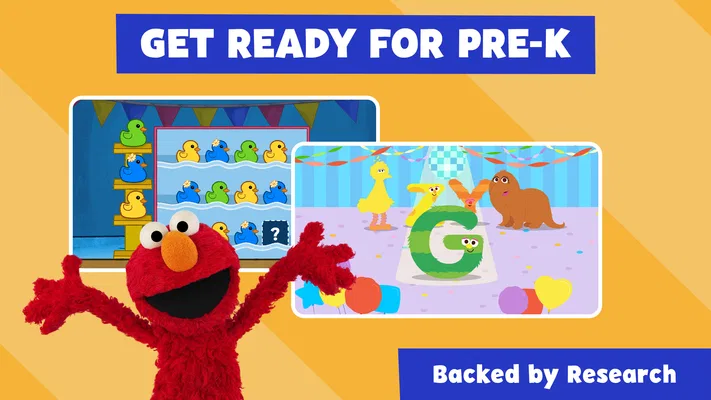
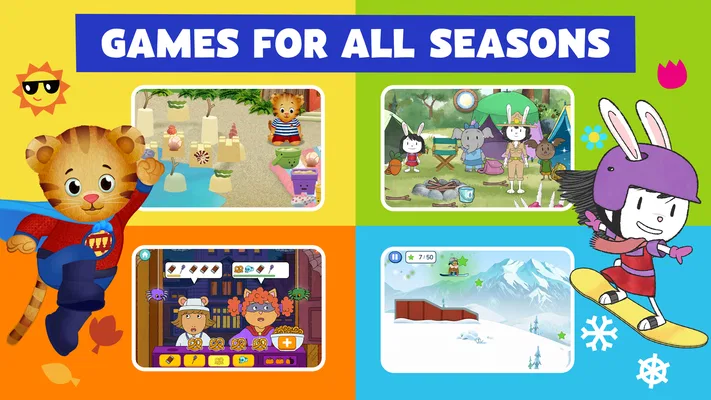
I would treat PBS KIDS Games as a small, flexible activity shelf rather than a single game with a long campaign. It brings together play built around familiar PBS KIDS characters, including Daniel Tiger and the Wild Kratts, with an educational aim. That makes it useful when a child wants something cheerful to explore and an adult would rather avoid handing over an app that is purely about passing time.
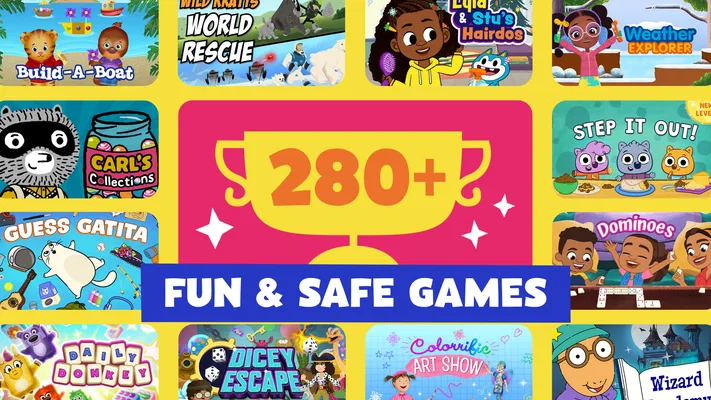
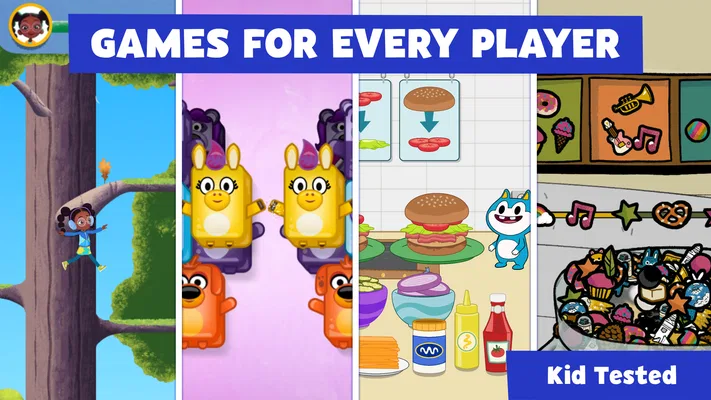
In my view, its biggest strength is the mix of recognizable characters and short, approachable activities. A child can choose a game that catches their attention instead of needing to follow one fixed story from start to finish. That freedom is helpful for different moods, though it also means the experience is less structured than a dedicated course or a game designed to teach one skill in depth.
What the current game offers
This is a free educational game from PBS KIDS, rated for Everyone. Its appeal is straightforward: children can play with characters they may already know while encountering learning-oriented activities. I would recommend it most readily to families seeking a low-pressure option for younger players, especially when the goal is a short, child-friendly break rather than a full lesson.
The app has a 4.3 average from around 55,000 ratings, and it has passed 10 million installs. Those figures suggest that many families have tried it, but they do not tell me whether every activity will suit a particular child. I would still judge it by the child’s interests, their reading and navigation comfort, and whether they enjoy switching among different kinds of play.
The character variety matters in practical use. If a child is especially drawn to Daniel Tiger or the Wild Kratts, those familiar faces can make the first step into an activity easier than an unfamiliar educational game might. At the same time, character recognition is not a substitute for a parent checking whether the activity itself holds the child’s attention. A favorite character may get them through the first minute; the gameplay has to do the rest.
I find the collection format more suited to brief visits than long, uninterrupted sessions. A child can pick something appealing, play for a while, and stop without needing to remember a complicated plot. That is a real advantage for a waiting room, a quiet moment at home, or a transition between activities. It is less compelling if you want a carefully sequenced program that builds one specific skill session by session.
How it fits into an ordinary day
Imagine a parent preparing dinner while a preschooler asks for something to do. I would choose one activity with the child, let them try it, then check back rather than assuming the app will occupy them indefinitely. The simple choice of a familiar character can reduce the time spent browsing, while a short play session keeps the game from becoming the default answer to every bored moment.
For a child who is not yet comfortable reading menus, the adult may need to help with the initial choice or explain what to tap. That small bit of involvement can be useful: instead of handing over a device and walking away, a parent can turn the selection into a quick conversation about the character or activity. Once the child recognizes how the app is arranged, they may need less help, but I would not assume every young player will navigate independently from the first use.
One practical tip is to make the choice before handing over the device. Ask whether the child wants a Daniel Tiger activity or something with the Wild Kratts, then open the game together. This keeps the start focused and avoids turning the home screen into a long browsing session. It also gives an adult a natural chance to see whether the selected activity is a good fit that day.
Where it stands beside other children’s apps
Compared with a single-purpose learning app, PBS KIDS Games offers a broader character-led menu rather than one clearly defined learning path. That variety can be a better match for a child whose interests change from day to day. A focused app may be preferable, however, when a parent wants consistent practice in a particular area or a more deliberate progression.
Compared with open-ended entertainment games, its educational identity gives adults a more reassuring starting point. I would still avoid treating the label as proof that every minute produces measurable learning. The more realistic benefit is that play is presented in a child-oriented, learning-friendly context, while the child remains engaged by characters and activities. If your priority is a specific curriculum, a parent-guided resource or a specialist learning app may serve that purpose more directly.
It also differs from putting on a show. A game asks the child to participate, which can make it feel more active than passive viewing, but that does not mean it is automatically the better choice in every situation. If a child is tired, overwhelmed, or looking for a calm story, a book or a familiar episode may be a better fit than interactive play. I see this as one useful option in a family’s mix, not a replacement for offline activities or shared reading.
What the release history tells me
The game was released on April 27, 2016, and its current version is 6.14.0. That history establishes that this is a long-running app with a current version number, but I would not infer a particular feature or redesign from the version alone. The sensible takeaway is simply that the product has continued to receive versioned releases since its original launch.
For existing users, that is a reason to check that the app is up to date if something behaves unexpectedly or if a device has been running an older installation. I would not promise that an update will solve every issue, or that it will change the activities a child already likes. Updates can be worth installing for general compatibility, but families should assess the experience they actually see on their own device.
The minimum operating system is 7.0, so the stated platform requirement is broad enough to include older compatible devices. That may matter if a family is setting aside a hand-me-down phone or tablet for a child. Before relying on it for a trip or a planned quiet-time routine, I would install it and test the basic experience on that device; compatibility on paper does not guarantee that an older device will feel quick or comfortable to use.
The app’s sustained presence also gives parents a useful distinction to keep in mind: a long-running title is not necessarily a static one, but the version number by itself does not explain what has changed. I would look at the current experience rather than assuming a feature from an older memory is still presented in the same way. For a returning family, a quick supervised session is the clearest way to see whether the app still suits the child.
Limitations worth considering
The collection approach can make choosing harder for a child who becomes distracted by menus or wants an adult to pick every activity. In that case, I would narrow the choice before opening the app, or use a more focused game with a single obvious starting point. Variety is a strength when a child likes exploring; it is friction when too many choices lead to indecision.
Another limitation is that educational play is not the same thing as guided instruction. A parent hoping to track progress or follow a structured sequence may find this a less suitable tool than a dedicated learning program. I would use it for playful engagement and conversation, not as a substitute for a teacher, a workbook, or support tailored to a child’s particular learning needs.
Adults should also think about how device time fits into the day. Even a child-friendly game can become difficult to stop if it is introduced without a clear boundary. I recommend setting a simple endpoint before play begins, such as finishing the chosen activity or stopping when dinner is ready. That makes the app easier to use as a brief activity instead of letting a casual session stretch by default.
While the age rating is Everyone, children still differ in patience, motor control, and comfort with on-screen choices. A younger child may need help understanding what to do, while an older child who wants complex challenges may outgrow the style of play. I would treat the rating as a broad suitability signal, not a guarantee that the content or difficulty will be ideal for every child in that age group.
Who I would recommend it to
I would suggest trying it if your child already likes PBS KIDS characters, enjoys sampling different activities, and benefits from a parent helping them get started. The fact that it is free makes it easy to test without committing to a purchase, and the educational focus gives it a clear place among children’s entertainment options. I would especially consider it for short periods when a child wants to play independently but still needs a familiar, age-conscious setting.
I would be less likely to recommend it as the main choice for a child who needs a tightly structured learning plan, a quiet non-screen activity, or a game with increasingly complex challenges. In those cases, choose the tool for the actual goal: a focused learning resource for targeted practice, a book for a calmer shared activity, or a more demanding game for an older child seeking depth.
My overall view is positive but measured. PBS KIDS Games works best as an approachable collection of character-based activities that can fill a short gap in the day and give children a reason to engage rather than simply watch. I would start with one familiar character, explore alongside the child, and keep the session purposeful. If the activities hold their interest and fit your family’s screen-time habits, it is a useful free option; if you need a structured curriculum or deeper gameplay, another choice will be a better match.
What I would watch over time
For families already using it, the most useful thing to watch is not a version number but the child’s response: whether they can choose an activity without frustration, whether they stay engaged, and whether the app remains a good fit as their interests change. If a familiar activity stops holding attention, a different character-led option may help; if switching choices becomes the main event, simplifying the selection is likely more useful than encouraging a longer session.
I would also keep expectations grounded when the app changes. A newer release can indicate ongoing maintenance, but I would wait to judge any particular change by trying it rather than assuming it adds a feature a family wants. The best test is still practical: open it together, see how easily the child gets into an activity, and decide whether it earns a place in your everyday routine.
Pros
- Offers games inspired by familiar PBS KIDS shows.
- Designed for young children with simple touch controls.
- Includes activities across subjects such as math and literacy.
- Many games can be played without an account.
- Free to download and play.
Cons
- Some games require an internet connection to load.
- The app may use significant storage as content is added.
- Not every activity is available in every region.
- Parents may need to guide younger children through menus.
- Game selection can vary with updates and device compatibility.
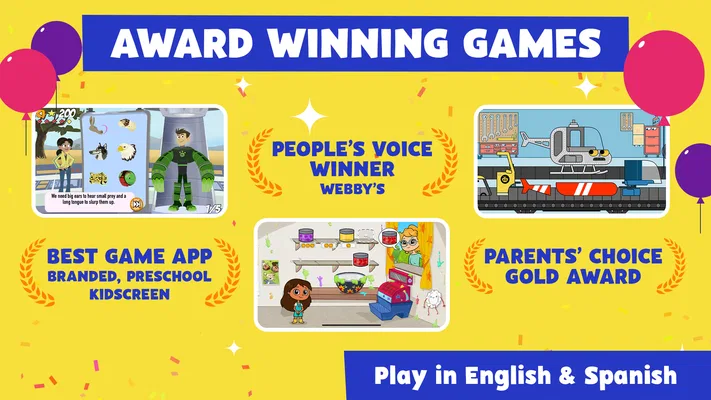
Best Educational Game 2026
Our verdict
Play & learn with Daniel Tiger, Wild Kratts & more. Enjoy safe, educational fun.
Frequently Asked Questions
What is PBS KIDS Games, and what can children do in the app?
PBS KIDS Games is a collection of child-friendly games featuring characters from PBS KIDS shows. Children can explore activities that may introduce or reinforce skills such as reading, counting, problem-solving, creativity, and science, depending on the game. The app is designed for young players, but individual activities vary in subject and difficulty, so parents may want to explore the selection and choose games that suit their child’s age and interests.
Is PBS KIDS Games free to download and play?
PBS KIDS Games is generally offered as a free app, and its games are intended to be available without a paid subscription. Availability and features can differ by device, region, or app version, so check the current listing in the Google Play Store or Apple App Store before downloading. As with any app, review the store page for details about optional purchases, permissions, and other current terms.
Can children play PBS KIDS Games without an internet connection?
Some games or content may be available offline after they have been downloaded, while other parts of the app may need an internet connection to load or update. Offline access can depend on the specific game, device, and app version. If you plan to use the app during travel or away from Wi-Fi, open it beforehand while connected and check which activities remain playable without a connection.
Is PBS KIDS Games safe and suitable for young children?
PBS KIDS Games is designed for children and uses familiar characters and age-appropriate activities, but suitability still depends on each child’s age, reading ability, and individual needs. Parents should review the app’s current privacy information, permissions, and store listing, since policies and features can change. It is also sensible to explore the games together at first and use device-level parental controls where appropriate.
Which devices support PBS KIDS Games, and how can I fix common download or performance problems?
PBS KIDS Games is available for supported Android and iOS devices, but exact compatibility depends on the device model, operating system, and current app requirements shown in the relevant store. If installation fails or a game runs poorly, check available storage, update the operating system and app, and restart the device. A stable internet connection may also help with downloads or content that needs to load online.

Download PBS KIDS Games
Similar games
View all 8.8
Coloring Games: Color & Paint
Educational
 6.6
Toca Boca Jr: Fun Kids Games
Educational
 8.7
Toca Boca World
Educational
 8.7
Baby Games: Piano & Baby Phone
Educational


