- Award score
- 4.5Rating
- 10,000,000+installs
- Free
App information
Screenshots
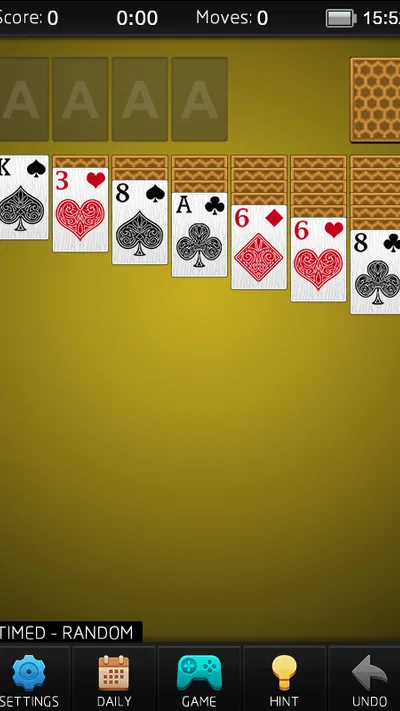
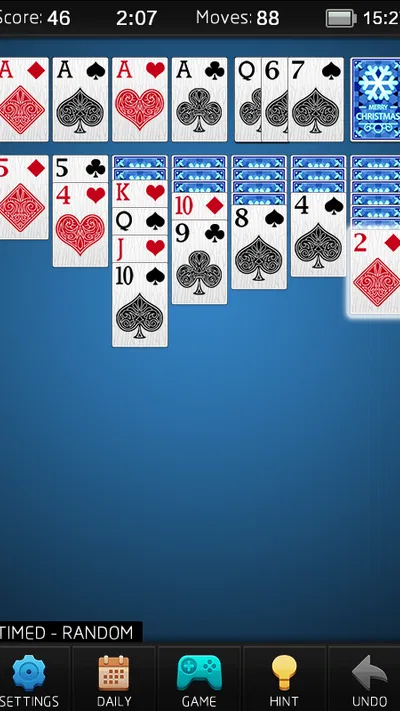
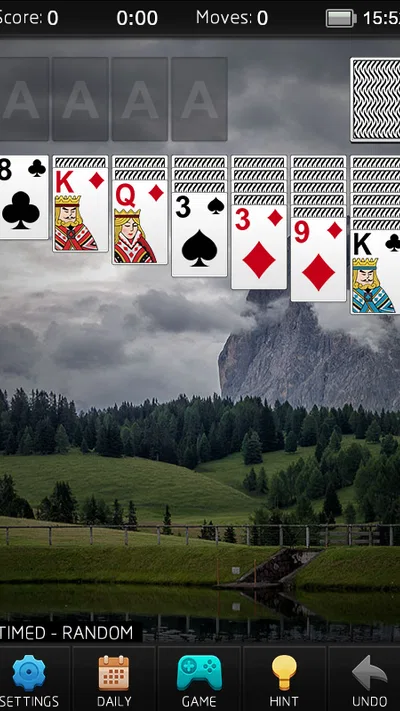
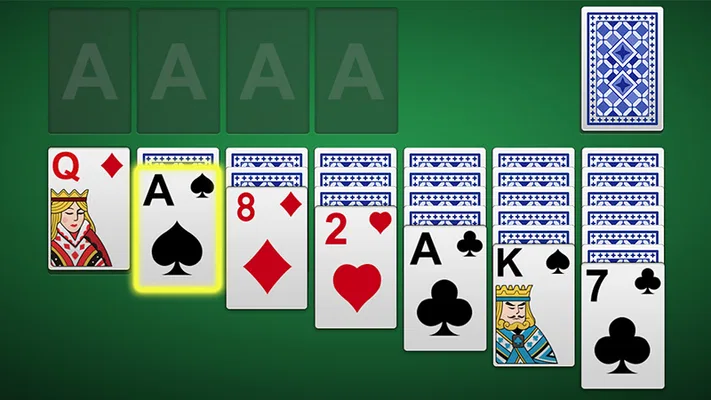
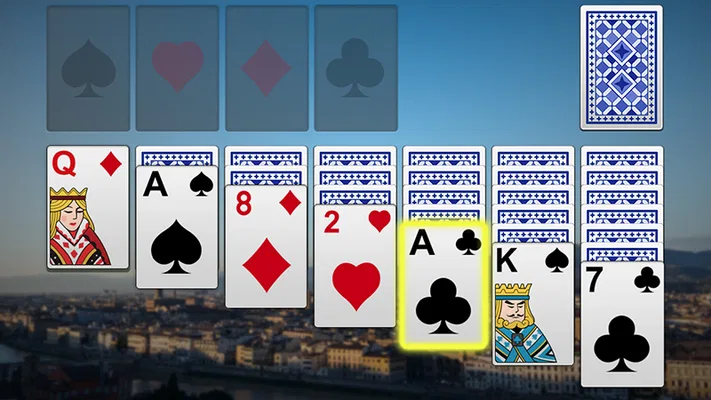
 Analysis byAppsAward
Our review of Solitaire
I like Solitaire best when it gives me a quiet puzzle without asking me to learn a new system, and Mouse Games’ version understands that appeal. It is a straightforward card game for filling a short break: familiar enough to begin immediately, but still dependent on the small decisions that make a deal satisfying. My overall view is positive, with one important qualification: this is a focused take on classic solitaire, not a deep card-game collection or a source of novelty.
A familiar game with a clear purpose
Solitaire is a free card game from Mouse Games, released in 2017. Its broad appeal is reflected in an average rating of 4.5 from around 233,000 ratings, and it has passed 10 million installs. Those figures suggest that many people want exactly what it offers: an accessible way to play a familiar solo card game on Android, rather than an elaborate game that demands a long session.
That focus is its strongest quality. The basic rhythm of solitaire is easy to understand: scan the tableau, uncover what you can, and decide which move is most useful now rather than merely available. I can pick it up for a brief pause, make a few considered moves, and put it down without needing to remember a story, manage a team, or study a complicated interface.
The game is listed as suitable for Everyone, and that fits the approachable nature of the card format. It is also a sensible option for someone who wants a familiar pastime on a phone rather than a competitive card game. Mouse Games has kept the premise recognizable, which lowers the barrier for a first-time player while giving experienced solitaire fans a comfortable routine.
Why the simple format works
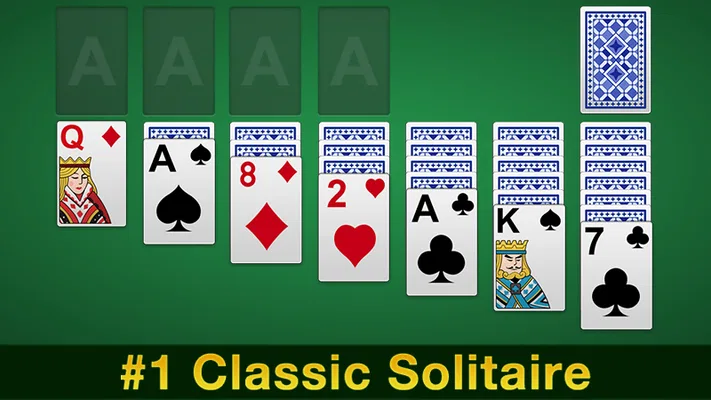
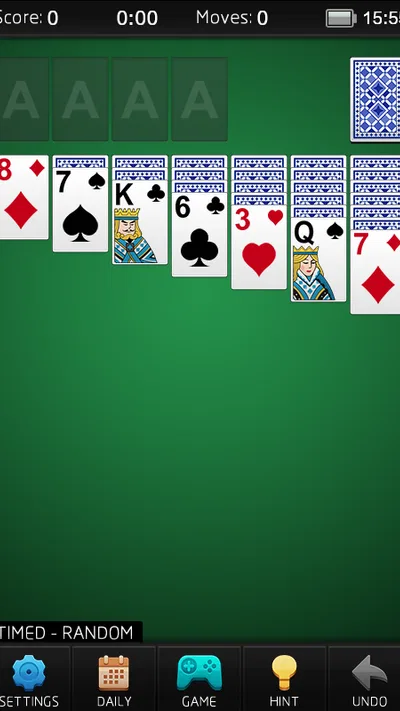
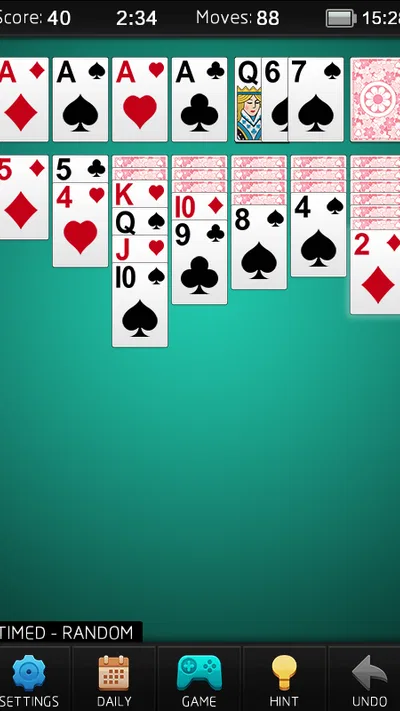
Solitaire’s appeal comes less from spectacle than from the decisions between moves. When several cards are playable, the useful question is not simply “Can I move this?” but “Will moving it reveal something, preserve a choice, or block a better sequence?” Thinking that way makes even a short session feel more engaging than tapping every available card in turn.
One practical habit is to pause before moving a card to a foundation. Advancing a card can be the right move, but a card of the same rank may still be useful in the tableau, where it could help uncover or organize a column. I find that checking the visible columns first often prevents an impulsive move that narrows my options. It is a small strategic detail, but it is the difference between playing deliberately and treating each deal as a sequence of automatic taps.
Another useful approach is to treat empty columns as valuable space, not just as a sign of progress. Clearing a column can open up room to rearrange cards, but the space is most helpful when I already have a suitable card ready to move there. If I clear one without a plan, I may gain little beyond the satisfaction of seeing an empty spot. This kind of forward thinking gives the familiar game enough texture to reward attention without turning it into homework.
That makes it a good fit for small, irregular pockets of time: waiting for a call, taking a break between tasks, or winding down before putting a phone aside. I do not need to arrange a group or set aside a full evening. I can focus on one layout, consider the choices in front of me, and let the session end naturally when I am ready to move on.
Where the experience can feel limited
The same simplicity that makes this game easy to return to also sets a ceiling on its appeal. If I want several distinct card games, a strong sense of progression, or a social challenge, a dedicated solitaire game is unlikely to satisfy me for long. This is best approached as a familiar pastime, not as a large entertainment package. Players who tire quickly of repeating a core routine may find that the format itself, rather than any single deal, becomes the limitation.
Solitaire also involves uncertainty. A careful choice can improve a position, but it cannot make every deal feel equally open or rewarding. Sometimes the visible cards leave few appealing options, and a session can turn into a search for a move rather than a satisfying chain of decisions. I would not judge the whole game by a single frustrating layout; instead, I would take a break and return when I actually want another puzzle.
There is a related trade-off for players who rely on a particular house rule or a highly customized solitaire setup. A version built around the standard experience may not match every preferred variation. If the exact draw rules, scoring approach, or visual controls matter more to you than having a quick, familiar card game, it is worth comparing alternatives before settling on this one. That is not a criticism of the core idea; it is a reminder that “solitaire” can mean different things to different players.
The game is currently at version 5.9, and its minimum Android requirement is 4.0, so it is positioned for broad device compatibility. Still, a compatible operating system alone does not guarantee that every phone will feel equally comfortable to use. For a card game, readability and touch accuracy matter: if cards look cramped on your screen or taps feel awkward, the strategic part becomes less enjoyable. I would try a short session on the device I plan to use and judge the layout by whether I can scan the tableau without strain.
How I would choose it over other card games
Compared with a multiplayer card game, this is the calmer choice. I can play at my own pace and do not need to coordinate with other people or keep up with a live match. Compared with a broad card-game collection, it offers a narrower reason to install: I want solitaire specifically. That distinction is useful before downloading. If a quick solo puzzle is the goal, the focused format is a strength; if variety is the goal, a collection is probably a better match.
It also differs from a more elaborate puzzle game. There is no need to learn a fresh set of mechanics before the first round; the challenge comes from interpreting the cards already in view. Experienced players can use it as a low-friction way to practice thinking several moves ahead, while newcomers can learn by concentrating on one decision at a time. I would not expect it to replace a demanding strategy game, but it works well when I want a lighter mental exercise.
Because it is free, the initial decision is easy for someone curious about a basic solitaire app. The practical question is less about commitment and more about fit: do you enjoy repeating the central card puzzle, and does the on-screen presentation feel comfortable on your phone? A free game can still be the wrong choice if you mainly want multiplayer interaction, a wider selection of games, or a more substantial sense of long-term progression.
Who will get the most from it
I would recommend Solitaire to someone who already enjoys patient, turn-based card play and wants a straightforward Android option for brief sessions. It is especially suitable for a person who prefers making their own moves without pressure from opponents. Newcomers can also start here because the underlying game is recognizable, though I would encourage them to make deliberate moves rather than rush through every available action.
For a realistic everyday use, imagine having a few quiet minutes before an appointment. I would open a deal, inspect the columns, and make one move that reveals a card rather than moving whatever happens to be playable. If the board starts to feel stuck, I would stop rather than turn the break into a chore. That small routine makes the game useful as a compact pastime, not an obligation to finish every session.
I would steer away from it if I were looking for a social game, fresh rules each time, or a particularly rich progression system. I would also choose another option if a preferred solitaire variation is essential. Those players are not missing the point; they simply want a different kind of card experience. Mouse Games’ version is at its best when the familiar puzzle itself is enough.
A measured recommendation
My verdict is that Solitaire succeeds by keeping its promise modest and its central activity easy to return to. It gives me a familiar card puzzle suited to a short pause, and its scale is reflected in its reach: it has about 44,000 written reviews alongside its large audience. That popularity is reassuring, but the stronger reason to try it is more personal: the basic game works when I want to think quietly for a few minutes.
I recommend it to casual players, longtime solitaire fans, and anyone looking for a simple solo card game on Android. I would not present it as the best choice for every card-game fan, because its narrow focus is both its main advantage and its clearest limitation. If you want a calm, familiar challenge and are comfortable with repetition, it is worth trying. If you want variety, competition, or a more involved game loop, another card app will serve you better.
Pros
- Simple rules make it easy for new players to get started.
- Short rounds fit well into quick breaks.
- Undo options let players recover from mistakes.
- Hints help when you are unsure of your next move.
- Classic card gameplay works well without a steep learning curve.
Cons
- Random deals can feel unfair when no solution is available.
- Repeated games may become predictable over time.
- Hints can reduce the challenge for experienced players.
- Small cards may be difficult to read on compact screens.
- Some versions include ads that interrupt play.
Best Card Game 2026
Our verdict
Play the #1 Free Solitaire (a.k.a Patience) card game on Android!
Frequently Asked Questions
What is Solitaire, and what do you do in the game?
Solitaire usually refers to Klondike, a single-player card game in which you arrange cards into four foundation piles, one for each suit, from ace through king. You move cards between seven tableau columns, build descending sequences in alternating colors, and draw from a stock pile when you need more options. Rules and controls can vary slightly between Solitaire apps, so check the selected game mode before starting.
Is Solitaire free to download and play?
Many Solitaire apps are free to download and let you play standard games without paying, but the exact offer depends on the app. Free versions may include advertisements, optional purchases, or paid subscriptions for extra themes, statistics, hints, or an ad-free experience. Review the store listing and in-app purchase details before downloading, especially if you want to know whether a particular feature requires payment.
Can I play Solitaire offline?
Classic Solitaire is generally suitable for offline play because its basic card game does not require an internet connection. However, some app features—such as daily challenges, leaderboards, cloud saves, or rewarded ads—may need connectivity and may not be available without it. Offline support differs between apps, so check the app description and test the features you care about before relying on them while traveling.
Does Solitaire offer different game modes or difficulty settings?
Many Solitaire apps include more than one way to play, such as draw-one and draw-three Klondike, timed rounds, daily challenges, or other card-game variations. Some also provide hints, undo buttons, scoring options, and adjustable settings that can make a game more relaxed or demanding. The selection is app-specific, so look at the listed modes and settings if you have a preferred version or want more variety.
What permissions or personal information might a Solitaire app require?
A basic Solitaire game should not need access to features such as your contacts, camera, or microphone to deal cards and play. An app may request an internet connection for ads, analytics, online challenges, or account syncing, and optional sign-in may be used to save progress. Before installing, review the store’s privacy information and the permissions requested by the app, and avoid granting access that does not appear necessary for its features.




