
- Award score
- 4.8Rating
- 1,000,000+installs
- Free
App information
- Version
- 1.16.00
- Updated
- Requires
- 7.1
- Price
- Free, in-app purchases
- Developer
- Tripledot Studios Limited
- Content rating
- Everyone
Screenshots
 Analysis byAppsAward
Our review of Spades - Classic Cards
I like card games that are easy to pick up but still leave room for thoughtful decisions, and Spades has a lot of that familiar appeal. Spades - Classic Cards brings the traditional trick-taking game to mobile, with a straightforward focus on playing, reading the table, and trying to outsmart your opponents. It is free to download, rated for Everyone, and made by Tripledot Studios Limited.
Classic Spades, built around the card play
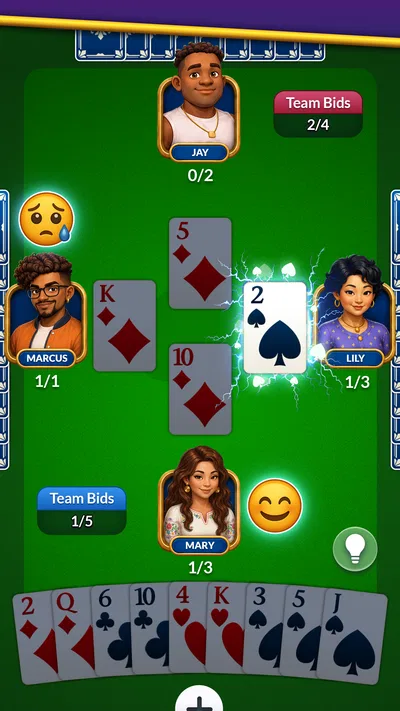
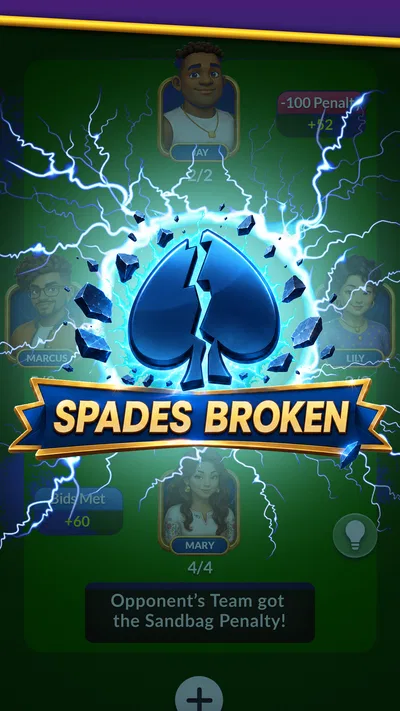
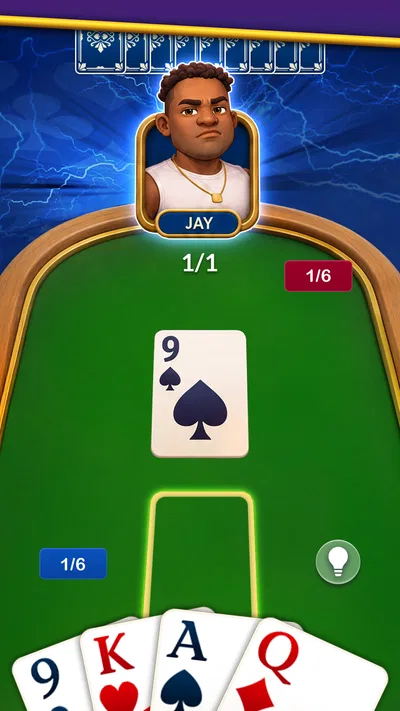
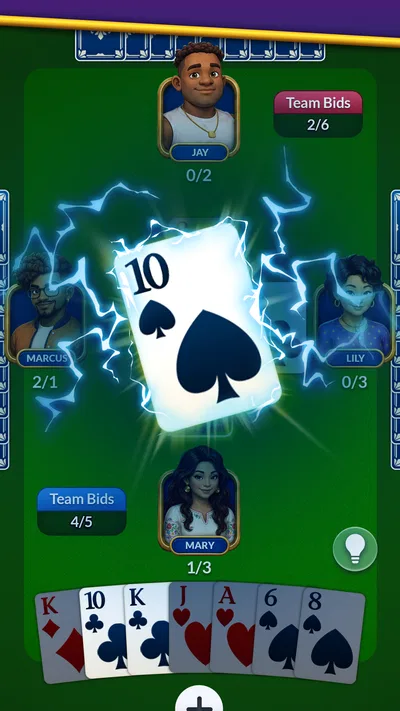
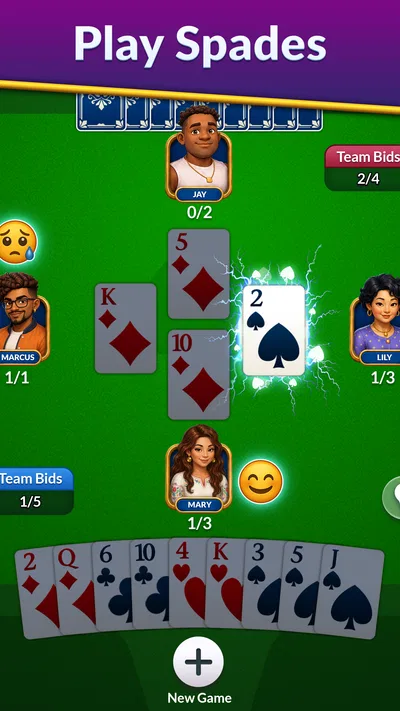
The central attraction is the game itself: Spades is a classic card game where each hand invites you to think ahead, judge what other players may hold, and decide how confidently to approach the round. That makes this a natural fit for short sessions as well as a longer stretch of play. I can see the appeal for both longtime fans and newcomers who want a mobile way to get familiar with the game.
The store description promises the chance to play and master classic Spades while outsmarting opponents. That captures the basic draw well. The fun comes from paying attention, making sensible choices, and adapting as a hand develops. It is not a premise that needs a complicated setup to be enjoyable; the card table is the point.
As a card game for mobile, it has an instantly recognizable identity. You do not need to learn a sprawling world or follow a story before getting to the main activity. If you already know Spades, the rules and rhythms are the reason to try it. If you are new, the classic format offers a clear starting point, though learning to make consistently good decisions naturally takes practice.
What the pace feels like
Spades is naturally suited to a measured pace. A good turn is not only about tapping a card; it is also about considering the cards already played and what your choice might mean later in the hand. I appreciate that kind of mental pause in a casual game. It gives each round a little tension without asking me to react at arcade speed.
That also means expectations should be realistic: this is a card-table experience, not a reflex challenge. The pace depends on the flow of a round and the decisions being made. Players looking for something they can dip into between other activities may enjoy that relaxed structure, while anyone seeking constant action may find the deliberate rhythm less exciting.
For a classic Spades game, clarity matters more than spectacle. The basic appeal is easy to explain, and the challenge builds from judgment rather than from an elaborate collection of mechanics. I find that a welcome quality when I want to play a familiar game without committing to a complicated mobile experience.
When a session gets longer
The game’s simple central idea can make it easy to keep playing. One hand leads naturally into another, especially when I am focused on improving my decisions or seeing how a different approach works. That repeatable structure is part of the charm of traditional card games: the rules remain familiar, but the choices in each hand keep things from feeling identical.
Longer sessions also put more emphasis on consistency. A single clever play can be satisfying, but the broader enjoyment comes from staying attentive through a run of hands and adjusting when circumstances change. I would treat Spades as a good option for a calm break or a longer card-game session, rather than assuming that every round will deliver a dramatic twist.
In performance terms, there is no reason to mistake the game’s straightforward card focus for a guarantee about how it behaves on every device or during every session. The available details establish what the game is, not a specific frame rate, load time, battery impact, or memory footprint. My practical expectation for a familiar card game is that its uncomplicated premise should feel approachable, while actual responsiveness can vary with the phone or tablet being used.
Reliability and everyday use
A card game works best when I can settle into a hand and concentrate on the choices in front of me. Spades’ familiar format lends itself to that kind of focused play. Its appeal is not dependent on a complicated presentation; it comes from the classic game and the chance to test my judgment against opponents.
The title has an average rating of 4.8 from around 53,000 ratings, with about 3,800 written reviews. Those figures suggest that many players have taken an interest in it, though ratings alone cannot tell me how it will perform on a particular device or whether its style will suit every player. I would still judge the experience by whether the card play and overall pace match what I want from a Spades app.
If an interruption happens, the sensible approach is to return to the game and see how the current session resumes. Recovery behavior can depend on circumstances, so I would not assume that every interrupted hand is handled identically. For a casual card game, the most useful expectation is to play when you have a moment to focus, particularly if you care about following a hand from start to finish.
That qualification does not take away from the appeal. Spades is a good match for people who enjoy familiar rules and thoughtful decisions more than flashy action. I would simply avoid treating any mobile game as immune to interruptions or device-specific quirks. Keeping the app up to date and using a device that meets its operating-system requirement are sensible steps for a smoother everyday experience.
Device fit and value
The game is listed for devices running Android 7.1 or later. That gives prospective players a useful compatibility baseline, but it does not promise identical performance across every supported phone or tablet. Older hardware, limited free storage, background activity, and other apps can all influence how a mobile game feels in practice, so I would leave room for differences between devices rather than expect one universal result.
Spades is free to download, with optional in-app purchases priced from $0.99 to $99.99 per item. That range is worth knowing before you start, especially if you prefer to keep mobile spending under control. You can approach the game as a free download and make your own decisions about any optional purchases; the listed price range does not mean that spending is required to enjoy the basic idea of playing cards.
Its content rating is Everyone, which makes the game broadly accessible from an age-rating perspective. The release date is August 23, 2024, and the current version is 1.16.00. It has reached more than one million installs, giving it a substantial audience for a dedicated classic-card experience.
Who is likely to enjoy it?
I would point Spades toward players who already enjoy trick-taking card games, people looking to revisit a familiar pastime, and anyone who likes a game where patience and observation matter. It is also a reasonable starting point for someone curious about Spades who wants a mobile version of the classic experience. The central appeal is easy to understand: play the cards, read the situation, and try to make better decisions as the hand unfolds.
On the other hand, the game may not be the right fit if you want fast action, a story-led adventure, or a broad collection of unrelated activities. Its identity is deliberately centered on Spades. That focus is a strength for fans of the game, but it means the experience is best judged as a card-game destination rather than as an all-purpose entertainment app.
The developer, Tripledot Studios Limited, has built the product around a well-known card-game concept. The store summary describes it as a way to play and master classic Spades, which is exactly the kind of clear pitch I prefer for a game like this. I know what kind of session I am choosing: one based on cards, attention, and trying to outthink the opposition.
My performance verdict
Spades - Classic Cards makes the most sense as a relaxed, repeatable card game. Its familiar format suggests a moderate pace, and its straightforward focus is a good match for players who want the cards themselves to provide the challenge. I would expect the experience to feel most satisfying when I have enough time to follow a hand and think through my decisions, rather than when I am looking for a quick burst of action.
On speed and stability, I would keep expectations sensible. No universal claim about loading, smoothness, resource use, or recovery is justified for every device, but the classic card-game premise is uncomplicated and easy to understand. The listed Android requirement provides a basic compatibility guide, while the actual feel will depend on the device and its condition.
Overall, I see Spades - Classic Cards as a worthwhile free option for anyone who enjoys the traditional game and wants a mobile place to play it. Its strong rating and broad install base point to plenty of interest, while optional purchases are something to keep in mind if you are careful about spending. If thoughtful card play sounds more appealing than flashy mechanics, this is a simple, familiar choice to consider.
Pros
- Supports solo play against computer opponents.
- Offers a familiar trick-taking card game experience.
- Rounds are quick and easy to start.
- Works well for casual play in short sessions.
- Spades rules are straightforward for experienced card players.
Cons
- Computer opponents may feel predictable over time.
- New players may need time to learn bidding strategy.
- Luck in the deal can strongly affect each round.
- The classic format may feel repetitive to some players.
- A small screen can make cards harder to read.
Best Card Game 2026
Our verdict
Play and Master the Fun Classic Card Game Spades. Outsmart Opponents & Enjoy
Frequently Asked Questions
What is Spades - Classic Cards?
Spades - Classic Cards is a digital version of the familiar trick-taking card game, where players bid on how many tricks they expect to win and then try to meet that bid. It is designed for people who want to play Spades on a phone or tablet rather than organize a physical game. The exact modes, rules, and features can vary by version, so check the app listing for details before downloading.
Can I play Spades - Classic Cards offline?
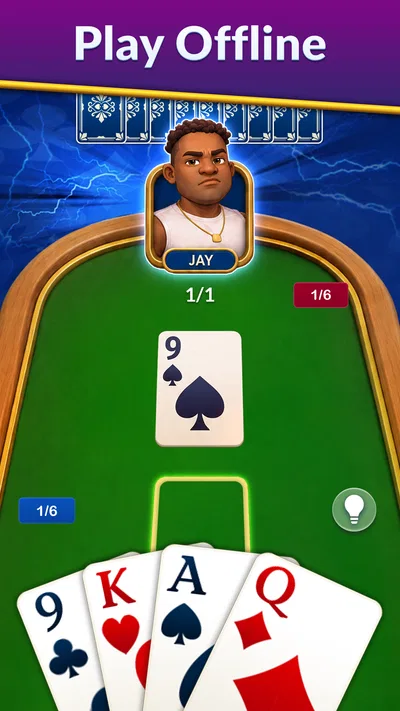
Offline play depends on the specific version of Spades - Classic Cards and the modes it includes. Some card-game apps let you play against computer-controlled opponents without an internet connection, while online matches, leaderboards, or other connected features generally require one. Review the store listing and the app’s settings to confirm what works offline, and consider testing the game before relying on it during travel or in areas with limited connectivity.
Does Spades - Classic Cards support multiplayer?
Spades is traditionally played with partners, and some digital versions offer online or local multiplayer alongside games against computer opponents. However, available options are not guaranteed to be the same across editions of Spades - Classic Cards. Before downloading, check whether the version supports playing with friends, matchmaking, or only solo play. If online multiplayer is available, an internet connection may be needed, and account or privacy requirements may apply.
Is Spades - Classic Cards free to download, and does it include ads or in-app purchases?
The price and monetization can depend on the version and the app store where it is offered. A game may be free to install but display advertisements, offer optional purchases, or provide paid features. Check the current store listing for the download price, in-app purchase information, and any ad disclosures before installing. These details can change over time, so do not assume that a free download means every feature is free.
What should I check before installing Spades - Classic Cards on my device?
Confirm that the app is available for your device and operating-system version, and review its store page for the developer, permissions, privacy information, and recent updates. It is also useful to check the listed game rules, difficulty settings, and supported play modes so they match what you want from a Spades game. Download from an official app store, and make sure your device has enough storage for the installation and updates.




