
- Award score
- 4.6Rating
- 50,000,000+installs
- Free
App information
- Version
- 1.7.5
- Updated
- Requires
- 7.0
- Price
- Free, in-app purchases
- Developer
- The Pokémon Company
- Content rating
- Everyone
Screenshots


 Analysis byAppsAward
Our review of Pokémon TCG Pocket - Card Game
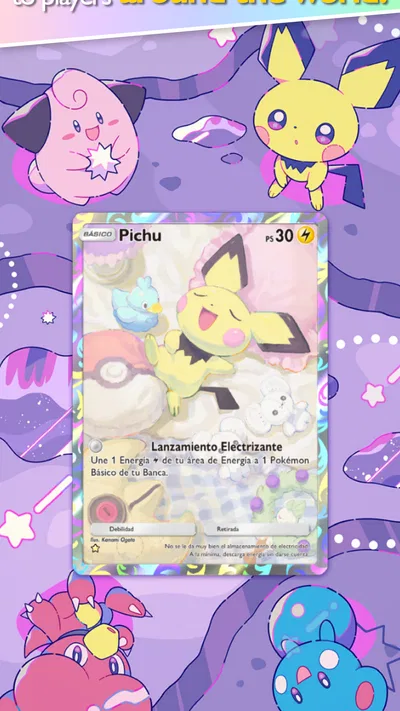
I like Pokémon TCG Pocket most when I treat it as a small daily card ritual rather than a replacement for every way of playing the Pokémon Trading Card Game. It is a free card game from The Pokémon Company, built around collecting digital cards and opening packs. The appeal is easy to understand: there is something satisfying about seeing a new card appear, but the experience also asks for patience when you are chasing particular cards or hoping to build a collection quickly.
That distinction matters before you install it. If you want a relaxed way to enjoy Pokémon cards in short sessions, it has a strong hook. If your priority is unrestricted collecting, a deep deck-building project, or physical cards you can handle and trade in person, this is a different kind of hobby. I would recommend it to a Pokémon fan who enjoys the surprise of opening packs, provided they are comfortable with a collection that grows over time.
What the daily routine feels like
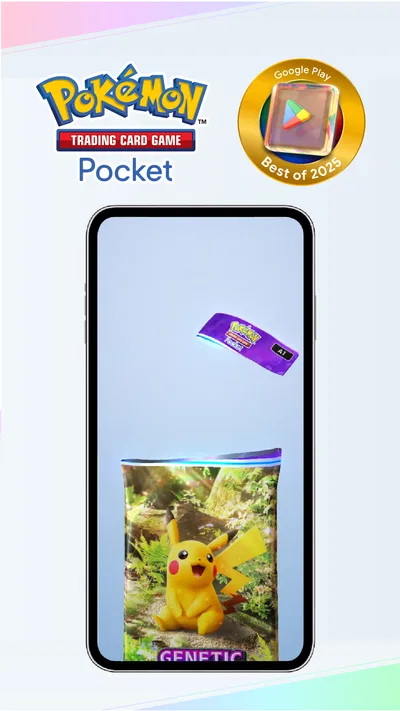
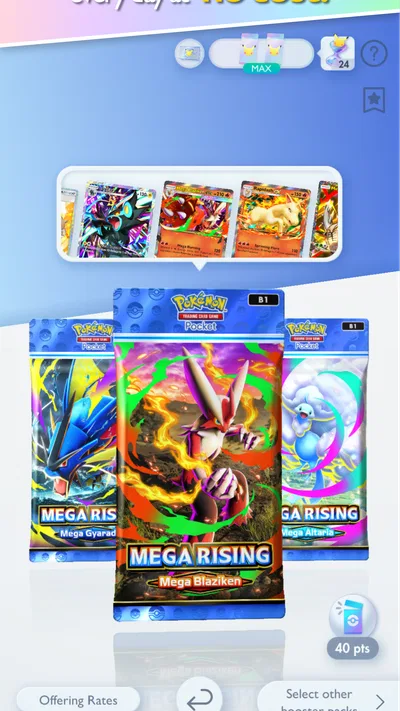
The central rhythm is simple: return to the game, open the packs available to you, and look through what you have collected. You can open two booster packs each day at no cost, which makes the game approachable even if you do not want to spend money. That free cadence is a meaningful part of its design, not a minor extra. It gives casual players a reason to check in without requiring a long session.
Articles related to Pokémon TCG Pocket - Card Game
In practice, I would make the pack-opening moment the start of a short routine rather than leave it until I have time for a full gaming session. A quick look at new cards can be enough for one visit. If a new pull makes you want to sort your collection or think about what to use next, you can stay longer; if not, the game still has a natural stopping point. That makes it easier to fit around a commute break or a quiet moment at home.
The trade-off is that the free routine is deliberately limited. Players who want to open more packs or complete a collection quickly may feel the pace more sharply than people who are happy to let it unfold. The game includes in-app purchases, with items priced from $0.99 to $99.99. I would decide on a spending limit before buying anything, especially if the appeal of a pack is strongest when you are one card away from a goal.
Why the collecting works—and where it can frustrate
Opening packs gives collecting a clear sense of anticipation. The cards are the focus, so even a brief session has a concrete payoff: you have seen what you received and can decide whether it changes what you want to collect. For longtime Pokémon fans, that can be enjoyable even when a pack does not contain a personal favorite. The pleasure is partly in the reveal, not just in reaching a checklist’s end.
That same uncertainty can be frustrating if you approach the game with a specific target in mind. A pack opening is not a reliable way to obtain one exact card on demand, so repeated sessions may not move your personal collection toward a particular goal as quickly as you hope. I find it helps to set a broader aim—such as enjoying a particular style of card or simply building a varied collection—rather than judging every visit by whether it delivered a single wanted card.
A useful habit is to pause after opening and ask what you actually want from the next session. If the answer is simply “see what turns up,” the free pace is a good fit. If you are repeatedly tempted to spend because a specific card has not appeared, that is a signal to step away rather than treat another purchase as a guaranteed solution. Pack-based collecting is most comfortable when surprise is part of the fun.
Where new players can get stuck
The first friction is expectation. The word “card game” can suggest a full, competitive tabletop-style experience, while the strongest everyday draw here is collecting and opening packs. I would not install it assuming that every session will be a long match or that the collection will fill rapidly. Going in for the digital card-collecting experience makes the game easier to judge on its own terms.
Another common stumbling point is not knowing what to do after a pack opening. Rather than keep tapping through screens without a goal, I would use a simple loop: check the new cards, take a moment to see whether they support a collection idea you already have, then stop if you have had your fill. That keeps a casual game from turning into aimless menu browsing, and it avoids confusing “more time spent” with “more progress” when the main activity is built around pack availability.
For a realistic everyday example, imagine opening the app during a lunch break. You can use that visit to open the packs available at no cost, look over the results, and close the game before the break ends. If you instead want to spend the whole break chasing a particular card, the limited and unpredictable nature of pack results may make that session feel disappointing. Matching the length of your visit to the game’s rhythm is a surprisingly useful way to avoid frustration.
Simple checks before blaming the game
If something seems stuck, I would start with ordinary checks rather than assume the collection or account has been lost. Make sure the app has finished loading, check that your device has a working internet connection, and then give it a moment before trying the action again. If the display appears frozen, closing and reopening the app is a sensible basic step. These checks do not solve every possible issue, but they can separate a temporary loading problem from a misunderstanding about how much activity is currently available.
It is also worth checking the app version when a problem persists. The current version is 1.7.5, and keeping the game up to date through the app store is a practical first step before looking for more complicated fixes. If the game behaves differently after an update, restarting it once can help establish whether the issue was simply a session that had not refreshed. I would avoid repeatedly tapping a purchase or pack action while the screen is unresponsive; wait for the app to settle first so you do not create extra confusion about what went through.
For device compatibility, the stated minimum operating system is Android 7.0. A device meeting that baseline is a sensible starting point, but it does not guarantee that every problem is caused by the game or that every device will feel equally smooth. If the app is unstable, first check that the phone has room to operate normally and that other apps are not overwhelming it. I would make one change at a time, then reopen the game, rather than changing several settings at once and losing track of what helped.
Recovering a session without making a small issue worse
When a pack or screen does not appear to update, I would use a patient recovery sequence: wait briefly, confirm the connection, leave and reopen the app, then check the collection again. The point is not to keep repeating the same tap. A short pause can clarify whether the game is still processing, while a fresh launch gives you a clean view of the current state. If you are concerned about a purchase, check the app store’s purchase history and follow its normal support process rather than trying to buy again immediately.
For an issue that continues, write down what you were doing just before it happened and whether it happens again after restarting. That small note is more useful than a vague report that the game “is broken,” and it helps you distinguish a one-off interruption from a repeatable problem. I would also make sure you are using the official app-store version, since installing a modified or unofficial copy can introduce problems that are not caused by the game itself.
One practical trade-off is that troubleshooting cannot make the collection pace faster. If the app is working normally but you are waiting for more free pack opportunities, reinstalling or repeatedly restarting will not turn that wait into extra collecting. It is better to treat technical recovery and game progression as separate questions: fix a genuine loading problem, but do not mistake the intended daily rhythm for a fault.
When the cause may be outside the app
A slow or interrupted session can come from a weak connection, device strain, or a temporary app-store or network issue. If other online apps are also struggling, I would test the connection before changing anything inside the game. If only this game is affected, restarting it and checking for an update are reasonable next steps. This is not a special Pokémon-only fix; it is a way to avoid unnecessary troubleshooting when the phone or connection is the real source of friction.
Storage and device age can also shape the experience. The minimum operating-system requirement gives you a compatibility floor, not a promise that every older phone will handle the game identically. Before reinstalling, consider whether the device has enough free space and whether you can access the account details needed to return to the game. Reinstallation is a bigger step than a restart, so I would save it for a persistent issue and make sure you understand how you will get back into your account first.
For purchase questions, separate a payment concern from a card-collection concern. If a charge looks unfamiliar or an item did not appear as expected, the app store is the right place to review the transaction and its support options. If the purchase appears correctly but the pack result is not what you hoped for, that is a collecting disappointment rather than a payment error. Keeping those cases distinct makes it easier to choose the right next step.
How it compares with other ways to enjoy Pokémon cards
Compared with collecting physical Pokémon cards, this is more convenient for a quick daily check-in: there is no need to carry a binder or open a physical pack, and the cards live in the app. But that convenience changes the feeling of collecting. If handling cards, arranging them on a table, or building a physical collection is the main pleasure for you, a digital collection will not provide the same experience.
Compared with broader digital card games, its identity is especially tied to Pokémon and to the anticipation of opening packs. That is a strength for someone who already cares about the franchise and enjoys collecting its cards. It may be a weaker fit for a player who wants a card game primarily for demanding strategy sessions or a very specific competitive routine. I would choose it for the collecting loop first, then see whether its other play keeps me interested, rather than assume it is a universal substitute for every card game.
The game is rated for Everyone, which makes it broadly approachable, though I would still be mindful of spending controls when a child is playing. Its average rating is 4.6 from around 1.8 million ratings, and it has been installed over 50 million times. Those figures show that it has reached a large audience, but they do not guarantee that its slow-and-steady collecting style will suit every player.
Who I would recommend it to
I would recommend it to Pokémon fans who enjoy collecting, like the suspense of opening packs, and are content with short visits that build gradually. It also suits someone who wants an easy way to revisit the Pokémon card hobby without immediately buying physical products. Since the game is free to download, trying the daily routine does not require an upfront payment; the key decision is whether the pace feels enjoyable without purchases.
I would skip it if you dislike randomized collecting, feel compelled to complete every set, or want a card game that reliably gives you a long, structured session whenever you open it. It is also not the best choice if your ideal hobby is owning and trading physical cards. Those preferences are not faults in the game, but they make its core loop a poor match. You are better off choosing a format that gives you direct control over the experience you value most.
Pokémon TCG Pocket, developed by The Pokémon Company, is at its best as a low-pressure collecting habit: open what is available, enjoy the reveal, and let the collection grow at its own pace. The free daily packs provide a clear reason to return, while in-app purchases can make the wait feel tempting if you have a specific target. My advice is to begin with a personal spending boundary and a relaxed goal. If that sounds enjoyable, it is an easy recommendation; if you need guaranteed progress or physical cards, another way of collecting will probably make you happier.
Pros
- Quick battles make it easy to play during short breaks.
- Daily free booster packs help grow your collection.
- Immersive card effects make selected cards feel special.
- Solo battles offer practice without competing against other players.
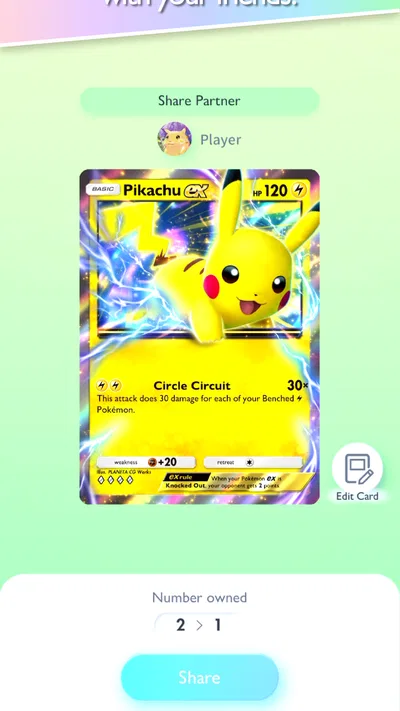
- Trading lets players exchange eligible cards with friends.
Cons
- Card trading has restrictions that limit which cards can be exchanged.
- Opening packs and making trades can require several currencies.
- Competitive decks may depend on rare cards that take time to collect.
- Online battles require a stable internet connection.
- Frequent pack openings can encourage spending on in-app purchases.
Best Card Game 2026
Our verdict
Over 200 million downloads! You can open two booster packs each day at no cost!
Frequently Asked Questions
What is Pokémon TCG Pocket, and how does it differ from the physical Pokémon Trading Card Game?
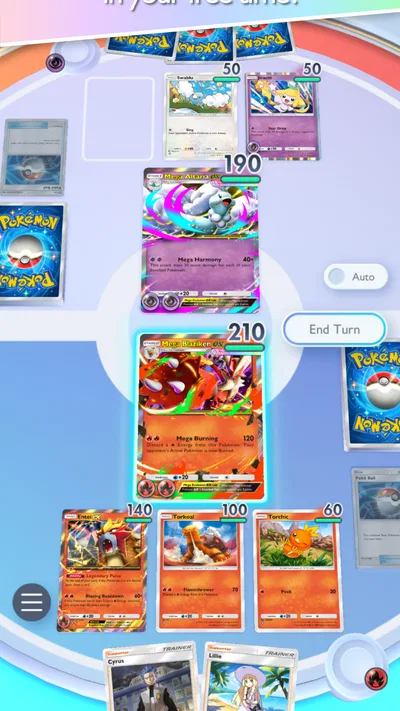
Pokémon TCG Pocket is a mobile collecting and battling game built around digital Pokémon cards. It keeps familiar ideas such as Pokémon, Energy, attacks, and type matchups, but uses streamlined rules and shorter matches designed for phones. Players can open digital booster packs, collect cards, build decks, and battle other players or the computer. It is separate from the physical card game, so its cards and collection do not function as paper cards.
Is Pokémon TCG Pocket free to play, and are there in-app purchases?
The game is free to download, and players can collect cards and take part in battles without buying it. It also offers optional in-app purchases, which may provide items or resources that support faster pack opening or progression. Free pack opportunities and other rewards are available, but their amount and availability can depend on the current game rules and events. Check the app store listing and purchase settings before downloading, especially if a child will be playing.
How do you collect cards and build a deck in Pokémon TCG Pocket?
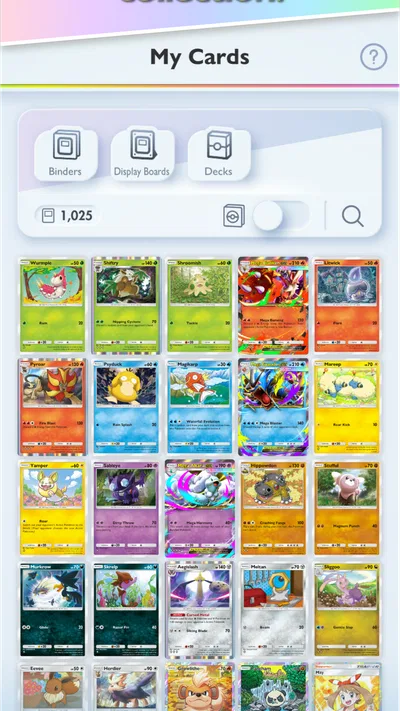
Card collecting mainly revolves around opening digital booster packs, with additional cards or resources available through features and rewards in the game. Once you have cards, you can use the deck-building tools to assemble a compact battle deck that follows the game's rules. The available cards influence which strategies you can build, so a collection may take time to develop. Pack contents are randomized, and obtaining a particular card is not guaranteed.
Can you play Pokémon TCG Pocket offline or battle other players?
Pokémon TCG Pocket is designed as an online-connected mobile game, so an internet connection is generally needed to access its main features, keep game data synchronized, and take part in online battles. It includes battles against other players as well as options to practice against the computer, but access to those modes can depend on connectivity and the current version of the app. If you expect to play while traveling, check the game's requirements rather than assuming it works fully offline.
What should I know about account safety, age suitability, and device compatibility before downloading?
Before installing, check the current Google Play or App Store listing for supported operating-system versions, device requirements, and any regional availability limits, since these details can change. The game includes online features and optional purchases, so parents may want to review its rating, privacy information, and purchase controls before allowing a child to play. Linking or backing up an account, where supported, can also help protect progress if you change or reset your device.