
Award score
- Award score
- 3.8Rating
- 100,000,000+installs
- Free
App information
- Version
- 4.2.00
- Updated
- Requires
- 7.0
- Price
- Free, in-app purchases
- Developer
- NewLeaf Publishing
- Content rating
- Teen
Screenshots
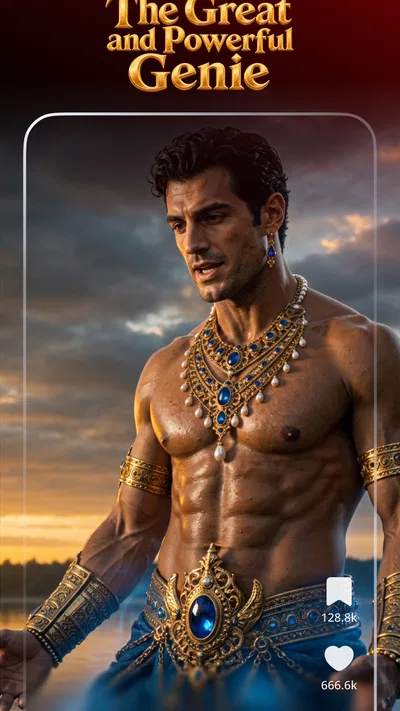
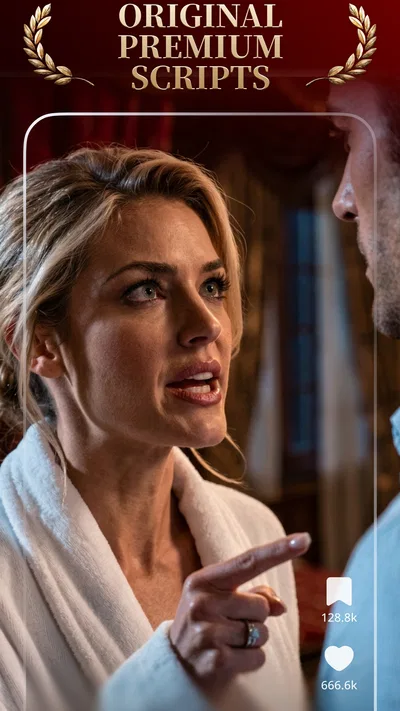
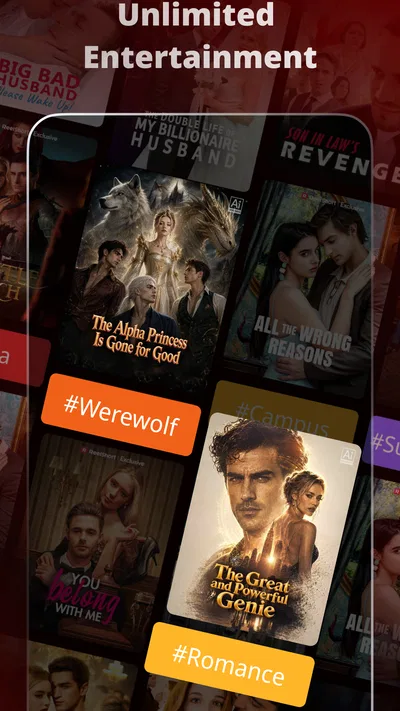
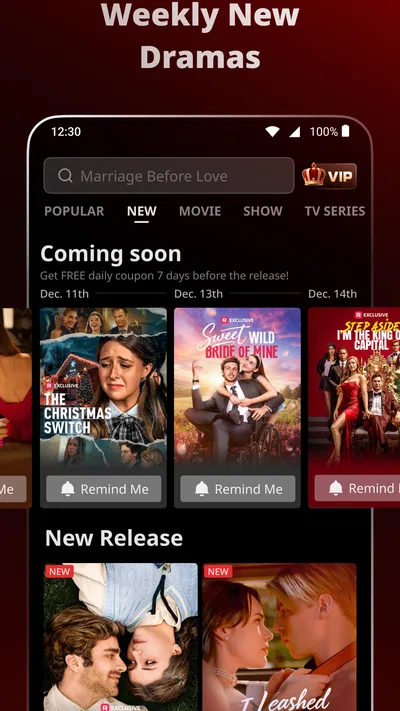
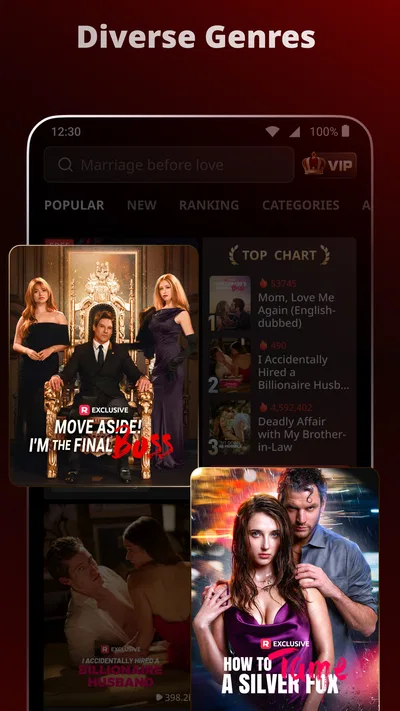
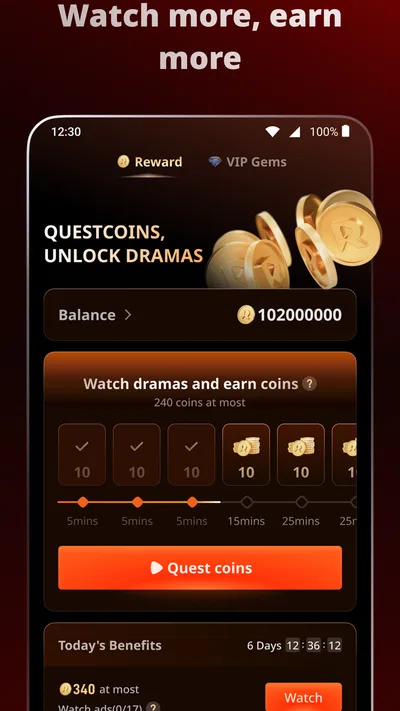
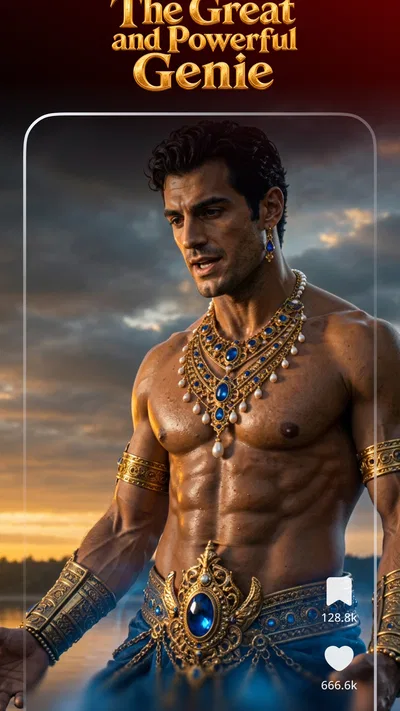
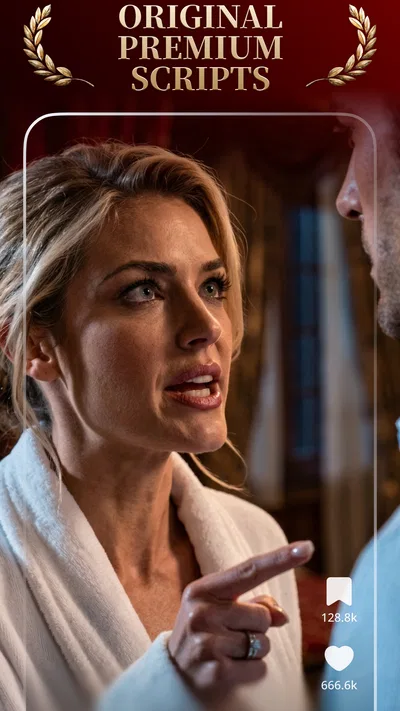
 Analysis byAppsAward
Our review of ReelShort - Stream Drama & TV
Short drama works best when it fits the gaps in a day, and ReelShort is built around that kind of viewing. I’d reach for it when I have a few spare minutes and want a tightly paced story rather than a film that needs a long stretch of attention. The trade-off is that quick episodes can make a plot feel urgent and easy to follow, but they can also leave me wanting more room for character development.
What the short-drama format feels like
ReelShort is an entertainment app from NewLeaf Publishing, focused on short dramas alongside series and movies. Its main appeal is the format: stories are broken into compact pieces, so it is easier to watch between errands or during a break than to commit to a full-length show. I find that makes it useful for casual viewing, especially when I want a clear story hook without first deciding what to watch for an hour.
The format changes how I’d judge a show. A conventional series can take its time establishing a world; short drama has less room, so it leans on quick turns and strong cliffhangers. That can make episodes compelling in a small dose. It can also make the writing feel heightened, with emotions and conflicts pushed forward quickly. If you enjoy subtle, slow-building television, this may feel rushed rather than refreshingly concise.
For a realistic everyday use, imagine waiting for a pickup or sitting through a short break. I’d open an episode, watch until the next natural pause, then decide whether to continue later. That’s a better fit than starting a complicated show when I know I’ll be interrupted. The practical catch is that cliffhangers can make “just one episode” less realistic: a story designed around quick turns is good at tempting you to keep going.
Speed: quick viewing, with streaming caveats
The short-episode approach makes the app feel suited to quick sessions, but it does not guarantee that every viewing session will start instantly. As with any video-streaming app, the experience depends on the connection and device as well as the content. I would not treat a brief episode as a promise of brief total time either; browsing, choosing a story, and continuing through cliffhangers can take longer than the episode itself.
A useful habit is to choose a drama before a short break begins, rather than spending the break browsing. That keeps the app’s strongest advantage—watching in small windows—from being swallowed by decision time. If I’m on a weak connection or in a place where interruptions are likely, I’d avoid relying on it as my only entertainment plan. Video is less forgiving of unstable service than text or downloaded audio.
ReelShort is free to install, which lowers the barrier to trying its style. It also offers in-app purchases, with listed item prices ranging from a few cents to just under two hundred dollars. I’d pay attention to any purchase prompt and check the cost before committing. The free entry point does not mean every way of watching is necessarily free, and I’d decide in advance whether I’m comfortable spending anything to continue a story.
When viewing gets heavier
The app’s lightest use is sampling a single short story segment. Longer sessions are a different proposition: several episodes in a row mean sustained screen time and video playback, and they can make the app more demanding on a device than a quick check-in. I can’t responsibly promise a particular battery or data impact, since that varies by phone, network, picture quality, and viewing habits. If I’m conserving mobile data or battery, I’d keep sessions short and use a reliable connection where possible.
One non-obvious trade-off is that short content can encourage frequent stopping and restarting. That suits fragmented schedules, but it makes it worth paying attention to where I leave off rather than assuming every interruption will be convenient. Before settling into a longer viewing stretch, I’d make sure I have enough time and a comfortable connection; otherwise, the very quick pacing that makes the format engaging can turn a brief pause into a frustrating sequence of interruptions.
Another useful way to approach it is as a sampler rather than a replacement for every streaming service. I’d try a story when its premise appeals, then judge whether the compressed rhythm works for me before investing in a longer run. This avoids the common mismatch of expecting a short-form drama to deliver the same gradual atmosphere as a traditional television season. The format is a preference, not automatically a better or worse way to tell a story.
Reliability and interruptions
For a video app, reliability is not only whether it opens; it is whether playback remains comfortable enough to follow a story. Connection changes, incoming interruptions, or a device under strain can disrupt that experience. I’d use the app when I can give the episode at least a little attention, rather than treating it as background audio. Quick plot turns are easy to miss if I’m repeatedly switching tasks.
If playback stutters or the app becomes unresponsive, I’d first check the connection and whether other apps are competing for the device’s attention. Then I’d close and reopen the app before assuming there is a lasting problem. These are ordinary troubleshooting steps, not a guarantee that every issue will resolve. For an important commute or a situation with limited connectivity, I’d choose entertainment that I already know will work offline rather than counting on uninterrupted streaming.
The audience size offers some context for how widely used the service is: it has passed one hundred million installs, while its average rating is 3.8 from around two million ratings. Those figures suggest a substantial audience alongside a mixed reception. I read that as a reason to try the experience myself, not as proof that it will run perfectly on every device or match everyone’s taste.
Device fit, age, and spending
The current version is 4.2.00, and the stated minimum operating-system requirement is version 7.0. A phone that meets the minimum may still feel different from a newer device, particularly during extended video sessions. If a phone is older or low on free space, I’d keep expectations modest and test a short viewing session before planning a long one. The minimum requirement is a compatibility threshold, not a promise of identical performance across all hardware.
The content rating is Teen, so I would not assume that every drama is suitable for younger children simply because episodes are short. A parent deciding whether to allow it should consider the individual stories and the app’s purchase prompts, rather than relying only on the format or the age label. That’s especially sensible when a child can browse or make purchases on a shared device.
ReelShort is an entertainment app, not a general-purpose film library in the same sense as services built around long movies or broad television catalogs. I’d choose it when I specifically want brisk, episodic drama. If I want a quiet documentary, a feature-length film, or a series that takes its time, a conventional streaming service or a library-based video option is likely a better match. If I want something to listen to while doing chores, podcasts are a more practical alternative because they do not require watching the screen.
Who I’d recommend it to
I’d suggest ReelShort to someone who likes dramatic, compact stories and often watches in short bursts. It is also a reasonable option for a curious viewer who wants to sample a different rhythm of television without paying to install the app. NewLeaf Publishing has made a recognizable niche for it, but whether that niche lands depends less on the number of available formats and more on whether rapid storytelling feels fun to you.
I’d skip it if I’m easily annoyed by cliffhangers, prefer carefully paced character work, or need predictable offline viewing. I’d also be cautious if I’m trying to limit in-app spending: decide what you’re willing to pay before a plot has you invested. That small bit of planning can keep the convenience of short drama from turning into an impulse purchase.
Overall, ReelShort makes the most sense as a quick-access source of dramatic viewing, not as a universal replacement for television and film apps. I like the idea of fitting a story into a spare moment, while recognizing that streaming quality, device capability, and spending choices shape the experience. Its 3.8 average rating and roughly 51,000 written reviews point to plenty of audience interest, but I’d use a short trial session to see whether its pacing and playback suit my own routine. If they do, it can be an entertaining companion for small breaks; if not, longer-form streaming or audio will probably serve me better.
Pros
- Episodes are short and easy to fit into a quick break.
- Vertical video works well for one-handed viewing.
- The catalog offers niche stories beyond mainstream TV.
- New episodes can make ongoing series feel engaging.
- Personalized recommendations help surface more dramas.
Cons
- Many series end episodes on cliffhangers.
- Free viewing may require watching advertisements.
- Unlocking later episodes can involve in-app purchases.
- Some stories rely on familiar romance and revenge tropes.
- Video streaming can use significant mobile data.
Best Entertainment App 2026
Our verdict
Every second is drama! Short dramas, series, movies & more in HD
Frequently Asked Questions
What is ReelShort - Stream Drama & TV?
ReelShort is a mobile streaming app focused on short-form scripted dramas, often presented as vertical episodes designed for watching on a phone. Its catalog may include romance, suspense, family stories, and other genres, with new titles or episodes appearing over time. Availability and features can vary by country and app version, so check the listing and in-app details before downloading.
Is ReelShort free to use?
You can generally download ReelShort and watch some content without paying, but access to all episodes may involve in-app purchases, subscriptions, or other payment options. Some series may unlock episodes through rewards or viewing activities, depending on the title and current app features. Review the price, renewal terms, and purchase details shown in the app before spending money.
How does watching episodes and unlocking more content work?
ReelShort dramas are usually divided into brief episodes, and a series may make only its opening episodes freely available. Later episodes can require a paid unlock, a subscription, or an available in-app reward. The exact method can differ between shows and change with updates. Check the episode screen for current access requirements, and confirm any purchase before completing it.
Can I watch ReelShort offline or on a larger screen?
Offline downloads and casting or television support are not guaranteed for every ReelShort title, device, or app version. Look for a download option on the episode page and check the app settings or store listing for supported playback features. If these options matter to you, verify them before relying on the service for travel or viewing on a TV.
What should I know about privacy and age suitability before downloading ReelShort?
Before installing ReelShort, review its current Google Play or Apple App Store listing for age guidance, content descriptions, permissions, and the developer’s privacy disclosures. The dramas may include mature themes, and the app may offer purchases or personalized recommendations. Parents should check whether the content is appropriate and use available device controls to manage spending and access.

Download ReelShort - Stream Drama & TV
Similar apps
View all 9.5
FreeReels - Dramas & Reels
Entertainment
 9.2
PineDrama - Short Dramas
Entertainment
 8.7
TikTok Pro - Events
Entertainment


