
- Award score
- 4.5Rating
- 5,000,000+installs
- Free
App information
Screenshots
 Analysis byAppsAward
Our review of SeatGeek – Tickets to Events
I find ticket apps most useful when they reduce the work of getting from “we should go” to a ticket everyone in the group can actually use. SeatGeek is built around that practical job: it brings event discovery and ticket buying or selling together for sports, concerts, theater, festivals, and comedy. Its focus is broad, but the experience matters most when I already have a date, a venue, or a kind of event in mind and want to compare options without starting from scratch.
SeatGeek is a free events app from SeatGeek, and its 4.5 average from around 46,000 ratings suggests that many people find it useful. It has been available since 2013, has over 5 million installs, and is rated for everyone. The current version is 2026.43.0, with Android 10 as the minimum operating system. Those details tell me it is an established ticketing service, though an app’s age or popularity cannot tell you whether it will suit your particular access needs or event plans.
Finding your way through event choices
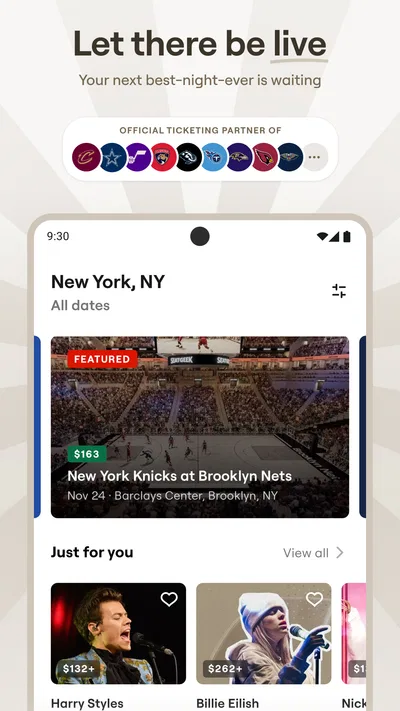
The main strength is that the app connects several kinds of live events instead of making me juggle a separate discovery tool for each one. If I am choosing between a game, a concert, or a comedy show on the same evening, that range gives me one place to begin. It is especially handy when I know roughly what I want but have not settled on a performer, venue, or event type.
For readability and navigation, I would treat it as a practical browsing tool rather than assume every screen will be equally easy for every person. Ticket listings can involve several decisions at once: which event, which date, where to sit, and what the total commitment means for a group. I recommend narrowing the search in stages. Start with the event and date, then compare seating options, rather than opening many listings and trying to remember the differences.
A useful habit is to pause before moving from an event page to checkout and confirm the date, venue, and seating selection together. That small check can prevent a common ticket-buying mistake: choosing the right artist or team but the wrong performance or section. When a friend is joining, I also find it sensible to agree on a budget and seating preference first. It makes the app’s browsing more focused and avoids treating the first appealing option as the group’s final choice.
Compared with a venue’s own ticketing channel, SeatGeek’s advantage is breadth: it can help me explore different event types in one app. A venue or organizer’s direct option may still be the better route when I already know exactly where I want to go and prefer to deal with that specific seller. I see these approaches as complementary, not interchangeable. SeatGeek helps with discovery and comparison; checking the event’s official channel can be a sensible final step when the event has unusual entry arrangements or a particular ticketing process.
Reading the details before committing
Ticket shopping is not only about finding a seat that looks appealing. I want to understand what I am selecting and make sure the event details match my plans. In practice, that means reading the listing carefully, checking the date and venue, and considering whether the seating location works for the people attending. If a listing leaves me uncertain about a detail that matters, I would not guess based on a thumbnail or a quick glance; I would look for clarification through the relevant event or ticketing channel first.
This is also where the app’s broad inventory has a trade-off. A large set of choices can make comparison easier, but it can also make the decision feel busy, especially when several listings look similar. I would compare a small shortlist rather than browse indefinitely. For a concert, for example, I might first decide whether being close to the stage matters more than keeping the group together or staying within budget. For a theater performance, the view and seating area may matter more than simply picking the lowest displayed option.
Motor and sensory considerations
Buying tickets often involves repeated taps, scrolling, and close attention to small distinctions between listings. Anyone who finds precise touch input difficult may prefer to browse at a comfortable pace, use the phone’s own accessibility controls where helpful, and avoid making a purchase while rushed. I would also take time to review the final selection before confirming it. A fast checkout is not a benefit if it increases the chance of choosing the wrong date or seat.
For people sensitive to visual density or motion, event browsing can be tiring when many choices compete for attention. A simple personal workflow helps: decide on one event, one date, and one or two priorities before opening the ticket options. If screen glare or small text is an issue, adjusting the device’s display settings may make reading more comfortable, though the result depends on the phone and the person. I would not assume that any particular display setting changes every part of the app equally.
Sound is another situational consideration. Looking for tickets in a quiet waiting room, during a commute, or while someone nearby is resting is different from browsing at home. I would keep the phone muted when needed and rely on the on-screen information rather than expecting audio cues. More generally, people who need a specific format or interaction style should test the browsing and purchase flow before depending on it for a time-sensitive event.
Planning for the place and the people attending
SeatGeek is most helpful when I can plan before I arrive at the venue. A realistic example: a group chat settles on a Saturday game, but nobody has agreed on where to sit. I can use the app to explore the event and discuss choices with the group, then settle the date and seating preference before buying. That is more useful than sending everyone a stream of unrelated listings and hoping they reach the same decision.
For someone attending with a companion who has mobility, sensory, or other access needs, ticket selection deserves extra care. The app can be part of the search, but I would verify venue-specific arrangements directly before purchasing if accessible seating, step-free entry, distance to facilities, or a quieter environment is essential. A seat’s position alone may not answer those questions. This is an important distinction: finding a ticket is not the same as confirming that the whole visit will be accessible.
It can also help when plans are still taking shape. If I am deciding between a festival and a comedy show, having both kinds of events in the same events-focused app gives me a convenient starting point. But the best choice depends on context. A festival may involve long periods on site and a busy environment; a theater performance may have a fixed start time and seating arrangement. I would consider travel, companions, energy, and the venue’s own guidance before treating an available ticket as the right ticket.
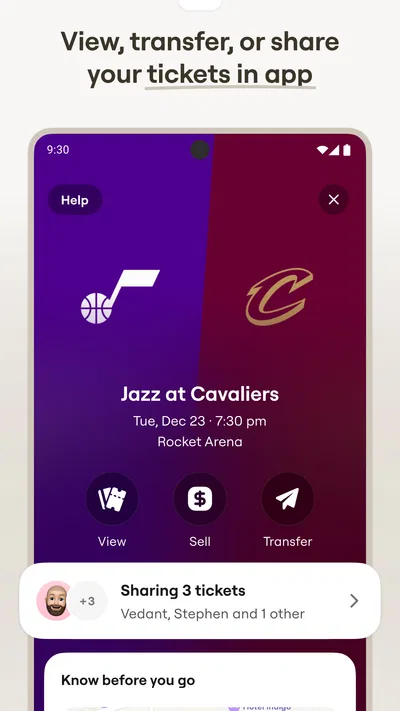
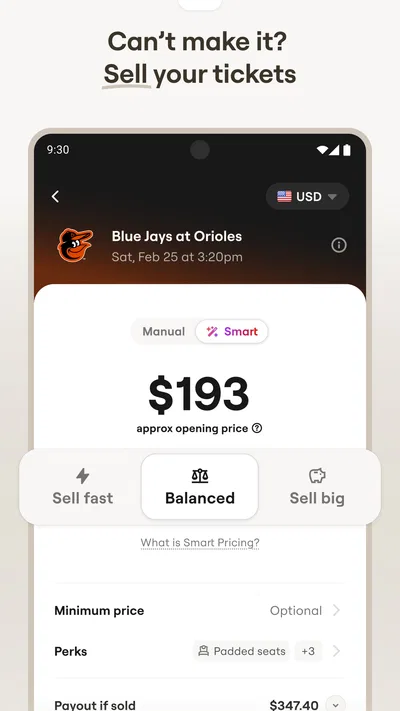
The app also supports selling tickets, which is useful when plans change and I need to explore another option rather than simply abandon the purchase. I would approach resale carefully: check that the event and ticket details match what I intend to offer, understand the steps shown in the app, and avoid assuming that a listing is a guaranteed solution to every last-minute change. For a buyer, the same principle applies in reverse—read the specific listing rather than making a decision based only on the event name.
Where the experience can still be difficult
No single ticket app can remove the complexity of live events. Listings may require careful comparison, venues differ in how they handle access, and a person can still need information that is not answered by the ticket choice itself. The app’s broad event scope is convenient, but it cannot replace venue guidance about arrival, entry, seating support, or sensory conditions. When any of those details could determine whether the outing works, I would confirm them before paying.
There is also a difference between a clear buying flow and a clear event experience. Even if the ticket is easy to find, the practical questions may remain: where to enter, how to reach the seat, whether a companion can sit nearby, or what to expect in a crowded setting. I would not rely on a general event listing to resolve those venue-specific concerns. That extra checking can feel like friction, but it is better than discovering a mismatch after making plans.
SeatGeek is not my first recommendation for someone who wants only a venue’s own ticket channel, has already chosen a specific event, and prefers to avoid a broader marketplace-style search. In that situation, going directly to the event organizer or venue may be simpler. Nor would I recommend treating any ticket app as a substitute for checking access arrangements when a person’s comfort or mobility depends on them. The app is most valuable when its breadth helps with the decision, not when it adds another layer to a choice that is already settled.
A more inclusive way to use it
My practical approach is to separate ticket discovery from access planning. First, use the app to identify the right event and compare the available choices. Then check the venue’s own information for the details that affect the visit, especially if anyone in the group needs a particular route, seating arrangement, or environment. Finally, review the selected event and ticket carefully before confirming. This workflow takes a little longer, but it reduces avoidable uncertainty.
For groups, I would also make the decision process accessible to the people attending rather than leaving one person to choose on everyone’s behalf. Share a short shortlist, describe the relevant trade-offs in plain language, and ask what matters most: price, proximity, a quieter area, an easy route, or sitting together. The app can help produce options, but the group’s needs should decide which option is actually suitable.
I also appreciate that the service covers both buying and selling, since real plans are not always fixed. Still, flexibility should not be mistaken for certainty. If an event is important, I would avoid waiting until the last moment to resolve seating or access questions. Earlier planning gives more room to compare options and contact the venue if the app’s listing does not answer a practical concern.
Who I would recommend it to
I would recommend SeatGeek to people who attend different kinds of live events and want one place to start exploring tickets. It suits the friend organizing a group outing, the fan comparing event dates, and the occasional theatergoer who wants to browse beyond a single venue. Its free-to-use status makes it easy to try as a discovery tool, while the purchase decision still deserves the same care I would give any ticket transaction.
People who need detailed venue-access information should use it alongside direct venue guidance, not instead of it. Someone who finds busy screens or repeated touch interactions tiring may prefer a slower, planned search or a different route to the ticket if that proves easier on their device. And if I already know the exact event and want the most direct source, the organizer’s channel may be a better fit.
Overall, I see SeatGeek as a useful starting point rather than a complete answer to every part of attending an event. Its range can make discovery and comparison more convenient, and its ticket-selling option adds flexibility when plans shift. The inclusive verdict is therefore positive but practical: use it to find and compare possibilities, then verify the details that shape a real visit. That combination gives the app its strongest role—helping people move toward an outing without pretending that a ticket alone solves every access question.
Pros
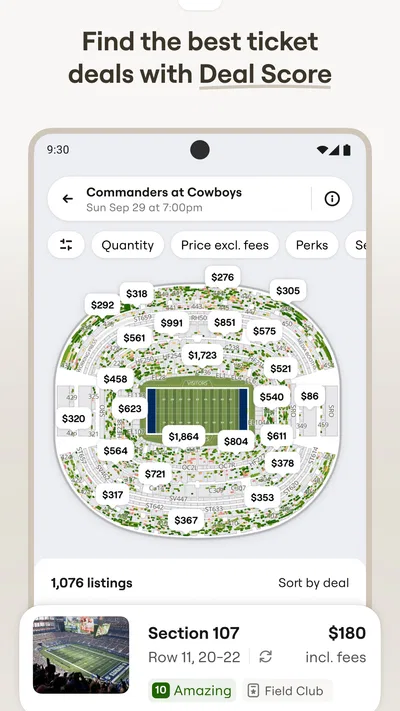
- Interactive seat maps make it easier to compare views before buying.
- Deal Score helps identify seats that offer strong value.
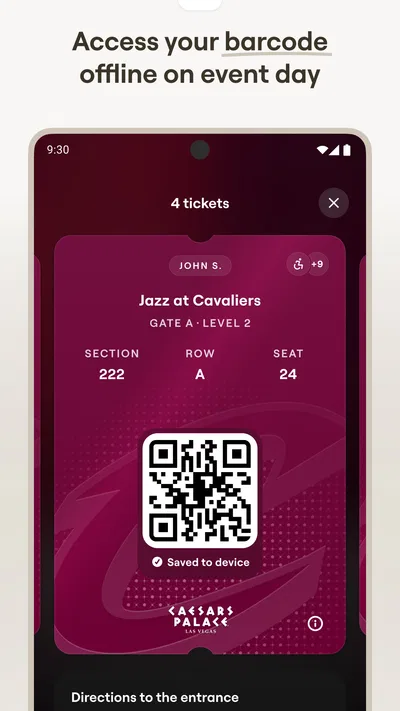
- Tickets can be stored in the app for convenient entry.
- Price alerts can notify you when ticket costs change.
- The app covers sports games concerts and theater events.
Cons
- Service fees can make the final price higher than expected.
- Some events may have limited ticket availability.
- Ticket transfers may depend on the event organizer.
- Refunds are generally subject to the seller's terms.
- Prices can change quickly while you browse.
Best Events App 2026
Our verdict
Buy and sell tickets to sports, concerts, theater, festivals, and comedy events
Frequently Asked Questions
What is SeatGeek, and what kinds of tickets can I find on it?
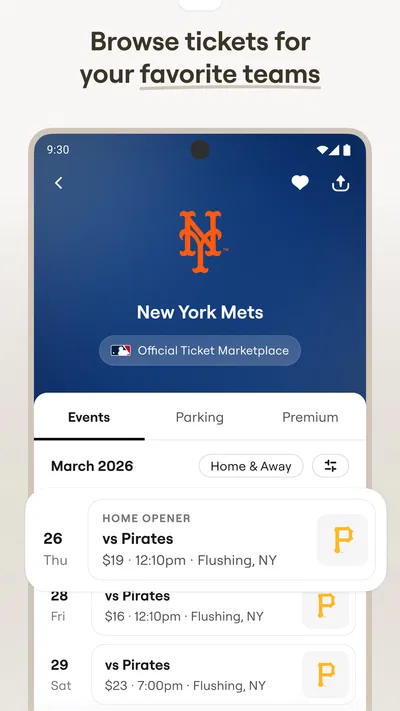
SeatGeek is a ticket marketplace for finding and purchasing admission to live events. Depending on what is available in your area, you can browse tickets for sports, concerts, theater, and other entertainment. Listings can include different dates, seating sections, and price points, so check the event details before buying. Availability and the events offered vary by location.
How do I use SeatGeek to choose tickets and seats?
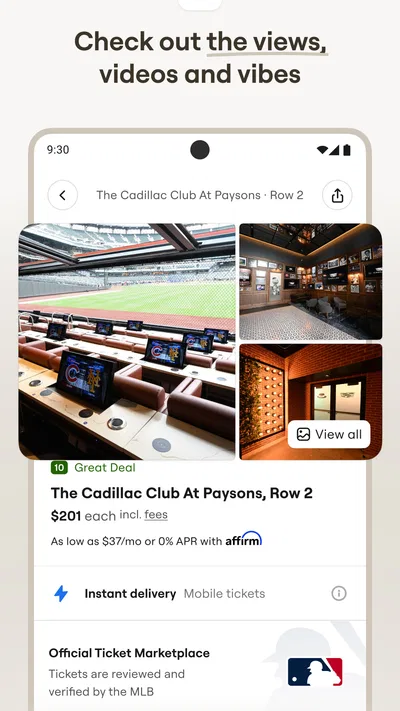
Search for an event or browse listings, then compare the available options by price, section, and seat location. Seat maps and listing details can help you judge where a ticket is situated, though the amount of information varies by event. Before checkout, review the selected date, quantity, section, and any restrictions carefully. A listing may sell out or change while you are deciding.
Are SeatGeek ticket prices final, or are fees added at checkout?
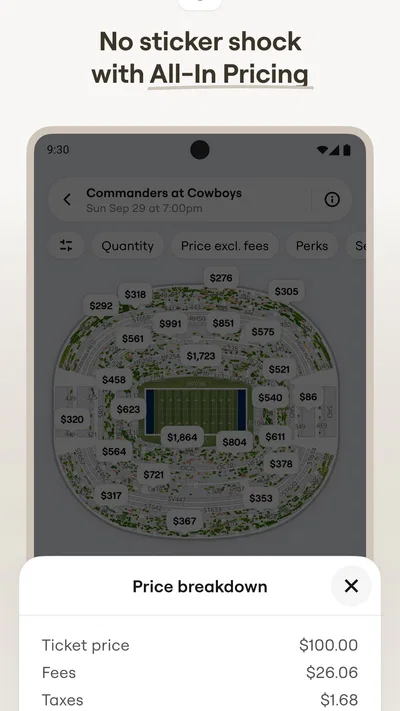
The price displayed for a ticket may not be the complete amount you pay. Taxes, service charges, delivery costs, or other fees can affect the checkout total, and their amount may vary with the event and order. Review the full price breakdown before confirming your purchase rather than comparing listings by their initial prices alone. Also check the seller and ticket details shown for that listing.
How do I get my tickets after buying them on SeatGeek?
Delivery depends on the event and ticket type. Tickets may be available in the SeatGeek app, delivered electronically, or provided through another method described in your order details. Check your purchase confirmation and account for instructions, and make sure you can access the tickets before traveling to the venue. If tickets have not appeared when expected, consult SeatGeek’s order information or support for the relevant delivery guidance.
Can I get a refund or resell tickets purchased through SeatGeek?
Refund and resale options depend on the ticket listing, event, and applicable SeatGeek policies. Do not assume that a purchase can be canceled simply because your plans change; review the terms shown before checkout and the policy attached to your order. If an event is postponed, canceled, or rescheduled, follow the instructions SeatGeek provides for that situation. Resale availability and eligibility can also vary.




