
Award score
- Award score
- 4.6Rating
- 50,000,000+installs
- Free
App information
- Version
- 26.43.1
- Updated
- Requires
- 8.0
- Price
- Free, in-app purchases
- Developer
- Particle Media Inc.
- Content rating
- Teen
Screenshots

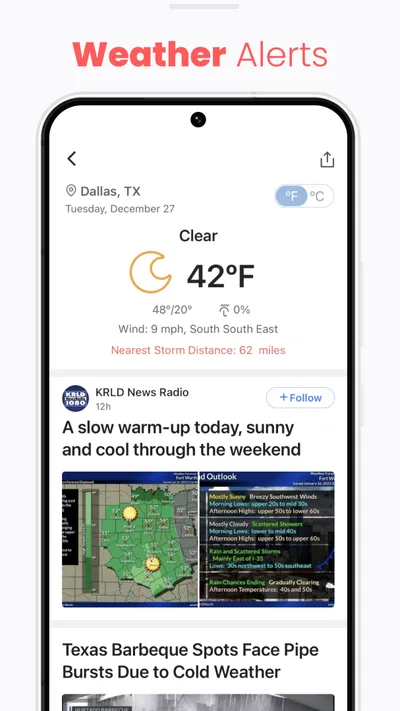
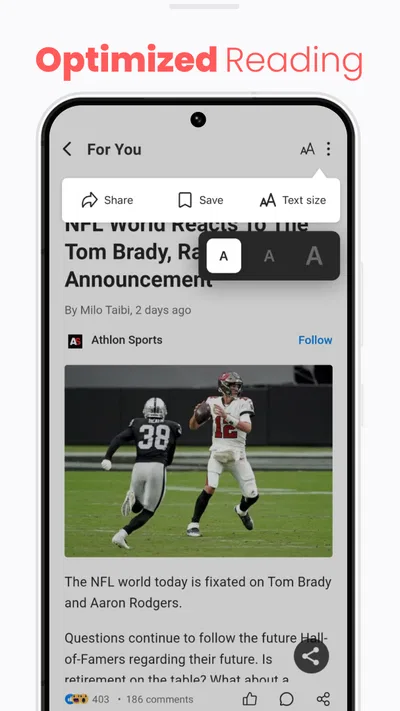
 Analysis byAppsAward
Our review of NewsBreak: Local News & Alerts
Local news becomes more useful when it connects to the routines people actually share: a commute, a school pickup, a road closure, or a change in the neighborhood. I find NewsBreak most compelling as a way to keep nearby stories in view, rather than as a complete replacement for national reporting or a household planning tool. Its value depends on whether the local coverage it surfaces is relevant to where you live and whether everyone using a shared device understands whose alerts and reading habits they are seeing.
One nearby feed, several household routines
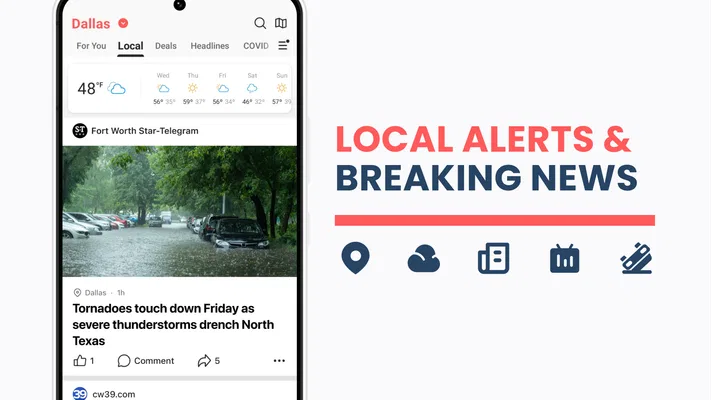
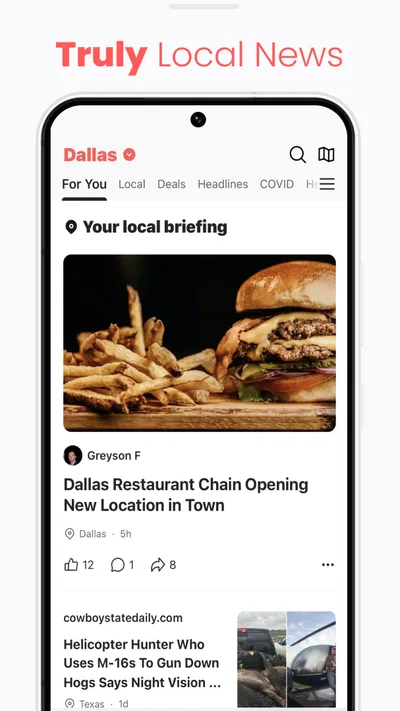
NewsBreak is a free news and magazines app from Particle Media Inc. Its focus on local headlines gives it a different role from a general national-news app: it can help a reader notice developments closer to home without first searching through broad coverage. The app has a 4.6 average from around 641,000 ratings, and it has passed 50 million installs, so it is a widely used option in its category. Those figures suggest reach, but they do not guarantee that the feed will feel equally useful in every town.
In a household, one person might open the app over breakfast to see what is happening nearby, while another checks it before heading out. That shared interest can make local coverage a natural conversation starter. A report about a local disruption, for instance, may prompt someone to check their usual route or tell another household member to allow extra time. The app can help bring a story to attention; I would still verify time-sensitive details with an appropriate local source before making a consequential decision.
The practical distinction is between sharing a device and sharing an account or feed. A phone passed around the kitchen table makes it easy for someone else to read an article, but it can also blur whose preferences and notifications are in play. I would treat the app as one person’s reading space unless the people using it have explicitly agreed on how they want to share it. That simple boundary avoids assuming the app is designed to manage a household.
Set expectations before turning local alerts into household alerts
News alerts can be helpful when a headline is genuinely relevant, but they can also interrupt a busy day. Before enabling or relying on them, I would decide who should receive them and what kinds of local updates are worth interrupting a meal, work, or a school run. If the app is on a shared device, that conversation matters even more: one person’s interest in frequent updates may not match everyone else’s preference.
A useful approach is to let the person who follows local news most closely use the app as their own feed, then share a specific article or headline when it affects others. That keeps the distinction clear between an individual’s news stream and information the household needs to act on. It also prevents a notification from being mistaken for a settled plan or an official instruction.
I would not assume that installing the same app on multiple devices automatically creates a coordinated household setup. Nor would I plan around family profiles, shared saved items, or controls unless I had checked the current app myself. For a household, the safest workflow is ordinary communication: one reader spots something relevant, confirms its importance, and passes it along in a way the others can understand.
Coordination works best when the story has a clear next step
The strongest shared-use case is not simply “everyone reads the same feed.” It is using a local story as a prompt to coordinate. If one person sees coverage of a neighborhood issue, they can share the article with a short note explaining why it matters—perhaps it affects a familiar route or a planned outing. That context is more useful than forwarding a headline without checking whether it applies to the other person.
There is a trade-off here. A local news app can make nearby developments easier to notice, but a headline alone may not provide enough context for a decision. I would read beyond the notification when the details matter, check when the story was published, and look for confirmation before changing plans. This is especially sensible when several people depend on the same information but have different routines.
For a household that already relies on a group chat, NewsBreak can sit alongside that habit rather than replace it. The app is where one person encounters a story; the chat or a direct conversation is where the household decides what to do. That division keeps news discovery separate from coordination and reduces the chance that an alert is treated as a complete, shared briefing.
Teen rating and trust call for ordinary judgement
NewsBreak has a Teen content rating. I would take that as a useful age-context signal, not as a substitute for deciding whether its news feed suits a particular young reader. News can include upsetting or complicated topics, and household expectations vary. A parent or caregiver may want to look at how a teen uses the app and talk about checking sources, interpreting headlines, and knowing when to bring a worrying story to an adult.
That advice applies especially when a device is shared. A teen might encounter a headline intended for an adult’s reading routine, or an adult might see a young person’s open article. Clear account and device boundaries make those moments less confusing. I would not treat the app as a parental-control system; the useful safeguards here are conversation, supervision appropriate to the reader, and the device’s own settings where needed.
Trust also means separating a headline’s urgency from its reliability or immediate relevance. Local stories can feel personal because they concern familiar places, but that does not make every alert actionable. I recommend reading the article rather than reacting to a notification alone, and checking another suitable source when the news could affect safety, travel, or a household decision.
How it fits beside other news choices
Compared with a broad national-news app, NewsBreak’s appeal is its local emphasis. If your main goal is to follow major national or international developments, a publication with a strong focus on those subjects may serve you better. If your priority is seeing nearby headlines in the course of an ordinary day, NewsBreak is the more natural place to start. Many readers will reasonably use it alongside a preferred newspaper, broadcaster, or official local information source rather than expecting one app to cover every need.
Its value will also vary by location. A reader in an area with plenty of relevant local coverage may find more reasons to return than someone who sees few stories that connect to daily life. I would give the feed a practical test: do the articles help you understand your community, or do you mostly dismiss them? That is a better measure of fit than assuming a large audience means the app will be equally useful everywhere.
The app is free, with in-app purchases ranging from ten cents to just under sixty dollars per item. I would keep that in mind if a household shares a device, particularly if someone else may tap through purchase options. Free access makes it easy to try, but it does not mean every optional item is free; review the purchase prompt before confirming anything and keep device-level purchase safeguards in mind when appropriate.
Version, compatibility, and the day-to-day experience
The current version is 26.43.1, and the app requires Android 8.0 or later. That makes the operating-system requirement worth checking before setting it up on an older phone kept for shared household use. A device that cannot run the current app is not a good basis for a coordinated routine, so check compatibility on the device you actually intend to use rather than assuming it will match a newer phone.
NewsBreak was released on June 17, 2016, and its continued presence in the news category reflects an established product rather than a new experiment. Still, version numbers and broad popularity do not answer the question that matters most to a reader: whether its local coverage is useful in their area. I would judge it after using it in the settings where local awareness matters—before leaving home, during a quiet reading break, or when a nearby story prompts a practical question.
One non-obvious benefit of a local feed is that it can help a household notice topics worth discussing even when no immediate action is needed. A neighborhood development or local event may be relevant to one person’s plans but not another’s. Sharing the article with a sentence of context lets the recipient decide whether to read further, instead of turning every headline into a household alert.
Another useful habit is to avoid treating the notification stream as a to-do list. I would use alerts to decide what deserves a closer look, then separate confirmed, actionable information from background reading. That small step makes the app less distracting and gives household members a clearer basis for coordinating when a story really does affect them.
Who should try it—and who may prefer something else
I would recommend NewsBreak to someone who wants a convenient way to encounter local news and is comfortable deciding which headlines deserve more attention. It can also suit a household where one person likes to keep an eye on nearby developments and share the occasional story with others. For that use, a single reader can discover coverage while the family’s existing conversations handle coordination.
I would skip it, or keep it secondary, if you want a tightly curated source for national reporting, need a dependable official channel for urgent instructions, or dislike news alerts and the attention they can demand. It is also not the answer for people looking for dedicated family profiles or household scheduling tools. A local news feed can inform a conversation, but it cannot replace direct communication or a source intended for authoritative, time-sensitive guidance.
My household verdict is positive with clear boundaries. NewsBreak works best as a personal local-news reader that can support shared awareness, not as a shared family dashboard. Its free entry point and local focus make it easy to try, while its Teen rating, optional purchases, and notification habits are reasons to set expectations before handing a device around. If the nearby stories consistently connect to your life, it can earn a place in your routine; if they do not, a different news source—or simply fewer alerts—will be a better fit.
Pros
- Personalized feeds make it easier to find nearby stories.
- Local weather updates help users stay informed about conditions.
- Breaking news alerts can deliver urgent updates quickly.
- Topics and locations can be tailored to match personal interests.
- The app provides a convenient way to browse local headlines.
Cons
- Frequent notifications may feel distracting.
- The feed can include sponsored content.
- Coverage quality may vary by location.
- Personalization may take time to reflect changing interests.
- Some stories may link to external websites.
Best News & Magazines App 2026
Our verdict
Reconnect with your neighborhood! Daily news alerts for local news headlines!
Frequently Asked Questions
What is NewsBreak: Local News & Alerts used for?
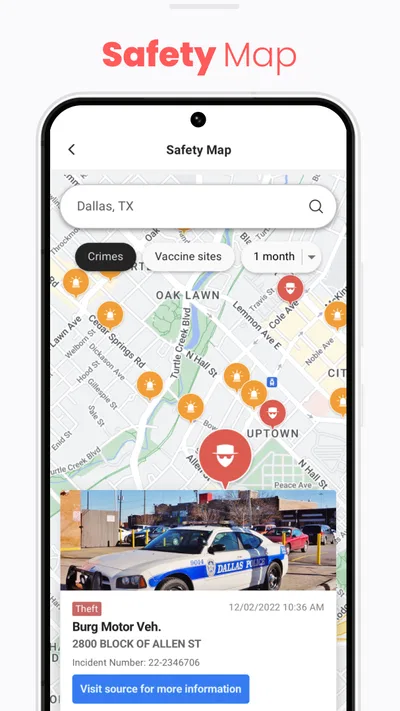
NewsBreak is a news-reading app focused on local coverage in the United States. It can surface stories and updates based on your selected location, alongside national and broader-interest reporting. Readers may use it to follow community news, weather updates, public-safety reports, and other topics in one place. The exact stories and features you see can vary by location, settings, and app version.
Does NewsBreak provide breaking news and local alerts?
The app can send notifications about developing stories and local updates, with the kinds of alerts depending on your location and notification settings. These notifications are useful when you want timely information, but frequent updates may feel distracting. You can generally manage alerts through the app’s settings and your phone’s notification controls. For urgent safety instructions, check official local authorities rather than relying on a news app alone.
Is NewsBreak free to download and use?
NewsBreak is generally available as a free download, and users can browse much of its news content without paying for a subscription. The app may include advertisements, sponsored material, or other promotional content as part of its experience. Availability and any optional paid features can change, so review the current listing in the Google Play Store or Apple App Store before downloading.
Does NewsBreak collect location or personal information?
NewsBreak may use information such as your chosen location, device data, and app activity to personalize stories, recommendations, or alerts. Location access can help make the local feed more relevant, but you can review permissions in your phone’s settings and choose whether to share precise location. Before installing, read the app-store privacy disclosures and the developer’s current privacy policy for details about data use and sharing.
Can I customize the stories and notifications in NewsBreak?
You can typically tailor the app by selecting or following locations and topics, and by adjusting notification preferences. These controls can help reduce unrelated stories and limit alerts that are not useful to you. The available options and their names may differ between Android and iOS or across app versions. If your feed does not reflect your interests, review the in-app settings and update your followed topics or locations.

Download NewsBreak: Local News & Alerts
Similar apps
View all 9.6
X
News & Magazines
 9.6
Substack
News & Magazines
 8.7
Local Weather News - Radar
News & Magazines
 9.6
CrimeRadar: Dispatch Alerts
News & Magazines


