- Award score
- 4.3Rating
- 5,000,000+installs
- Free
App information
Screenshots
 Analysis byAppsAward
Our review of Local Weather News - Radar
The most useful way to think about Local Weather News - Radar is as a quick decision-making companion: it brings a radar view, weather forecasts, and news into one place. I like that combination because the weather question is rarely just “Will it rain?” It is usually “Should I leave now, take a different route, or keep an eye on what is happening nearby?” The app is aimed at those everyday checks rather than replacing a specialist forecasting tool or a dedicated news reader.
Radar at the center of a quick weather check
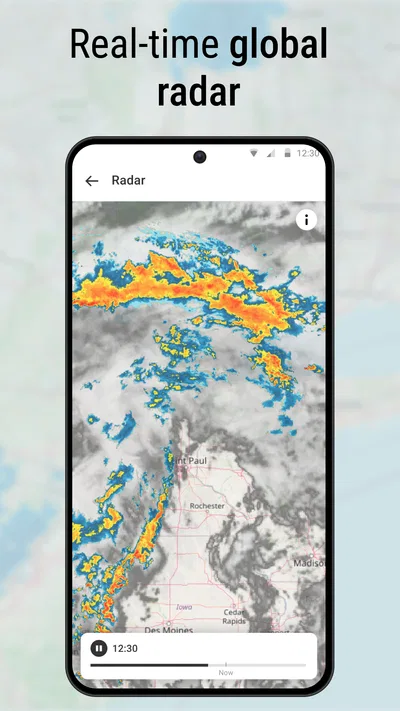
The radar view is the feature that gives this app its clearest practical purpose. A forecast tells me what conditions are expected over a period of time; radar is more useful when I want to judge what weather is moving around me right now. That distinction matters when deciding whether to walk to a stop, take a jacket, or delay an errand.
In use, I would treat the radar as a visual aid, not a promise about exactly what will happen at my doorstep. Weather systems shift, and a map can make an approaching band look more precise than it really is. The smart approach is to read the display alongside the hourly outlook: radar helps answer “what seems to be happening,” while the forecast helps with “what should I plan for later?”
That pairing is the app’s strongest idea. You can make a fast check without switching between a map-focused weather app and a separate source for broader headlines. The local and international news element gives the experience a wider scope, though the weather tools are the more distinctive reason to open it. If all I need is a detailed meteorological dashboard, I would still compare it with a dedicated weather service; if I want an at-a-glance mix, this format is more convenient.
What the combined view changes
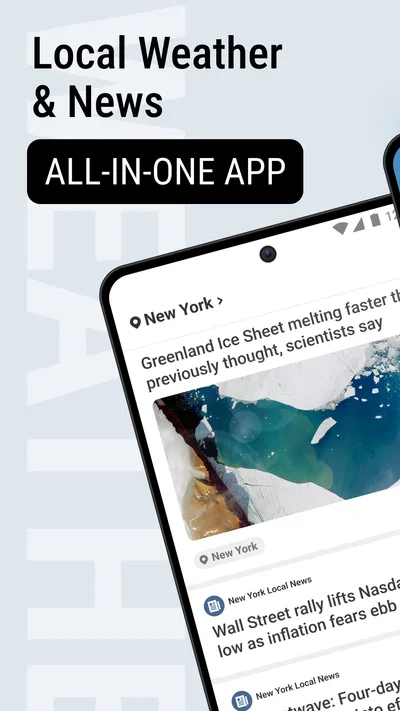
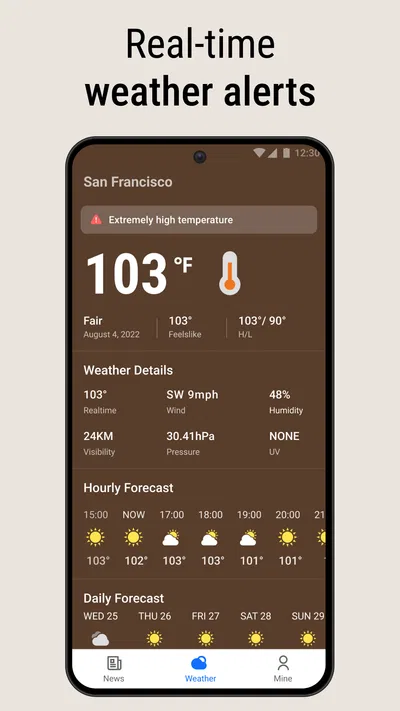
Keeping radar, daily and hourly forecasts, and news together can reduce small bits of friction. Instead of checking a weather app, leaving it, and then opening a news app to understand a developing situation, I can start with a single place. That is especially handy when a weather concern overlaps with the day’s plans or local events.
The trade-off is focus. A combined app has to serve more than one purpose, so it may not feel as specialized as a radar-first tool or as deep as a dedicated news reader. I would not assume that having headlines beside a forecast means every story is relevant to my neighborhood. I still need to judge whether an item is local, national, or international and whether it affects the decision I am making.
Using it without over-trusting the map
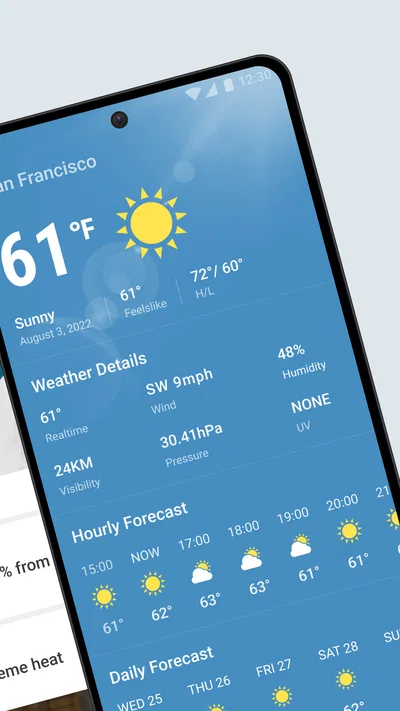
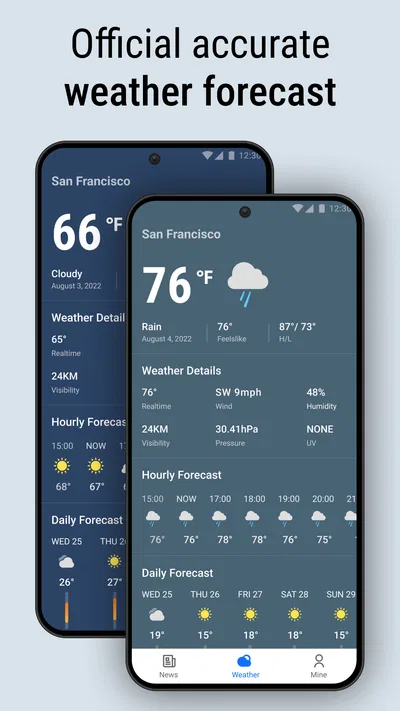
My practical routine would be to start with the hourly forecast, then use radar if the next few hours look uncertain. For an immediate outing, I would check whether the map suggests a weather system nearby and then return to the forecast before committing to a longer plan. This avoids a common mistake: treating one snapshot on a map as a guarantee for the whole afternoon.
A second useful habit is to check at the point when a decision can still change. Looking before leaving home is more valuable than repeatedly reopening the app once I am already on the road. For a flexible errand, a short pause and another glance at the radar can help decide whether to go now or wait. For a fixed appointment, the hourly forecast is likely more useful than trying to time a narrow gap in the weather from the map alone.
I would also separate weather checks from news browsing. If I open the app for a quick forecast, I can get the answer I need and leave; if a headline catches my attention, I can then spend time reading. That small distinction keeps the news feed from turning a simple weather check into an unnecessary scroll.
A realistic day when the radar earns its place
Imagine I have a short walk to make after work and the sky looks unsettled. I check the hourly forecast first, then look at the radar to see whether the weather appears to be moving toward my area or away from it. If the outlook remains uncertain, I can take a jacket rather than making a confident plan based on a glance outside. The value is not that the app guarantees a dry walk; it is that it gives me more context before I choose.
The same workflow can help someone planning a school pickup, a dog walk, or a quick grocery run. These are situations where a broad daily forecast may be too general, but a complicated forecasting interface would be excessive. The app’s combination makes sense when the decision is modest and time-sensitive, and when a quick visual check is enough to adjust plans.
For longer trips, outdoor work, or an activity where conditions have serious consequences, I would use a more specialized source and verify the forecast closer to departure. A general-purpose weather-and-news app is convenient, but convenience should not be confused with a substitute for detailed planning.
Weather and headlines: useful, with a boundary
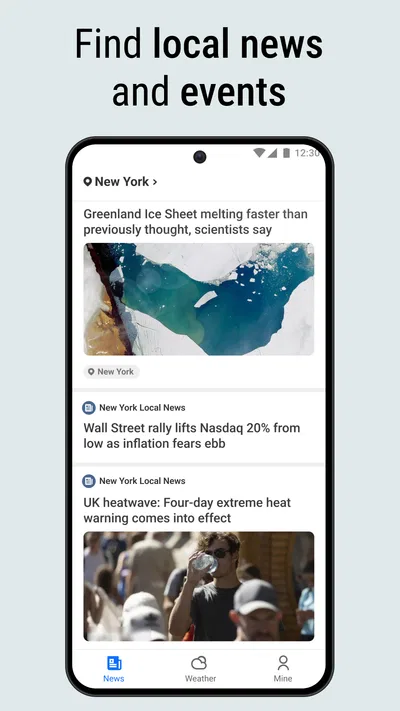
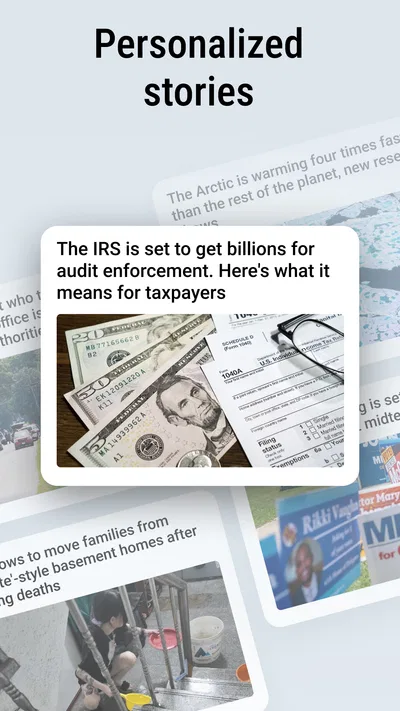
The news component gives the app a broader daily role. I can imagine checking the weather in the morning and then scanning headlines without changing apps. That works best for readers who want a compact overview, not for someone who expects a deeply personalized newsroom or a carefully curated reading list. The experience is valuable because the two kinds of information sit together, not because news automatically improves every weather decision.
There is also a useful distinction between news that changes plans and news that simply informs. A local story may affect a commute or an outing; international coverage usually serves a different purpose. I would use the app to get an overview, then seek more context when a headline matters. That keeps the all-in-one setup convenient without asking it to do every job in equal depth.
For people who prefer keeping weather and news entirely separate, the combined layout may feel like extra material around a simple forecast. If notifications or headline browsing tend to distract you, a focused weather app may suit you better. The right choice depends less on the number of features than on whether you want one quick destination or separate tools for each task.
Where the experience may fall short
The main limitation is the natural uncertainty of radar and forecasts. A visual display can suggest movement, but it cannot remove the unpredictability of local weather. I would avoid making a precise departure-time decision from the map alone, particularly if the consequences of getting it wrong are significant.
The app also asks users to accept a blend of subjects. Some people will appreciate opening one app for weather and headlines; others will find the news layer unnecessary when they only want the temperature or a short-term forecast. If your priority is extensive weather detail, highly configurable maps, or a dedicated reading experience, a specialist alternative may be a better fit. The value here is breadth and convenience, not proof that one app is best at every individual task.
One more practical trade-off is that quick access can encourage frequent checking. I find it more useful to check with a purpose—before leaving, before an outdoor plan, or when conditions visibly change—than to keep refreshing without a decision in mind. That makes the radar a tool for action rather than a source of low-value reassurance.
Who is likely to get the most from it
I would recommend this app to people who regularly make small plans around the weather and also like having headlines nearby. Walkers, commuters with flexible schedules, and households coordinating errands can benefit from the combination, especially when they want a fast check rather than a detailed forecast session. The radar is most useful when paired with the hourly view and interpreted as context rather than certainty.
It may be less suitable for users who want weather alone, prefer to avoid news in a utility app, or need specialist forecasting for demanding outdoor plans. In those cases, a dedicated weather app—or a separate news reader alongside it—will provide a cleaner fit. The app makes the most sense when its mix reflects how you already use your phone.
As a free News & Magazines app from EASE Group, it has an average rating of 4.3 from around 17 thousand ratings and has been installed over 5 million times. It is rated for Everyone, and its current version is 1.8.9. Those figures suggest a well-used option, but they do not change my main advice: judge it by whether its radar-and-forecast routine matches your day.
Local Weather News - Radar is at its best when I need a quick read on conditions and want headlines close at hand. I would use the radar to add context, the hourly forecast to shape a plan, and another specialist source when precision matters. That is a useful, grounded role for an all-in-one app: not the final word on weather, but a convenient way to make ordinary decisions with a little more information.
Pros
- Provides local forecasts for planning daily activities.
- Radar maps help track nearby precipitation.
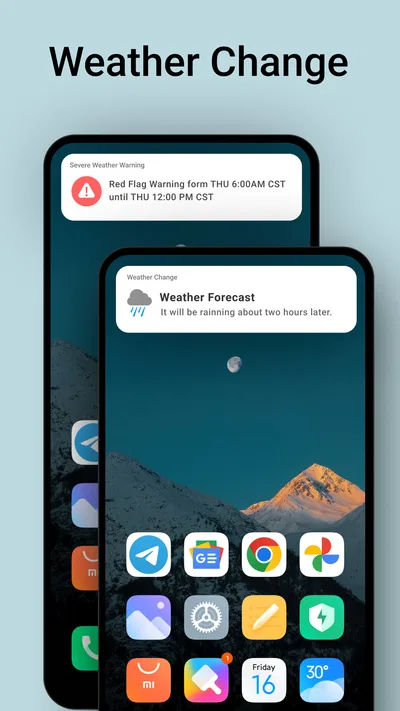
- Weather alerts can warn users about changing conditions.
- Hourly forecasts offer a closer look at the day ahead.
- Location-based forecasts reduce the need for manual searches.
Cons
- Forecast accuracy may vary by location.
- Radar updates can lag behind current weather.
- Frequent alerts may become distracting.
- Some features may require an internet connection.
- Location access may be needed for local forecasts.
Best News & Magazines App 2026
Our verdict
Live radar, daily & hourly weather forecast, latest local & international news.
Frequently Asked Questions
What is Local Weather News - Radar used for?
Local Weather News - Radar is designed to help you check current conditions and follow weather changes in your area. Depending on the features available in your version, it may provide forecasts, radar views, alerts, and local weather news. Before relying on it for a specific need, review the app listing and settings to confirm which forecast periods, locations, and radar details are included.
Does Local Weather News - Radar show weather for more than one location?
The app may let you search for or save multiple locations, which can be useful when checking conditions for home, work, or a travel destination. Location options can vary by version, and some features may require you to add places manually. Check the location controls and permissions after installing, and confirm that the displayed city is correct before using its forecast.
Does Local Weather News - Radar provide severe weather alerts?
Weather alerts may be available, but their coverage and delivery can depend on your location, notification settings, and the data sources used by the app. Enable notifications and location access only if you are comfortable doing so, then check that alerts are configured for the places you care about. For urgent safety decisions, also consult official local weather and emergency services.
Does Local Weather News - Radar require an internet connection or location access?
An internet connection is generally needed to load updated forecasts, news, radar imagery, and alerts. Location access can help the app identify nearby weather, although you may be able to enter a city manually instead. If you restrict permissions or go offline, some information may be unavailable or out of date, so check the app’s settings and permission prompts to understand your options.
Is Local Weather News - Radar free to download, and does it include ads or paid features?
The cost, advertising, and optional purchases can differ by platform, region, or app version. Before downloading, read the Google Play or App Store listing for the current price and any in-app purchase details, and review the privacy information as well. If the app offers subscriptions or paid upgrades, check what they unlock and whether billing renews automatically before confirming a purchase.

Download Local Weather News - Radar
Similar apps
View all 9.6
X
News & Magazines
 9.2
NewsBreak: Local News & Alerts
News & Magazines
 9.6
Substack
News & Magazines
 9.6
CrimeRadar: Dispatch Alerts
News & Magazines


