
- Award score
- 4.3Rating
- 100,000,000+installs
- Free
App information
Screenshots
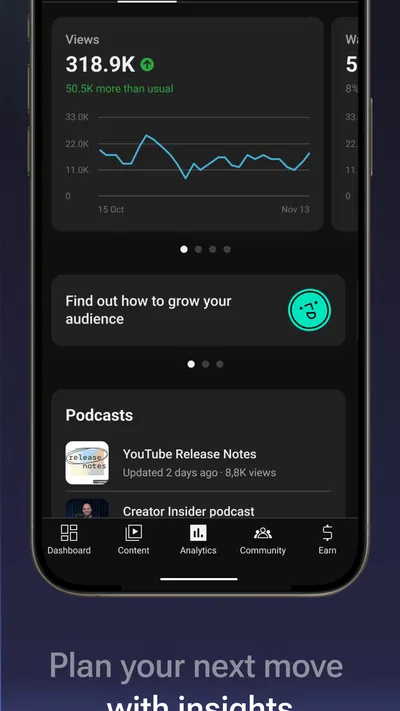
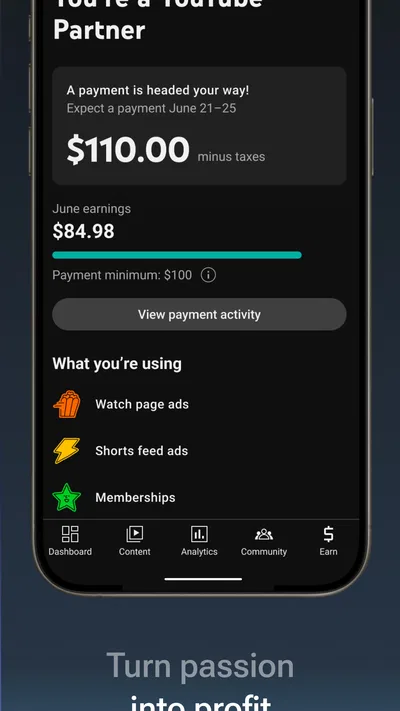
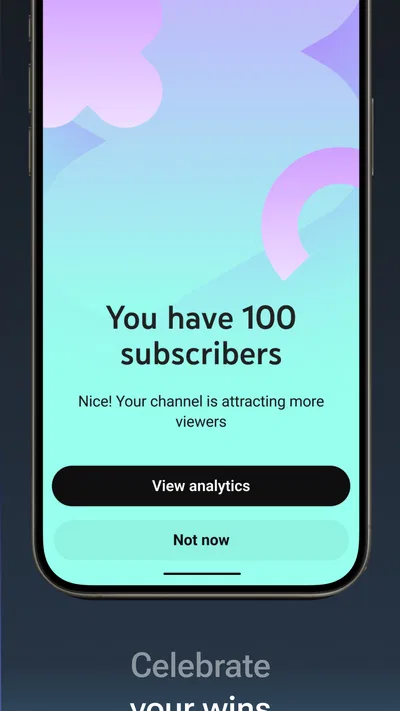
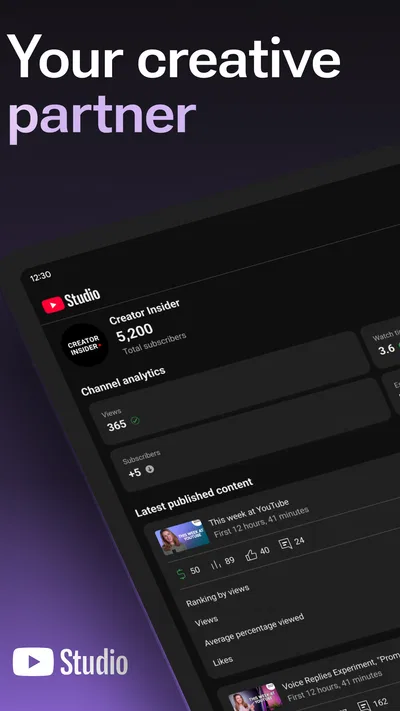
 Analysis byAppsAward
Our review of YouTube Studio
I think YouTube Studio is most useful when I treat it as a channel’s control room, not as a pocket-sized version of the full creator workflow. It puts the everyday work of checking performance, keeping an eye on comments, and managing published videos within reach. That makes it genuinely handy between recording and editing sessions, while the small screen and mobile-first pace make deeper planning less comfortable. If your channel is active and you want to stay informed without opening a computer, I’d recommend trying it; if you mainly want to watch videos or produce them from start to finish, it is not the app you need.
Where it earns a place on my phone
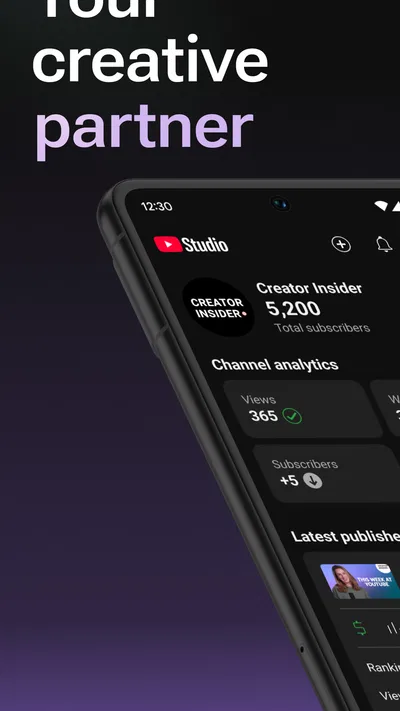
Made by Google LLC, YouTube Studio is a free app in the video-player and editing category, though its purpose is channel management rather than video playback or editing. It has a 4.3 average from around 2.4 million ratings and more than 100 million installs. Those figures suggest broad use, but the more important point is practical: the app gives creators a way to check in on their channel when they are away from the tools they used to make a video.
The distinction matters. I would not open Studio expecting a full video editor, a place to browse YouTube as a viewer, or a replacement for every desktop task. I see it as a companion to publishing: a mobile place to review what has happened, respond to the audience, and handle routine channel upkeep. Its Teen age rating is also worth noticing for households choosing apps, although the app’s role is creator management rather than general entertainment.
The strongest case for keeping it installed is that channel management is often made up of small, time-sensitive tasks. A comment may deserve a quick reply; a newly published video may need a glance at its early response; a creator may simply want to check how a channel is doing during a spare moment. Studio brings those kinds of checks together instead of requiring me to wait until I am back at a computer.
A practical way to keep up with a channel
My most useful mental model is “check, decide, follow up.” I can check the channel’s activity, decide whether anything needs attention, and follow up on the simple tasks that make sense on a phone. That is more realistic than trying to run an entire production operation between errands. Keeping the app focused on this loop also helps me avoid confusing channel maintenance with the creative work of scripting, filming, and editing.
For example, imagine publishing a video before heading out for the afternoon. Rather than repeatedly opening the regular YouTube app and hoping to find useful creator information among viewer-facing screens, I can use Studio for a deliberate channel check. If there is audience activity to respond to, I can handle a brief reply while the context is fresh. If the channel needs no immediate attention, I can close the app and save detailed analysis for a larger screen.
That workflow has a useful restraint built into it: I do not have to turn every notification or early result into a decision. Mobile access can make it tempting to check constantly, but a quick glance is not the same as enough evidence to change a content plan. I find Studio most helpful when I use it to notice something worth investigating later, rather than letting a short phone session dictate what I make next.
Why the audience side matters
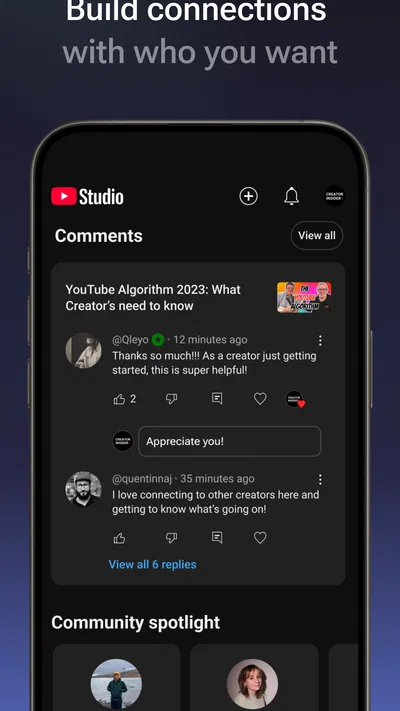
For a creator, comments are not merely a count or a stream of text. They can surface a genuine question, point out something that was unclear, or show which part of a video prompted a response. Having channel management available on a phone makes it easier to answer in a timely, human way. I would still reserve longer conversations and careful moderation for a focused session, but quick attention can make a small channel feel less distant.
A useful habit is to separate replies that are straightforward from comments that need thought. A brief clarification may be easy to handle on mobile; a sensitive disagreement or a question that needs research is better left until I can respond carefully. This is not a special feature so much as a sensible way to use a compact management tool: it keeps convenience from becoming rushed communication.
Checking performance without overreacting
Studio also suits the kind of creator who wants to keep a pulse on a channel’s performance. The important trade-off is that mobile checks are good for orientation, not necessarily for every analytical decision. A quick look can tell me whether I should return to a topic, but it is easy to read too much into a single moment or compare videos without considering how different their subjects and audiences are.
I would use the app to spot questions for later review: Is this upload getting the response I expected? Is there something in the audience feedback I should address? Does a change deserve a closer look? Then I would make larger decisions when I have time to compare context properly. This approach is especially useful for creators who publish regularly and need a lightweight way to stay connected without treating each refresh as a verdict.
One concrete benefit is continuity. When a video is fresh, I can notice audience reactions while I still remember the choices behind it. That can make feedback more useful than returning to it much later. The flip side is that immediacy can encourage over-monitoring. If checking performance starts to distract from making the next video, the phone convenience has stopped helping; I would set a deliberate check-in routine rather than keep the app open throughout the day.
What it does not replace
The most meaningful limitation is not that Studio is poor at its job; it is that its job is narrower than some new creators may expect. Channel management and video production are different tasks. A creator still needs an appropriate editing workflow for assembling footage, and a desktop can be a better setting for work that involves careful review, extensive typing, or comparing information across a larger workspace. Studio complements those activities rather than turning a phone into a complete creator workstation.
There is also a difference between seeing a useful signal and understanding it. A mobile glance is convenient, but it does not automatically provide the time or space needed to interpret performance thoughtfully. I would not change a publishing strategy because of one quick check, and I would not assume that a video’s early response predicts its longer-term value. For careful planning, I prefer to use the app as a prompt to investigate, not as the final authority.
Another point to consider is attention. Because the app makes it easy to check in from almost anywhere, it can pull channel work into moments that were meant to be breaks. That is a personal workflow risk rather than a reason to avoid Studio altogether. Turning off unnecessary interruptions or deciding in advance when to check can preserve the useful convenience without letting channel upkeep occupy the whole day.
How it compares with familiar alternatives
The regular YouTube app is the natural choice when I want to watch videos, browse, or interact as a viewer. Studio makes more sense when my reason for opening an app is the channel I manage. That separation is helpful: viewer activity and creator administration are related, but they are not the same job. If I only want to watch, Studio adds little; if I need to tend to a channel, the viewer app is not the place I would choose first.
A desktop browser is the more comfortable option when I need a broad overview or want to spend a longer session working through channel decisions. A dedicated editing app, meanwhile, is the better fit for shaping footage and assembling a finished video. Studio sits between those tools: it is more focused on channel oversight than a viewing app, but it is not a substitute for a production editor. That makes it particularly useful as a companion rather than a one-app solution.
Who I would recommend it to
I would recommend YouTube Studio to creators who already have a channel and want a convenient way to stay engaged with its routine activity. It is especially suitable for someone who publishes while balancing other commitments, checks audience responses during the day, or wants a quick overview before deciding whether a longer session is necessary. New creators can also benefit, provided they understand that managing a channel is only one part of making videos.
I would skip it if I had no channel to manage, wanted a mobile video editor, or only needed a place to watch YouTube. I would also avoid relying on it as my sole workspace if my channel work involves sustained analysis or detailed planning. In those cases, the regular viewing app, an editing tool, or a desktop workflow is a better match for the task. The right choice depends on whether I am watching, creating, or managing; Studio is squarely for the last of those.
For someone building a consistent routine, I would start with a simple pattern: check the channel after publishing, respond to comments that can be answered clearly, and save bigger decisions for a more focused review. That is a practical way to get value from mobile access without letting numbers or notifications dictate the creative process. It also makes the app useful even when I have only a short window, because I know what I am opening it to do.
A balanced verdict
YouTube Studio does a specific job well: it brings channel oversight closer to the creator, making everyday checks and audience engagement easier to fit into a busy schedule. Its strengths are most apparent when I use it in short, purposeful sessions and let it complement, rather than replace, my other tools. The limitations are equally clear: a phone is not always the best place for deep analysis, and Studio is not a viewing or editing app.
With a 4.3 average and a large established audience, it is a familiar option for creators, but popularity alone is not why I would suggest it. I would keep it installed because it can reduce the friction of staying attentive to a channel between bigger work sessions. If you manage a YouTube channel and want that convenience, it is worth trying. If your main need is to watch videos or edit them, choose the tool built for that instead.
Pros
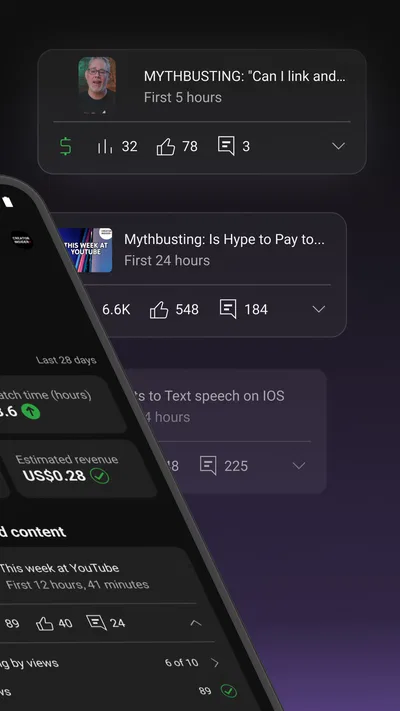
- Review channel performance with detailed analytics.
- Reply to comments directly from your phone.
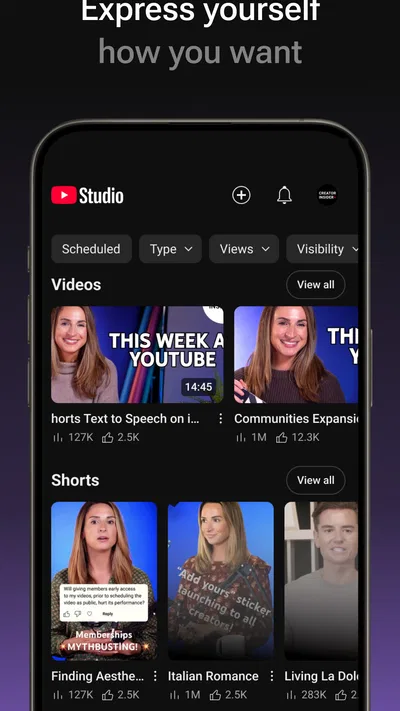
- Edit video titles and descriptions on the go.
- Manage playlists and channel settings in one app.
- Get notifications about new comments and milestones.
Cons
- Some advanced creator tasks still require a desktop browser.
- Analytics can take time to update after publishing.
- The interface may feel crowded for new creators.
- Features can vary between app versions and regions.
- It does not support uploading full-length videos.
Best Video Players & Editors App 2026
Our verdict
Manage your YouTube channel on the go
Frequently Asked Questions
What is YouTube Studio used for?
YouTube Studio is the official companion app for managing a YouTube channel from a mobile device. It lets creators review channel analytics, check recent video performance, manage comments, receive notifications, and edit selected video details. It is useful for routine channel tasks while away from a computer, though some advanced tools and settings may be easier to access through YouTube Studio in a web browser.
Can I upload and edit videos with the YouTube Studio app?
YouTube Studio is mainly designed for channel management rather than video production. Depending on the feature and app version, creators may be able to manage video information and visibility, but the app is not a full video editor and should not be confused with the main YouTube app’s upload tools. For detailed editing, adding effects, or arranging clips, use a dedicated editing app; availability can vary by device and account.
Can YouTube Studio manage comments and community activity?
Yes. The app provides tools to review and respond to comments, helping creators keep up with conversations without opening a desktop browser. Comment availability and moderation options may depend on the video, channel settings, and the account’s permissions. Notifications can also alert you to channel activity, but you can adjust notification preferences if you do not want frequent updates. Review comments before replying, and use moderation controls when needed.
Are YouTube Studio analytics accurate and available in real time?
YouTube Studio displays channel and video performance information such as views, watch time, audience activity, and subscriber changes, with the exact reports depending on eligibility and data availability. Analytics are not always updated instantly; some figures may be delayed, estimated, or later adjusted as YouTube processes activity. Treat the app as a convenient way to monitor trends, and consult the detailed reports in the web version when you need deeper analysis.
Is YouTube Studio free, and what should I know before downloading it?
YouTube Studio is free to download and use with a Google account that has access to a YouTube channel. Some features require the appropriate channel role, and the app’s layout and available tools can differ between Android, iOS, and app versions. Download it from the official Google Play Store or Apple App Store, check the listed device requirements, and review the requested permissions and privacy information before installing.

Download YouTube Studio
Similar apps
View all 7.7
YouTube
Video Players & Editors
 7.1
CapCut - Video Editor
Video Players & Editors
 9.4
Edits: Video Editor
Video Players & Editors
 6.5
AI Mirror: Screen Mirroring TV
Video Players & Editors


