
- Award score
- 4.4Rating
- 10,000,000+installs
- Free
App information
Screenshots
 Analysis byAppsAward
Our review of MyChart
MyChart is most useful when it gives you a direct line to the health care organization you already use. I see it as a practical medical companion rather than a universal health app: it can make routine interactions easier, but what you can do depends on whether your provider uses it and which services that provider makes available. If your care is connected, having health information and common tasks gathered in one place can save time. If it isn’t, the app has little to offer on its own.
A medical app built around your care team
Developed by Epic Systems Corporation, MyChart is a free medical app for Android. Its role is to connect patients with participating health care organizations, not to replace a clinician or serve as an independent source of medical advice. That distinction matters: this is most valuable when it fits into the way your doctor’s office already handles care.
The app has a 4.4 average from around 290,000 ratings, and it has been installed over 10 million times. Those figures suggest broad use, but they don’t guarantee the same experience for everyone. A patient whose providers offer a well-supported MyChart setup may find it genuinely useful; someone whose clinic does not use it may find that installing it changes very little.
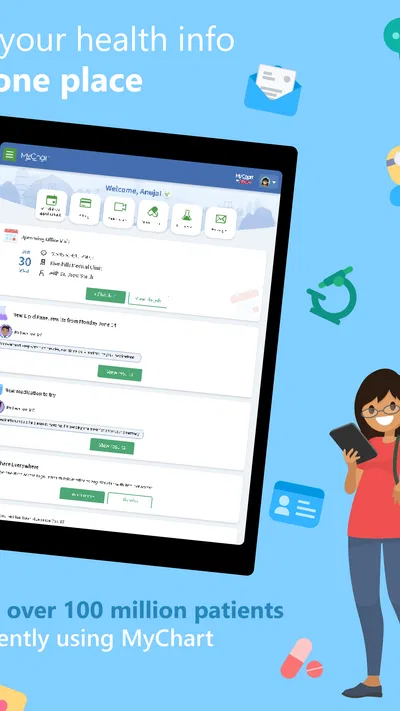
In my view, its strongest quality is the potential to reduce small but recurring hassles. Rather than treating every appointment, message, or record request as a separate phone call, you can use a connected patient portal to manage parts of your care from your device. That convenience is especially appealing when you are coordinating ongoing treatment or trying to keep track of several appointments.
Where it can make a real difference
The value is less about a single clever feature and more about having a familiar place to check in with your health care organization. For example, if you are preparing for a follow-up visit, checking your available information beforehand can help you arrive with a clearer picture of what you want to discuss. I’d use that time to note questions, confirm what I need to bring, and review the information my provider has made available—not to diagnose myself from a result or replace professional guidance.
A second useful situation is juggling care for more than one ongoing concern. A patient who wants to keep routine interactions organized may appreciate being able to return to a portal instead of searching through old messages or trying to remember which office to call. The practical benefit is strongest when the organization keeps its information current and uses the app consistently.
There is also a small but important workflow advantage in treating the app as preparation, not just a place to check after an appointment. Before a visit, I would review what is available and write down anything that looks confusing. Afterward, I would use the same habit to keep track of follow-up questions. That turns a passive record into a prompt for a more focused conversation with a clinician.
The trade-off: your provider shapes the experience
The main limitation is also central to understanding the app: MyChart depends on your relationship with a participating health care organization. It is not a single, uniform service that works identically for every patient everywhere. What appears in your account and which actions are available can depend on the organization behind it. Before relying on it for a particular task, check whether your provider supports the app and whether your account is connected to the right organization.
This can make the first steps feel less straightforward than installing a general-purpose wellness app. If you are unsure how to connect, the most useful route is usually to follow your provider’s account or sign-in instructions, rather than assume that a download alone creates access to your records. If you receive care from multiple organizations, you may also need to think carefully about which accounts are connected and where to look for a particular piece of information.
Another caution is that a patient portal can display medical information without making it easy to interpret. A result or note may be accurate yet still be confusing without context. I would not use a number I don’t understand to make a treatment decision or delay contacting a clinician. The app is a way to engage with your care, not a substitute for a conversation when something seems urgent or unclear.
How it compares with calling or using a general health app
Compared with handling every routine matter by phone, a connected portal can be more convenient because you can return to your account when it suits you. That does not mean it makes phone calls obsolete. A call remains the better choice when you need an immediate answer, are dealing with a complicated issue, or cannot find the right route through the app.
Compared with a general wellness or symptom-tracking app, MyChart is more closely tied to a provider’s patient relationship. That focus is a strength if your goal is to interact with your own care team, but it is not necessarily the right fit if you mainly want broad self-tracking tools or health education independent of a clinic. I would choose the tool that matches the task: a patient portal for provider-connected care, and a different option when the goal is personal tracking or general information.
It is also worth setting expectations about consistency. A polished experience in one organization does not mean another organization will offer the same range of services or present information in the same way. If a feature you expected is unavailable, that may reflect how your provider has configured its portal rather than a problem with your phone. For anything essential, confirm the process with the organization instead of assuming the app is the only channel.
Who is likely to benefit most
I’d recommend trying it if your doctor or health system already uses MyChart and you want a more convenient way to handle routine parts of being a patient. It is especially worth considering if you have regular appointments, tend to forget what you wanted to ask, or prefer checking your available information before speaking with your care team.
It may be less useful if you rarely interact with the provider that supports it, prefer to handle all care-related matters directly by phone, or expect one app to unify every medical relationship automatically. In those situations, the setup effort may not pay off. It is also not the right choice for someone seeking diagnosis or urgent guidance from an app; contact an appropriate health professional for those needs.
For an everyday example, imagine you have a routine appointment coming up and several questions have occurred to you since your last visit. Rather than trying to recall them in the waiting room, you can make a short list while reviewing the information available through your account. Then, at the appointment, you can use that list to guide the conversation. The app supports the organization around care; the clinician still provides the interpretation and advice.
Practical details and final verdict
MyChart is rated for Everyone, is free to download, and its current Android version is 11.9.3, with Android 11 as the minimum operating system. It has been available since October 31, 2011. Those details make it straightforward to assess basic compatibility, but the more important question is still whether your health care organization supports it and provides the services you want to use.
My overall take is positive, with a clear qualification: MyChart is most valuable when your provider makes it part of your care routine. It can help you stay organized and make routine interactions more convenient, but it is not a universal solution, and it cannot replace a clinician’s judgment or a direct conversation when you need one.
If your provider uses it, I think it is worth trying and judging by how well it fits your actual appointments and follow-ups. If you are looking for an independent health tracker or a medical advice tool, I would choose something designed for that purpose instead. For provider-connected care, though, this is a sensible, practical option—so long as you treat it as a bridge to your care team rather than a replacement for one.
Pros
- View test results and visit summaries in one place.
- Request prescription renewals through the app.
- Send secure messages to your care team.
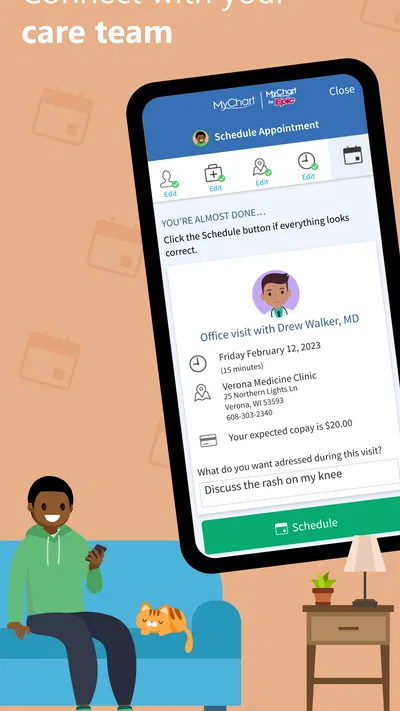
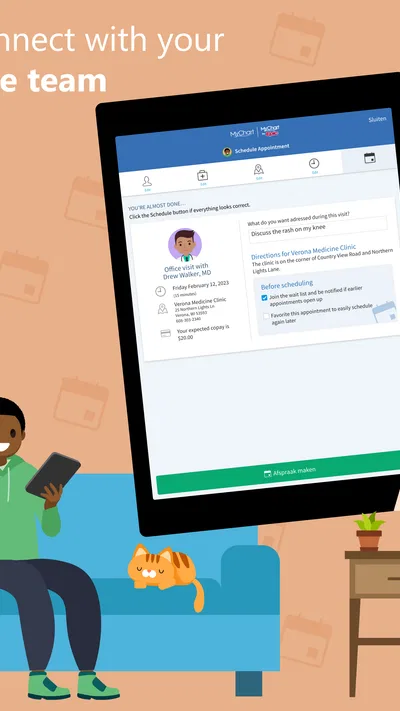
- Schedule appointments with participating providers.
- Use biometric sign-in when supported by your device.
Cons
- Features vary between healthcare organizations.
- Some results may not appear until a provider releases them.
- You need an account with a participating health system.
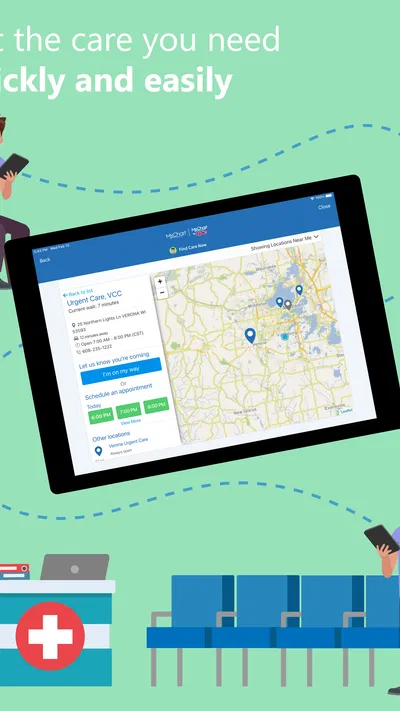
- Appointment options may be limited in the app.
- Proxy access for family members can require extra setup.
Best Medical App 2026
Our verdict
MyChart for Android
Frequently Asked Questions
What is MyChart, and what can you do with it?
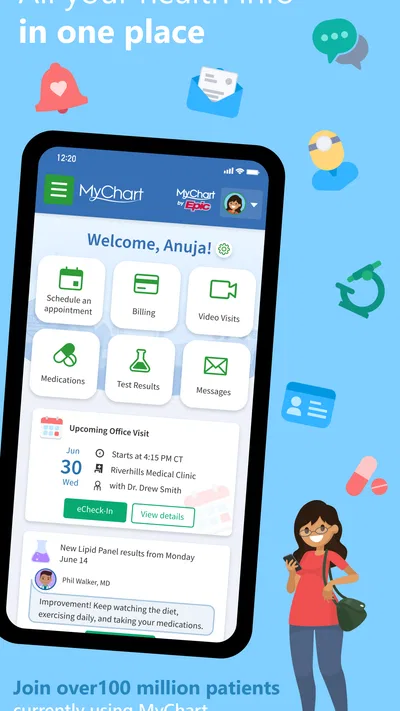
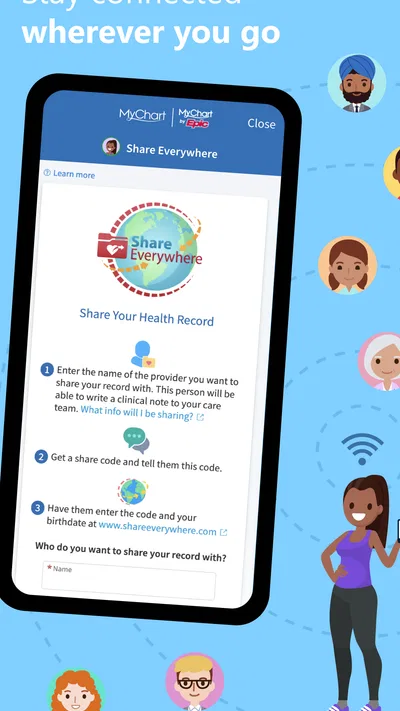
MyChart is a patient portal offered by participating healthcare organizations, with features that can include viewing test results, checking medications and allergies, reading visit summaries, messaging your care team, and managing appointments. The exact tools depend on the organization that provides your account. MyChart is not itself a healthcare provider, and access to a feature does not guarantee that every record or service is available in the app.
How do you sign in to MyChart or create an account?
To use MyChart, you generally need an account with a healthcare organization that supports the service. You may be able to sign up through an activation code from your provider, an online identity-verification process, or instructions from the organization. Sign-in options and requirements vary, and some providers support additional verification methods. If you cannot find your organization or access your account, contact its MyChart help desk rather than creating a duplicate account.
Is MyChart free to download and use?
The MyChart app is generally free to download, but the healthcare services you access through it may have their own costs, such as appointment charges, bills, or insurance-related fees. Availability and billing features vary by healthcare organization. Check the app listing for current device and regional requirements, and contact your provider or insurer if you have questions about charges. Downloading the app does not replace the need to follow your provider’s payment policies.
Can you use MyChart to view test results and message a doctor?
Many participating organizations let patients view some test results and send non-urgent messages to their care team, but timing and availability depend on the provider’s policies and the type of information. Results may appear before a clinician has discussed them with you, so contact your care team if you need help understanding them. Messaging is not intended for emergencies; call local emergency services or use the urgent-care instructions provided by your healthcare organization when immediate help is needed.
Is MyChart secure, and what should you know about privacy?
MyChart is designed for accessing personal health information through an account, so protect it with a strong, unique password and keep your phone’s screen lock enabled. Review the privacy information and permissions presented by the app and your healthcare organization, and sign out on shared devices. Your organization controls much of the information and account access available to you. Do not share login codes or passwords, and contact the provider promptly if you suspect unauthorized access.




