
- Award score
- 4.0Rating
- 5,000,000,000+installs
- Free
App information
- Version
- VARY
- Updated
- Requires
- Varies with device
- Price
- Free, in-app purchases
- Developer
- Content rating
- Teen
Screenshots
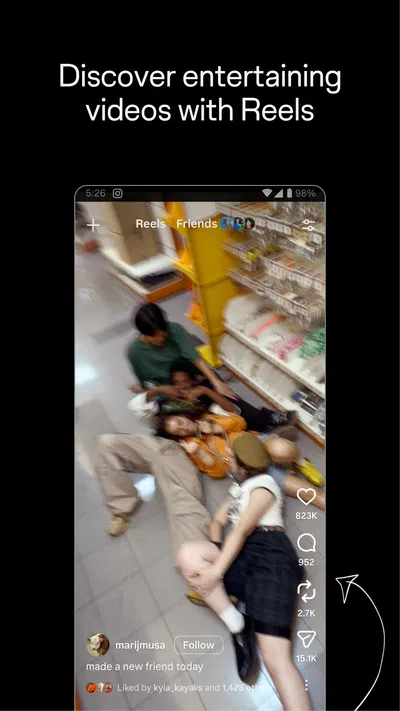
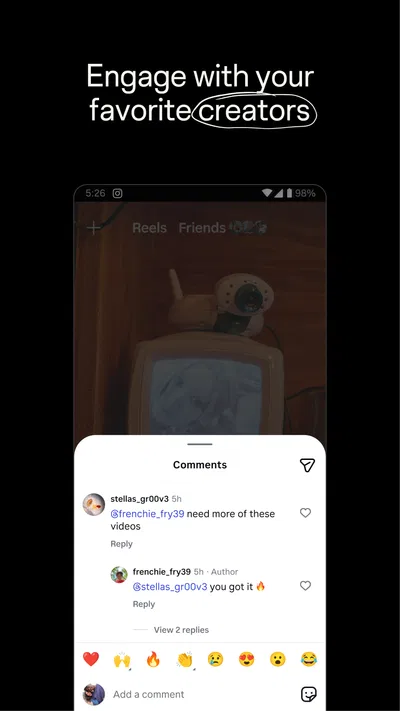
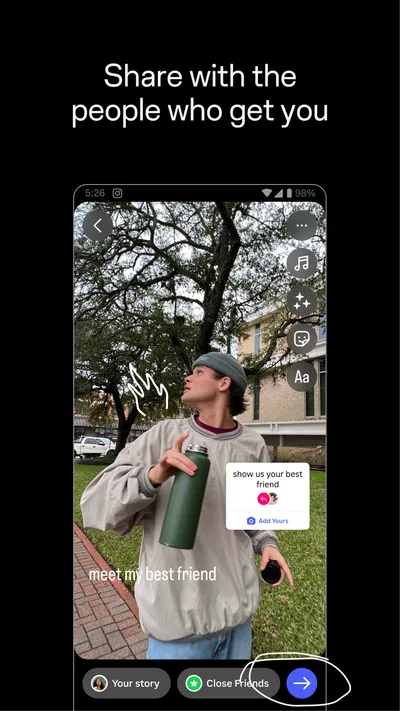
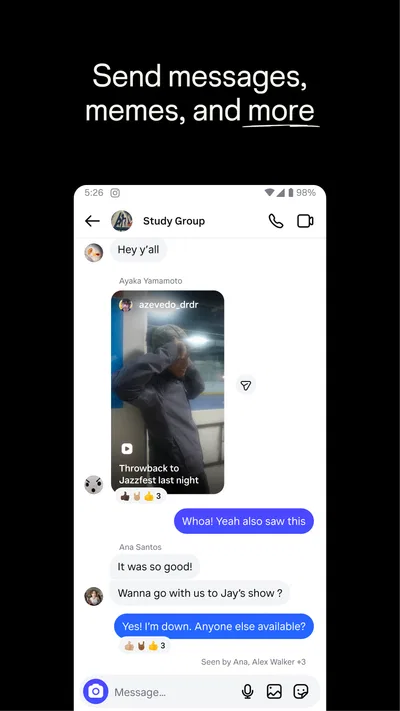
 Analysis byAppsAward
Our review of Instagram
I find Instagram most useful when it gives a household a shared point of reference without turning everyone’s social life into one shared account. A parent might send a cooking reel to a teenager, siblings might trade photos from a day out, and relatives can keep up through stories without arranging a call. The app makes those small exchanges feel easy. But that convenience depends on keeping personal accounts and expectations clear: Instagram is built around individual profiles, not as a family dashboard.
Sharing a device without sharing an identity
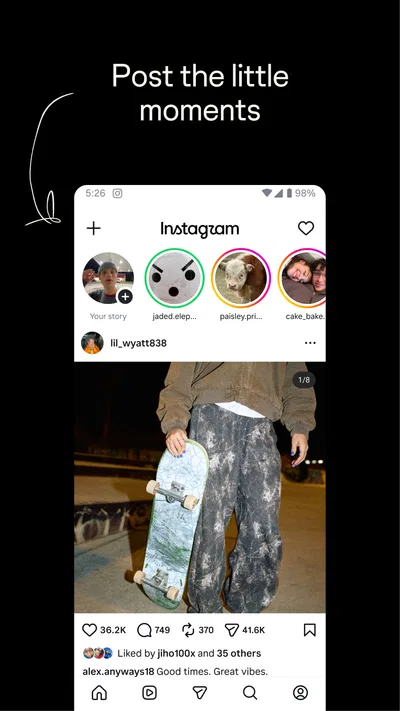
Instagram is a free social app from Instagram, with a four-star average from around 170 million ratings and more than five billion installs. Its core experience combines a feed, stories, reels, messaging, and tools for making and sharing photos and videos. That breadth is part of its appeal: one person can browse creators, another can post a short clip, and both can use the same app for very different reasons.
On a household tablet or phone, though, convenience can blur boundaries. A device may remember a signed-in account, and a person who opens the app could see the wrong feed or send a message from someone else’s profile. I would treat each person’s account as personal, avoid passing around a logged-in device casually, and make a habit of checking which profile is active before posting or replying. Separate accounts are a better boundary than a shared Instagram login.
That distinction matters even when everyone is comfortable sharing photos. A family account may sound practical for posting holiday pictures, but it also makes it harder to tell who created a post, who is receiving private messages, and whose recommendations shape the feed. For a shared album or household announcements, a dedicated photo-sharing or messaging option may be clearer. Instagram works best when each person has a recognizable identity and chooses what to share from it.
Set expectations before the first post
There is no need to make account setup a family project, but a short conversation can prevent awkward moments later. I would agree on whether family members are comfortable appearing in one another’s posts, whether location details should be avoided, and whether someone should ask before sharing a close-up or an unflattering moment. These are social agreements rather than app controls, which is exactly why they are worth discussing explicitly.
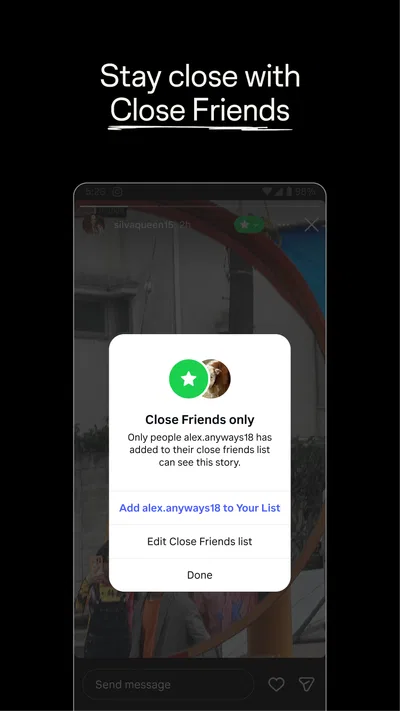
Instagram has different ways to publish, and they suit different levels of permanence and audience. A story is a more casual, temporary-feeling update; a feed post can become part of a profile people revisit; a reel is designed around short video. Before sharing, I would pause to check the audience and the account being used, especially on a device that more than one person handles. A quick review is more reliable than assuming every post is meant only for close relatives.
For someone who mainly wants to look rather than publish, it can help to decide that in advance. Browsing public creators or family updates does not require turning every moment into content. I like that distinction because it makes the app easier to use intentionally: open it to see a particular person’s update, save an idea mentally, then leave instead of feeling obliged to post in return.
Coordinate around moments, not constant checking
A realistic use case is a family member visiting a market and sending a reel of a recipe idea to the group’s most enthusiastic cook. Someone else can reply later, and the exchange does not require everyone to be available at once. Stories can also be a lightweight way to show a trip or an event to people who already follow an account. For coordination that needs a clear answer—who is picking someone up, or what time dinner starts—I would still use a direct conversation or a shared calendar. Instagram messages are convenient, but a busy social inbox can bury practical details among reactions and casual chat.
One useful habit is to save a post when it contains something worth returning to, rather than sending it to yourself or relying on memory. Collections can help keep saved material grouped, such as recipes, travel ideas, or home projects. That turns Instagram from an endless stream into a modest reference shelf. The trade-off is that saved posts remain tied to the app and the creator’s content; I would not use them as the only copy of important instructions or information.
Another small but helpful workflow is to use the audience and interaction settings deliberately before a post goes out. If a photo includes several people, consider whether everyone should see it, and whether comments are welcome. The right choice depends on the moment: a public-facing creator may want reach, while a private family snapshot is usually better kept among an intended circle. These decisions are easy to overlook when posting quickly, so I recommend slowing down for anything that shows children, a home interior, or a predictable routine.
Age, trust, and a sensible level of supervision
The app is rated Teen, so I would not treat it as a children’s photo album by default. A teenager may use it to follow friends, creators, artists, or local interests, but age suitability is only one part of the decision. Families should talk about what feels private, how to handle unwanted attention, and when to bring a worrying interaction to a trusted adult. A calm, ongoing conversation is more useful than assuming a rating alone settles the question.
Trust also means avoiding the temptation to monitor every interaction through another person’s account. That can expose private messages and make ordinary family coordination feel like surveillance. I would instead agree on boundaries, encourage a young person to ask for help if a conversation feels uncomfortable, and review account choices together when they want support. Instagram is not a substitute for a household’s own rules about screen time, privacy, or respectful posting.
There is a practical privacy lesson for adults too: a photo can reveal more than its subject. A school uniform, street sign, house number, or repeated posting pattern may give away context the photographer did not intend to share. Before publishing a family moment, I look beyond the faces in the frame and consider what else a stranger could infer. That check is especially worthwhile when several relatives contribute to the same event coverage.
Where it fits among social apps
Compared with a messaging-first app, Instagram is stronger for visual discovery and for following a mix of friends, public figures, businesses, and creators in one place. Compared with a private photo album, it is less focused on a deliberately limited group and more shaped by an ongoing feed and recommendations. If the household’s main goal is to exchange a few pictures privately, a dedicated shared album may be simpler. If the goal is to discover short videos, keep up with creators, and share visual updates, Instagram has a broader range.
That breadth can also be the source of friction. Reels and recommendations make it easy to move from one clip to another without intending to spend much time there. The feed is not a neutral family bulletin board: each account develops its own experience based on what it follows and engages with. I would not expect two people using the same device to see the same material, and I would avoid judging someone else’s interests from a feed that was not set up for them.
Instagram has been available since April 3, 2012, and its reach is reflected in its enormous community, but scale does not automatically make it the right fit for every household. It has about 4.5 million written reviews, yet individual experiences still depend on who a person follows, how they use the app, and what boundaries they set. The app is free to download, while optional in-app purchases range from a few cents to ten thousand dollars per item. I would check carefully before approving any purchase, particularly if a device is shared.
Who should choose it—and who may prefer something else
I would recommend Instagram to households where people want to share visual updates, discover creative ideas, and keep up with friends or relatives who already use it. It is especially handy when family members are spread across different schedules: a photo or reel can be viewed when convenient, rather than requiring everyone to join a live conversation. It can also be useful for a teenager exploring photography, cooking, sports, or other interests, provided the family has talked about privacy and online conduct.
I would skip it as the main household coordination tool if the priority is dependable reminders, a shared calendar, or a private archive of family photos. I would also think twice if a person finds algorithmic video feeds hard to leave, dislikes public-facing social spaces, or wants a service with a narrow purpose and fewer distractions. For those needs, a calendar, messaging app, or closed photo-sharing service is a more direct choice.
My household verdict is that Instagram works well as an optional social layer, not as the family’s central system. Give each person a clear account boundary, agree on what is okay to share, and use a more focused tool for tasks that need a definite answer or a lasting record. Under those conditions, the app’s mix of visual posts, short videos, and casual messages can make staying in touch feel natural. Without those boundaries, a shared device can turn a convenient scroll into confusion about whose account, audience, or conversation is in view.
Pros
- Stories make quick everyday updates easy to share.
- Reels provide a steady stream of short videos.
- Direct messages support private chats and group conversations.
- Built-in editing tools help polish photos before posting.
- Explore recommendations make finding new creators straightforward.
Cons
- The feed can encourage lengthy scrolling sessions.
- Some features and layouts change frequently.
- Public posts may attract unwanted attention.
- Content recommendations can feel repetitive.
- Frequent notifications may become distracting.
Best Social App 2026
Our verdict
Create & share photos, stories, & reels with friends you love
Frequently Asked Questions
What is Instagram, and what can I do with it?
Instagram is a social networking app for sharing photos, videos, Stories, and short-form Reels. You can follow accounts, view posts in your feed, comment, react, and send private messages. It also includes tools for creating and editing content, browsing recommendations, and watching live broadcasts. Available features can vary by account, region, device, and app version.
Is Instagram free to download and use?
Instagram is generally free to download and use, and its main social features do not require a subscription. The app may show advertisements, and some optional services or shopping experiences can involve purchases, depending on availability in your region. You will need an internet connection and an account to use most features. Check the official app store listing for current requirements and any changes to pricing.
Can I make my Instagram account private?
Yes. Instagram lets you set a personal account to private through its privacy settings. When it is private, people generally need your approval to follow you and see your posts, though some profile details may remain visible. Privacy settings do not prevent approved followers from saving or sharing content outside the app. Review your audience, tags, mentions, and messaging controls to decide who can interact with you.
What should I know about Instagram’s privacy and data collection?
Instagram collects and uses information to operate its services, personalize recommendations and advertisements, and help protect accounts. The exact data practices can change, so review the current privacy policy and settings before signing up. You can manage options such as account visibility, activity status, ad preferences, and permissions granted to your device. Avoid posting sensitive information, and use a strong, unique password with available security protections.
Can I use Instagram on Android and iPhone, and what are the main limitations?
Instagram is available for compatible Android phones and iPhones through their official app stores, and some features can also be accessed through a web browser. The precise interface and tools may differ by device, operating-system version, region, or account type. You will need enough storage for the app and a reliable connection for uploading and streaming. Check the store listing for supported devices and current system requirements.




