
- Award score
- 4.0Rating
- 1,000,000,000+installs
- Free
App information
- Version
- VARY
- Updated
- Requires
- Varies with device
- Price
- Free, in-app purchases
- Developer
- TikTok Pte. Ltd.
- Content rating
- Teen
Screenshots



 Analysis byAppsAward
Our review of TikTok - Videos, Shop & LIVE
When I open TikTok, I can usually tell within moments whether its stream of short videos has caught my interest: one clip leads into another, with creators, sounds and subjects shifting quickly. That immediacy is the app’s central appeal, but it also makes its design worth judging through more than entertainment. Readability, movement, sound and the setting where I use it all affect whether the experience feels welcoming or tiring. My overall impression is that TikTok makes browsing easy to start, while offering a fast, sensory-dense environment that will not suit everyone.
Finding your way through a fast-moving feed
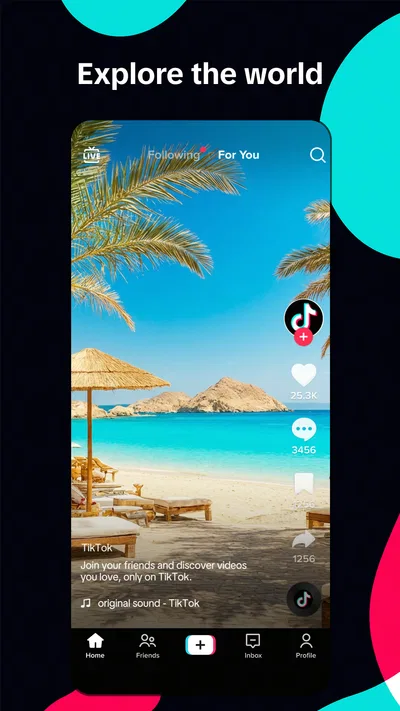
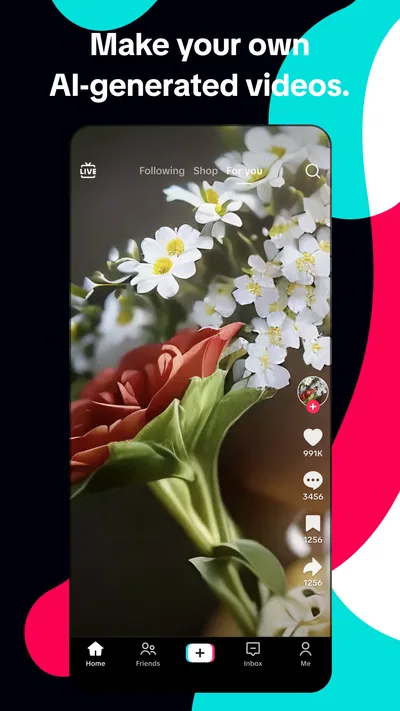
TikTok is a free social app from TikTok Pte. Ltd., built around watching and sharing video. Its main feed puts one clip at a time front and center, so there is little visual clutter competing with the video itself. That focus helps me understand what to do next without studying a complicated layout: watch, move on, or respond to a creator. The trade-off is that the feed keeps changing, and its pace can make careful browsing feel less deliberate than scrolling through a page of posts.
The interface is especially straightforward when I already know what I want to watch. Searching for a topic, creator or sound gives me a route that is more purposeful than waiting for the feed to guess my interests. I also find it useful to treat search as a way to compare different perspectives on a subject, rather than assuming the first clip is the most complete explanation. Short videos can be a good starting point, but they rarely replace a detailed guide when the question matters.
The app’s social side is not limited to passive viewing. I can follow creators whose style I enjoy, react to posts and share clips with friends. Those actions make it easier to turn a solitary stream into a conversation, though the experience still revolves around video rather than a traditional timeline of text updates. If I want a quiet place to catch up on friends’ written posts, a messaging app or a text-first social network may be a better fit.
There is a useful habit for making the feed feel more intentional: when a clip is not relevant, move on rather than watching it repeatedly out of curiosity. When a topic is worth returning to, search for it directly or follow creators who cover it consistently. This helps me use recommendations as discovery rather than letting every passing trend define what I see. The distinction matters because TikTok can be entertaining without necessarily being the best tool for organized research or keeping a complete record of information.
Readable at a glance, but not always easy to inspect
Because each video occupies most of the screen, attention naturally goes to the moving image. Captions and on-screen text can make a clip easier to follow when audio is unavailable, but their readability depends on how the creator has placed and styled them. Text may appear briefly, sit over a busy background, or be presented in a way that is hard to read quickly. I would not assume that every video explains itself clearly without sound.
For a clip that contains useful instructions, I pause long enough to read the visible text instead of trying to absorb it while the next moment unfolds. Replaying a section can help, but it does not fix small lettering or captions that move too quickly. A creator who speaks clearly and adds legible context makes a noticeable difference. In practice, the viewing experience is partly shaped by the person who made the video, not just by TikTok’s layout.
The single-video presentation is a strength for focus, but it can also make comparison awkward. If I am looking at several demonstrations or opinions, I have to remember details as I move between clips. I find it better to search with a specific phrase, inspect a few different creators, and be cautious about treating a polished clip as a complete answer. Someone who needs carefully structured reference material may find a conventional article, a long-form video platform or a dedicated learning app easier to navigate.
Movement, sound and control over the experience
The app is built around motion and audio, so it can be intense for people who are sensitive to rapid visual changes, loud sounds or unpredictable transitions. A stream of short clips can change mood and volume from one moment to the next. I try it with the sound low when I am in a shared room, and I avoid browsing when I need a calm, distraction-free screen. Those are simple adjustments, but they do not change the basic fact that TikTok is a highly stimulating format.
Motor comfort can also vary. A feed that is easy to move through with a simple gesture may feel convenient to one person and demanding to another, especially during a long session. I recommend keeping sessions purposeful: decide what you came to find, search or watch a few relevant clips, then leave rather than continuing automatically. This is a practical way to reduce repeated gestures and limit the feeling of being pulled into an endless stream.
For creators, making a video involves more effort than watching one. Recording, choosing a sound, editing and adding text can be enjoyable if you like experimenting, but it is not the most accessible starting point for someone who finds on-screen editing fiddly or tiring. I would begin with a simple clip rather than aiming for a heavily edited result. The platform’s appeal does not depend on producing elaborate videos, and browsing or sharing other people’s work is a valid way to use it.
Different settings call for different ways to use it
In an everyday situation, I might use TikTok during a lunch break to find a quick cooking idea. Searching for a specific ingredient or technique gets me closer to useful demonstrations than scrolling without a goal. I can compare a few creators’ approaches, but I would still check quantities and safety details elsewhere before relying on a recipe. The app works well as a discovery tool; it is less reliable as the only place to keep instructions I need to follow later.
At home, videos can be easier to enjoy with sound, but that is not always practical on public transport, in a waiting room or beside someone who is working. In those situations, captions and visual demonstrations matter more, and some clips will be much more usable than others. I find it sensible to bring headphones if I want audio in a shared space, while remembering that headphones are not suitable in every setting. If I need to remain attentive to my surroundings, saving the browsing for later is the better choice.
The same flexibility applies to social use. A funny clip can be a low-effort way to share a moment with a friend, while a creator’s ongoing series can provide a familiar topic to return to. Yet TikTok is not a substitute for direct conversation when something needs a thoughtful reply. For coordination, private discussion or a clear record of plans, messaging tools are usually more practical. I see the app as a place to discover and pass along video, not as the best home for every kind of relationship or communication.
What the scale and audience mean for a new user
TikTok has an average rating of 4.0 from around 70 million ratings, and it has passed one billion installs. Those figures suggest that it has become a familiar option for many people, but popularity does not guarantee that its rapid format suits an individual user. The app is rated Teen, which is worth considering for families and younger users. I would treat that age guidance as a prompt to think about personal boundaries and viewing habits, rather than as a promise that every clip will suit every teenager.
It is free to install, with in-app purchases ranging from a few cents to nearly ten thousand dollars per item. I would pay attention to purchase prompts and account settings, particularly if someone else uses the device. Most people can judge the core experience by browsing first; there is no need to spend money simply to decide whether short-form video is enjoyable. The presence of purchases is a reason to be attentive, not a reason to assume that spending is necessary for ordinary viewing.
With about 2.3 million written reviews, there is clearly plenty of discussion around the app, but I do not think a large audience should settle the decision for you. Its short-video format is more immediate than many text-led social apps and more socially connected than simply watching a library of long videos. If you prefer quiet reading, deliberate chronological updates or a feed that does not demand sustained visual attention, another kind of social app may be more comfortable.
Where the experience still falls short
The main limitation I notice is the mismatch between speed and depth. Clips are easy to consume, but context can be thin, and the next video is always close at hand. That can make it harder to stop, compare claims or remember where a useful explanation came from. I recommend using search for a defined question, checking more than one creator on consequential topics, and moving to a trusted reference when accuracy matters. Those habits make the app more useful without pretending that a short video can answer everything.
Another barrier is inconsistency between creators. One person may speak clearly, keep text on screen long enough to read and explain the point; another may rely on rapid edits, background music and visual cues. The app’s format gives creators room to be expressive, but that variety means access is not uniform from clip to clip. If a video is difficult to follow, I would look for another explanation rather than blame myself for missing something.
There is also a practical difference between having access to a video and being able to engage with it comfortably. A noisy environment, limited attention, fatigue or discomfort with rapid motion can turn an otherwise appealing clip into a poor experience. TikTok’s strength is its immediacy, and that same immediacy is a real constraint. People who need a slower pace or a reliably quiet format may get more from podcasts, written explainers or long-form video that they can choose and pause more deliberately.
Who I would recommend it to
I would recommend TikTok to someone who enjoys compact videos, likes discovering creators through a changing feed, and wants an easy way to share entertaining or useful clips with friends. It is particularly handy when I want a quick visual demonstration or a fresh set of ideas, provided I am willing to verify important details elsewhere. The best experience comes when I use the feed intentionally and choose creators whose presentation works for me.
I would be more cautious about recommending it to someone who finds sound and motion overwhelming, needs every piece of content to be easy to read, or wants a dependable archive of detailed information. It may also be a poor match for anyone who struggles to stop once a stream of short clips gets going. A text-first network, a focused learning resource or a conventional video service can be a better choice depending on whether the priority is conversation, accuracy or calmer viewing.
Overall, TikTok is a lively social app whose simple, video-first navigation makes discovery effortless, while its rapid pace and uneven creator presentation create genuine accessibility trade-offs. I like it most as a short, purposeful visit: search for a topic, enjoy a few clips, share something worth discussing, and step away when the stream stops serving a clear purpose. That approach lets the app’s creativity shine without asking it to be a quiet reader, a complete reference library or the right viewing environment for everyone.
Pros
- The For You feed quickly adapts to viewing habits.
- Built-in editing tools make short videos easy to create.
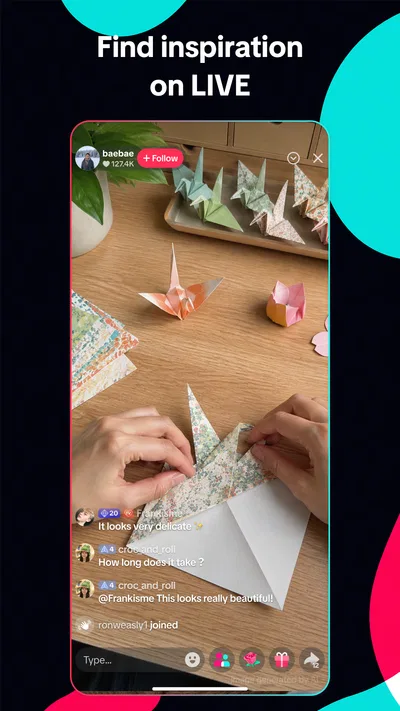
- LIVE streams offer real-time interaction with creators.
- TikTok Shop lets users browse products without leaving the app.
- Captions and translation features help make some videos more accessible.
Cons
- The personalized feed can make it easy to lose track of time.
- Some features and products vary by country or account.
- LIVE content may include material unsuitable for younger viewers.
- Video uploads can use substantial mobile data.
- Shopping quality and delivery depend on individual sellers.
Best Social App 2026
Our verdict
Join your friends and discover videos you love, only on TikTok
Frequently Asked Questions
What can you do with TikTok - Videos, Shop & LIVE?
TikTok is a social video app for watching and sharing short-form clips, discovering creators, and interacting through likes, comments, and follows. Its features may also include LIVE broadcasts, messaging, editing tools, and shopping content or purchases, depending on your location and account eligibility. The experience is shaped by a personalized recommendation feed, so the videos shown can change as you watch and interact.
Is TikTok free to download and use?
TikTok is generally free to download and use, and you can browse many videos without paying for a subscription. Optional purchases may still be available, such as virtual gifts for LIVE creators or products offered through TikTok Shop in supported regions. Check the app store listing and any checkout details before paying, since availability, prices, taxes, and purchase terms can vary by country.
Does TikTok work on Android and iPhone, and is TikTok Shop available everywhere?
TikTok is offered for compatible Android and iOS devices, but supported operating-system versions and features can change over time. Not every feature is available to every user: TikTok Shop, LIVE, and some creator tools may be limited by country, age, account status, or local rules. Before installing, check the current store listing for your device and confirm whether the features you want are available in your region.
Can you control what videos appear and protect your privacy on TikTok?
You can influence your For You feed by interacting with videos and using options such as marking content as not interesting; available controls can vary with app updates. TikTok also provides privacy and safety settings for matters such as account visibility, comments, messages, and interaction limits. Review these settings after creating an account, and consider what personal information you share in videos, profile details, and conversations.
Is TikTok suitable for children, and what should parents know before downloading it?
TikTok includes content created by a wide range of users, so videos may not be suitable for every age or preference. Age requirements and protections depend on the region, while features such as Family Pairing can help parents manage certain settings for a teen's account. Parents should review current age guidance, privacy controls, screen-time options, and purchasing access, and discuss safe posting and interactions with their child.




