
- Award score
- 4.3Rating
- 10,000,000+installs
- Free
App information
Screenshots
 Analysis byAppsAward
Our review of TikTok Lite - Faster TikTok
TikTok Lite makes the most sense when I want the familiar, quick-hit appeal of TikTok without treating it as my main place to create, follow conversations, or keep up with friends. Its central promise is a lighter way to browse short videos, and that focus is both its clearest strength and its main limitation. I’d recommend it to someone who mainly watches clips in spare moments; people looking for a full-featured social hub may prefer the regular TikTok app or another service that better fits how they participate.
Fast browsing is the point
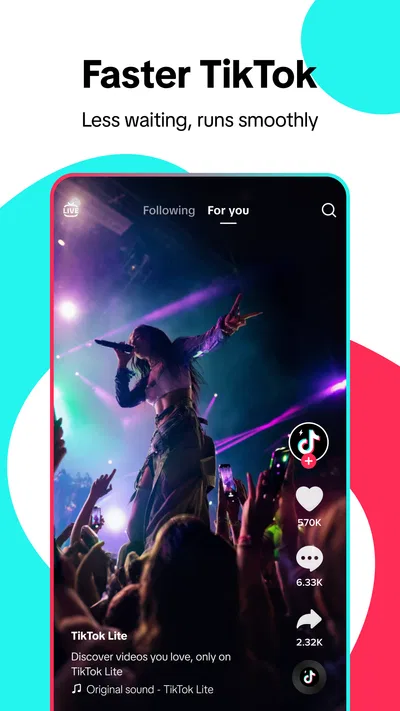
As a social app from TikTok Pte. Ltd., TikTok Lite is built around watching and discovering short-form video. The experience is best understood as a streamlined viewing option rather than a completely different kind of social network. If you already enjoy TikTok’s style of rapid clips, jokes, tutorials, and trends, the basic appeal is immediately familiar: open the app, find something interesting, and move on when you’re ready.
That simplicity suits the way many people actually use short-video apps. I might open it while waiting for a ride, take a quick break between tasks, or look for a cooking idea without planning to spend a whole evening online. A lighter app can feel more approachable in those situations because the purpose is clear: spend a few minutes browsing, rather than managing a sprawling social routine.
The difference matters most for people who are selective about what they install or how they use their phone. TikTok Lite is free, has a Teen content rating, and has reached over ten million installs. It holds a 4.3 average from around 54,000 ratings, with roughly 12,000 reviews. Those figures suggest broad interest, but they don’t tell me whether it will suit an individual’s habits. The more useful question is whether watching short videos is the main thing you want from TikTok.
A practical fit for short breaks
One everyday use case is a commute with a few unpredictable gaps. Instead of starting a long video or opening several social feeds, I can dip into short clips and stop when my train arrives. Another is looking for a quick visual explanation: a recipe step, a simple craft demonstration, or an idea for arranging a room. Short video is handy when seeing a process is more useful than reading a long explanation.
There is a trade-off, though. A stream of brief clips can make it easy to keep watching longer than intended. I’d treat the app as a small break, not as a dependable way to control screen time by itself. A useful habit is to decide what I’m opening it for before launching it—say, to find one idea or unwind for a short while—and then close it once that purpose is met. That simple boundary is more reliable than expecting an endless feed to provide a natural stopping point.
What the lighter approach does well
The strongest case for this version is convenience. A social app designed around quick viewing can be a sensible choice when I don’t need every possible tool or interaction in the same place. It keeps the focus on consuming clips rather than making me think of the app as a complete online identity. For a casual viewer, that distinction can make the experience feel less demanding.
It can also work well as a separate way to browse. Some people prefer not to mix every social activity together: one app for keeping up with close contacts, another for watching entertainment or collecting visual ideas. TikTok Lite can fill that second role for someone who wants TikTok-style discovery without making short-video browsing the centre of all their social activity.
My practical tip is to use the app with a purpose rather than relying on the feed to organize your attention. If I’m looking for a specific type of inspiration, I can pay attention to which clips actually help and which merely keep me scrolling. That makes it easier to decide whether the app is serving me or simply filling time. The distinction is especially useful with short-form video, where a clip can be entertaining but not necessarily worth the next ten minutes.
Where it may not be enough
The streamlined identity can also be a drawback. Someone who wants one place for active creation, deeper interaction, and regular social updates should compare it with the full TikTok experience before choosing. A lighter viewing focus is not automatically the best choice for a person who wants to build a creator routine or use a social app as a central channel for communicating with an audience.
There is another limitation inherent in short-video browsing: clips are easy to consume, but context can be thin. A quick tutorial may show a useful step without giving the background needed to judge whether it applies to my situation. For advice that affects health, money, safety, or an important purchase, I would use a short clip as a starting point and check more dependable sources before acting. That caution is not unique to this app, but it is particularly relevant to a format that rewards speed and brevity.
The feed can also be a poor match if I want calm, deliberate discovery. Short videos are designed to deliver a new subject quickly, which is great for variety but less ideal when I’m trying to focus on one task or follow a long explanation. If I already know that recommendation feeds tend to distract me, a podcast, a long-form video platform, or a text-based guide may be a better fit for the same free moment.
Choosing between Lite and familiar alternatives
Compared with the usual alternatives in social media, TikTok Lite is most appealing when the goal is short-video entertainment with minimal fuss. The regular TikTok app is the more natural option for someone who wants the broader TikTok experience and expects to do more than browse. Instagram Reels and YouTube Shorts are worth considering if those services are already where a person follows creators or spends time; switching apps only makes sense if TikTok’s particular mix of clips and discovery is what they want.
For longer learning, I’d choose a service that makes it easier to follow a complete explanation. For staying in touch with friends, I’d use a messaging or social app built around direct communication rather than assuming a video feed will serve that need. And if the main priority is limiting distractions, a deliberately chosen article or saved video can be more effective than opening a personalized stream with no clear endpoint.
In other words, I wouldn’t choose between these apps based only on which one has the shortest name or the most familiar logo. I’d start with the task: quick entertainment, creator interaction, longer learning, or direct contact. TikTok Lite is strongest in the first case. The closer my needs move toward the others, the more likely I am to reach for a different tool.
Who I’d recommend it to
I’d suggest giving it a try if you already enjoy TikTok’s short-video format but mostly want to watch. It is a reasonable match for casual viewers, people who like visual ideas in small doses, and anyone who wants an additional place to browse without making it their main social destination. Its Teen rating is also a useful reminder for families to think about whether short-form social content is appropriate for the young person using it, rather than assuming that a lighter app changes the nature of the material.
I’d hesitate to recommend it to someone who wants a full creator toolkit, carefully organized learning, or a feed that encourages long, focused viewing. It also may not be the right choice for someone who is actively trying to reduce social-media use and finds endless browsing difficult to interrupt. In that case, choosing a more bounded activity—or simply not adding another feed—could be the better decision.
Version and everyday expectations
The current version is 47.4.51, and the minimum operating-system requirement is Android 5.0. The app is free, so trying it does not require an upfront purchase. I would still think about the broader cost of attention: free access can make it easy to open the app casually, and those small sessions can add up if I don’t set my own limits.
For a new user, I’d keep the first session simple. Browse long enough to see whether the kinds of clips you encounter feel relevant, notice whether the format leaves you refreshed or pulled into one more video, and decide whether it deserves a place on your phone. If you’re already a TikTok user, compare the Lite experience with what you actually use in the full app instead of assuming that every part of your routine will carry over in the same way. That makes the choice personal and practical rather than based on the word “Lite” alone.
My verdict
The best reason to choose TikTok Lite is focused, casual viewing—not a promise that every social need will fit into a lighter package. I like its clear appeal for quick entertainment and visual discovery, especially when I want a short break rather than a full social session. Its weaknesses are just as important: short clips can encourage aimless scrolling, fast presentation can leave out context, and viewers who want extensive creation or interaction may be better served by the regular app or another platform.
If that trade-off matches your habits, it is an easy app to consider: TikTok Pte. Ltd. has made a free social option for people whose main interest is watching short videos. I’d recommend it to a friend who wants that specific experience and is comfortable setting their own boundaries. If you need deeper learning, more deliberate communication, or tighter control over distractions, I’d point you elsewhere. That’s the clearest way to judge it: useful for a particular kind of browsing, but not automatically the right social app for everyone.
Pros
- Uses less storage than the standard TikTok app.
- Offers a smoother experience on many low-end phones.
- Can use less mobile data while watching videos.
- Keeps short-video browsing quick and straightforward.
- Supports creating and sharing clips with a TikTok account.
Cons
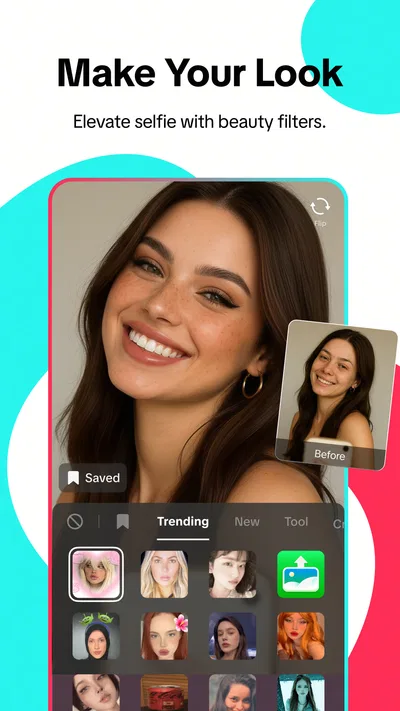
- Some editing tools and effects may be missing.
- The selection of features can vary by region.
- Video quality may be reduced to save data.
- Frequent short clips can make screen time easy to extend.
- Availability and supported devices can change over time.
Best Social App 2026
Our verdict
TikTok Lite – Your favorite TikToks, now faster and lighter than ever!
Frequently Asked Questions
What is TikTok Lite, and how is it different from the regular TikTok app?
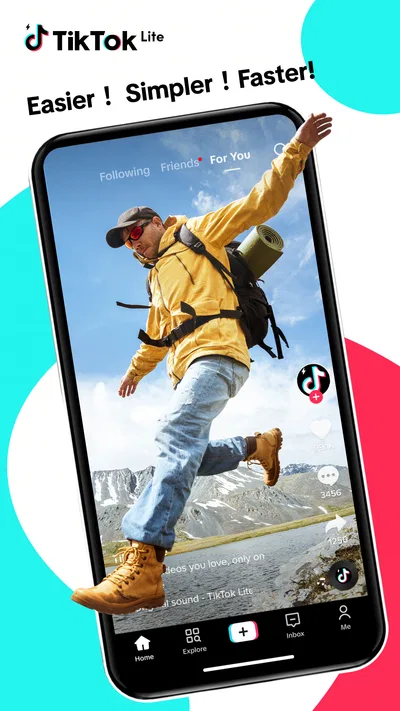
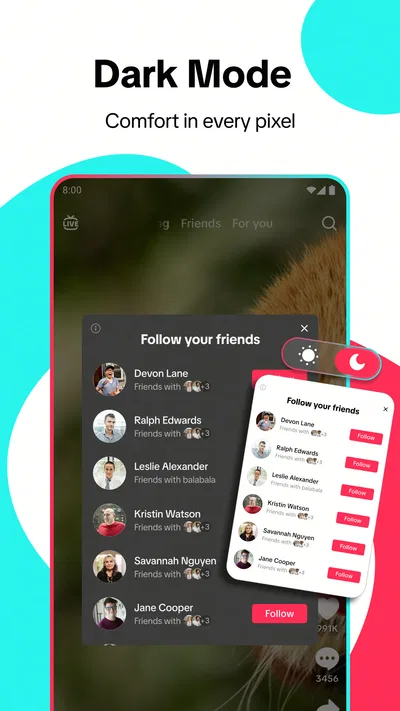
TikTok Lite is a smaller, streamlined version of TikTok for watching and sharing short videos. It is designed to use less storage and, depending on your device and connection, may use less data or run more comfortably on lower-powered phones. The core experience is still based on a personalized video feed, but some features, settings, or interface details may differ from the full TikTok app and can vary by region.
Does TikTok Lite use less mobile data and storage?
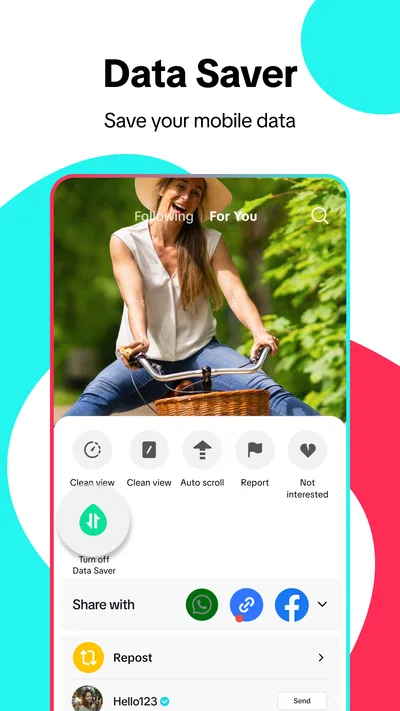
TikTok Lite is intended to be a lighter option, but it does not make video streaming data-free. Watching videos still uses mobile data unless you are connected to Wi-Fi, and actual usage depends on viewing time, video quality, and your settings. The app generally requires less installation space than the standard version, though its cache and downloaded content can grow over time. Check your phone’s storage and data controls regularly.
Can I use my existing TikTok account in TikTok Lite?
In many cases, you can sign in to TikTok Lite with an existing TikTok account, so your account identity and some profile information remain associated with you. Available features and how information syncs may differ by app version or location, so do not assume every setting or feature will behave identically. If you are creating an account, review the registration prompts and privacy options before sharing videos or personal information.
Is TikTok Lite safe for children and teenagers?
TikTok Lite includes short-form videos and social features, so the content a person encounters can vary and may not be suitable for every age. TikTok offers account privacy and safety controls, but parents and guardians should review the current age requirements, family or supervision tools, messaging options, and content settings with younger users. These controls can change, and no filtering system guarantees that every video or interaction will be appropriate.
What should I check before downloading TikTok Lite?
Download TikTok Lite only from the official Google Play Store or Apple App Store listing available in your region, and check that your device and operating system are supported. Review the requested permissions, privacy information, and recent user feedback before installing. Availability, features, and eligibility can vary by country, and the app may not be offered for every device or platform. Avoid unofficial download files, which can pose security risks.




