
- Award score
- 4.6Rating
- 10,000,000,000+installs
- Free
App information
- Version
- VARY
- Updated
- Requires
- Varies with device
- Price
- Free, in-app purchases
- Developer
- Meta Platforms, Inc.
- Content rating
- Teen
Screenshots


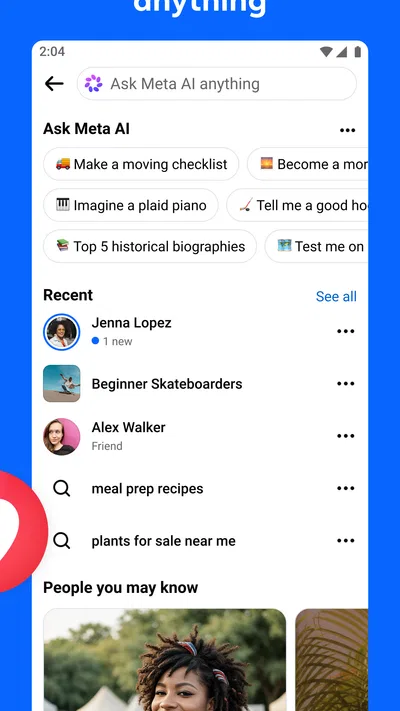
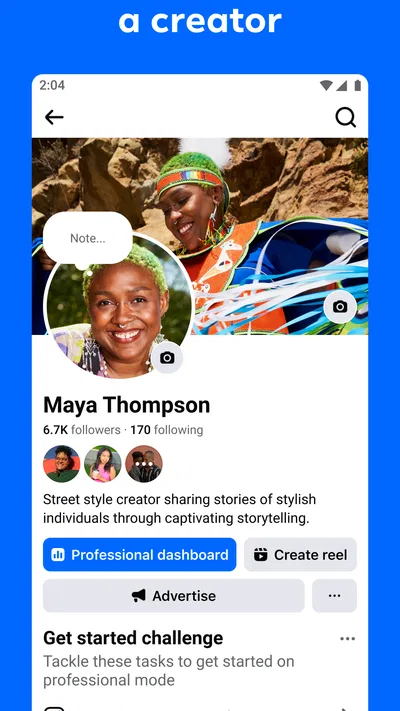
 Analysis byAppsAward
Our review of Facebook
I think of Facebook less as a single-purpose social app and more as a place where several ordinary routines meet: checking in with people I know, following local conversations, sharing something I’ve made, and looking for information that may be useful later. That breadth is its biggest practical advantage, but it also means the app can feel busy before I’ve decided what I came to do. My best results come from opening it with a specific intention rather than treating the feed as a plan for the next half hour.
When one app has to serve several circles
A common starting point is a small need: I want to see what friends have been up to, find out whether a neighborhood event is still happening, or pass a photo along to relatives. Facebook can connect those different circles in one place, which is useful when the people I care about do not all use the same social service. It is a social app from Meta Platforms, Inc., and its scale is reflected in more than 10 billion installs. That reach can make it easier to find familiar people and active communities, though it also makes the experience feel less personal than a small group chat.
I would recommend it most readily to someone whose friends, family, clubs, or local groups already use it. The app is less compelling if everyone I want to reach is elsewhere, or if I want a quiet tool with one clear purpose. A dedicated messaging app is usually simpler for a private conversation, while a photo-first network may suit someone who mainly wants to post visual updates. Facebook’s strength is the overlap: one visit can lead from a friend’s update to a group discussion or an event detail without switching services.
Articles related to Facebook
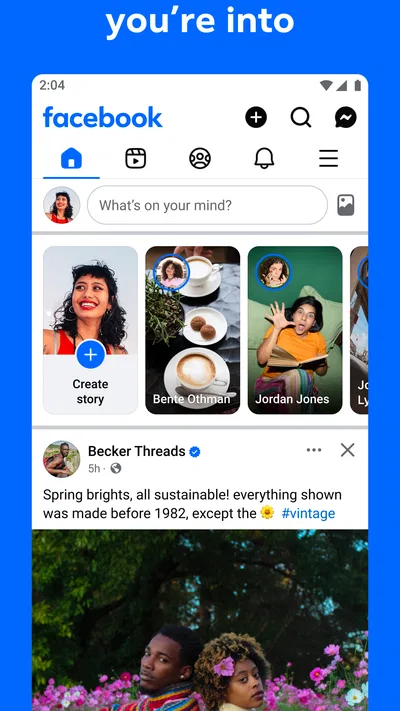
That convenience comes with a trade-off. The feed brings together updates from people and pages, and the mix can shift from personal news to material I did not open the app to see. I try not to assume that the first thing on screen is the most important thing happening in my circles. If I arrive looking for a particular group or person, going directly to that destination is often more useful than scrolling and hoping it appears.
Turning a quick check into a useful session
My practical workflow starts by deciding what I need: catch up, ask a question, share an update, or coordinate a plan. That simple choice matters because an open-ended scroll has no natural stopping point. For catching up, I look for the people and communities I actually want to hear from. For a question, I go to the relevant group rather than posting broadly. For a plan, I check the event or conversation where the people involved are already gathering.
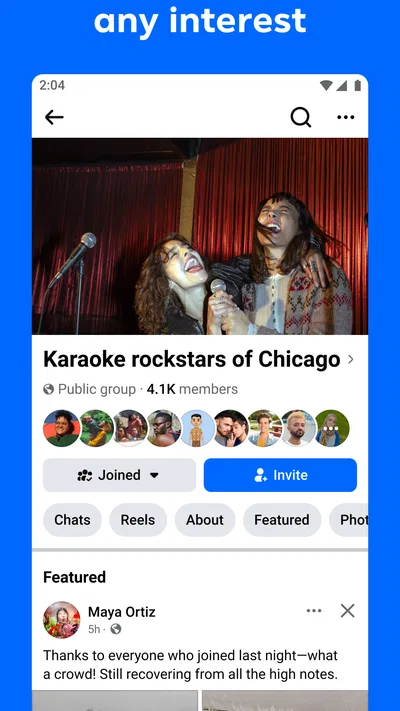
Groups are particularly useful when a topic has a defined community around it. A local group can be a better place to ask about a repair shop or a neighborhood activity than posting to a broad audience, because members share context and may have practical experience. The trade-off is that usefulness depends on the group itself: one may be welcoming and well organized, another may have a lot of off-topic chatter. I read a little before posting, check whether the question has already been answered, and keep sensitive details out of a public discussion.
When I share an update, I think about its audience before I write it. A post meant for close friends may not make sense to people who know me only through a shared community. I also consider whether a message would be better sent directly rather than published to a feed. That small pause helps avoid the familiar social-app mistake of choosing a broad audience simply because it is the quickest option.
For a real everyday example, imagine I am trying to organize a weekend clean-up with neighbors. I can look for an existing local group, read recent posts to see whether the topic fits, and ask one focused question there. Once people respond, I can move the details into the event or conversation the group is using, rather than repeating the same information in several unrelated posts. The useful outcome is not just a post with reactions; it is a shared place where people can find the plan again.
Sharing information without losing the thread
The handoff between a post and a conversation is where Facebook can be handy. A public or group update can bring in responses from people who would not have received a one-to-one message, while a direct exchange is more appropriate once the details involve only a few people. I try to make that transition explicit: the post establishes the topic, and the smaller conversation handles the particulars. Otherwise, useful answers can become scattered across comments, replies, and messages, leaving participants unsure which version is current.
Photos and short personal updates work well when the purpose is simply to let a circle of people know what is happening. For anything that needs a clear decision, I find a direct question more effective than a vague announcement. For example, “Can anyone recommend a nearby place that repairs a bicycle?” gives readers something concrete to respond to. A general post about needing help may attract sympathy but not the specific information I need.
One useful habit is to revisit the original group post after a conversation has moved elsewhere and add a concise update when the answer is broadly useful. That keeps late-arriving readers from repeating the same question. It is a small bit of housekeeping, but it matters in busy communities where a discussion can quickly disappear beneath newer posts. I would not rely on a social feed as the only record for a time-sensitive plan; for a firm appointment, I still put the final details somewhere the participants can easily check.
The same judgment applies to sharing links, personal news, or recommendations. A wide audience can be helpful when I want many people to see something, but it is not automatically the right audience. I avoid treating a post as a private note, and I pause before sharing details that could be awkward or risky outside their original context. Facebook makes broad participation easy; deciding what should remain limited is still my responsibility.
What the experience feels like at scale
The app is free to download, and its average rating is 4.6 from around 187 million ratings, with about 4.2 million written reviews. Those figures suggest that many people find a reason to keep it, but they do not guarantee that its mix of content will suit me. I find the value depends heavily on the network I bring with me: a well-matched set of friends and groups can make the app feel useful, while an irrelevant feed can make the same interface feel noisy.
Facebook is rated Teen. I would still encourage families to talk about audience, personal information, and how to respond to unwanted contact rather than treating an age label as a substitute for guidance. Social interactions can be unpredictable, and a young person may need help understanding the difference between a group meant for a shared interest and a conversation that should stay private. For adults, too, taking a moment to review who can see a post is a sensible habit.
There are also optional in-app purchases, with listed items ranging from $0.05 to $10,000.00. That broad range is a reason to pay attention to what any purchase is for and to confirm the amount before completing it, especially if someone else uses the device. I would not treat “free” as meaning that every possible in-app transaction is free; the basic download and optional purchases are separate considerations.
Compared with a messaging app, Facebook is weaker when I want a focused, private exchange with no surrounding feed. Compared with a photo-centered social network, it is less narrowly built around visual presentation. Its advantage is that groups, personal updates, and social coordination can sit alongside one another. If I want one place to keep up with a broad, varied network, that flexibility is useful. If I want a calmer or more specialized experience, choosing a service designed around that specific activity may be better.
Where the routine starts to fray
The main friction is attention. A quick visit can expand into reading unrelated posts, and the abundance of activity does not always make it easier to find the one update I need. I manage that by opening the app with a task, visiting the relevant person, group, or event directly, and leaving when I have the answer. This is not a dramatic trick, but it makes a noticeable difference to whether the app serves my day or consumes spare moments without a clear payoff.
Another limitation is that community quality varies. A group can be lively but poorly focused, or helpful but slow to answer. I look for recent, relevant discussion before depending on it, and I do not assume that a recommendation from a stranger is reliable simply because it appears in a familiar-looking community. For important decisions, I check details through an appropriate source rather than treating social replies as definitive.
Keeping a conversation coherent can take effort when people reply in different places. Someone may comment on the original post while another person sends details privately, and a third may share an update in the group. I try to bring the final answer back to the place where the question began, when that is appropriate. If the subject is personal, I keep it out of a public thread; if it affects the whole group, I avoid leaving the answer buried in a private exchange.
I would skip Facebook if I do not want a social feed, if I am trying to reduce the pull of constantly changing content, or if my intended audience is not there. It is also not my first choice for storing essential documents or keeping a definitive record of plans. A calendar, a shared work tool, or a small messaging group can be more dependable for those jobs because each has a narrower purpose.
My recommendation after following the whole flow
For me, the app works best as a social hub with boundaries: start with a clear reason to open it, choose the right audience, use groups when shared context matters, and move sensitive or narrowly relevant details into a more suitable conversation. That approach lets the broad network become an advantage instead of a distraction. It also makes the handoff from discovering information to acting on it much clearer.
Facebook is worth trying if the people and communities that matter to you already gather there and you want several kinds of social interaction in one app. I would not recommend it as a universal answer to messaging, event planning, or focused content browsing; other tools can do those individual jobs with less noise. But when a friend’s update, a local question, and a group plan all need to meet in one place, its reach and flexibility are genuinely useful. My advice is to shape your routine around the communities you value, not around the feed’s endless supply of things to read.
Pros
- Groups make it easy to connect with people who share your interests.
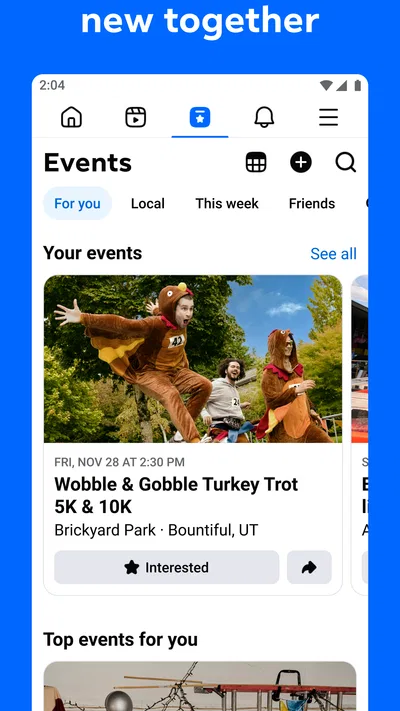
- Events help you discover local activities and manage invitations.
- Marketplace offers a convenient way to buy and sell nearby.
- Pages let you follow updates from businesses and public figures.
- Customizable feed controls help you shape what appears in your timeline.
Cons
- The feed can feel crowded with suggested posts and ads.
- Frequent notifications may become distracting.
- Privacy settings can take time to review and understand.
- Marketplace listings may include scams or misleading offers.
- The app can use substantial storage and mobile data.
Best Social App 2026
Our verdict
A little connection can go a long way
Frequently Asked Questions
What can I do with Facebook?
Facebook is a social networking app for keeping in touch with friends, family, groups, and Pages. You can share posts, photos, and videos; comment on updates; use Messenger for conversations; and discover events, communities, and content. The app also includes features such as Marketplace and video feeds, though what you see and which tools are available can vary by location, account, and app version.
Is Facebook free to download and use?
Facebook is generally free to download and use, and you can create an account without paying a subscription. The service is supported in part by advertising, so ads may appear in feeds and other areas of the app. Some purchases or transactions, such as buying items from other people through Marketplace, are separate from using Facebook itself. Check the current app-store listing and local terms for up-to-date details.
What information does Facebook collect, and can I control my privacy?
Facebook may collect information connected to your account and activity, such as profile details, interactions, device information, and how you use its features. Available privacy controls let you choose who can see many posts and profile details, manage some data and permissions, and review security settings. These controls can change over time, so check the app’s Privacy Center and settings before sharing information you would rather keep limited.
Can I use Facebook to message people and join groups?
Yes. Facebook supports conversations and communities: you can interact with friends through posts and comments, find or create groups around shared interests, and use Messenger for direct or group chats. Some messaging features may require the separate Messenger app or may work differently depending on your device and region. Review group rules and membership settings, and be thoughtful about sharing personal details with people you do not know.
What should I know before downloading Facebook?
Before downloading, consider whether you are comfortable creating an account, seeing personalized advertising, and managing privacy settings. The app can use substantial storage and mobile data, especially when loading photos and videos, and some features may require a stable internet connection. Availability and age requirements depend on local rules and store policies. Download it only from the official Apple App Store or Google Play Store, and review requested permissions.