
- Award score
- 4.7Rating
- 10,000,000+installs
- Free
App information
Screenshots
 Analysis byAppsAward
Our review of Realtor.com Real Estate & Rent
I’d use Realtor.com Real Estate & Rent as a practical starting point when I’m trying to understand what homes are available in a particular area. It brings home buying and apartment hunting into one place, which is useful when I’m comparing different ways to move rather than arriving with one fixed plan. Its strongest value is helping me narrow a broad search; it is less useful as a substitute for checking a property, its details, and the neighborhood in person.
Where the app earns its place in a home search
Realtor.com Real Estate & Rent is a free House & Home app from realtor.com®, and its focus is clear: helping people look for homes to buy and apartments to rent. I like that the same app can support an early, exploratory search as well as a more focused hunt. Someone who is unsure whether buying or renting makes more sense can begin by comparing the kinds of places available without switching immediately between separate tools.
The app has been around since November 3, 2010, and its current version is 27.6.0. That history gives it a familiar place in the property-search category, but I wouldn’t treat age or familiarity as proof that a listing is right for me. The useful test is whether it helps me turn a vague idea—“somewhere near work, with enough room”—into a manageable set of options I can investigate.
Its reach is substantial: it has more than 10 million installs, a 4.7 average rating, and roughly 569,000 ratings. Those figures suggest that many people find it useful, though a popular app can still feel frustrating if its available listings don’t match a particular local market or a searcher’s needs. I see its popularity as a reason to consider it, not a reason to skip careful comparison.
A useful way to move from browsing to decisions
Property searches tend to become messy because people compare listings remembered from different days, neighborhoods, and price ranges. A good search app should help reduce that mental clutter. My practical advice is to start with a small set of non-negotiables—such as the area and the kind of property—then broaden one condition at a time. That makes it easier to tell whether a thin result set reflects a genuinely narrow market or filters that are too restrictive.
For example, I might first look for apartments in the area I can realistically commute from, then widen the boundary if the options are limited. I would keep track of why each change matters rather than loosening every preference at once. If I broaden location and budget together, I can end up comparing homes that solve different problems, making the search feel larger without making the decision clearer.
The same approach helps when comparing rentals with homes for sale. I would avoid treating the first attractive listing in either group as a direct equivalent to the other. Instead, I’d use each set to clarify priorities: how much space I need, how important a particular location is, and whether I’m ready to pursue a purchase or want the flexibility of renting. The app is most useful as a way to organize that exploration, not as a calculator that can settle the larger financial choice for me.
What I would check before getting attached to a listing
A property listing is a prompt to investigate, not a complete account of what living there will be like. I’d read the details carefully, compare the location with my everyday routes, and confirm anything that affects my decision before arranging next steps. Photos can help me decide which homes deserve attention, but they can’t tell me how a street feels at the time I’d commute or whether the layout works with my furniture and routine.
One useful habit is to separate “worth a closer look” from “ready to choose.” A listing can make the first cut because it appears to fit the broad criteria; it should not automatically make the second. I’d write down one or two questions for each serious candidate—perhaps about the surrounding area, the layout, or a detail that matters to my household—so a viewing or follow-up conversation has a purpose.
This also guards against a common trap in property browsing: falling for an appealing image before checking practical fit. I’d ask whether the home works for a normal weekday, not just whether it looks inviting in a listing. For a rental, that means thinking through daily travel and the space I actually use. For a purchase, it means being especially careful not to confuse a promising search result with a complete assessment of the property.
Where it falls short compared with other ways to search
The biggest limitation is one no property-search app can remove: the experience depends on the homes and rentals available to consider. If a particular neighborhood has few suitable listings, the app cannot create better choices. I would widen the search thoughtfully, but I would not take a larger map or a longer results list as evidence that the new options are equally convenient or comparable.
There is also a difference between finding a listing and understanding the place behind it. A mobile search is convenient for scanning possibilities, but it can encourage quick judgments based on pictures and headline details. A local agent, a direct conversation with a property contact, and an in-person visit can answer questions that browsing alone cannot. For someone already focused on one home, those steps may matter more than continuing to scroll through alternatives.
Compared with a rental-focused service, Realtor.com’s buying-and-renting scope is useful for people whose plans are still open, but a dedicated rental search may suit someone who only wants to find an apartment and has no interest in purchase listings. Likewise, if I already know the exact neighborhood and property type I want, a local professional or direct outreach may be a faster route to detailed answers. I would treat this app as one tool in the process, not the only channel worth using.
Another point to keep in mind is that broad search results can create a false sense of certainty. A match on location and a few preferences does not mean a home meets every personal requirement. I’d verify important details before making plans around a listing, and I would be prepared for some appealing options to prove unsuitable after closer inspection. That is normal in a real-estate search, but it means the app is better at helping me shortlist than at making the final call.
Who will get the most from it
I think it suits people at the beginning or middle of a move: renters comparing neighborhoods, buyers getting a feel for available homes, and households deciding whether to search for a rental or a purchase. It is especially handy when the search is still taking shape. Being able to explore both kinds of housing in one app can make early comparisons less fragmented.
It can also help someone who is relocating and wants to learn how options vary across areas before committing to a viewing schedule. I’d use it to identify a shortlist, then check the real-world geography and ask focused questions. That turns casual browsing into preparation: instead of arriving at a viewing with only a vague impression, I can already know what I need to verify.
On the other hand, I wouldn’t recommend relying on it alone if I needed specialist advice, a definitive judgment about a neighborhood, or confirmation of every property detail. Nor is a broad property app necessarily the best fit for someone who has already chosen a single listing and needs direct, detailed answers about it. In those situations, the next step is personal research and contact with the relevant people, rather than more time scrolling.
The app is rated for Everyone, and it is free to use. It requires Android 8.0 or later, which is worth checking before installing it on an older device. Realtor.com Real Estate & Rent has also accumulated around 83,000 written reviews, giving prospective users a substantial body of feedback to consult alongside their own experience.
My verdict: a strong shortlist tool, not a decision-maker
After weighing what it does well against what a property search still requires, I’d recommend Realtor.com Real Estate & Rent to anyone who wants a convenient place to begin comparing homes for sale and apartments for rent. Its broad scope is its clearest advantage, especially when I haven’t decided which kind of move is right for me. It can make the search feel more structured and help me identify which properties deserve closer attention.
I would keep expectations grounded. The app can bring options into view, but it cannot tell me whether a home feels right, resolve every question about a listing, or replace local knowledge and direct follow-up. My best workflow would be to use it to build a short, reasoned list, verify the details that matter, and then move beyond the screen before making a serious commitment.
For a focused property search on the go, that is a worthwhile role. If I wanted a dedicated rental-only tool or already had a specific property in mind, I might prefer a more targeted route. For everyone else—particularly people still weighing location, housing type, and priorities—I’d consider it a useful companion, provided I treat its listings as leads to investigate rather than answers in themselves.
Pros
- Save favorite homes to revisit them later.
- Contact agents directly from property listings.
- Search rentals as well as homes for sale.
- View property details including price and photos.
- Use map search to explore homes by location.
Cons
- Listing details and availability can change quickly.
- Some listings may have incomplete or outdated information.
- Contacting agents may lead to follow-up calls or messages.
- Search results depend on the accuracy of listing locations.
- The app requires location access for nearby search features.
Best House & Home App 2026
Our verdict
Find homes for sale and apartments for rent in the best neighborhood.
Frequently Asked Questions
What can you do with the Realtor.com Real Estate & Rent app?
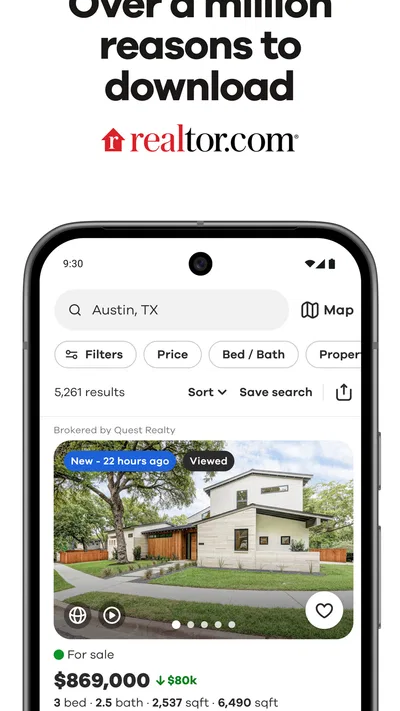
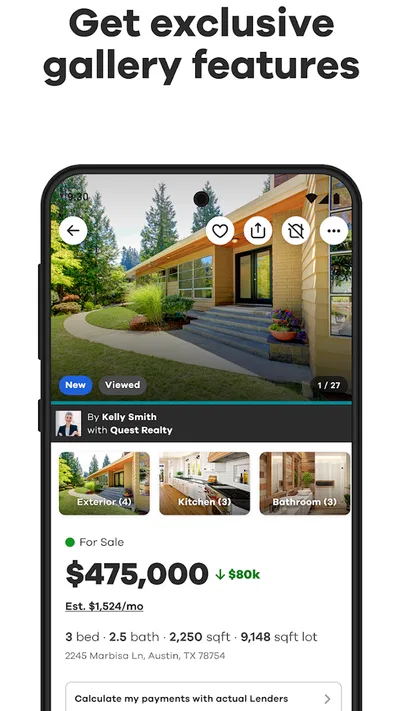
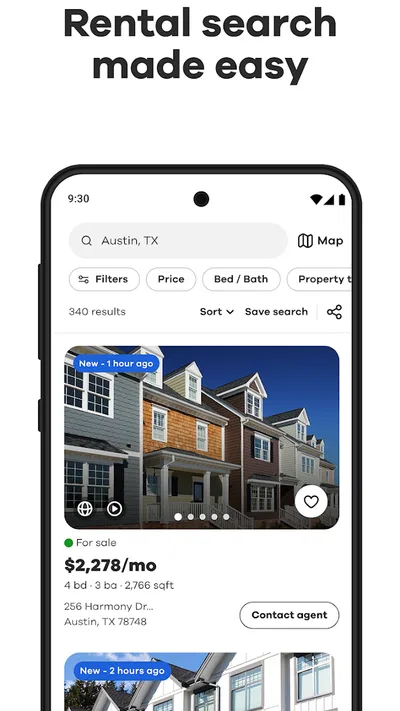
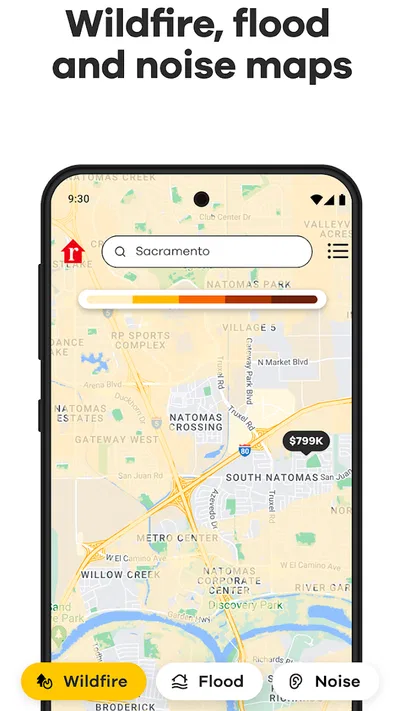
The app helps you search for homes for sale, apartments and houses for rent, and properties open to tours. You can browse listings on a map, review photos and property details, compare options, and save searches or favorite homes. Listing availability and details can change, so confirm important information with the listing agent or property manager before making a decision.
Can you use the app to find homes and rentals in a specific area?
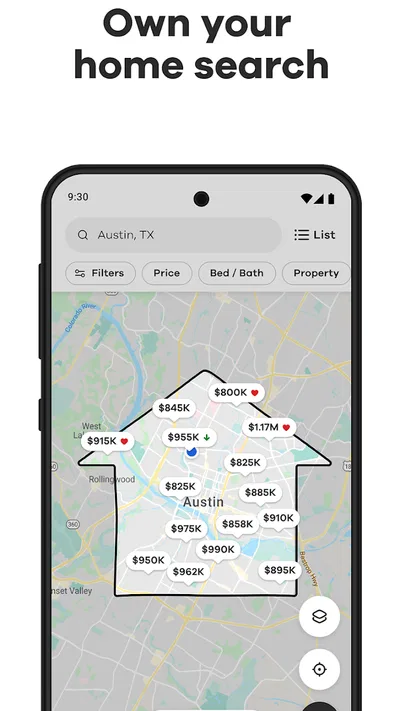
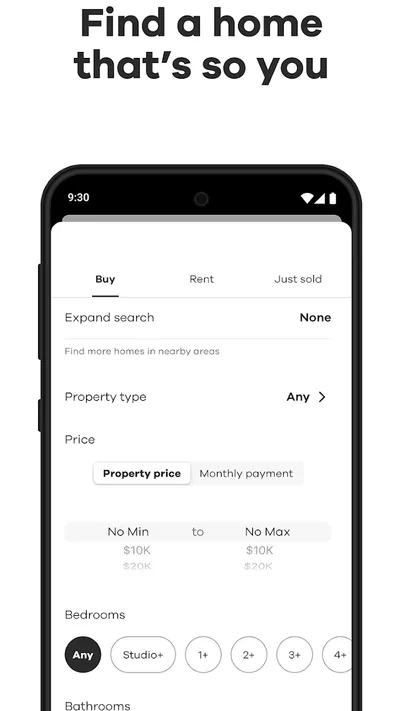
Yes. You can search by city, neighborhood, ZIP code, or another location and refine results using filters such as price, bedrooms, bathrooms, and property type. Map-based browsing can help you see where listings are in relation to nearby areas. Search coverage and the filters available may vary by location, and not every property on the market will necessarily appear in the app.
Are Realtor.com listings and property details always up to date?
The app presents property information supplied through listing sources, but listings can change quickly. A home may already be under contract, a rental may have been taken, or details such as price, availability, and open-house times may have changed since they were posted. Treat the app as a useful search tool rather than a guarantee, and contact the listing agent or property manager to verify current details.
Can you save properties and receive alerts for new listings?
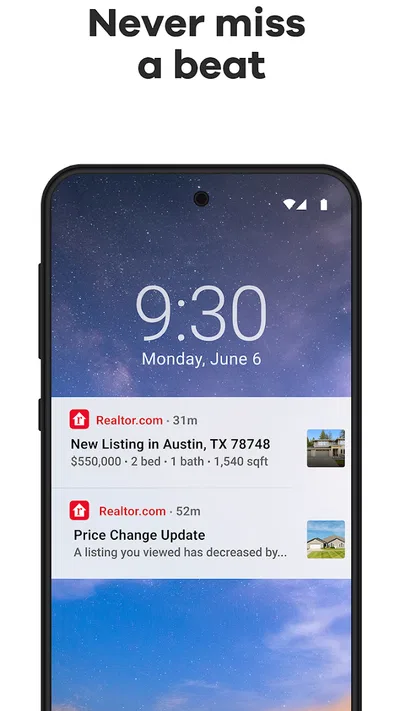
You can save homes you are interested in and set up searches to make it easier to return to matching listings. Depending on your settings and the app’s current features, notifications may alert you to new matches or changes to saved properties. Alerts are not a substitute for checking listings directly, since timing and availability can vary; you may also need an account to sync saved searches across devices.
Is the Realtor.com Real Estate & Rent app free, and what should you consider before downloading it?
The app is generally available to download without a purchase, though mobile data charges may apply and some features or services can depend on your location. Before downloading, review its current permissions and privacy information, especially if you plan to share location details or contact agents through the app. Real estate transactions and rental agreements happen outside the search experience, so verify terms and communicate through trusted channels.

Download Realtor.com Real Estate & Rent
Similar apps
View all 9.6
Zillow: Homes for Sale & Rent
House & Home
 9.7
Thumbtack: Hire Service Pros
House & Home
 9.3
Rent. Apartments & Homes
House & Home
 9.4
Homes.com Real Estate & Rent
House & Home


