
- Award score
- 4.7Rating
- 5,000,000+installs
- Free
App information
Screenshots
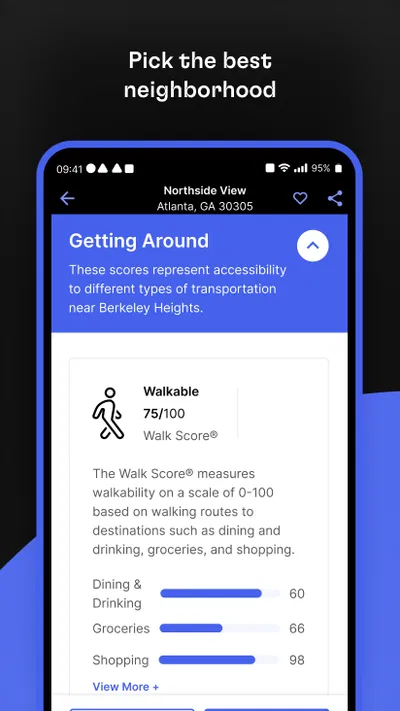
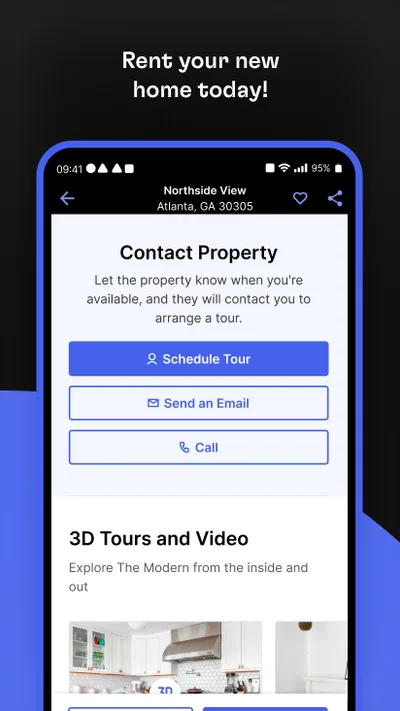
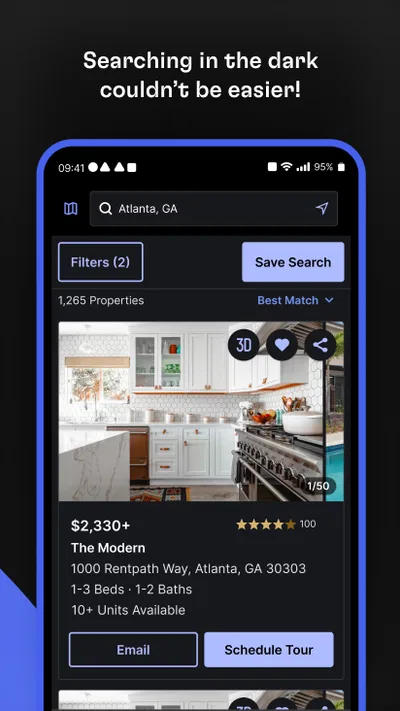
 Analysis byAppsAward
Our review of Rent. Apartments & Homes
Searching for a rental often turns into a household project: one person spots a promising place, another checks whether the commute works, and someone else wants to know if there is room for a desk. I find Rent. Apartments & Homes most useful as a shared starting point for that search, rather than as a substitute for careful checking or a conversation with a landlord. It is a free House & Home app from Rent Group, Inc, built around finding rental homes, and its focus is clear from the moment you open it.
When the search becomes a household task
A practical way to use Rent. Apartments & Homes is to let one person handle the initial search while everyone else contributes a short list of non-negotiables. For example, a couple moving for work might agree that a particular commute, a pet-friendly policy, and enough space for remote work matter more than a recently updated kitchen. The person browsing can then share candidates for discussion instead of sending a stream of listings with no context.
That small change makes a rental app more useful. I would compare each possible home against the same few household needs and keep a note of what still needs confirming. A listing that looks ideal in photos may not suit the person who has to make the daily trip to work, while a less polished option may fit everyone’s routine better. Treating the app as a discovery tool helps keep those trade-offs visible.
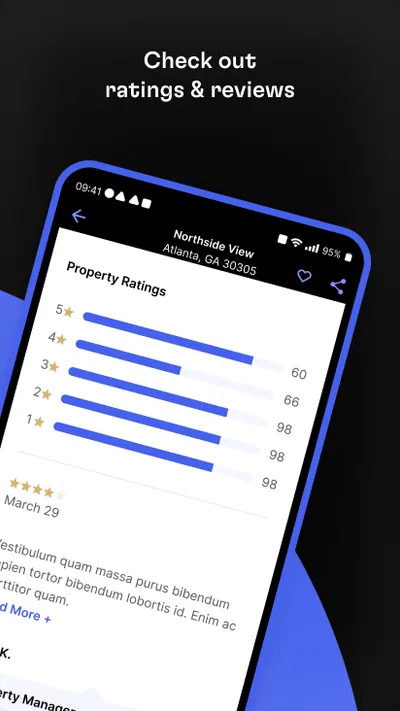
Rent has an average rating of 4.7 from around 146,000 ratings, and it has been installed over 5 million times. Those figures suggest that it has reached a broad audience, but they do not tell me whether a particular listing is current or right for my household. I would still use my own checklist and verify the details that affect a decision before arranging a move.
Make the first search specific
When I begin browsing, I try not to search for a vague idea of a “nice place.” I first decide which needs are firm and which are preferences. A household with a pet, for instance, should treat permission for that animal as a question to confirm, not an assumption based on attractive photos or a brief description. Someone sharing with a roommate may care more about separate work areas or a workable division of common space.
This is also where it helps to separate the people who will live in the home from anyone simply helping with the search. A parent or friend can offer a second opinion, but the actual renters should agree on the requirements and make the final calls. That boundary avoids the common problem of collecting well-meant suggestions that pull the search in too many directions.
Keep account use and decisions clear
For a shared-device household, I would decide who is responsible for using the app and how shortlisted homes will be discussed. If several people browse on the same phone or tablet, avoid assuming that every person has a separate profile, private saved list, or household-sharing feature. A simple shared note with the listing’s identifying details and each person’s comments can keep the discussion organized without relying on functions that may not be available.
There is a useful distinction between sharing access to a device and sharing an account. If the app is open on a family tablet, another person may be able to see what is on screen or interact with the current session. I would not leave personal account information open for casual browsing, and I would check the app’s account options directly before deciding how to manage sign-in on a shared device.
Rent is free, which makes it easy for interested adults to try it without committing to a purchase. The current version is 12.6.0, and it requires iOS or Android 8.0 or later. I would check the app store on the device being used before a household search begins, especially if one person relies on an older phone. That avoids making a time-sensitive plan around a device that cannot run the current release.
Coordinate without turning browsing into a second job
Rental searches can become noisy when everyone sends every possibility to everyone else. I prefer to agree on a short review rhythm: one person gathers a few plausible options, then the household compares them at a set time. Even without assuming any built-in collaboration tools, this approach works with ordinary notes or messages and keeps the app’s role simple: finding candidates rather than managing the entire move.
A useful detail to capture for each candidate is not just what looks appealing, but what remains uncertain. One person might like the layout while another needs to know whether the stated availability fits a work schedule. Marking questions separately from preferences makes it easier to decide whether a place deserves follow-up. It also prevents the household from treating an attractive listing as a confirmed offer.
For roommates, I would make the first conversation about practical boundaries: each person’s budget comfort, the areas they can realistically reach, and the chores or shared spaces they are willing to accept. The app cannot settle disagreements about how people want to live together. If those points are unresolved, a larger set of listings can make the search feel productive while leaving the real decision untouched.
Age, trust, and a sensible role for younger household members
The app is rated Everyone, so its content rating is suitable for a general audience. That does not mean a child should handle a rental search or contact people on behalf of adults. For a family move, I would let younger household members contribute preferences—such as needing a quiet place to study—while an adult manages account access, conversations, and decisions involving personal information.
Trust matters just as much as age. A listing is a starting point for questions, not proof that every detail is accurate or that a home will match its pictures. I would confirm key terms directly through the appropriate rental contact and avoid sharing sensitive details more widely than needed. That is especially important when several people use one device and can see notifications or messages intended for the person handling the search.
Rent was released on August 25, 2010, and the longevity is reassuring in the limited sense that this is an established rental-search app rather than a brand-new experiment. It still does not remove the need for ordinary caution. I would judge each home on the information available for that specific listing and the answers received during follow-up, not on the app’s age or popularity.
Where it fits beside other ways to search
Compared with asking friends, scanning community posts, or contacting property managers one by one, a dedicated rental app gives the search a more focused place to begin. That can be particularly helpful when the household is relocating and does not yet know which neighborhoods are worth exploring. Friends may know local conditions better, while direct contact is essential for confirming details; I see those methods as complements rather than replacements for browsing in Rent.
On the other hand, people who already have a strong local network or are searching in a narrow area may get better leads from direct recommendations and local contacts. A rental app can show possibilities, but it cannot tell you how a street feels at the time you travel, whether a room works for your furniture, or how responsive a particular property contact will be. I would use it to build a shortlist, then do the human and practical checks that make the choice real.
The strongest workflow is to browse, shortlist, verify, and only then arrange the next step. Before committing time to a viewing, I would check that the location and basic terms fit the household’s priorities. At a viewing, each person can inspect the part of the home that matters most to them. This makes the app useful without asking it to answer questions that only a conversation or an in-person visit can settle.
My household verdict
Rent. Apartments & Homes is a sensible option for adults who want a dedicated place to begin looking for rentals and are willing to verify the details themselves. Its 4.7 average and large user base make it easy to understand why people consider it, but I would not treat ratings as a guarantee of listing quality or a perfect fit. The app is most valuable when the household already knows what matters and uses browsing to identify candidates.
I would recommend it to a couple, a roommate group, or a family where one adult can coordinate the search and keep everyone’s requirements in view. It is less suitable as the only source for someone who needs authoritative answers about local rental rules, wants a guaranteed current listing, or expects the app to resolve household disagreements. In those cases, direct confirmation and local advice matter more than another round of browsing.
My practical advice is to agree on a few must-haves before opening the app, keep account use intentional on shared devices, and record unanswered questions beside each shortlist candidate. That simple routine turns a broad search into a manageable household decision. Rent is free to try, and for people who want a focused rental-search starting point, I think it earns a place in the process—as long as the final judgment stays with the people who will actually live in the home.
Pros
- Browse rental listings with photos and property details.
- Save promising homes for easy comparison later.
- Search by location to narrow down available rentals.
- Contact landlords directly through the app.
- Useful for finding apartments and houses in one place.
Cons
- Listing availability may change before you can arrange a viewing.
- Some properties may have incomplete or outdated details.
- Rental coverage can vary significantly by location.
- Contacting a landlord may not guarantee a quick response.
- Competition for popular rentals can make searches frustrating.
Best House & Home App 2026
Our verdict
Looking for the perfect apartment finder app? Find beautiful rental homes here!
Frequently Asked Questions
What can I do with Rent. Apartments & Homes?
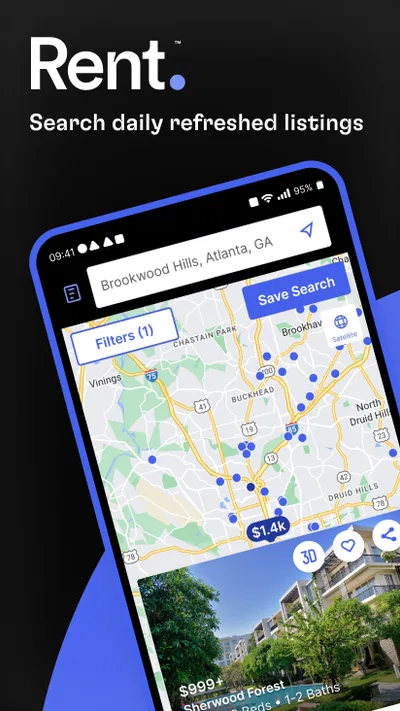
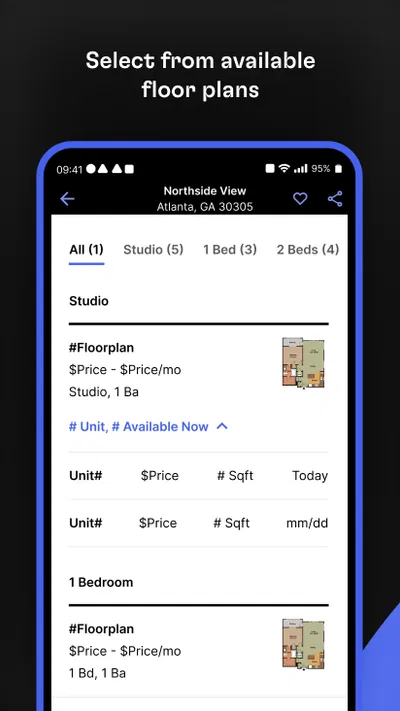
Rent. Apartments & Homes is a rental-search app for finding apartments and houses. You can browse available listings, narrow results with search filters, and review details such as photos, rent, location, and listed features. The information and tools available can vary by listing and app version, so check the current listing carefully and confirm important details directly with the property contact before making decisions.
Can I filter rental listings to match my budget and needs?
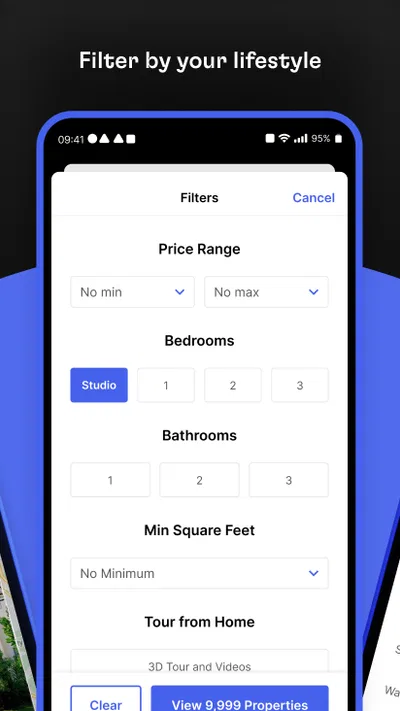
The app is designed to help you refine a rental search using available listing criteria, which may include price, location, property type, and other features. Filter options depend on the listings and the current app version. For the most useful results, enter a realistic budget and preferred area, then review each property’s full description, fees, availability, and lease conditions rather than relying on search summaries alone.
Are the rental listings in Rent. Apartments & Homes verified and up to date?
Listings can change as properties are rented, prices are updated, or landlords and agents revise their information. Do not assume every listing is currently available or independently verified simply because it appears in the app. Before sharing personal information, paying an application fee, or arranging a viewing, contact the listed representative, confirm the property and terms, and be alert to requests for unusual payment methods.
Can I contact a landlord or property manager through the app?
Contact options may be provided on individual listings, allowing you to ask about availability or arrange a viewing. The specific methods can differ from one property to another and may depend on the app’s current features. Read the listing for instructions, use a contact channel you can verify, and avoid sending sensitive financial or identity details until you are confident that the property and representative are legitimate.
Is Rent. Apartments & Homes free, and what should I check before downloading it?
You can check the app’s current store page for its price, possible in-app purchases, supported devices, and the latest feature details, since these may change over time. Also review the permissions it requests and its privacy information to understand how data may be handled. Rental costs, application fees, and other charges are set by property providers and are separate from any app-related costs.

Download Rent. Apartments & Homes
Similar apps
View all 9.6
Zillow: Homes for Sale & Rent
House & Home
 9.3
Realtor.com Real Estate & Rent
House & Home
 9.7
Thumbtack: Hire Service Pros
House & Home
 9.4
Homes.com Real Estate & Rent
House & Home


