- Award score
- 3.8Rating
- 1,000,000,000+installs
- Free
App information
- Version
- VARY
- Updated
- Requires
- Varies with device
- Price
- Free, in-app purchases
- Developer
- Telegram FZ-LLC
- Content rating
- Mature 17+
Screenshots
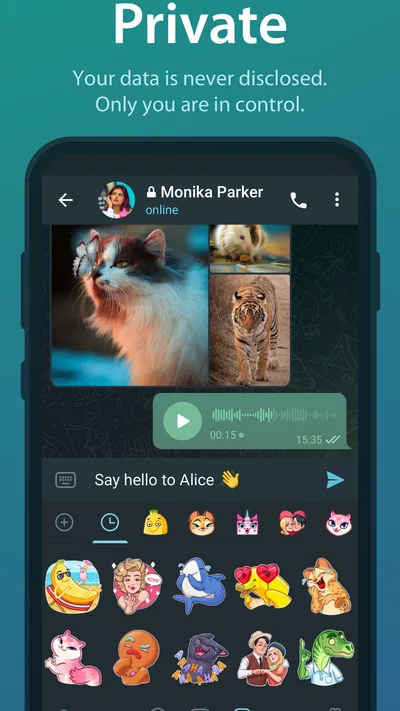
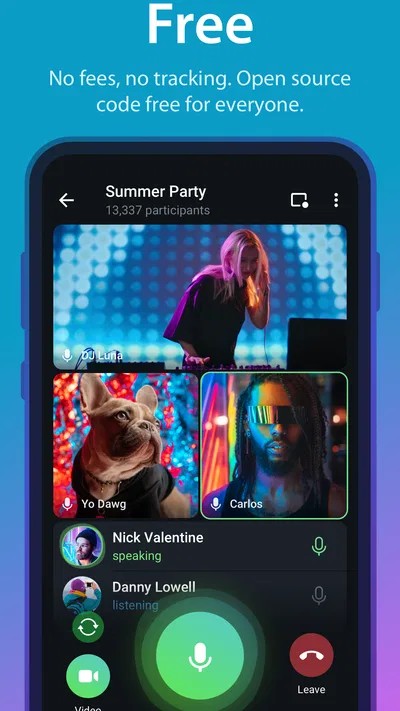
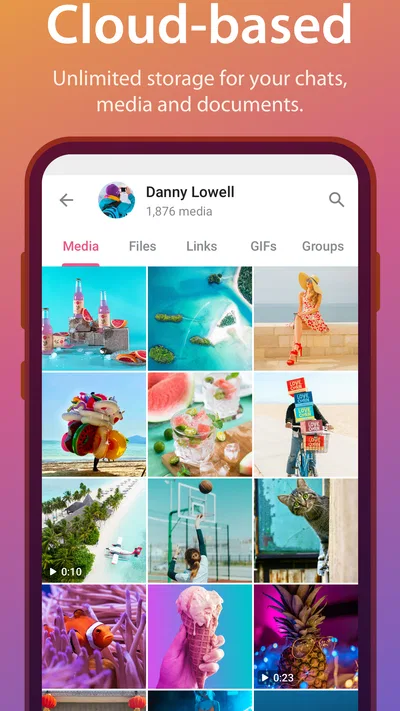
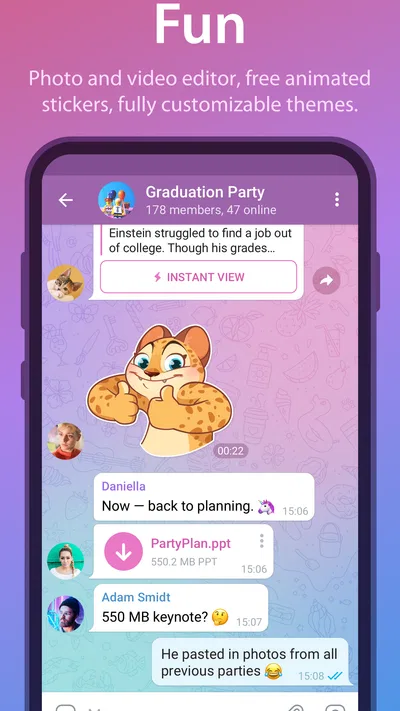
 Analysis byAppsAward
Our review of Telegram
I find Telegram most useful when a conversation needs room to grow beyond a handful of quick messages. It works as a communication app for one-to-one chats, groups, and channels, and its broad reach makes it easy to consider as a main messenger or as a separate place for communities and shared interests. My overall impression is that it offers a lot at no upfront cost, but it rewards people who are comfortable managing privacy and notifications for themselves.
Free to start, with optional purchases
Telegram is free to install and use, so you can try it without paying for access first. In-app purchases are available, with individual items ranging from about thirty cents to just under three hundred dollars. Those figures describe the listed purchase range, not a requirement to pay to begin messaging. I would treat any purchase as optional and check what it offers in the app before deciding whether it suits your needs.
That distinction matters if you are comparing it with other messaging apps. The basic decision is not whether you can afford an entry fee; it is whether Telegram’s style of messaging and its controls fit the way you communicate. The presence of purchases also means “free” should not be read as a promise that every optional item has no cost. I would start with ordinary use, then consider spending only if a particular paid item has a clear benefit for you.
Articles related to Telegram
The app is made by Telegram FZ-LLC and has been available since September 6, 2013. Its audience is substantial: it has more than a billion installs, an average rating of 3.8 from around 17 million ratings, and roughly 186,000 written reviews. I see that reach as practical evidence that it is a familiar option for finding contacts and communities, rather than proof that every user will prefer it.
What the free experience is worth
For everyday messaging, the biggest value is having one app that can serve both personal conversations and larger, more public spaces. If your friends already use it, the benefit is immediate: you can keep up with their messages without asking everyone to change tools. If they do not, the appeal is less automatic, because a messenger is only useful when the people you want to reach are there too.
I would also separate the app’s low barrier to entry from its suitability as a private default. Telegram’s public identity emphasizes speed and security, but that broad description should not be mistaken for a blanket guarantee that every conversation has the same privacy properties. Before moving sensitive discussions into any messenger, I would inspect the available chat options and understand which mode you are using. That habit is more useful than relying on a general label.
How it fits into a normal day
Imagine you are coordinating a weekend outing. A small group chat can hold the plan, while a channel or larger group can be useful for following announcements from an organizer or local community. Later, you might return to a direct conversation without switching apps. That mix is where Telegram feels more flexible than a messenger used only for private chats, though it also means the interface can contain very different kinds of conversations at once.
One practical approach is to give each purpose its own space. Keep close friends in a small group, use a separate group for a project, and follow broader communities only if their updates are genuinely useful. This prevents a casual hobby feed from competing with messages you need to answer. I would also review notification settings early, rather than waiting until a busy group becomes distracting; the app’s usefulness depends partly on how carefully you curate incoming activity.
A less obvious trade-off is that large communities can make an app feel like both a messenger and a feed reader. That is convenient when you want updates in the same place as conversations, but it can blur the boundary between messages addressed to you and posts intended for a broad audience. I find it helps to treat channels as information sources, not as conversations that deserve an immediate reply.
Useful habits for keeping chats manageable
When several conversations overlap, search is often more effective than scrolling back through a long history. I would use specific words from a message, a person’s name, or a topic to narrow down what I am looking for, then keep the original group or chat as the context. This is especially helpful for a recurring project where decisions, links, and questions arrive at different times.
Another useful habit is to pause before joining every group that looks interesting. Large spaces can become noisy, and the practical value depends on whether their posts are relevant enough to justify the attention. If a community is useful only occasionally, muting or leaving it may be better than letting it crowd out conversations with people you know. That is a small bit of housekeeping, but it can change the experience considerably.
For people moving from another messenger, I would not assume that every contact will follow. Keep the old app available while you tell important contacts where you can be reached, and avoid splitting urgent conversations across multiple services without a plan. Telegram is most convenient when the people who matter are reachable there; otherwise it may become one more inbox to check.
Where the trade-offs show up
The flexibility that makes Telegram appealing can also make it feel less focused than a simple messaging tool. Personal chats, groups, and channels ask for different kinds of attention. If you mainly want a quiet, minimal place to send a message and leave, the variety may feel like clutter rather than added value. A familiar alternative that your family or workplace already uses may be more practical, even if Telegram offers a broader mix of communication spaces.
Privacy needs deserve particular care. I would not use the app’s general security reputation as a shortcut for evaluating a specific conversation. Check the controls that apply to the chat you are using, and be deliberate about what you share in a group with many participants. If your priority is a messenger whose privacy approach is easy for you to understand and consistently apply, compare that experience directly with other options before making it your default.
There is also a social trade-off: a highly capable app cannot solve the problem of scattered contacts. If one friend group uses Telegram, another uses a different service, and work happens elsewhere, you may still be managing several inboxes. Telegram can reduce that fragmentation for a community that adopts it together, but it will not automatically consolidate your relationships.
The app carries a Mature 17+ content rating. That is relevant for families choosing communication tools, especially where groups or public-facing communities are involved. I would not treat the rating as a substitute for parental judgment; adults should consider how a younger person will use the app, what communities they may encounter, and whether appropriate supervision is in place.
Who is likely to get the most value
I would recommend trying Telegram if your friends, clubs, or interest groups already use it, or if you want a single messenger that can also connect you with larger communities. It is particularly well suited to someone who likes organizing conversations by purpose and is willing to tune notifications instead of accepting every alert by default. The large installed base makes it easier to encounter people who already have it, though the right choice still depends on your own contacts.
It is less compelling for someone who only needs occasional one-to-one messages and already has a reliable app everyone uses. It may also be a poor fit if you dislike busy group spaces, do not want to manage different kinds of chats, or need a privacy setup that you can confidently understand without checking the details. In those cases, a simpler alternative or the service already used by your close circle can save time and confusion.
For a small team or volunteer group, I would test the workflow before moving all coordination over. Create a dedicated space for the project, decide who can post, and agree on which messages require a response. The app can be useful for keeping discussion and announcements together, but a group still needs basic norms; otherwise important details may disappear beneath casual conversation.
My buy-or-skip verdict
I would start with Telegram because the app itself is free to access, while treating its optional purchases as a separate decision. The value is strongest when its mix of direct chats, groups, and channels matches how you already communicate. I would not pay for an item merely because it is offered; first use the app long enough to identify a specific need and then decide whether the purchase is worthwhile.
My verdict is to try it if you have a real reason to be there: a group of friends, a community you follow, or a project that benefits from a dedicated chat space. Keep notifications under control, check the privacy options for the kind of conversation you are having, and avoid moving every contact over until you know they will join you. If you want a very quiet messenger or your existing app already connects everyone you need, skipping it is a sensible choice.
Telegram is a capable communication app from a developer with a long-running, widely used product, but its best quality is not simply that it is free. It is the range of ways people can use it, paired with the freedom to choose which spaces deserve their attention. For me, that makes it worth trying when community and flexibility matter; for a user who wants only the simplest private chat, a more focused alternative may feel better.
Pros
- Chats sync across devices through the cloud
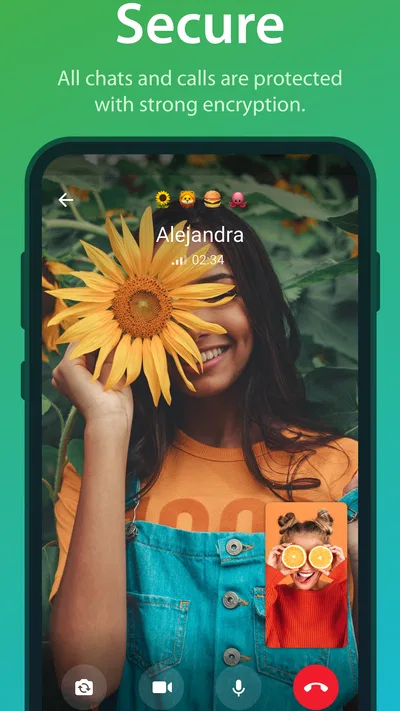
- Secret Chats offer end-to-end encryption
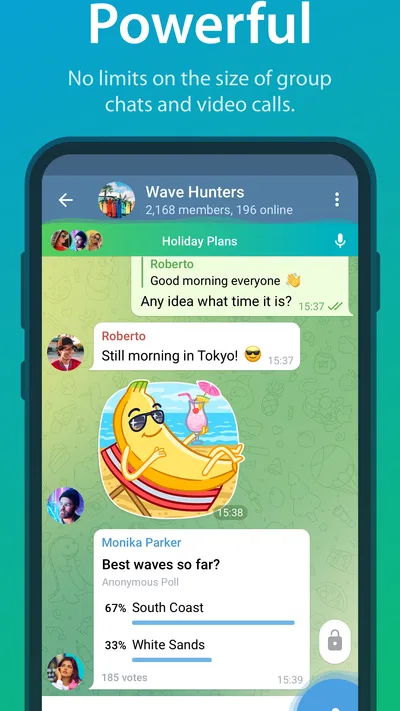
- Groups can support very large communities
- Channels make it easy to follow public updates
- Bots add useful tools and interactive features
Cons
- Regular chats are not end-to-end encrypted by default
- Some advanced features require a paid Premium subscription
- Public groups and channels can expose users to spam
- Large feature set may feel overwhelming to newcomers
- Content moderation varies across public communities
Best Communication App 2026
Our verdict
Telegram is a messaging app with a focus on speed and security.
Frequently Asked Questions
What is Telegram, and what can you use it for?
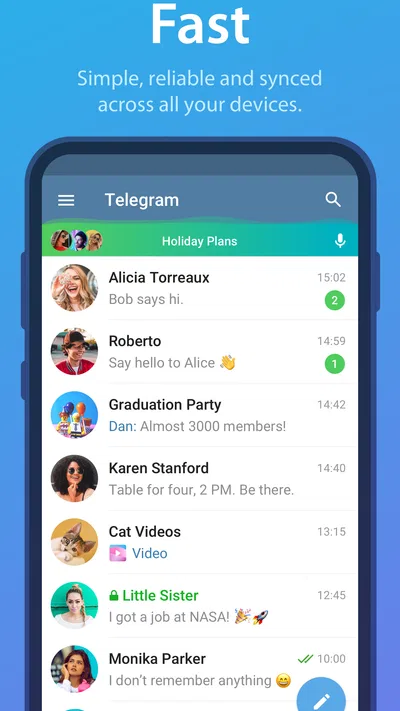
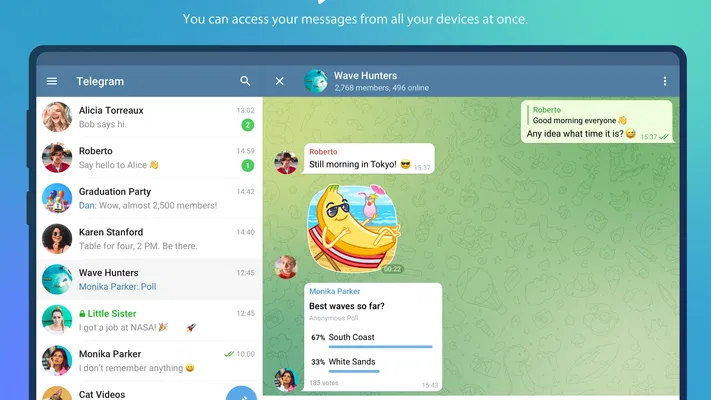
Telegram is a messaging app for sending text messages, photos, videos, documents, and voice messages, as well as making voice and video calls. You can chat one-to-one or in groups, follow public channels, and use bots for additional features. Your account can be accessed on multiple devices, with regular cloud chats synchronized across them. Features and availability may vary by device, region, and app version.
Are Telegram messages end-to-end encrypted by default?
No. Telegram’s regular cloud chats are encrypted between your device and Telegram’s servers, then stored in the cloud so they can sync across devices; they are not end-to-end encrypted by default. For end-to-end encryption, you need to start a Secret Chat, which is available for one-to-one conversations and is tied to the devices involved. Before sharing sensitive information, check which chat type you are using and understand its limitations.
Can I use Telegram on more than one device?
Yes. You can sign in to Telegram on multiple phones, tablets, and computers using the same account, and regular cloud chats generally sync across those devices. Secret Chats are different: they are device-specific and do not appear on your other signed-in devices. Protect your account with two-step verification, review active sessions in the app’s settings, and terminate any session you do not recognize, particularly if you have used a shared device.
Is Telegram free, and are there optional paid features?
Telegram offers its core messaging features without a subscription, including chats, groups, channels, and calls. It also offers an optional paid Telegram Premium subscription in supported regions, with benefits that can include higher limits, faster downloads, and additional customization or account features. Pricing and included benefits may change, so check the current details in the app or your local app store before subscribing. You do not need Premium to use basic messaging.
How can I stay safe and protect my privacy on Telegram?
Start by reviewing privacy and security settings: control who can see your phone number, profile photo, and last-seen status, and limit who can add you to groups or call you. Enable two-step verification and use a device passcode. Be cautious with unfamiliar links, files, bots, and public groups, since scams and unwanted content can appear there. Remember that regular cloud chats are not end-to-end encrypted, and report or block suspicious accounts.

Download Telegram
Similar apps
View all 9.2
WhatsApp Messenger
Communication
 9.4
Messenger
Communication
 8.4
Snapchat
Communication
 9.2
TextNow: Call + Text Unlimited
Communication