
- Award score
- 4.2Rating
- 1,000,000,000+installs
- Free
App information
Screenshots

 Analysis byAppsAward
Our review of Snapchat
I’d choose Snapchat when I want a conversation to feel like a moment I’m sharing, not another message thread I’m expected to keep tidy. Its camera-first approach makes quick photos and short videos feel central, while chats give those moments somewhere to go. That emphasis is also the app’s main trade-off: it suits people who enjoy visual, casual communication much more than anyone looking for a straightforward, searchable archive of messages.
Start with how you like to communicate
Before installing it, I’d ask myself a practical question: do I naturally reach for the camera when I want to tell someone what I’m doing? If the answer is yes, Snapchat makes sense. If I mostly send detailed text, coordinate plans, or need to find old information later, a conventional messaging app may fit better.
Snapchat is a free communication app from Snap Inc, and its audience scale is hard to miss: it has more than a billion installs, an average rating of 4.2 from around 40 million ratings, and roughly 1.8 million written reviews. Those figures suggest broad appeal, but they don’t tell you whether its style will suit you. In my view, the important distinction is not popularity; it’s whether you want messaging organized around visual sharing.
The app is rated Teen, so it is not designed as a children’s space. I’d still treat conversations and sharing thoughtfully, especially when younger users are involved. A disappearing message should never be taken as a promise that nobody can keep a copy of something they see. That simple assumption is worth correcting before using any camera-based social app.
For a first try, I’d add only people I actually want to talk with, learn the camera and chat screens, and check the audience and sharing choices before posting broadly. That makes the early experience more manageable than treating every prompt to share as an invitation to publish. The app is free to download, although it offers in-app purchases; I’d use its basic communication tools first and decide later whether any paid extras matter to me.
Why the camera-first design works
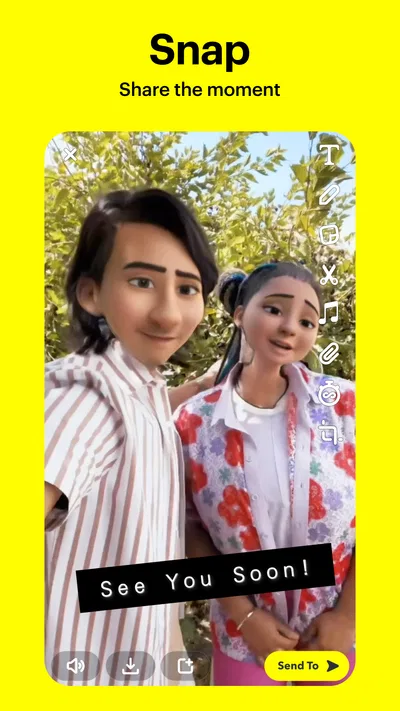
The clearest strength is how little effort it takes to turn an ordinary moment into a message. You can capture what is in front of you and send it in the flow of a conversation, rather than describing it in a long text. That can be more expressive than a plain chat when the useful part is the scene itself: a meal you are choosing, a funny sign, or the view on the way home.
I also like that this changes the rhythm of keeping in touch. Instead of composing a polished update, I can send a small, informal glimpse and let the recipient respond in kind. For friends who already share that habit, the exchange can feel relaxed and personal. It is less compelling if the people you care about are not on the app or prefer messages that remain easy to revisit.
A realistic everyday use is coordinating a casual meetup. I might send a quick picture of the café entrance so a friend can spot it, then use chat to settle the details. The image does a job that a vague description may not, while the text keeps the actual plan clear. For anything important—an address, time, or instruction—I’d still put the information in writing rather than relying on a disappearing visual message.
That distinction is one of the most useful habits I’ve learned with Snapchat: use the camera for context and personality, and use clear text for details that need to survive the moment. It keeps the app’s strength without asking it to behave like a notebook. If I need a reliable record of a discussion, I switch to a service or format built around persistent messages.
Small habits that make it easier to use well
One useful workflow is to treat each send as a deliberate choice of audience, not just a camera action. Before sharing, I pause to consider whether the moment belongs in a one-to-one conversation, a smaller group, or a wider post. That quick check reduces the chance of sending something casually to more people than I intended.
Another practical tip is to separate spontaneous conversation from anything that needs a follow-up. If a friend asks me to bring something, I answer in a way that makes the request easy to find again, or move the essential detail into a more persistent conversation. Snapchat’s quick, visual style is excellent for a reaction; it is not automatically the best place to store a checklist.
I’d also avoid assuming that a temporary-looking message is private in every meaningful sense. A recipient can remember it, capture it by other means, or show it to someone else. So I use the same judgment I would use when sending a regular photo: if the content would cause trouble outside the intended conversation, I don’t send it merely because the interface feels informal.
Finally, I’d take a moment to explore the app before trying to use it at speed. Camera-led apps can make the screen feel busy when you are new, and it is easy to tap through without understanding where a post is going. A short first session spent learning the difference between a direct conversation and a broader share is more useful than immediately trying every visible feature.
Where it beats familiar alternatives—and where it doesn’t
Compared with text-first messengers, Snapchat is better when the image or clip is the message. It gives a quick visual exchange a natural home and encourages the kind of small updates that can feel too trivial for a carefully written post. If my friends already use it, that can make staying in touch feel spontaneous rather than like maintaining another formal feed.
Compared with public social platforms, its strongest use for me is more personal sharing with people I know, rather than building a polished public presence. That does not mean every interaction is private or that audiences cannot be broader; it means the app’s appeal is often in sending something directly and informally. Someone who wants a permanent portfolio, a highly searchable public archive, or a straightforward broadcast channel may prefer a different kind of service.
It is also not my first choice for work coordination. A team discussion often needs a durable history, clear references, and a dependable way to retrieve decisions. Snapchat’s casual pace can make a quick visual check-in pleasant, but it can also make important details harder to track. I would use a work-focused tool for assignments and records, then keep Snapchat for friends or low-stakes exchanges.
People who dislike camera-led interfaces may find it less comfortable than a conventional chat app. If I open a messenger mainly to type a question, a screen centered on capturing and sharing can feel like extra work. Likewise, anyone who wants messages to function as a long-term personal archive should compare options based on how well they preserve and organize conversations, rather than choosing Snapchat for its lively feel alone.
What changes when you switch
Moving to Snapchat is easiest when the people you want to reach are already there. The app itself may be simple to try, but communication tools are only useful when your contacts will answer. I’d invite a few close friends first instead of shifting every conversation at once. That gives me a chance to see whether the visual style actually adds something to our chats.
The more meaningful switching cost is changing expectations. Friends may interpret a quick image as a casual check-in, while I may want a clear answer or a lasting record. Agreeing on the right channel for plans and important details avoids frustration. I would not move a whole group’s essential coordination into a new app until everyone is comfortable with how they communicate there.
Snapchat has been available since October 29, 2012, and the current version is 14.29.0.50. It requires Android 6.0 or later, so an older device may need a system update or a different way to stay in touch. On supported devices, I’d still install it through the app store and check that the version offered there is compatible with my phone.
Although downloading is free, in-app purchases range from $0.49 to $399.99 per item. That wide span makes it sensible to distinguish the basic communication experience from optional spending. I’d begin without buying anything, then consider a purchase only if I understand exactly what it adds and genuinely want it. The free starting point is enough to decide whether the app’s core style works for me.
My recommendation
I recommend Snapchat to people who like sending quick photos and videos, have friends who use it, and want casual conversations to feel immediate. It is particularly appealing if a visual reply says more than a paragraph and you are comfortable keeping important details somewhere more permanent. For that kind of social routine, its camera-first design is a real advantage rather than a novelty.
I would skip it, or keep it as a secondary messenger, if I mainly need searchable text, dependable records, or a simple interface focused on typing. It is also a poor match for anyone who assumes that a disappearing message guarantees privacy. A text-first alternative is often the better choice for serious planning, work discussions, or conversations that need to be easy to revisit.
My overall view is positive but specific: Snapchat works best when I use it for what it does naturally—sharing a fleeting visual moment with the right people—without asking it to replace every other communication tool. If that sounds like the way you already keep in touch, it is worth trying. If you want a message archive first and a camera second, I’d choose another app for everyday communication.
Pros
- Quick photo and video messaging makes casual sharing easy.
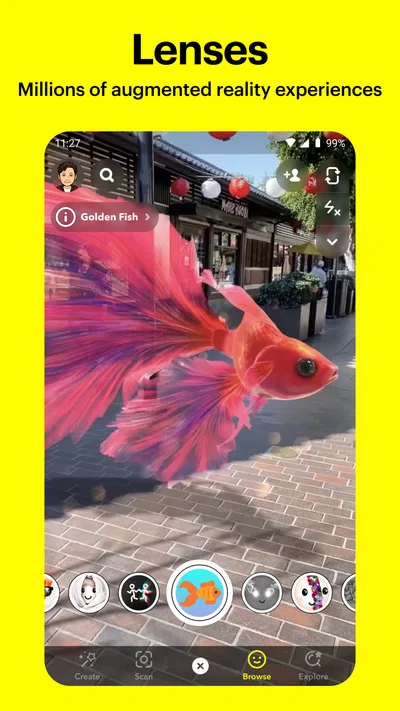
- Creative lenses and filters offer plenty of ways to personalize Snaps.
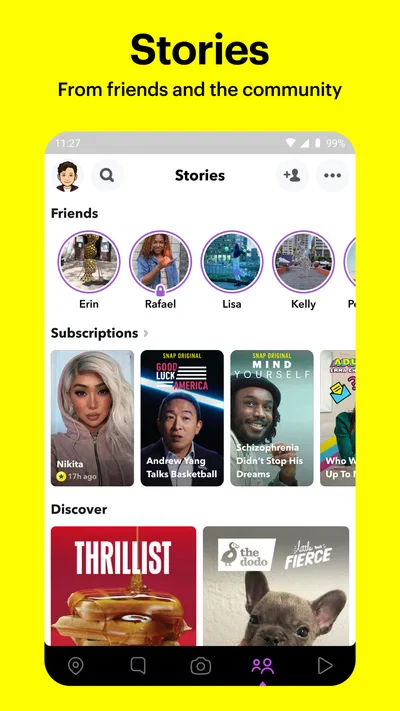
- Stories let users share updates that disappear after 24 hours.
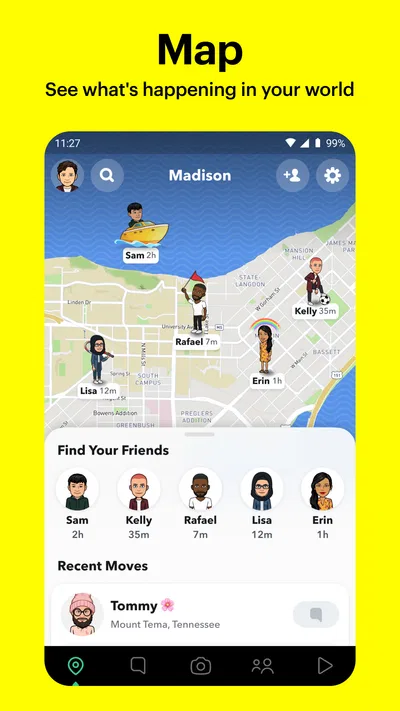
- Snap Map can help friends share their location when they choose.
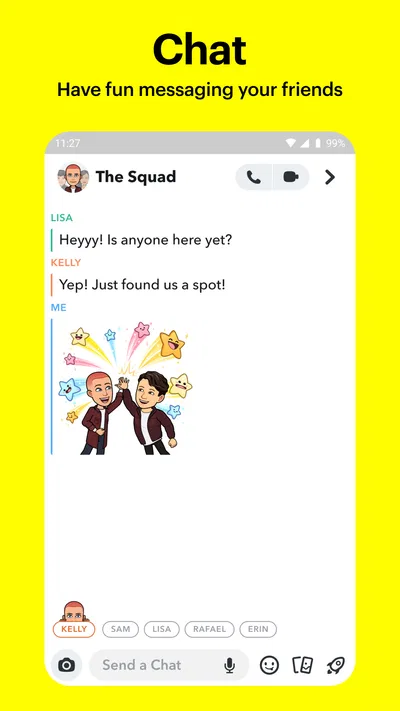
- Group chats support messaging and sharing with multiple friends.
Cons
- Messages may disappear before recipients can save important details.
- Some content and features can encourage frequent screen checking.
- Location sharing can expose a user's whereabouts if settings are unclear.
- Discover may show content that does not match every user's interests.
- Many effects and tools require access to the camera and microphone.
Best Communication App 2026
Our verdict
Share the moment!
Frequently Asked Questions
What is Snapchat, and what can you do with it?
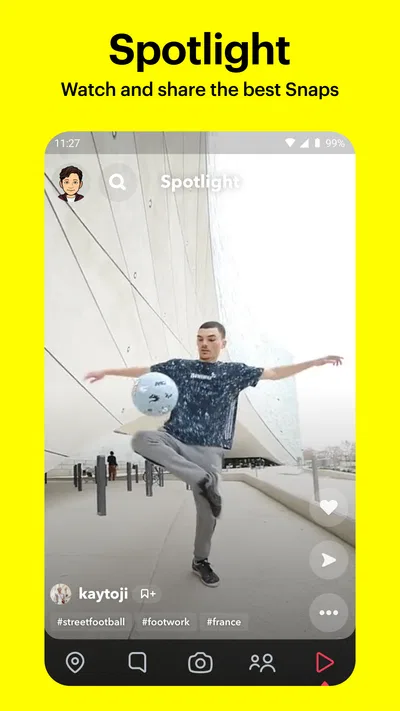
Snapchat is a social networking app centered on photos, videos, chats, and short-form content. You can send Snaps to friends, post Stories that are available for a limited time, make voice or video calls, and explore content in areas such as Spotlight. It also offers creative tools, including filters, lenses, stickers, and text. The features you see may vary by region, age, and app version.
Is Snapchat free to download and use?
Snapchat is generally free to download and use, and its core features—such as messaging, Snaps, Stories, and calls—do not require a subscription. The app may display ads, and some optional features or perks are offered through Snapchat+, a paid subscription whose availability and benefits can change. Mobile data charges may also apply when you use the app without Wi-Fi, so check your carrier plan before sharing videos or making calls.
Do Snapchat messages and Snaps really disappear?
Many Snaps and chats are designed to disappear after they have been viewed or after a set period, but this does not guarantee that they are permanently gone. Recipients may save messages, take screenshots, record their screen, or capture content with another device; Snapchat may notify you about some screenshots, but not every capture method. Review your chat settings and avoid sending anything you would not want saved or shared.
How can you protect your privacy and control who contacts you on Snapchat?
Snapchat provides privacy settings for choosing who can contact you, view your Story, see your location on Snap Map, and find you through certain account details. You can limit location sharing, use Ghost Mode, block or report accounts, and review permissions such as camera, microphone, and contacts access in your phone settings. Take time to check these controls after signing up, especially if you are using Snapchat with people you do not know personally.
Is Snapchat appropriate for children, and what should parents know before downloading it?
Snapchat can expose users to messages from other people, public posts, advertising, and content that may not be suitable for every child. Age requirements and available parental controls can vary by location, so check the current app-store listing and Snapchat’s Family Center information before deciding. Parents should discuss online safety, location sharing, and the limits of disappearing messages, and should review the child’s privacy settings and contacts together.

Download Snapchat
Similar apps
View all 9.2
WhatsApp Messenger
Communication
 9.4
Messenger
Communication
 7.6
Telegram
Communication
 9.2
TextNow: Call + Text Unlimited
Communication


