
- Award score
- 4.8Rating
- 1,000,000,000+installs
- Free
App information
- Version
- 12.37.2-prod.01
- Updated
- Requires
- 9
- Price
- Free, in-app purchases
- Developer
- X Corp.
- Content rating
- Mature 17+
Screenshots
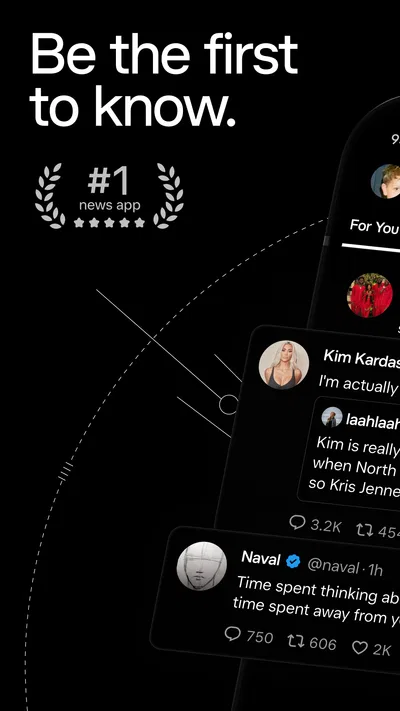
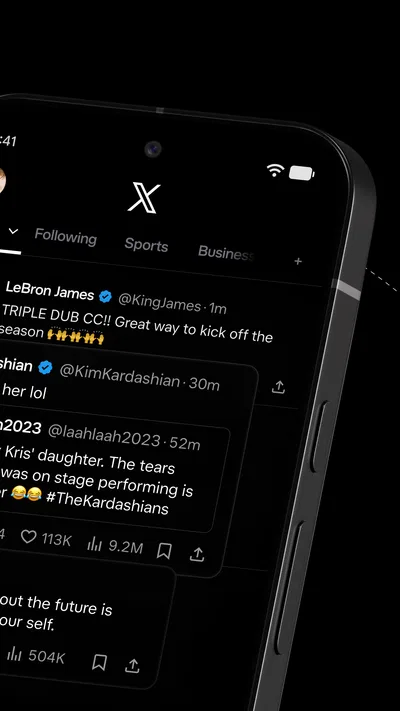

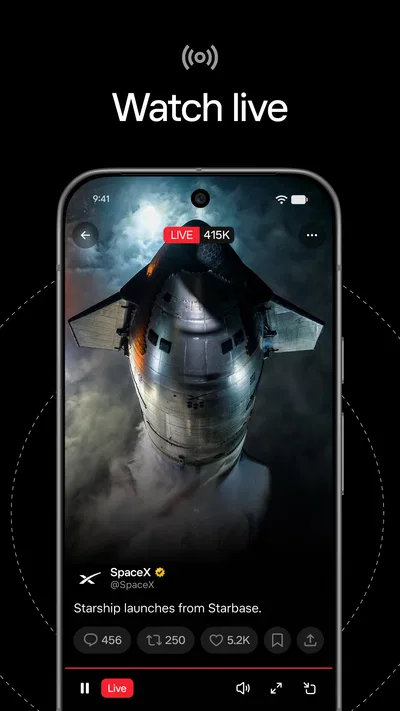
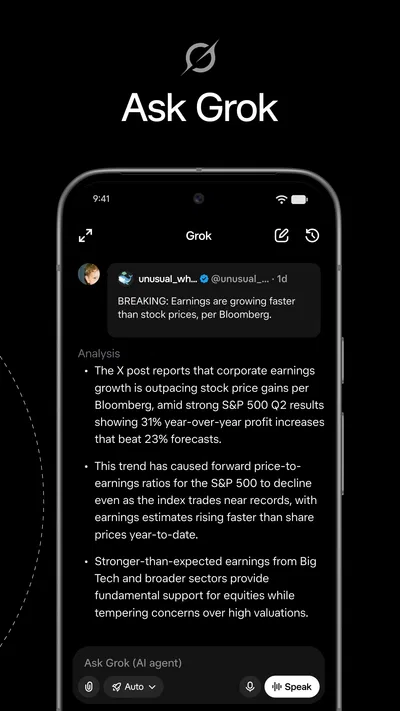



 Analysis byAppsAward
Our review of X
I find X most useful when I want to follow a developing story and see how people are reacting while it unfolds. It is a social app in the news and magazines space, rather than a traditional newspaper reader: posts, commentary, and links from many accounts sit close together, and the feed can change quickly. That immediacy is its main draw, but it also means readers need to make their own judgements about what deserves attention and what is trustworthy.
In ordinary use, the experience is less like opening a finished edition and more like entering a busy public conversation. I can check a topic during a short break, follow accounts that cover an area I care about, and see other perspectives without switching between several publications. The trade-off is that the same stream can mix useful reporting, personal reactions, jokes, speculation, and promotion. X works best for me when I treat it as a way to discover and track discussion, not as a complete or self-verifying news source.
Reading and finding your way through a fast-moving feed
The basic appeal of X is that information and reaction appear in the same place. A reporter, public figure, specialist, organization, or ordinary user can post about an event, and other users can respond or share it. That makes the app particularly handy for following stories that are still developing, when a conventional article may not yet capture the latest turn. It can also make the feed feel less orderly than a news app arranged around sections and edited headlines.
For a calmer start, I recommend choosing a small group of accounts with different roles: a reliable source for the subject, a local voice when the story is local, and a knowledgeable specialist who can explain context. This is more useful than following every account that posts frequently. It also makes it easier to notice when a dramatic claim is being repeated without adding evidence. The app can surface conversation quickly, but a reader still has to distinguish firsthand updates from commentary about them.
Navigation depends heavily on what you choose to follow and how you use the feed. If you open X with no clear purpose, the volume of material can make it hard to find the item you came for. I get more value by arriving with a question—what changed, who is discussing it, or whether there is a local update—then leaving once I have a useful answer. That habit keeps a quick check from turning into a long scroll through unrelated arguments.
There is also a meaningful difference between following a topic and following the people who post about it. A topic can bring in a wider, less predictable mix of voices, while a selected group of accounts gives me more control over the tone and expertise in my feed. Neither approach is automatically better: broad discovery helps when I am exploring, while a deliberate account list is more comfortable when I want updates without as much noise.
Making posts easier to interpret
Short posts are convenient, but they often leave out the background needed to assess a claim. When a post refers to a video, quotation, or earlier update, I try to inspect the surrounding conversation and look for the original source rather than relying on a cropped excerpt. This small check is especially valuable during breaking news, when early accounts can be incomplete or mistaken. X makes it easy to encounter an update; it does not guarantee that the update is the whole story.
Images and video can add important context, but they can also make a feed more demanding to scan. If I am checking updates in a hurry, I focus first on the text and the account behind it, then open media when it is necessary to understand the claim. That is a useful way to keep a busy screen from taking over the task. Readers who prefer long, carefully structured explanations may find a newspaper or magazine app more comfortable once they have identified the story they want to read.
Motor and sensory considerations
X is built around frequent interaction: reading, moving between posts, opening conversations, and responding. That rhythm may suit someone who likes to browse in short bursts, but it can ask for repeated touch input and sustained attention. If scrolling or tapping is tiring, I would use the app with a clear stopping point rather than trying to keep up with every update. Following fewer accounts can also reduce the amount of movement needed to find relevant posts.
The feed’s changing mix can be demanding for readers who are sensitive to visual clutter, rapid shifts in subject, or emotionally intense material. One moment may bring a useful update; the next may bring an argument or a disturbing image. I find that choosing accounts carefully and checking only when I have the capacity to read helps make the experience more manageable. It is not a quiet, predictable reading environment, and people who need one may prefer a publication with a more controlled layout and editorial sequence.
For readers who use assistive technology or need particular text presentation, the practical experience can depend on their device, settings, and the way individual posts are composed. Posts vary: some are plain text, while others rely on attached media or context that is not obvious from a quick glance. When a post is difficult to understand, opening its conversation or seeking the same information from a clearly written source can be a sensible fallback. I would not assume that every account presents information equally clearly.
Using X in different situations
A realistic use case is checking a local disruption while getting ready to leave home. I might search for recent posts from relevant local sources, compare the timestamps and details, and then check an official channel before changing plans. X can help reveal that people are discussing a change before a full article appears, but a social post should not be the only basis for a time-sensitive decision. The extra verification step matters most when the consequences of acting on a wrong update are significant.
The app can also be useful during a live event. I can follow a few knowledgeable accounts to see immediate reactions, explanations, and different interpretations in one place. This is often more lively than reading a recap later, but it can also be more repetitive and less carefully checked. If I want a lasting record or a coherent account of what happened, I prefer to return to a well-edited article after the live conversation has settled.
On a commute or during a short wait, the short-post format can fit the available time. In a noisy or distracting setting, however, the same feed can be harder to use: updates compete for attention, and a thread may require more focus than the moment allows. I find it helpful to save a topic for later through my own notes or reading routine rather than trying to absorb every detail on the move. X is best as a quick window into discussion, not necessarily as a place to finish a complex investigation.
Where the experience can fall short
The biggest limitation is the gap between speed and confidence. Posts can spread before readers have enough context to judge them, and popular discussion does not necessarily mean a claim is accurate or representative. I recommend checking who is speaking, whether they provide a source, and whether independent reporting supports the point. For health, safety, financial, or other consequential decisions, I would go directly to a suitable authoritative source rather than treating the feed as the final word.
Another friction is attention. The same app that helps me check one update can present a chain of unrelated topics and reactions. That makes it less suitable for someone who wants a quiet, finite reading session or who prefers an editor to select and organize the day’s news. A newspaper app is usually better for a structured overview; a specialist publication may be better for depth; and a messaging group may be more useful when the goal is private coordination rather than public discussion.
Different accounts also write in different styles, and a post’s brevity can leave room for misunderstanding. Sarcasm, shorthand, or a missing link may be obvious to regular followers but unclear to a new reader. Before sharing a striking post, I pause to see whether it has a source and whether the surrounding conversation changes its meaning. That extra care is not a drawback unique to one user; it is part of using a fast public feed responsibly.
Who is likely to get the most from it
X is a good fit for people who want to follow public conversation as it develops, especially around current affairs, specialist interests, or live events. It can help me discover people and reporting I would not have found through a single publication, and it offers a direct view of how a story is being discussed. The experience improves when I am selective about whom I follow and clear about whether I am browsing, checking a claim, or looking for a particular update.
I would be more cautious about recommending it as someone’s only news source. Readers who want reliable summaries, a stable reading order, or a low-stimulation environment may be happier with an edited news service. People who find rapidly changing public discussion stressful may also prefer to visit a publication directly when they need information. X adds immediacy and range; it does not replace the benefits of editorial selection, careful reporting, and slower reading.
As an app, X is free to download and is developed by X Corp. Its audience scale is striking: it has more than one billion installs, around twenty-five million ratings, and an average rating of 4.8. Those figures show how widely used it is, though they do not tell me whether its fast, open-ended style will suit a particular reader. The app is rated Mature 17+, an important consideration for families and anyone choosing a shared device. In-app purchases range from 99 cents to 999 dollars and 99 cents per item, so I would review purchase controls before letting someone else use the device.
The current Android version is 12.37.2-prod.01, and it requires Android 9 or later. It first appeared on April 30, 2010, so this is an established service rather than a new experiment, but its usefulness still depends on how thoughtfully I set up my reading habits. I would start with a narrow selection of accounts, use the feed for discovery, and verify consequential claims elsewhere. That combination gives me the benefit of quick public updates without asking the app to do a job it was not designed to do.
An inclusive verdict for the right reading habits
My view is that X can make public information easier to encounter across a range of interests and situations, but it does not make every post equally readable or every moment equally comfortable. Its value is strongest when a reader can shape the sources they see, take breaks from the stream, and move to a more suitable source when a topic needs depth or certainty. Good source selection matters more than speed: it helps reduce noise, improves context, and makes a quick check more useful.
I would recommend it to a friend who enjoys following live discussion and is comfortable weighing sources for themselves. I would suggest a traditional news app instead to someone who wants a composed daily briefing, and a quieter format to someone who finds rapid, unpredictable feeds tiring. Used with those limits in mind, X is a practical way to see what people are saying now—not a substitute for careful reporting or a guarantee that the most visible post is the most reliable one.
Pros
- Quick access to platform content through a familiar search interface
- Voice input can make searches easier on supported devices
- Search suggestions help narrow down queries
- Works across a broad range of Android and iOS devices
- Useful for finding apps and games through relevant results
Cons
- Search results may include sponsored listings
- Some links lead to external sites with separate privacy policies
- Results can vary by location and device
- Voice search may require microphone permission
- The app offers limited value without an internet connection
Best News & Magazines App 2026
Our verdict
Breaking News & Social Media | Fully Rebuilt for Android
Frequently Asked Questions
What is X, and what can you use it for?
X is a social media platform for posting short updates, sharing photos and videos, following public conversations, and communicating with other users. Its feed can include posts from accounts you follow as well as recommendations and trending topics. The exact features and experience may change over time, so check the app’s current listing and settings to see what is available in your region.
Is X free to download and use?
X is generally available to download and use without an upfront purchase, though some features or services may require payment, and paid offerings can vary by region and over time. Mobile data charges may also apply when browsing or streaming away from Wi-Fi. Before subscribing to anything, review the price, renewal terms, and cancellation details shown in the app or app store.
Can you use X without creating an account?
Some public posts or pages may be viewable without signing in, but access can be limited and may change depending on the content, region, or current platform rules. An account is usually needed to post, reply, like, follow accounts, or personalize the feed. If you sign up, review the available privacy and security controls and choose carefully what personal information you share.
How can you control privacy and unwanted interactions on X?
X offers account and safety controls that may let you manage who can see or interact with your posts, mute or block accounts, filter notifications, and report content. Options and labels can change with app updates. Explore the privacy and safety settings before posting, and remember that public posts may be copied or shared beyond the platform even if you later remove them.
What should you know about safety and content on X before downloading it?
X contains user-generated content, so you may encounter inaccurate claims, strong opinions, sensitive material, spam, or unwanted contact. Content filters and reporting tools can help, but they cannot guarantee that every post or interaction will be safe or reliable. Avoid sharing sensitive personal details, verify important information with trustworthy sources, and use blocking or reporting tools when needed.

Download X
Similar apps
View all 9.2
NewsBreak: Local News & Alerts
News & Magazines
 9.6
Substack
News & Magazines
 8.7
Local Weather News - Radar
News & Magazines
 9.6
CrimeRadar: Dispatch Alerts
News & Magazines


