
- Award score
- 4.7Rating
- 100,000,000+installs
- Free
App information
Screenshots
 Analysis byAppsAward
Our review of Cash App
I think Cash App makes the most sense when you want one place to handle several kinds of money tasks without treating it as a full replacement for every financial service you use. It is a free finance app from Block, Inc., and its appeal is the mix: sending money, using banking features, investing, and working with bitcoin in the same app. That breadth can make everyday money management feel more direct, though it also means you should decide which features you actually need before moving important routines into it.
The app has been available since October 15, 2013, and its current version is 5.74.0, with Android 10 as the minimum operating system. It is rated for Everyone. Its scale is notable too: it has more than 100 million installs, around 4.5 million ratings, and roughly 481,000 written reviews, with a 4.7 average rating. Those figures suggest that it is a widely used service, but popularity alone does not tell you whether its particular mix of tools suits your habits.
What free access means in practice
There is no purchase price to download Cash App, so trying the app does not require paying upfront. That is useful if you want to see whether its layout and money workflows fit you before making it part of your routine. I would still distinguish free access from a promise that every possible transaction or service will always be cost-free: the fact that the app itself is free does not answer every question about the terms attached to individual financial activities.
For that reason, I would check the current in-app terms before relying on any specific transaction, investment, or bitcoin workflow. Conditions can matter more than the download price, especially when money is moving or being invested. The sensible approach is to treat the free app as an accessible starting point, then review the details of the action you intend to take rather than assuming that every feature has identical costs or conditions.
That distinction is also important when comparing it with alternatives. A traditional bank app may be the better home for account-specific services you already depend on, while another payment app may better match the people you regularly pay. Cash App’s value is its broad set of uses in one place, not a guarantee that it will be the cheapest or most suitable option for every financial task.
Where the combined toolkit earns its place
The clearest advantage I see is convenience across different money intentions. Someone might open the app to send money, then use it at another time to explore investing or bitcoin. Keeping those activities together can reduce the need to remember which separate app handles each one. That is a practical benefit, not just a longer feature list: fewer app changes can make small, recurring tasks feel easier to manage.
At the same time, I would not treat “everything in one app” as automatically better. A wide menu can make it harder to keep your focus on the one task you opened the app to do. If you only want a straightforward way to pay a friend, the investing and bitcoin options may be irrelevant background. If you are interested in those areas, having them nearby may be useful, but you should approach each as a separate decision rather than letting convenience blur the difference between sending money and taking investment risk.
A realistic example is splitting an everyday shared expense. If a friend covers a group purchase and you owe your share, a payment app can make settling up simpler than coordinating cash. Cash App is appealing in that situation if the people involved already use it and you want a familiar place to handle the transfer. The practical lesson is to agree on the payment method before anyone pays: a tool is only convenient when the people on both sides can use the chosen workflow comfortably.
Another useful habit is to keep payment decisions deliberate. Before sending money, check the recipient and the amount carefully; a quick interface should not turn a financial action into a reflex. I also find it helpful to separate routine payments from longer-term money decisions. Opening the app to pay someone is not the same as deciding to invest, and the convenience of having both options nearby should not replace thinking through the purpose of each action.
Tradeoffs that matter before you rely on it
Cash App is not necessarily the best choice as your only financial app. If your priority is managing a specific bank relationship, look first at the bank’s own app and the services it supports. If your main need is paying a particular circle of friends, choose the service that those people actually use. A payment tool’s usefulness depends partly on the habits of the people around you, so an impressive feature set cannot overcome a mismatch with your usual contacts.
There is also a judgment call in combining everyday payments with investing and bitcoin. The convenience is real, but the different activities do not carry the same purpose or level of risk. I would use the app’s variety as a reason to explore carefully, not as a reason to treat investment options like another casual payment button. If you want an app devoted narrowly to budgeting, banking, or investment research, a more specialized service may be easier to understand and keep focused.
Before using any finance app for important routines, I recommend reviewing its current settings and the instructions for the actions you plan to take. That is a practical step rather than a criticism: payment and investment tools deserve more attention than ordinary social apps. Make sure you understand the relevant process before sending money or making a financial decision, and do not assume that a convenient interface removes the need to verify details.
One non-obvious tradeoff is mental clutter. When a single app covers sending money, banking, investing, and bitcoin, it can encourage you to check more features than you originally intended. I would keep a clear personal rule about why I am opening it: settle a payment, review a banking task, or consider an investment. That simple separation helps preserve the convenience without letting an all-in-one design turn every visit into an invitation to make another financial choice.
Who is likely to get the most value
I would recommend Cash App to someone who wants a flexible, free-to-download finance app and expects to use more than one of its types of tools. It may suit people who frequently send money and also want banking or investing options available in the same environment. Its large user base can be reassuring as a sign of broad adoption, although it does not guarantee that your own friends, family, or preferred financial institutions will fit neatly into your routine.
It is less compelling if you want a single-purpose app and already have a service that handles that task well. Someone who only needs to manage an existing bank account may prefer the bank’s own app. Someone who wants to keep investing decisions separate from casual payments may prefer a dedicated investment service. And if the people you need to pay do not use Cash App, the convenience advantage may shrink substantially.
For a first-time user, I would begin with the feature that solves an immediate, familiar need rather than trying to use every part at once. Get comfortable with the relevant payment or banking workflow, then explore other areas only if they match a real goal. This makes it easier to judge whether the app is helping you or simply offering more choices. It also gives you a clear basis for comparing it with your current tools instead of switching everything just because one app can cover several categories.
My verdict on the value
For a free download, Cash App offers a useful range: peer-to-peer money movement alongside banking, investing, and bitcoin features. I like the potential to reduce app-hopping, especially for people whose everyday money tasks genuinely span those areas. Its 4.7 average rating and broad adoption add context, but the real test is whether the people you pay and the financial activities you care about are well served by its particular combination.
I would try it if you want a flexible starting point and are willing to review the details of each financial action rather than assuming that free access makes every use identical. I would skip it as a primary tool if you need a narrowly focused service, prefer to keep investing separate, or rely on another app that better matches your bank or payment circle. My bottom line is straightforward: it can be a convenient everyday hub, but it earns that place only when its mix of features fits your habits and you use each one deliberately.
Pros
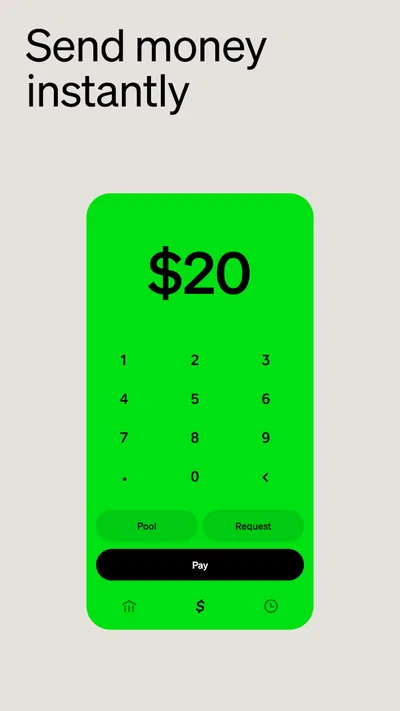
- Send money to friends quickly using a phone number or email.
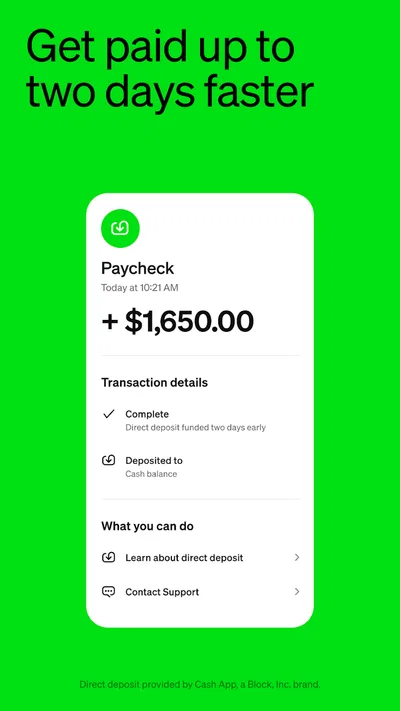
- Set up direct deposit to receive eligible paychecks.
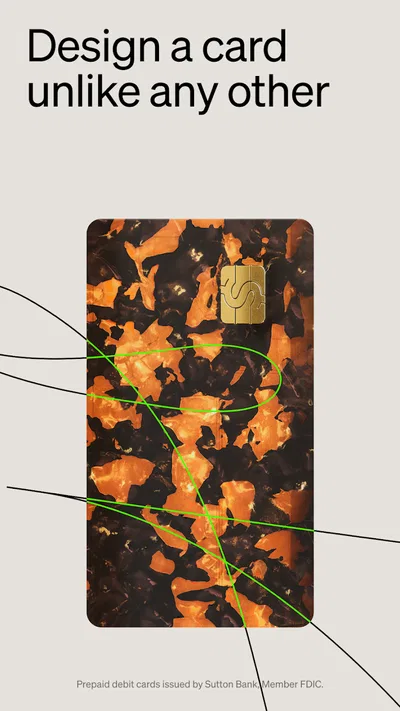
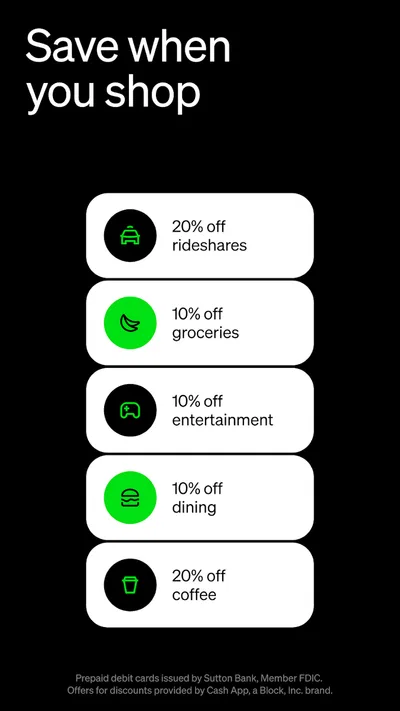
- Use the Cash App Card for purchases from your balance.
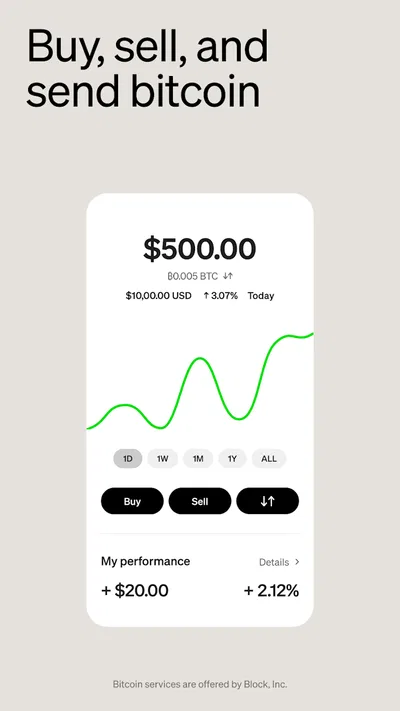
- Buy and sell Bitcoin directly in the app.
- Add an extra layer of security with PIN or biometric sign-in.
Cons
- Some transfers may incur fees depending on speed or transaction type.
- Identity verification may be required to access certain features.
- Bitcoin purchases involve price volatility and potential losses.
- Cash App Card availability and features may vary by location.
- Support options can be limited compared with traditional banks.
Best Finance App 2026
Our verdict
Send money and bitcoin easily. Invest, bank and do more with your money
Frequently Asked Questions
What is Cash App, and what can you do with it?
Cash App is a mobile financial services app that lets eligible users send and receive money, manage a Cash App balance, and access additional features that may include a debit card, direct deposit, investing, or Bitcoin transactions. The features available can depend on your location, account eligibility, and verification status. Review the current terms and feature details in the app before relying on it for a particular financial need.
Is Cash App free to download and use?
Cash App is generally free to download, and some common actions, such as sending money from a linked balance or bank account, may have no fee. Other services can carry charges—for example, certain instant transfers, card transactions, or investment-related activity. Fees and limits may change and can vary by transaction and account. Check the fee information shown in the app before confirming a payment or transfer.
How do you send money safely with Cash App?
You can typically send money by entering a recipient’s identifying details, such as their $Cashtag, phone number, or email address, and confirming the amount. Verify the recipient and payment details carefully before tapping send: payments may be difficult or impossible to reverse once completed. Use a strong device passcode, enable available security protections, and never share sign-in codes or approve a payment at someone else’s request.
Can you use Cash App without verifying your identity?
Some basic functions may be available before identity verification, but Cash App can require additional information to confirm your identity, meet legal requirements, or provide access to higher limits and certain features. The exact requirements depend on the account and the service you want to use. Submit information only through the official app, and consult Cash App’s current privacy notice and terms to understand how your details are handled.
Is Cash App available on Android and iPhone, and how can you avoid fake versions?
Cash App is offered for supported Android and iOS devices, but availability and features can vary by country, device, and operating-system version. To reduce the risk of installing a counterfeit app, download it through Google Play or Apple’s App Store and check that the publisher is the official Cash App provider. Avoid download links from unsolicited messages, and keep your device and app updated.




