- Award score
- 4.2Rating
- 1,000,000+installs
- Free
App information
- Version
- 1.3.3
- Updated
- Requires
- 7.0
- Price
- Free, in-app purchases
- Developer
- ATQ - AI Lab
- Content rating
- Everyone
Screenshots
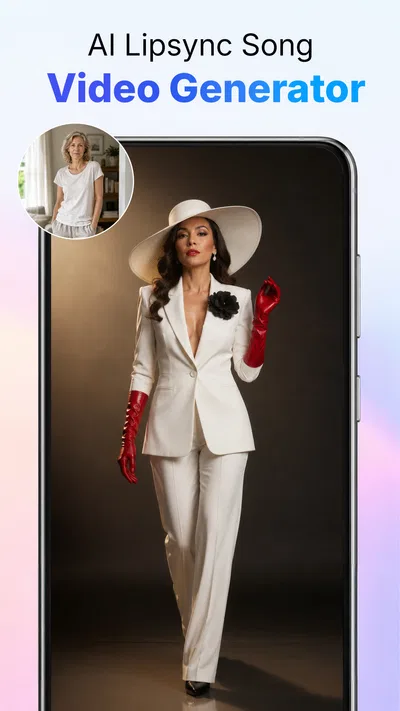
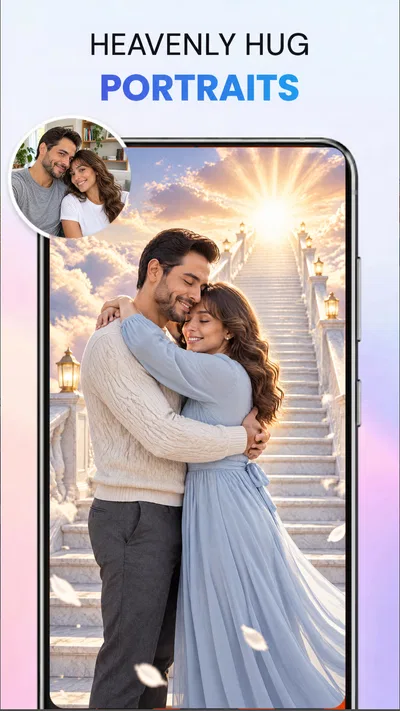
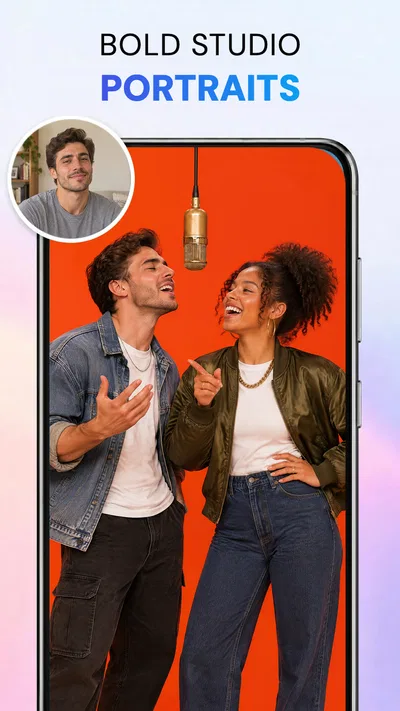
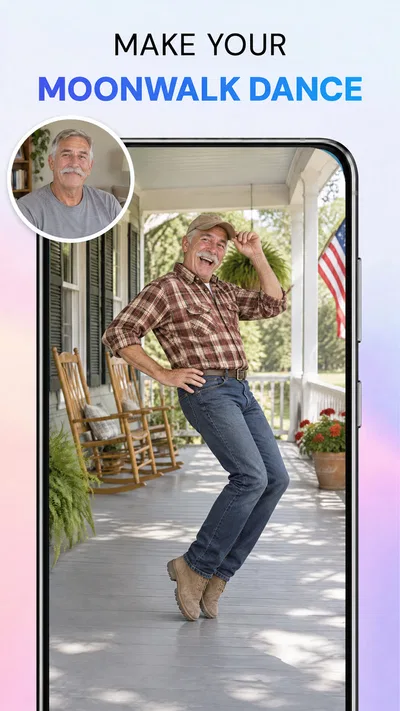
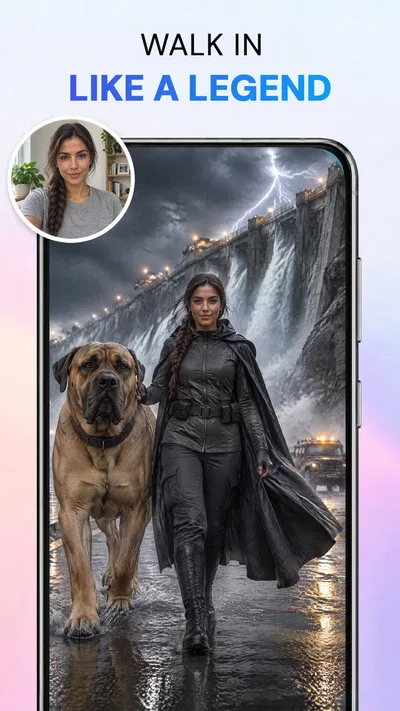
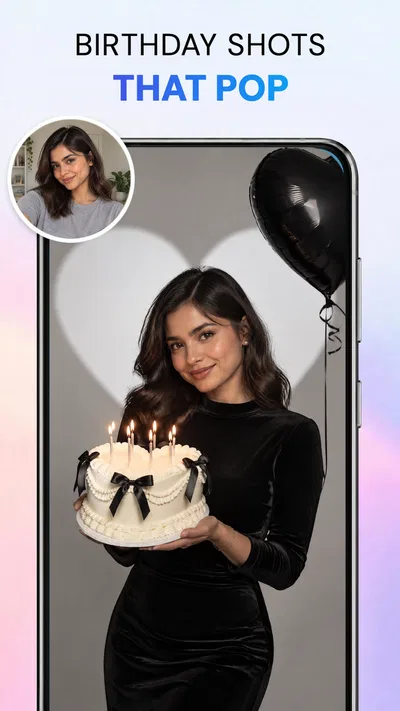
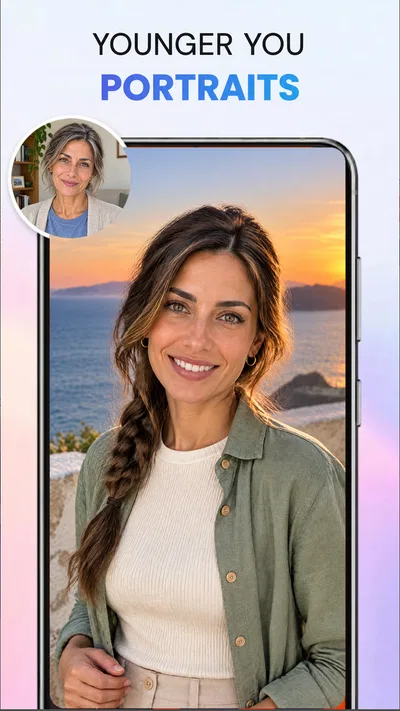
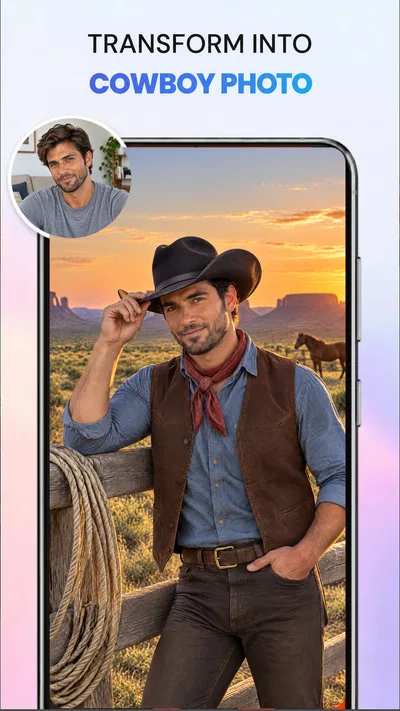
 Analysis byAppsAward
Our review of AI Photo Beauty Editor Studio
I judge an AI photo editor less by how many controls it offers than by whether it helps me finish a picture without turning a small task into a project. AI Photo Beauty Editor Studio is aimed at that quick, focused job: improving portraits and making edits such as background or object removal through written prompts. In my view, its appeal is the chance to describe a change in plain language instead of hunting through a stack of sliders. That can save time when the edit is straightforward, though it does not make every result automatic or every photo a good candidate.
Where prompt-led editing saves time
AI Photo Beauty Editor Studio is a free photography app from ATQ - AI Lab, with optional in-app purchases priced from $3.99 to $39.99 per item. It has a 4.2 average from around 5,500 ratings and more than a million installs. Those figures suggest that it has found an audience, but they cannot tell me whether a particular portrait will come out naturally; the quality of the source image and the precision of the requested edit still matter.
The most useful way to think about this editor is as a helper for specific corrections, not a replacement for every photo tool on a phone. I would start with a clear image and ask for one change at a time: soften a small distraction, improve the overall look, or isolate a subject from its surroundings. A narrow request gives the AI less room to reinterpret the whole picture. If I ask for several unrelated changes at once, it becomes harder to tell which instruction caused an odd result.
That one-change workflow is especially handy for a picture I want to share quickly. Imagine taking a decent portrait at a café, then noticing a busy background or a small object near the edge that pulls attention away. Rather than opening a full desktop editor, I could try a targeted prompt, inspect the result, and keep the original available as a fallback. The practical benefit is not a guaranteed instant fix; it is a more direct route from “this detail bothers me” to a testable edit.
Prompt clarity matters more than prompt length
I would describe the desired result plainly and avoid piling on aesthetic instructions. “Remove the cup on the table” is easier to judge than a long request that also asks for a new background, smoother skin, brighter lighting, and a different mood. If the first result is close but not quite right, changing one part of the prompt at a time makes the next attempt more informative. This is a useful habit in any prompt-driven editor, and it helps keep the app’s output from drifting away from the original photo.
For beauty retouching, restraint is important. A light correction can preserve the features that make a face look like the person in the photo; a broad request to make someone look “perfect” can invite an overly processed appearance. I would compare the edited image with the source before sharing it, especially around hair edges, glasses, skin texture, and the outline of the jaw. Those areas are where a polished overall impression can conceal small visual mistakes.
Heavy editing is a different kind of test
Prompt-based edits are easiest to evaluate when the requested change affects a clearly defined part of the image. Background removal and object removal are more demanding than a modest touch-up because the app has to infer what belongs in the scene and what should replace the removed area. A plain wall behind a subject is a more forgiving case than a patterned room, overlapping hair, or a crowded street. If the result is imperfect, I would try a more limited edit rather than repeatedly asking for a complete transformation.
There is also a practical difference between making one quick adjustment and working through a batch of photos. For a single portrait, I can afford to inspect the result and refine the wording. When I have several pictures to prepare, repeated prompting and checking can take longer than using a familiar manual editor with consistent controls. I would not choose this app on the assumption that AI means every image needs no supervision; the review step is part of the workflow.
For a social profile photo, for example, I would first choose the sharpest original with a clean view of the face. I would make one subtle beauty adjustment, then separately test any background change. Keeping those steps distinct makes it easier to reject an edit that improves one area but damages another. If the portrait is important for a work profile or a printed keepsake, I would be more conservative and retain the untouched original until I am satisfied with the final version.
Reliability means checking the image, not trusting the prompt
AI results can be plausible at a glance while still mishandling fine details. I would zoom in before accepting an edit that touches hair, fingers, jewelry, patterned clothing, or objects that overlap the subject. A background replacement can also look convincing around the center but show a rough edge around curls or transparent materials. This is not a reason to avoid the tool; it is a reason to judge the actual pixels rather than treating a confident-looking result as proof that the edit is clean.
My safest recovery habit is to preserve the source and make edits in small, reviewable steps. If one prompt produces an unwanted change, I can return to the original and try a narrower instruction instead of building more edits on top of a result I already dislike. Before sharing, I would also inspect the full composition at normal size, since a change that looks neat when zoomed in may leave the lighting or balance feeling inconsistent across the whole frame.
For ordinary personal photos, that level of checking is manageable. For client work, product images, or anything where exact edges and color consistency matter, I would use a more controlled editor or a desktop workflow. A prompt interface is convenient when I can describe the goal, but it is less reassuring when I need repeatable, precise adjustments across many images. The distinction is about the job, not a blanket claim that one kind of editor is always better.
Device fit and the cost of convenience
The app is rated for Everyone and requires Android 7.0 or later. That gives it a broad stated Android compatibility range, but an operating-system requirement alone cannot tell me how smoothly it will behave on every device. Photo editing can be demanding in ways that depend on the phone, the image, and the task, so I would start with one picture rather than importing a large set and assuming the experience will be identical on every handset.
Because this is an AI-focused editor, I would also set expectations around waiting: a prompt may involve more than moving a simple slider, and complex edits are naturally harder to assess than small touch-ups. I would not infer a specific processing time or battery impact from the app’s description. If a result takes longer than I want, the sensible response is to simplify the request, use a smaller task, or switch to a manual tool for that particular correction rather than repeatedly submitting a broad prompt.
At version 1.3.3, the app is a focused option for people curious about editing with natural-language instructions. Its purchase model is worth considering before settling into a regular workflow: the app is free to start, while optional items range from $3.99 to $39.99. I would check the in-app choices before relying on a paid capability for an ongoing project, and decide whether occasional convenience is worth the potential expense compared with the tools already on my phone.
Who I would recommend it to
I would recommend AI Photo Beauty Editor Studio to someone who edits portraits casually and would rather describe a correction than learn a dense set of controls. It is a reasonable fit for a quick profile-photo cleanup, removing a distracting object from a personal image, or experimenting with a cleaner background. Its prompt-led approach is most appealing when the task is small, the source photo is clear, and I am willing to inspect the result before sharing it.
I would skip it if I needed exact manual control, consistent batch processing, or dependable cutouts for commercial use. A traditional editor is often better when I need to adjust a specific edge, tune color by a repeatable amount, or make the same correction across many images. Someone who dislikes reviewing AI-generated changes may also find the central trade-off frustrating: natural language reduces the need to navigate controls, but it does not remove the need for judgement.
Overall, I see this as a practical experiment-and-refine tool rather than a complete photography workflow. Its strongest idea is making common portrait and cleanup edits approachable through prompts; its main limitation is that a prompt is only a starting point, not a guarantee of a natural result. If you keep requests focused, preserve the original, and check details before exporting or sharing, it can be a convenient addition to a casual editing routine. If precision matters more than speed or simplicity, I would reach for a conventional editor instead.
Pros
- Quick tools make basic portrait edits easy to complete.
- Beauty effects can help photos look polished for social sharing.
- Multiple editing options offer room to customize portraits.
- The interface is approachable for users new to photo editing.
- Edits let users explore different looks without advanced skills.
Cons
- Beauty filters may make portraits look less natural.
- Some features may require payment or an in-app purchase.
- Results can vary depending on photo lighting and quality.
- Heavy edits may reduce fine details in a portrait.
- The app may request access to personal photos.
Best Photography App 2026
Our verdict
Edit beauty photos with AI prompts: retouch, remove background, object & enhance
Frequently Asked Questions
What can you do with AI Photo Beauty Editor Studio?
AI Photo Beauty Editor Studio is designed to help you enhance portraits and selfies using AI-assisted editing tools. Depending on the features available in your version, you may be able to retouch facial details, adjust appearance, apply effects, and improve the overall look of a photo. Check the app’s current feature list before downloading, since tools can vary by version and region.
Is AI Photo Beauty Editor Studio free to download and use?
The app may be available to download without an upfront charge, but that does not necessarily mean every feature is free. Some editing tools, export options, or effects may require an in-app purchase or subscription, and the app may display advertisements. Review the store listing and its pricing details before starting a trial or making a purchase, and check renewal terms if a subscription is offered.
Do I need an internet connection to edit photos in AI Photo Beauty Editor Studio?
Basic functions may work on your device, while AI-powered processing or downloading certain effects may require an internet connection. The exact requirements depend on the app version and the editing tool you choose. If you plan to use it offline, test the relevant features beforehand and confirm whether edits can be saved locally without signing in or connecting to an online service.
Are photos edited with AI Photo Beauty Editor Studio private and secure?
Privacy depends on how the app processes and stores images. Some tools may edit photos directly on your device, while AI features could send images to an online service for processing. Before uploading personal or sensitive pictures, read the app’s privacy policy and review the permissions it requests. Avoid granting access that is not needed for the features you intend to use.
How can you save and share edited photos from AI Photo Beauty Editor Studio?
After editing, look for an export, save, or share option to keep the finished image on your device or send it to another app. Available formats, image quality, and watermark rules can vary, and some export choices may be restricted to paid features. Check the result before sharing, especially if you want to preserve the original photo or avoid posting sensitive details.

Download AI Photo Beauty Editor Studio
Similar apps
View all 9.7
Video Editor & Maker - InShot
Photography
 6.8
Hailuo AI: Image&Video Maker
Photography
 7.9
AI Face Aging - Photo Editor
Photography
 8.8
PicFusion Lab
Photography


