
- Award score
- 4.4Rating
- 10,000,000+installs
- Free
App information
- Version
- 1.4.7
- Updated
- Requires
- 11
- Price
- Free, in-app purchases
- Developer
- Deep Flow Apps
- Content rating
- Everyone
Screenshots



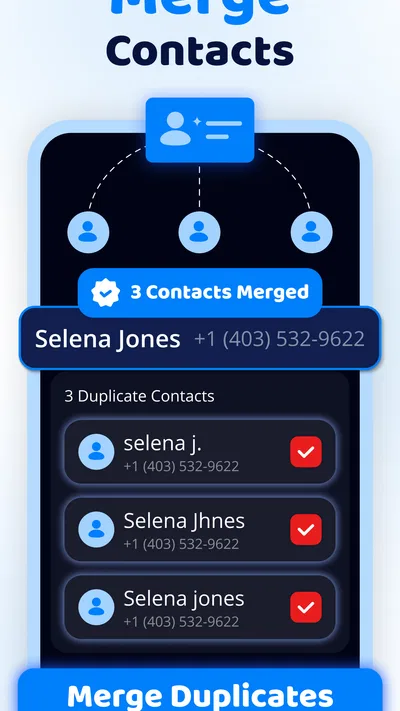
 Analysis byAppsAward
Our review of Cleanup: Phone Storage Cleaner
Phone storage rarely fills up in one dramatic moment. It happens a little at a time: another screenshot, a burst of nearly identical photos, a file you no longer need. Then a camera app warns that there may not be room for the next picture, or you have to stop and delete things before downloading something important. I find that kind of maintenance tedious, which is why a tool built around cleanup can be useful—provided it helps me decide what is safe to remove rather than simply urging me to tap a big button.
Cleanup: Phone Storage Cleaner is a free tools app from Deep Flow Apps for people who want help reclaiming space, especially by finding junk and duplicate photos. It has a 4.4 average from around 379,000 ratings, and more than 10 million installs. That level of uptake makes it a familiar option in its category, though popularity alone does not tell me whether a particular suggested deletion is right for your phone. My view is that its value is less about a dramatic one-time fix and more about making an annoying chore easier to tackle when storage starts getting tight.
Why this kind of cleanup can save time
The usual alternative is to open the phone’s storage settings, inspect categories, then hunt through the gallery and file areas one by one. That gives you direct control, but it can turn a quick tidy-up into a long session of switching screens and second-guessing old pictures. A dedicated cleaner can make the first pass more focused by bringing likely clutter and duplicate images into the cleanup process.
That convenience has a trade-off. A suggested cleanup is not the same thing as a verdict that every item is useless. A screenshot may be the only copy of a receipt, a near-duplicate might show a better expression, and a file that looks disposable may still matter to you. I recommend treating the app as a way to find candidates faster, not as permission to delete without looking.
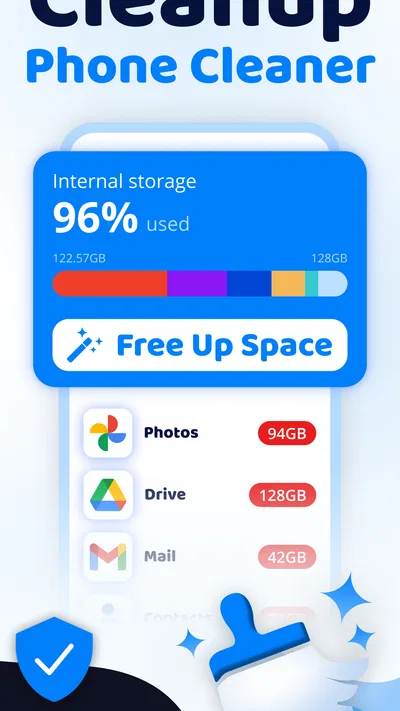
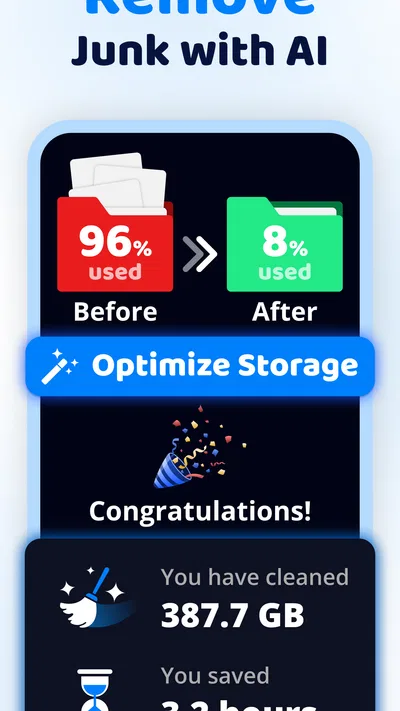
There are three jobs implied by its purpose: removing junk, sorting out duplicate photos, and helping optimize memory and storage space. I would keep those ideas distinct. Storage is about room for files; memory is a separate kind of resource, and cleaning stored items should not be taken as a guarantee that every slow-phone problem will disappear. If an app is sluggish because of network conditions, an older device, or another issue, a storage cleanup may make little difference.
A sensible first pass
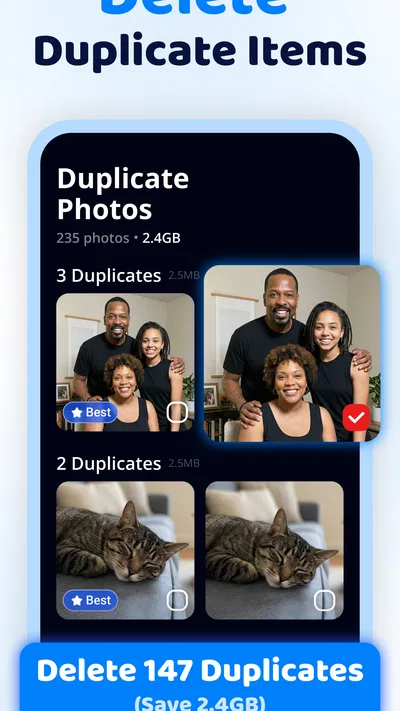
When I start using a cleaner, I prefer a small, reviewable pass over a sweeping cleanup. I would begin with the duplicate-photo area, inspect the groups it presents, and remove only the copies I can identify confidently. This is especially worthwhile after a trip or family event, when people often take several shots of the same scene. The non-obvious benefit is not just the space recovered: grouping lookalikes can make it easier to spot the one image worth keeping before clearing the rest.
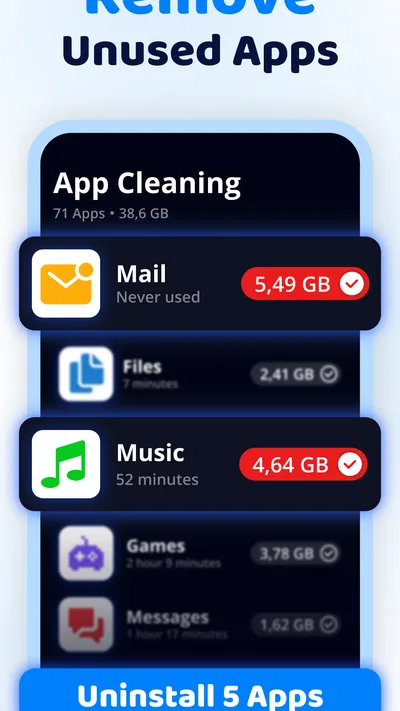
Next, I would look at junk suggestions and pause before confirming anything I do not recognize. If a category contains items with names or contexts that are unclear, leaving them alone is a sensible choice. A cautious first session also gives you a feel for how the app presents cleanup candidates, so later use is quicker without becoming careless. If you are unsure about an image, keep it; saving a little space is rarely worth losing a meaningful memory.
Cleanup: Phone Storage Cleaner is rated for Everyone, is listed as version 1.4.7, and requires Android 11 or later. That makes the supported Android version an important first check: if your phone runs an older system, this is not the right tool for it. The app is free to install, with in-app purchases ranging from $6.99 to $39.99 per item. I would check what any paid option includes inside the app before buying, and first decide whether the free experience already handles the cleanup you actually need.
Where it fits into everyday phone use
Imagine you are about to leave for the day, want to take a few photos, and discover that the phone is low on space. Rather than deleting the most recent images in a hurry, you could use a cleanup session to review duplicate shots and obvious clutter first. That workflow is useful because it starts with material that may be easier to compare, while leaving personal files and one-off photos for a deliberate decision. It is still worth checking the result before you rely on newly cleared room for something time-sensitive.
Another practical moment is after a busy weekend of photos. Several versions of a group picture can accumulate without anyone noticing, and scrolling through the whole camera roll to find them is dull work. A duplicate-focused pass can reduce that hunt. My tip is to do this while you have enough time to review, not while standing at a checkout or trying to capture an important moment; speed should not come at the cost of deleting the wrong shot.
It can also suit someone who does not want to learn every corner of Android’s storage settings. The system tools are a better choice if you want to inspect storage categories directly and make each decision yourself. Cleanup’s appeal is the more guided route: it aims to bring cleanup tasks together, which may remove some navigation and decision friction. For a person who already manages files comfortably, however, the extra app may add little beyond another place to check.
What it makes easier—and what it cannot decide
The strongest case for this app is reducing the time spent locating possible clutter. Instead of manually checking every photo or file, you can use a cleanup-oriented tool to focus your attention. That is a practical advantage when the phone has accumulated many near-identical images. The app is most helpful when you remain the final editor: it can streamline discovery, while you supply the judgment about what matters.
One useful habit is to separate “I want more space now” from “I want my phone to run better.” If storage is nearly full, reviewing unnecessary files and duplicate photos directly addresses the immediate problem. If the phone feels slow despite ample free space, deleting pictures may not solve it. Keeping those expectations separate prevents a cleaner from being blamed—or credited—for changes outside its purpose.
There is also a personal-data trade-off with any photo-cleanup workflow: reviewing images means handling content you may consider private. I would avoid hurriedly approving selections and would make sure I understand what I am choosing before deletion. This is not a reason to avoid the app; it is a reason to use it with the same care you would use in the phone’s own gallery. A good cleanup routine is selective, not automatic by habit.
For a second opinion, compare the suggestions with your gallery or Android storage controls before removing anything important. This may feel slower during the first cleanup, but it is a useful safeguard when you are learning how the app groups items. Once you recognize the kinds of duplicates you are comfortable clearing, later sessions can be quicker. The trade-off is straightforward: extra review costs a little time, while skipping review risks losing something you meant to keep.
Who should choose it, and who may prefer another route
I would consider Cleanup if duplicate photos and accumulated junk are recurring annoyances, and you want a dedicated tool to make finding candidates less of a manual hunt. It is particularly suited to people who take lots of pictures but do not enjoy sorting their gallery. The app’s 7,600 reviews add another sign that many users have taken the time to comment, but I would still judge it by whether its workflow feels clear on your own device and whether the suggested items are useful to you.
I would skip it if you are already comfortable cleaning through Android’s built-in settings, rarely run short of room, or do not want another app involved in managing files and photos. It is also a poor fit if you expect a cleaner to fix every cause of a slow phone, or if you prefer to inspect every file manually. In those cases, the system’s own storage tools—or simply leaving your files alone until you have a specific need—may be the more straightforward choice.
Deep Flow Apps released the app on November 21, 2025. The age rating is Everyone, and the paid items are priced individually within the stated range, so I would treat the free starting point as a chance to assess the workflow rather than assume every useful option is included at no cost. The key question is whether it saves enough effort in your own cleanup routine to justify keeping it installed.
My verdict on the cleanup routine
I see Cleanup: Phone Storage Cleaner as a practical helper for a specific, familiar problem—not a substitute for thoughtful file management. Its focus on junk and duplicate photos can make a cramped phone less frustrating to maintain, especially when manual searching has become a chore. The most reliable way to use it is to review suggestions in manageable batches, keep uncertain items, and judge the benefit by the room and time you actually regain.
If you want a guided way to find likely clutter, it is worth considering on a compatible Android phone. If you value complete manual control or already have a simple system that works, the built-in tools may be enough. I would recommend it to a friend who regularly runs out of space and wants help getting to the likely culprits faster, with one caveat: the final decision about what stays should always be yours.
Pros
- Helps identify large files that may be taking up valuable space.
- Offers a focused way to review storage without navigating every folder.
- Can make it easier to spot duplicate photos before removing them.
- Useful for checking storage when a phone starts running low.
- A simple cleanup workflow can save time compared with manual searching.
Cons
- Review suggested files carefully to avoid deleting something important.
- Cleanup results depend on the files and storage access available on your device.
- Some features may require a paid plan or in-app purchase.
- Automatic cleanup may not be available for every file type.
- The app needs storage permissions to scan files on your phone.
Best Tools App 2026
Our verdict
Remove junk safely, clean up duplicate photos, optimize memory & storage space
Frequently Asked Questions
What does Cleanup: Phone Storage Cleaner do?
Cleanup: Phone Storage Cleaner is designed to help you find and remove items that may be taking up space on your phone, such as duplicate or similar photos, large files, and other clutter, depending on the features available in your version. It can also offer tools for organizing media. Review each suggested item before deleting it, since the app cannot determine whether a file is important to you.
Can Cleanup: Phone Storage Cleaner free up storage automatically?
The app can help identify potential items to remove, but freeing space generally requires you to review its recommendations and confirm deletions. Available features and any limits may vary by device, app version, and subscription plan. Before running a cleanup, check the selected files carefully and make sure anything you want to keep is backed up. Removing an item may not be reversible from within the app.
Is Cleanup: Phone Storage Cleaner free to use?
The app may be available to download without an upfront charge, while some tools or continued use may require a paid subscription or in-app purchase. Check the current store listing for trial terms, pricing, renewal frequency, and which features are included before subscribing. If you start a trial, note its end date and manage cancellation through your Apple or Google account settings to avoid an unwanted renewal.
Does Cleanup: Phone Storage Cleaner need access to my photos and files?
To scan photos, videos, or other local content for possible cleanup, the app may request permission to access relevant parts of your phone’s library or storage. You can review or change those permissions in your device settings, although restricting access may prevent some features from working. Check the app’s privacy information and your platform’s permission prompts to understand what data is accessed and how it is handled.
Is it safe to delete files suggested by Cleanup: Phone Storage Cleaner?
The app’s suggestions can make it easier to spot duplicates or large files, but they are not a guarantee that an item is unnecessary. Similar photographs may capture different moments, and a large file may be one you still need. Preview selections before confirming deletion, keep a backup of important content, and remember that deleting files may send them to a recently deleted folder rather than erase them immediately.

Download Cleanup: Phone Storage Cleaner
Similar apps
View all 9.3
 9.7
 7.7


