
- Award score
- 4.6Rating
- 1,000,000+installs
- Free
App information
Screenshots
 Analysis byAppsAward
Our review of Playout: Earn Money
I think of Playout: Earn Money as a lifestyle app for people who are curious about earning rewards during things they already do, rather than as a dependable income source. That distinction matters most in a shared home: one person may be interested in trying it, while everyone else needs to understand that it is a personal app, not a household account or a guaranteed way to bring in cash. I’d approach it with modest expectations and a clear sense of who will use it.
Trying it in a shared household
Picture an ordinary evening: I have a little time to spare, my phone is nearby, and I’m considering whether an app-based reward activity is worth exploring. That is the kind of low-pressure situation where Playout may make sense. Its appeal is the possibility of pairing everyday phone use with rewards and entertainment, not setting aside a serious work shift or reorganizing the household routine around it.
That makes it easier to consider alongside the usual alternatives. A budgeting app helps track spending; a survey app asks for focused attention; a casual game is mainly there for play. Playout sits closer to the intersection of entertainment and rewards. I would compare it with those options based on what I actually want: if I need help managing bills, I’d choose a budgeting tool; if I want a predictable task and clearly defined compensation, I’d look for a more conventional earning option. If I’m simply curious about a reward-oriented app, Playout is the more relevant trial.
The practical household question is whose activity counts. I would keep use tied to one person’s own phone habits and account rather than letting several family members take turns on the same profile. That avoids confusion about who completed what and keeps personal account details from becoming a shared household resource. It is a sensible boundary even in a family that normally shares devices for games or streaming.
A useful approach is to decide in advance how much attention the app deserves. I’d try it during spare time, then judge whether the experience feels worthwhile compared with simply playing a game or doing something else. I wouldn’t interrupt chores, conversations, or sleep to chase a possible reward. That small rule helps keep an appealing idea from turning into a household expectation that everyone should participate.
Set expectations before anyone signs in
Playout is free, which lowers the barrier to trying it, but “free” doesn’t mean that every kind of use is automatically a good fit. The app’s central proposition is rewards alongside fun; it shouldn’t be treated as a promise of regular earnings. Before installing, I’d ask myself what outcome would make the experiment worthwhile. If the answer is “a pleasant way to spend a little spare time,” expectations are realistic. If the answer is “money I need for a bill,” I’d choose a more dependable plan.
I’d also keep installation and account setup personal. On a shared tablet or a phone that regularly changes hands, it is easy to blur who is using an app and whose information is attached to it. I would avoid casually handing over an unlocked device once an account is open, and I’d make sure the person using the app understands that the account belongs to them. This is ordinary digital housekeeping, not a claim that Playout includes special family or account controls.
Another practical boundary is attention. A reward app can make small amounts of spare time feel productive, but checking repeatedly to see whether an activity has paid off can make the phone more distracting, not less. I’d choose a natural stopping point—after a short break, for example—and then put the app away. If that routine starts to feel like work without a clear personal benefit, that is a good reason to stop rather than keep investing time just because I have already started.
For anyone wondering whether it replaces a job, my answer is no: I would not plan a budget around it. It is better evaluated as an optional lifestyle app. The useful test is whether I enjoy the experience and feel that the potential reward adds something, not whether I can turn it into a reliable stream of income. That distinction is especially important when another person in the household hears “earn money” and assumes the result is guaranteed.
Coordinate without turning it into a family project
If more than one adult in a household is interested, I’d treat that as two independent decisions, not one shared account or competition. Each person can decide whether the app suits their own habits and comfort level. A quick conversation about who has installed it, whose phone is being used, and what expectations are realistic can prevent the usual shared-device mix-ups without making the app a family chore.
One non-obvious trade-off is that coordination may be less important than protecting everyone’s time. If one person enjoys experimenting with reward-based apps and another finds them distracting, there is no reason to persuade the second person to join. The app’s value is personal: it depends on whether that person likes the experience enough to make the potential reward worthwhile. A household can agree that it is fine to try while also agreeing that nobody is counting on the proceeds.
I would also avoid letting a child use an adult’s account simply because the phone is available. That may seem convenient for a shared device, but it makes it harder to keep activity and account ownership clear. For a household with several phones, the cleaner arrangement is for each eligible user to use their own device and account, if they choose to participate. For a household with only one shared device, I’d be more cautious and make sure the adult account holder remains in control.
When comparing Playout with other reward apps, I’d look beyond the headline idea of earning. Ask whether you enjoy the activity itself, whether the time commitment feels acceptable, and whether the reward format suits you. An app that offers a more familiar task may be a better match for someone who wants a straightforward exchange; a conventional game may be better for someone who wants entertainment without the expectation of rewards. Playout is most compelling when the blend is the point, not when either side is treated as a guarantee.
Age, trust, and a sensible first try
The age context deserves attention in a family setting. Playout is rated Mature 17+, so I would not present it as a general-purpose children’s app or let a younger household member use it casually. The rating is a concrete reason for adults to make the decision themselves and to keep the app separate from a child’s games. If a teenager asks about it, I’d start with the age rating and a conversation about accounts, personal information, and realistic expectations rather than handing over a device and assuming the app is suitable.
Trust also means being careful about what “earning” suggests. I would not tell someone that installing the app guarantees a payout, and I would not count any hoped-for reward as household income. The app is developed by Loyalty Gaming, and its audience response is strong: it has a 4.6 average from around 58,000 ratings, with over 1 million installs. Those figures can help a prospective adult user see that it has attracted a sizable audience, but they do not predict what one person will earn or whether that person will enjoy it.
For a first try, I’d use a simple personal checklist: am I old enough for the rating, am I using my own account, do I understand that rewards are not a substitute for dependable income, and am I comfortable spending some spare time on the experience? If any answer is no, I’d wait or choose another kind of app. That is more useful than installing impulsively because a friend mentioned money, especially when the phone is shared or a younger person can access it.
The current version is 1.17, and the minimum operating-system requirement is Android 7.0. Those details are useful when deciding whether an older device can run it, but compatibility alone doesn’t settle whether it belongs in a household. I’d still consider who has access to that device, who will manage the account, and whether using the app fits the person’s age and expectations.
Who I’d recommend it to—and who should pass
I’d recommend giving Playout a cautious look to an adult who enjoys trying reward-oriented apps, has spare time, and is comfortable treating any benefit as a bonus. The fact that it is free makes a low-commitment trial possible, while its lifestyle focus distinguishes it from a dedicated finance tool. It may also suit someone who wants an activity that feels more entertaining than filling out repetitive forms, provided the actual experience is enjoyable to them.
I’d suggest skipping it if you need guaranteed earnings, dislike apps that compete for attention, or would feel pressured to keep using it because you hoped for a particular financial result. I’d also steer families away from treating it as a shared children’s activity: the Mature 17+ rating makes that a poor fit. And if the main goal is to make a household budget, a budgeting app and a dependable income plan are more suitable tools.
There is a useful way to judge it without overthinking: try it only when you have a little free time, notice whether you would still enjoy the activity without focusing on the reward, and decide afterward whether it deserves a place on your phone. That test separates genuine entertainment value from the temptation to keep tapping simply to justify the time already spent. It also gives each household member room to make a different choice.
My household verdict
Playout works best as an optional personal experiment, not a shared source of income. I like the basic idea for an adult who wants to explore rewards during spare time, but I would keep the boundaries clear: one person’s account, realistic expectations, and no pressure on other family members to join. Those simple choices make it easier to assess the app on its own merits rather than letting a household’s hopes or device-sharing habits distort the experience.
Playout: Earn Money has a 4.6 average across around 58,000 ratings, is free to install, and has been released by Loyalty Gaming. I’d consider it if the reward-and-entertainment mix genuinely appeals to me and I meet its age requirement. I would pass if I needed dependable cash, wanted a purely practical finance tool, or was choosing an app for a younger user. In a household, that is the clearest verdict: try it individually and casually, keep account use personal, and let the experience—not the promise of earning—decide whether it is worth keeping.
Pros
- The app is free to download.
- Short videos make it easy to try the main activity.
- A simple interface is accessible to first-time users.
- The reward system can add motivation to watching videos.
- It can provide casual entertainment during spare moments.
Cons
- Earnings may be small compared with the time spent.
- Reward availability can vary by location and account.
- Some offers may require extra steps before qualifying.
- Payouts may be subject to minimum withdrawal limits.
- Frequent ads can interrupt the viewing experience.
Best Lifestyle App 2026
Our verdict
Earn extra money for what you do anyways. Get rewarded and have fun.
Frequently Asked Questions
What is Playout: Earn Money?
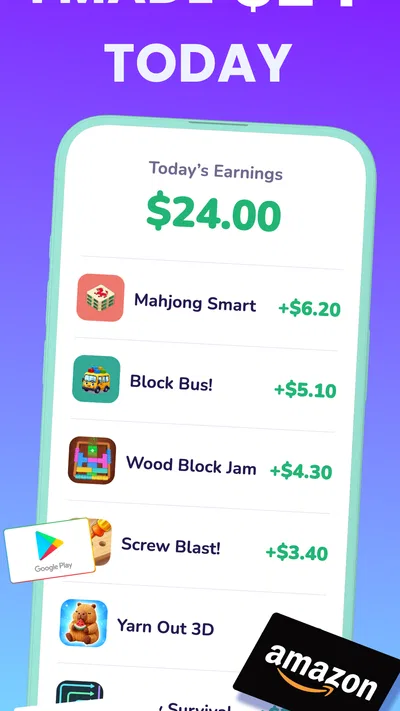
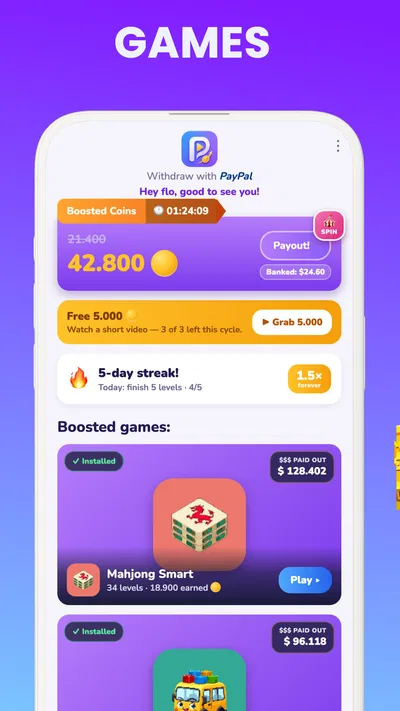
Playout: Earn Money is a rewards app that lets users earn points or other incentives by playing games and completing activities offered through the platform. The exact tasks, rewards, and availability can vary by region and over time, so check the current app listing and in-app terms before you begin. Treat it as a casual rewards experience rather than a dependable source of income.
How do you earn rewards in Playout: Earn Money?
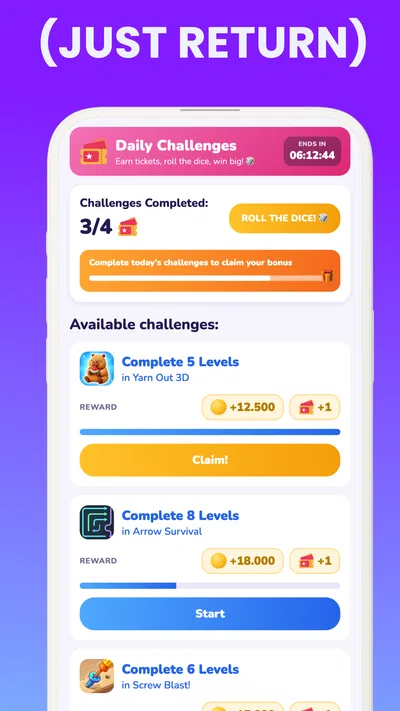
The app may offer game-related tasks, such as trying a featured game or reaching a specified milestone, in exchange for points or rewards. Read each offer carefully before starting: eligibility rules, deadlines, tracking requirements, and what counts as completion can differ. Use the same device and account throughout a task when instructed, and keep any confirmation details in case a completed offer does not appear in your balance.
Can you withdraw real money from Playout: Earn Money?
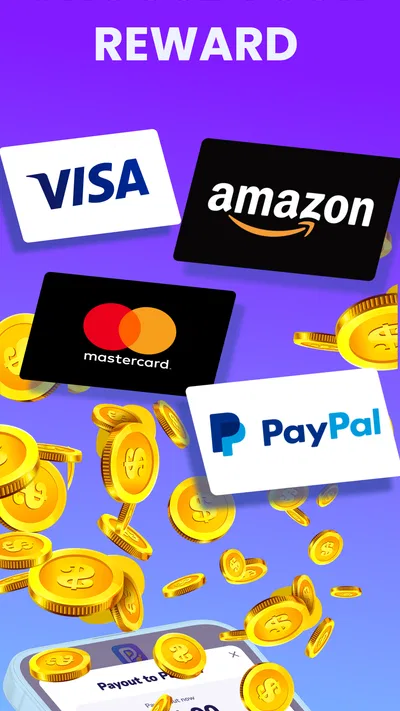
Whether rewards can be exchanged for cash or gift cards depends on the options currently available in your account and your location. Review the redemption page for minimum thresholds, supported payment methods, processing times, and any restrictions before investing time in an offer. Rewards are not guaranteed income, and an offer’s advertised value may be subject to completion and verification requirements.
Is Playout: Earn Money available and suitable for everyone?
Availability and eligibility can depend on your country, age, device, and the terms of individual offers. Some games or reward options may not appear for every user, and certain activities may have age restrictions. Check the app’s store listing, permissions, privacy information, and current terms before installing. If you are under the applicable age requirement, ask a parent or guardian to review the service with you.
What should I do if a Playout: Earn Money offer or reward is not tracked?
First, check that you followed the offer instructions exactly, including any required installation, account creation, or milestone deadline. Allow time for tracking to update, then review the app’s help or support section and provide relevant details such as the offer name, completion date, and screenshots if requested. Avoid starting the same offer repeatedly unless its rules allow it, since duplicate attempts may not qualify for rewards.




