
Award score
- Award score
- 4.6Rating
- 100,000,000+installs
- Free
App information
- Version
- VARY
- Updated
- Requires
- Varies with device
- Price
- Free
- Developer
- Uber Technologies, Inc.
- Content rating
- Everyone
Screenshots
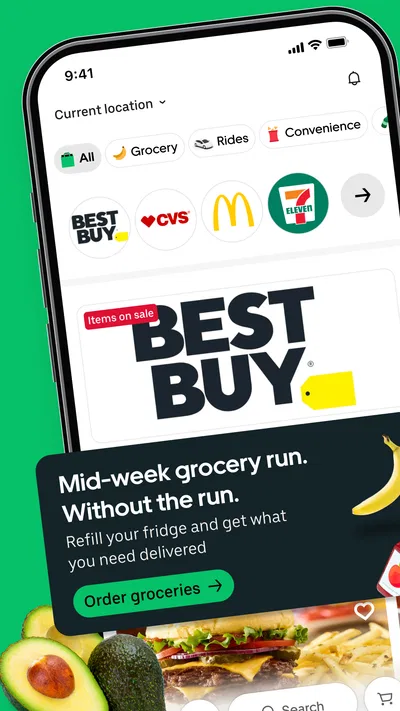

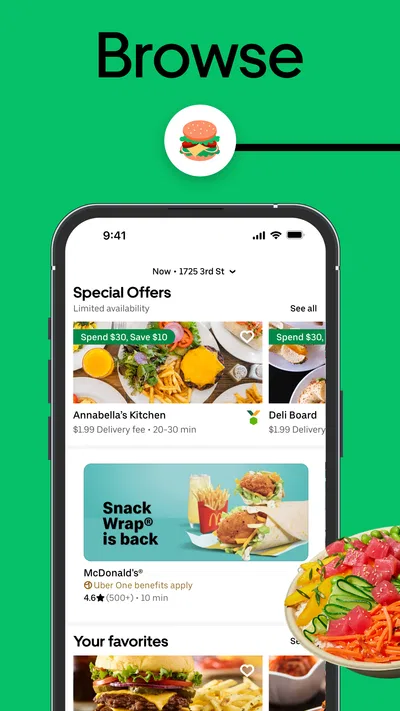
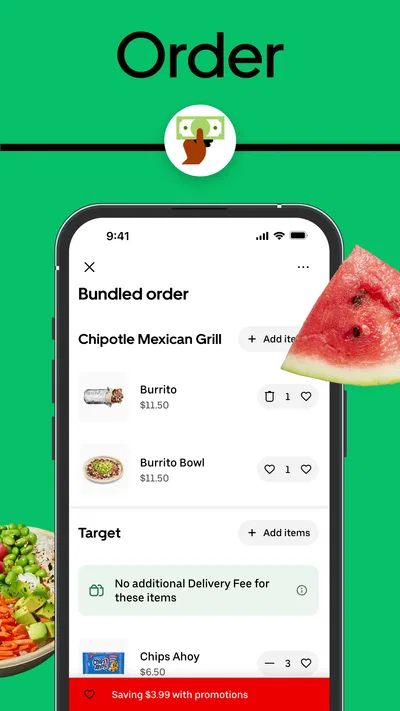
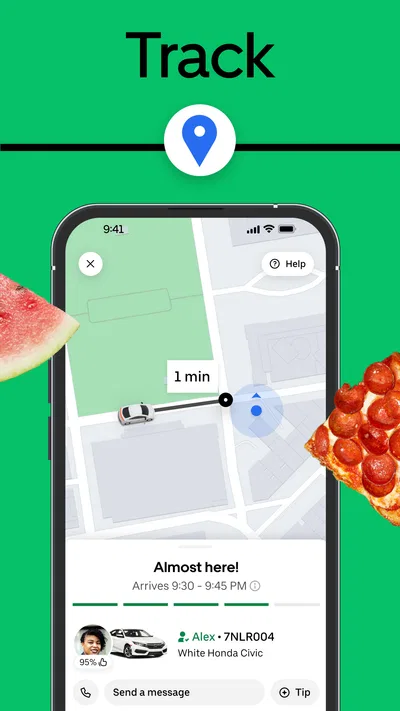
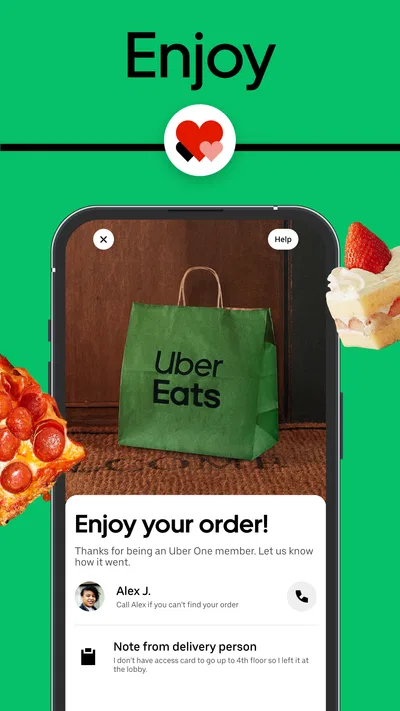
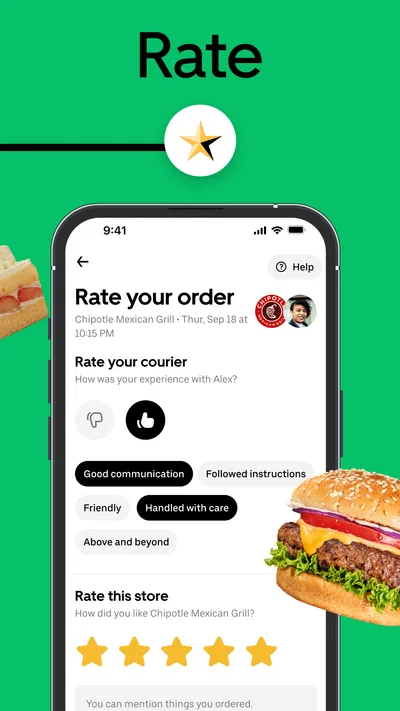
 Analysis byAppsAward
Our review of Uber Eats: Food and Grocery
When I order dinner while heading home, I want to know what is available nearby, make a choice without fuss, and keep an eye on the order as plans shift. Uber Eats is useful for that kind of connected, on-the-go routine: it brings restaurant ordering together with grocery and essentials shopping, while also sitting alongside Uber’s ride-request option. I find that breadth convenient, though it also means the app is most helpful when I have a working connection and a clear idea of what I need.
Ordering works best when the connection is steady
Uber Eats is a free Food & Drink app from Uber Technologies, Inc. Its appeal is less about a single clever trick than about making local choices accessible from a phone. I can look for a meal, compare options, and place an order without switching to a restaurant’s own ordering process. Depending on what is available in my area, groceries and everyday essentials can fit into the same general routine.
The network is central to the experience. Nearby options, item availability, and order progress are the kinds of details that can change, so a current connection matters when browsing and checking what is happening. I would not treat the app as a dependable way to plan or track an order without internet access. If my signal drops at the moment I am trying to confirm a choice, I would wait until it returns rather than assume the order went through.
That connection dependence is easy to overlook when everything is working. It becomes more noticeable in a basement, on a crowded commute, or in a building with patchy reception. My practical advice is to make the key decisions before entering a low-signal stretch: choose the restaurant or shop, review the basket, and confirm the order while the connection is reliable. That reduces the chance of having to repeat steps or wonder whether an action registered.
Use the phone for decisions, not just discovery
On a small screen, the main benefit is being able to act in the moment. I might check meal options while waiting for a train, or use a quiet break to arrange groceries for later. But mobile convenience has a trade-off: it is easy to browse casually and add things without noticing how the basket is changing. I recommend pausing before checkout to review quantities, substitutions or item choices shown in the order, and the final total presented in the app.
A realistic use case is getting home late with little time to cook. I can check restaurant choices while still on the way, then decide whether a prepared meal or a small grocery order makes more sense. The useful part is not simply that both kinds of shopping are possible; it is being able to make that choice based on the evening. If I only need one familiar item from a nearby shop, though, a dedicated store app or a quick in-person stop may be simpler.
For a shared meal, I find it helpful to settle preferences before opening the app. Agreeing on a cuisine and any dietary needs first makes browsing less aimless, especially when everyone is looking over one phone. It also gives me a natural point to check the basket before placing the order. This small habit is more useful than endlessly scrolling through choices while other people wait.
When an order stalls, slow down before trying again
Network interruptions can create an awkward moment: the screen may not immediately make it clear whether a tap completed, or loading may pause while I am moving between places. In that situation, I avoid submitting the same order again straight away. I first reconnect and check the current order status in the app. Repeating checkout without checking can turn a temporary delay into uncertainty about whether I placed the order twice.
I also try to distinguish a connectivity problem from an ordinary wait. If browsing is slow, I move to a spot with a better signal before changing the basket or starting over. If the order has already been placed, I use the in-app status rather than relying on memory of what I saw before the connection faltered. The key point is to let the app refresh before taking another action, especially when money or delivery timing is involved.
This is not a tool I would choose for a time-critical plan that cannot tolerate uncertainty. When I need food at an exact moment, I prefer an option I can arrange directly with a nearby business or collect myself. Delivery apps can make coordination easier, but their usefulness still depends on live information and a functioning connection, as well as the practical conditions around the order.
Keep browsing intentional if mobile data matters
If I am trying to conserve mobile data, I keep sessions focused instead of browsing for a long time just to see what looks interesting. I decide whether I want restaurant food or groceries first, then search and compare a manageable set of choices. I avoid repeatedly reopening the same screens while travelling through areas with weak reception. That is a sensible way to reduce unnecessary loading and battery use without assuming that a particular setting or offline mode exists.
It also helps to prepare the decision rather than the app itself. For groceries, I make a short list before opening the catalog; for a meal, I agree on the style of food and spending limit with anyone sharing the order. This cuts down on wandering through categories and makes it easier to notice when a preferred item is unavailable. If the connection is unstable, I wait until it improves before placing the order instead of treating repeated taps as a fix.
Privacy and payment choices deserve the same deliberate approach as the basket. I review what the app displays before confirming, and I avoid completing checkout while distracted or rushing through a poor connection. Those are general good habits, but they matter especially in a mobile app where a quick glance can turn into a purchase. The goal is to make the convenience work for me, not to let speed replace a careful final check.
How it compares with ordering directly
Compared with a restaurant’s own app or phone ordering, Uber Eats is useful when I want to browse different nearby options in one place or combine food plans with grocery and essentials shopping. A restaurant’s direct channel can be the better choice when I already know exactly what I want and prefer dealing with that business directly. A grocery retailer’s own service may also suit someone who shops from the same store regularly and wants a more focused experience.
Compared with collecting food myself, delivery saves a trip but adds dependence on a live order and delivery process. For someone with limited time, mobility, or a busy evening, that trade-off can be worthwhile. For a short walk to a familiar shop, or when I need certainty about timing, going in person may be easier. I would judge the app by the situation rather than assuming delivery is automatically the most convenient option.
The app has a 4.6 average from around eight million ratings, and it has passed 100 million installs. Those figures suggest that it is widely used, but they do not tell me whether a particular local selection will suit my needs. Uber Eats is rated for Everyone, is free to install, and was released on February 29, 2016. I treat its broad reach as context, not as a guarantee that every restaurant, shop, or order will work the same way in every location.
Who I would recommend it to
I would recommend Uber Eats to people who regularly order restaurant meals or appreciate having grocery and essentials shopping available in the same app. It is especially practical when I want to compare local possibilities from my phone and can rely on a stable connection during checkout and order tracking. It can also help when a household needs to choose between ordering dinner and arranging a small top-up shop without starting from scratch in separate services.
I would be more cautious if I rarely order delivery, have unreliable mobile reception, or prefer to shop through a specific retailer’s own service. Someone who wants the lowest-friction option for a familiar restaurant may find direct ordering clearer. And if a plan depends on precise timing, I would keep a pickup or in-person alternative in mind rather than relying entirely on a live app experience.
For me, the strongest approach is to use Uber Eats deliberately: browse with a stable connection, decide what kind of order fits the moment, inspect the basket before confirming, and check the app again if the network interrupts progress. It is a convenient way to bring nearby food and shopping choices onto a phone, but connectivity is part of the service rather than a background detail. When I plan around that reality, the app is a helpful option; when I need certainty independent of signal or delivery, another route is better.
Pros
- Track your delivery on a live map after placing an order.
- Filter restaurants by cuisine and dietary preferences.
- Schedule some deliveries for a later time.
- Save favorite restaurants for quicker repeat orders.
- Order groceries and restaurant meals in one app.
Cons
- Delivery fees and service charges can raise the final cost.
- Availability varies by location and time of day.
- Some orders may arrive later than the estimated time.
- Menu prices can differ from those at the restaurant.
- Resolving order issues may require contacting support.
Best Food & Drink App 2026
Our verdict
Food delivery & more. Order groceries & essentials, or request an Uber ride.
Frequently Asked Questions
What can I order with Uber Eats: Food and Grocery?
Uber Eats lets you browse and order meals from participating restaurants, as well as groceries and other everyday items from eligible stores in your area. What is available depends on your location, the businesses operating nearby, and their hours. Before placing an order, check the menu or product listing, item options, estimated delivery time, and any availability notes, since selections and prices can change.
How do delivery fees, service fees, and other charges work?
The total cost can include the prices of your items, a delivery fee, a service fee, taxes, and other charges that may apply to your order or location. Fees and minimum order requirements can vary by merchant, distance, demand, and account eligibility. Review the checkout screen before confirming, where the current estimated total and any available promotions should be shown. A tip may also be added, depending on your preference.
Can I track my Uber Eats order and contact the courier?
After an order is accepted, the app typically provides status updates and an estimated arrival time, with tracking features available during delivery when supported. You may also be able to contact the courier through the order screen, subject to the app's available options and privacy safeguards. Estimates are not guarantees: preparation delays, traffic, weather, and courier availability can affect when your food or groceries arrive.
What should I do if an item is missing, incorrect, or unavailable?
For restaurant orders, grocery orders, and other purchases, availability and substitution options depend on the merchant and the choices offered during checkout. If something arrives missing, damaged, or different from what you ordered, open the relevant order in the app and use its help or support options to report the problem. Resolution eligibility, refunds, credits, and response times can vary, so keep any useful order details or photos.
Is Uber Eats available everywhere, and what do I need to use it?
Uber Eats is not available in every town or country, and the restaurants, grocery stores, delivery options, and payment methods shown can differ by address. Enter your delivery location in the app to see what is currently available nearby. You generally need an account, an internet connection, and an accepted payment method to place an order. Check the applicable app-store listing and local terms for device compatibility and account requirements.

Download Uber Eats: Food and Grocery
Similar apps
View all 9.3
DoorDash: Food, Grocery, More
Food & Drink
 7.9
McDonald's
Food & Drink
 9.2
Domino's Pizza USA
Food & Drink


