
- Award score
- 4.5Rating
- 5,000,000+installs
- Free
App information
- Version
- 1.73.0
- Updated
- Requires
- 7.1
- Price
- Free, in-app purchases
- Developer
- Age of Learning, Inc.
- Content rating
- Everyone
Screenshots
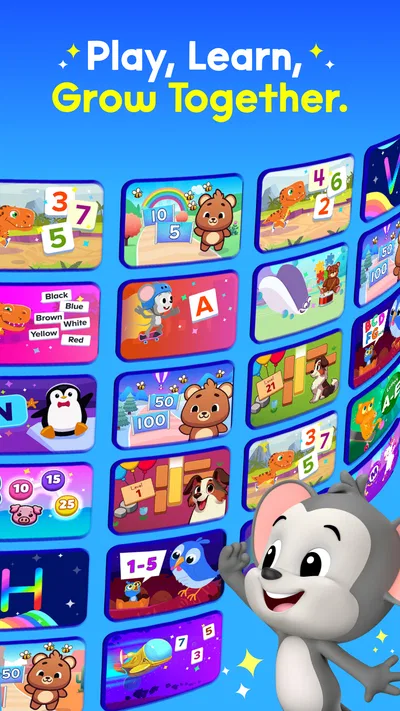
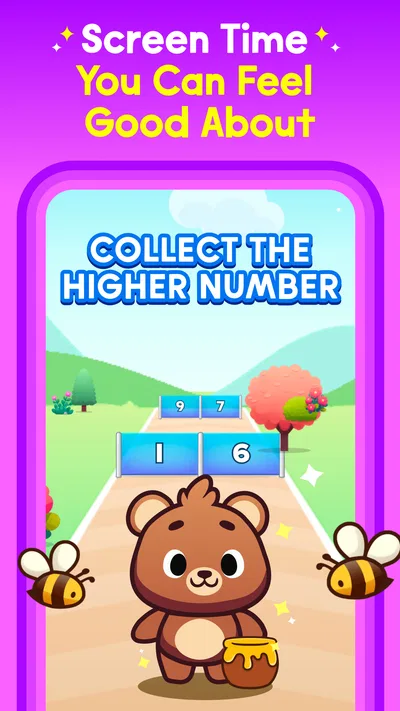
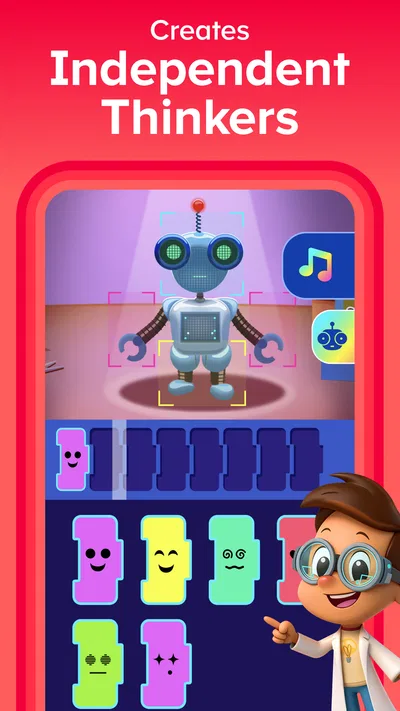
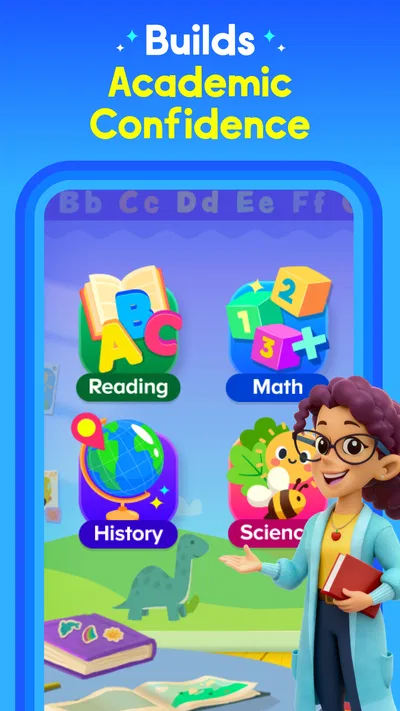
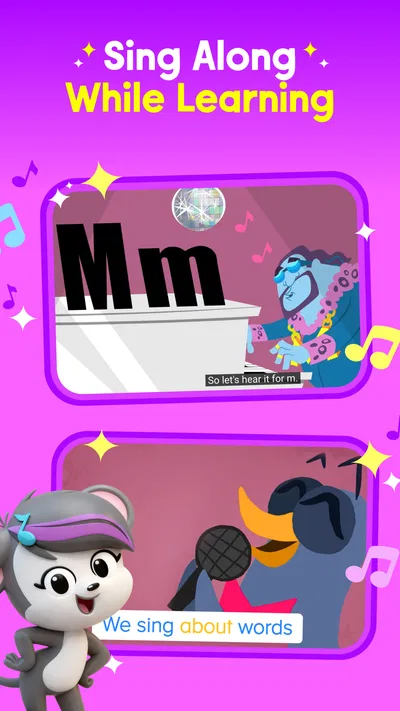
 Analysis byAppsAward
Our review of ABCmouse: Kids Learning Games
When I think about a learning app that can fit into a busy family day, the useful question is not whether it offers plenty to tap through; it is whether a child can settle into a routine without a parent turning every session into a lesson. ABCmouse is built for that kind of guided practice, bringing early reading, phonics, and math activities together for young learners. I see it as a broad learning companion rather than a replacement for books, conversation, or a teacher.
Developed by Age of Learning, Inc., this education app is aimed at children from toddler age through eight. It is free to install, with in-app purchases ranging from $3.99 to $104.99 per item, so families should check the purchase options before treating it as a no-cost long-term resource. Its age rating is Everyone. The current version is 1.73.0, and the app requires operating system version 7.1 or later.
Build a short, repeatable learning routine
My preferred way to use ABCmouse is in small, predictable sessions. A child can open the app, choose an activity, and spend a few minutes working with letters, sounds, reading, or early math. That works better in real life than expecting a preschooler to sit through a long sequence. The app’s range gives a parent options, but the adult still has a useful role: help the child start, notice where attention fades, and stop before practice turns into a struggle.
A practical routine might be a brief phonics activity before breakfast, or a math game while a parent prepares dinner. The value is not squeezing in as much screen time as possible; it is making the activity easy to repeat. If a child is curious about letters one day and numbers the next, I would follow that interest rather than insist on a rigid rotation. A familiar starting point can make it easier for a young learner to begin independently, while an adult can step in when a prompt or word needs explaining.
Think of the app as structured practice, not a babysitter or a complete curriculum. Children may tap through an activity without understanding why an answer is right, especially when they are tired or eager to move on. I would occasionally ask them to say a sound aloud, count objects away from the screen, or point out a letter in a book. Those simple follow-ups turn a digital exercise into a chance to use the skill elsewhere.
ABCmouse has a substantial audience: it has more than five million installs, with an average rating of 4.5 from around 34,000 ratings and roughly 1,300 written reviews. That popularity suggests it is familiar to many families, but it does not mean every child will enjoy the same activities. Temperament matters. A child who likes colourful, guided digital play may take to it quickly; one who resists screen-based tasks may learn more happily with physical toys, picture books, or an adult-led game.
Choose a starting point that fits the child
For a toddler, I would keep the adult nearby and treat interaction as exploration rather than a test. Older preschoolers may be ready to attempt activities with less help, while children closer to eight may want to work through reading or math practice more purposefully. Those are broad age ranges, not guarantees of ability. A child’s comfort with a tablet, current interests, and familiarity with letters or numbers matter more than age alone.
When several learning areas are available, it can be tempting to sample everything in one sitting. I find a narrower goal more useful. If the child is practising letter sounds, choose that as the focus and save number activities for another session. This reduces the feeling of constant switching and gives a parent a clearer sense of what held the child’s attention. It also makes it easier to notice whether an activity is too easy, too challenging, or simply not appealing that day.
Check the practical details before settling in
The first setup session is a good time to review the app’s available settings and purchase choices with an adult present. I would do that before handing over the device, rather than interrupting a child’s activity later to investigate an unexpected prompt. Since the app includes paid in-app items, make sure the family understands what is free to use and what may involve a purchase. The price range runs from $3.99 to $104.99 per item, a wide enough spread that it is worth reading each option carefully instead of assuming every offer is a small add-on.
It is also sensible to check that the device meets the minimum operating system requirement and that the child is using an age-appropriate profile or device arrangement. The app is rated for Everyone, but that rating does not remove the need for an adult to supervise purchases or decide how much screen time fits the household. I would make those decisions before a session, then keep the device routine consistent so learning time does not become a negotiation about settings.
Families comparing the app with free alphabet videos or standalone counting games should consider what they actually need. A collection of isolated videos may be easier for a child who only wants to hear songs or watch demonstrations. ABCmouse is more useful when a parent wants different early-learning activities gathered in one app and is comfortable guiding a child through a digital environment. If the main goal is practicing handwriting, manipulating counters, or reading a printed story together, hands-on materials remain the better tool.
Use habits to reduce friction, not to rush
Experienced use is less about secret shortcuts and more about making the same few decisions easier each time. I would decide in advance whether a session is for phonics, reading, or math, and then help the child begin with that focus. If the child is still engaged afterward, another activity can be a bonus rather than an obligation. This keeps a short session from becoming a sprawling tour of every option.
A repeatable end-of-session habit helps too. Ask the child what they remember, invite them to demonstrate a sound or count something nearby, and then close the activity calmly. That quick recap is useful because tapping a correct answer is not always the same as being able to recall the skill later. It also gives a parent a better clue about what to revisit without turning the app into a formal assessment.
For siblings or children at different stages, I would avoid assuming that one shared sequence will suit everyone. Let each child work at a comfortable pace, and offer help when a task becomes confusing. A younger child may need an adult to interpret instructions, while an older one may prefer to try independently. The app can provide a shared setting for learning time, but parental attention still matters when the children’s needs differ.
One trade-off is that an app with many types of activities can invite aimless browsing. If a child spends more time choosing than learning, narrow the session to one purpose and stop once interest drops. Another is that screen interaction can feel rewarding without automatically building a lasting habit. Pairing app practice with a real-world example—finding a letter on packaging or counting toys—makes the activity feel less isolated and helps the child connect the screen task to everyday life.
Know where a digital lesson reaches its limit
ABCmouse will not be the right choice for every family. If you want an entirely offline routine, prefer paper-based work, or are trying to limit device use, a physical book and simple household counting games may fit better. It may also disappoint a parent expecting an app to diagnose learning difficulties or take over teaching. I would use it as one source of practice and speak with a child’s teacher or another qualified professional when a broader learning concern needs attention.
Children also differ in how much guidance they need. Some will explore confidently; others may need an adult to read instructions, explain a mistake, or redirect them when they start tapping at random. That supervision is part of the experience, particularly for younger children. If a parent has no time to check in at all, a tablet activity is unlikely to deliver the thoughtful support that early learning benefits from.
Compared with a single-purpose phonics or math app, the appeal here is variety under one roof. That can reduce the need to switch between several separate tools, but it may be less focused than a dedicated program when a child needs sustained practice in one specific skill. I would choose ABCmouse for a family looking for a broad menu of early-learning activities, and a narrower resource when the goal is precise, repeated work on one topic.
The app is free to download, but its paid items make the purchase decision part of the evaluation. I would explore the experience with an adult first, discuss the available options, and avoid letting a child make purchase choices alone. The best fit depends not just on the activities but on whether the family is comfortable with the app’s purchasing model and can keep the child’s sessions purposeful.
My verdict: useful when the routine stays intentional
ABCmouse earns its place as a flexible early-learning option when a family wants reading, phonics, and math practice in a child-oriented digital setting. I like the idea of using it for short sessions with a clear goal, then reinforcing one small skill away from the screen. Its breadth is an advantage for families who want variety, while the need for adult guidance and careful purchase checks is a real consideration rather than a minor footnote.
I would recommend trying it for a child who enjoys interactive learning and benefits from a parent helping establish a steady routine. I would skip it, or keep it secondary, if the household is avoiding screens, wants a narrowly targeted lesson, or expects independent use to replace adult involvement. With a sensible session length and a quick real-world follow-up, it can be a helpful part of a young child’s learning day—not the whole lesson, but a practical place to begin.
Pros
- Activities cover reading math science and art.
- Lessons suit children from preschool through early elementary.
- Progress tracking helps parents follow learning activity.
- A child-friendly interface makes activities easy to explore.
- Rewards can encourage children to continue learning.
Cons
- A paid subscription is needed for full access.
- The large activity library can feel overwhelming at first.
- Some activities require an internet connection.
- The app may use substantial storage on a device.
- Content may not match every school curriculum.
Best Education App 2026
Our verdict
Kids Learning App: Phonics, Reading And Math Games For Toddlers And Ages 2-8
Frequently Asked Questions
What is ABCmouse: Kids Learning Games?
ABCmouse is an educational app for young children that offers activities in subjects such as reading, math, science, art, and music. Lessons are presented through games, stories, puzzles, songs, and other interactive content. The program is organized into a learning path, so children can work through activities at their own pace. Content and features may vary by subscription and platform.
What age group is ABCmouse designed for?
ABCmouse is primarily intended for children ages 2 to 8, covering preschool through early elementary learning. Activities are grouped by skill level, which can help families find material suited to a child’s current abilities. Children develop at different rates, however, so parents or caregivers may need to explore the available lessons and adjust the learning path to find an appropriate level.
Is ABCmouse free to use?
ABCmouse may offer a free trial or limited introductory access, but ongoing use generally requires a paid subscription. The trial length, subscription price, renewal terms, and available plans can change and may differ between the Apple App Store, Google Play, and the service’s website. Check the purchase screen and cancellation terms before subscribing, especially if you do not want the plan to renew automatically.
Does ABCmouse require an internet connection?
An internet connection is generally needed to download the app, sign in, access lessons, and stream or update much of its content. Some activities may be available offline if the app supports downloading them, but offline access should not be assumed for every lesson or feature. If your child will use ABCmouse while traveling, check the current app settings and test access in advance.
Is ABCmouse safe and easy for children to use?
ABCmouse is designed for children, with a colorful interface and activities intended for independent exploration, but younger users may still benefit from adult guidance. Parents should review account, privacy, and subscription settings, and supervise device use as appropriate. The app’s exact parental controls and data practices can change, so consult its current privacy information and your device’s controls before creating an account.

Download ABCmouse: Kids Learning Games
Similar apps
View all 9.5
Duolingo: Language Lessons
Education
 9.6
Gauth: AI Study Companion
Education
 9.2
Learn English, Spanish: Learna
Education
 9.2
Deepstash: Smarter Every Day!
Education


