
- Award score
- 4.8Rating
- 100,000,000+installs
- Free
App information
- Version
- 2.10.0
- Updated
- Requires
- 8.0
- Price
- Free, in-app purchases
- Developer
- GauthTech Pte. Ltd.
- Content rating
- Everyone
Screenshots

 Analysis byAppsAward
Our review of Gauth: AI Study Companion
Homework rarely arrives in a neat, predictable package. One moment I’m working through a familiar exercise; the next, I’m staring at a problem that needs a clearer explanation before I can move on. Gauth: AI Study Companion is built around that everyday study moment: ask a question and get an answer. Its simple pitch makes it appealing to students who want help getting unstuck, but the real value depends on how thoughtfully you use the response. I see it as a study aid for moving from confusion toward understanding, not as a replacement for doing the work yourself.
From a stuck moment to a useful question
The starting point is straightforward. When a topic or question gives you trouble, you bring it to Gauth and ask for help. That makes the app easy to understand even before you have settled into a study routine: it is an education app focused on answering questions. Its store summary, “Ask anything, get right answer,” captures the ambition, while the short description keeps the name simple: Gauth.
In practice, the quality of the experience begins with the question you ask. A clear prompt gives the app a better chance of returning an answer that fits what you need. If the original problem has a specific instruction or context, including that in your question matters. This is a useful habit whether you are asking about a school subject, checking a point you do not understand, or looking for a way to approach an exercise.
I like this question-first approach because it fits the way studying often happens: you hit a snag, identify what is confusing, and look for a next step. You do not have to begin with a broad plan for the whole subject. You can focus on the one obstacle in front of you, then decide whether the answer resolves it or whether you need to ask a more focused follow-up.
Make the question do some of the work
A quick question can be enough for a simple doubt, but more precise wording is often a better starting point. Instead of asking only for an answer, describe what you are trying to understand. If you already have an attempted solution, explain where you got stuck. That gives you a practical way to turn the app from an answer box into a prompt for active learning.
This distinction matters. Seeing a result can help you continue, but it does not automatically mean you have learned the method behind it. I would use Gauth to identify a confusing step, compare an explanation with my own reasoning, and then try the problem again without leaning on the answer. That small extra effort is what turns a moment of assistance into a more meaningful study session.
Following the answer through
Once you receive a response, resist the temptation to treat it as the finish line. Read it carefully and check whether it addresses the question you actually meant to ask. If the response leaves a gap, make the next prompt narrower: point to the concept or step that remains unclear. This creates a simple loop—ask, inspect, clarify, and try again—rather than a one-time exchange.
That workflow is especially helpful when you are revising independently. You can use an answer to get your bearings, then return to your notes or course material and see how the explanation connects with what you have learned. If the ideas do not line up, pause and investigate instead of copying the result. The most useful outcome is understanding you can apply again, not a response you can paste and forget.
Where Gauth fits in a study routine
Gauth is an education app from GauthTech Pte. Ltd. It is free to download, and it has optional in-app purchases, with listed items ranging from $0.49 to $369.99. That range is worth keeping in mind when deciding how you want to use the app: the basic appeal is easy to grasp, while purchases may matter to people who choose to explore paid options. The app is rated for Everyone and supports devices running Android 8.0 or later.
It has also attracted a large audience. Gauth has over 100 million installs, an average rating of 4.8 from around 2.2 million ratings, and roughly 37,000 written reviews. Those figures suggest that many people have tried it, though popularity alone cannot tell you whether an individual answer will suit your class, level, or way of learning. I would treat the app’s broad reach as context, not as a guarantee that every response will be perfect for every question.
The app was released on March 31, 2021, and its current version is 2.10.0. For a student deciding whether to try an AI study companion, the more important question is still practical: does asking for help make it easier to understand the work in front of you? The best way to judge that is to use it on a real point of confusion and evaluate the response rather than assuming that a confident-sounding answer is automatically complete.
The handoff from app to learner
Any question-and-answer study tool has a handoff at its center. You bring the problem; the app returns a response; then the responsibility comes back to you. You have to decide whether the answer makes sense, whether it fits the assignment, and what you should do next. That last part is easy to overlook, but it is where your own learning happens.
I find it helpful to treat each response as a starting point for a small check. Can I explain the idea in my own words? Can I solve a similar problem without looking? Do I understand why the answer follows from the question? If I cannot do those things yet, I have not finished studying. I need a more specific explanation, another example from my course materials, or time to work through the reasoning myself.
This approach also makes it easier to spot a mismatch. Sometimes a prompt is too vague, or the answer addresses a nearby question rather than the exact one you had in mind. Rephrasing can help, but so can stepping back and checking the original task. Clear instructions and careful reading still matter; an AI study companion cannot make an unclear question clear unless you supply the context it needs.
What the workflow does well
The strongest part of Gauth’s concept is its low-friction starting point. When a student is stuck, having a place to ask a question can feel more approachable than abandoning the task or searching through unrelated explanations. The simple premise is easy to remember, and it encourages a useful first move: name the problem and seek help with it.
It can also support a more independent routine. Rather than waiting for someone else to be available, you can use a question as a way to organize what you do not understand. Even if the first response is not enough, identifying the missing piece gives you a clearer next step. For me, that is the best role for Gauth: a study companion that helps turn a vague “I don’t get this” into a more specific question worth working on.
There is a broader benefit to asking follow-ups. Students sometimes assume that confusion means they are bad at a subject, when the real problem is simply that one link in the explanation has not clicked yet. A focused question can expose that missing link. From there, you can return to the lesson, test your understanding, and build a better connection between the answer and the material you are studying.
Where the flow can break
The same convenience that makes an answer easy to request can make it easy to accept too quickly. A response may seem complete at first glance, but you still need to check whether it answers the exact question and whether you understand the reasoning. Treating the first result as unquestionable can turn useful study support into passive answer collection, which is not the same as learning.
Another point of friction is the quality of the question. If you leave out an important condition or describe the problem loosely, the response may not match your actual task. That is not a reason to give up; it is a cue to revisit the prompt, add relevant context, and ask again more precisely. Still, rewriting a question takes effort, and students looking for a one-tap solution may find that less convenient than they hoped.
There is also a difference between getting unstuck and mastering a topic. Gauth can help with the first step, but lasting progress comes from practice, review, and checking that you can reproduce the reasoning on your own. I would not use any single answer as proof that a subject is settled. Use the app alongside your class materials and your own attempts, especially when the details matter for an assignment or assessment.
Finally, the free starting point and optional purchases are part of the overall experience. It is sensible to check the app’s purchase options before deciding whether any paid feature is relevant to you. You can approach Gauth as a tool for asking questions, while keeping your study habits and spending choices separate from the pressure of a difficult homework moment.
My take after considering the full loop
As an AI study companion, Gauth has an easy-to-understand purpose: ask a question, get an answer, and use that response to keep studying. The workflow works best when you bring a clear problem, read the result critically, and follow up on anything that still feels fuzzy. It is less convincing as a shortcut for finishing work without understanding it, because the learner still has to make sense of the handoff and check the result.
I would recommend trying Gauth if you want a convenient way to frame questions while studying and are willing to stay involved in the process. Its free availability, broad adoption, and straightforward question-and-answer idea make it approachable, while its optional purchases are worth considering before you explore paid choices. Most importantly, keep your own reasoning in the loop: ask, examine, clarify, and then try the work again without help.
That is the difference between using an app to collect answers and using one to become a more confident learner. Gauth can help you find a path forward when you are stuck, but your progress comes from checking that path and walking it yourself. If that sounds like the kind of support you want, Gauth: AI Study Companion is a practical option to consider for everyday study questions.
Pros
- Provides step-by-step explanations for many homework questions.
- Supports multiple subjects including math and science.
- Lets students ask follow-up questions for more guidance.
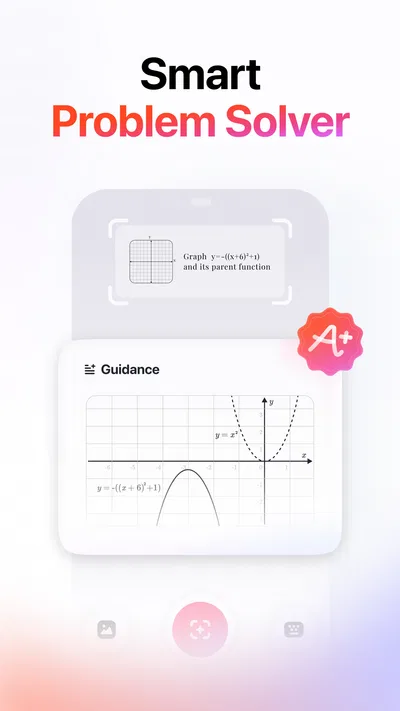
- Can scan problems from photos to save typing time.
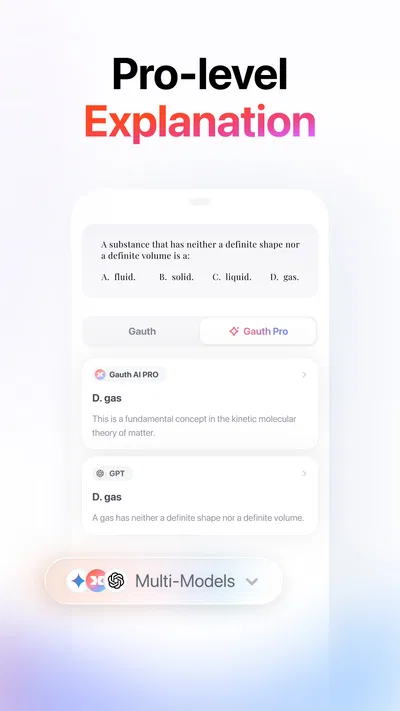
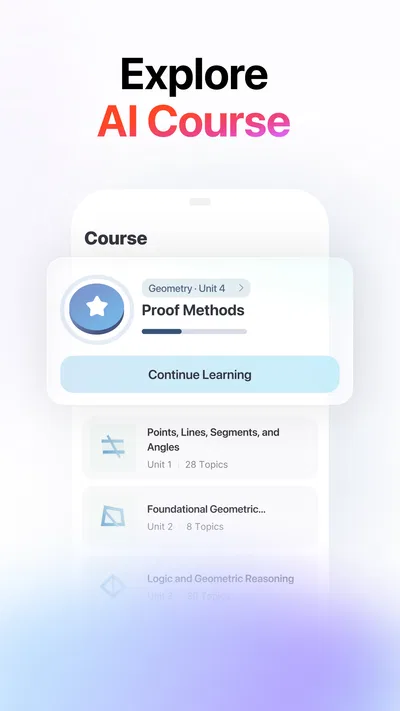
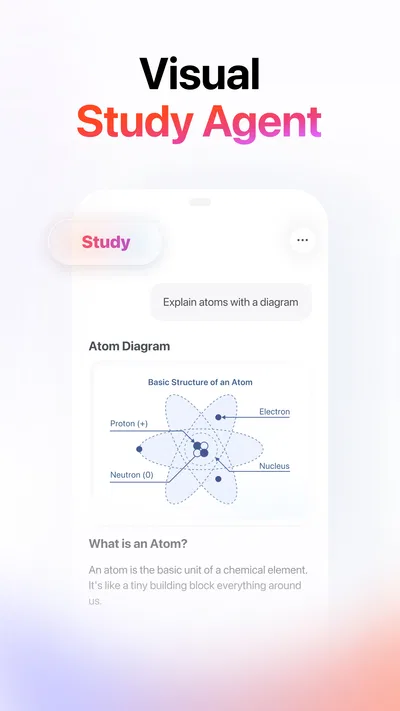
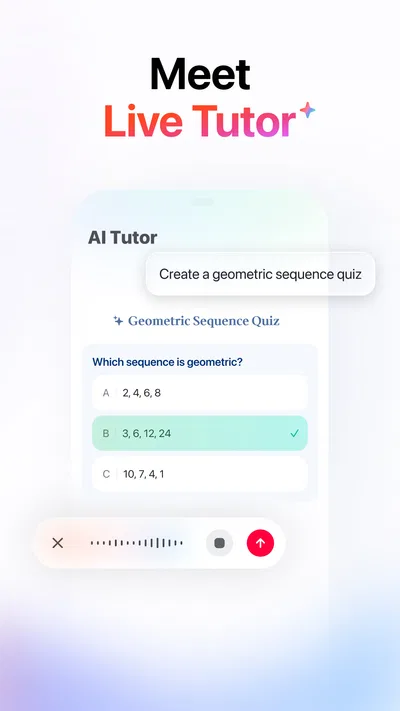
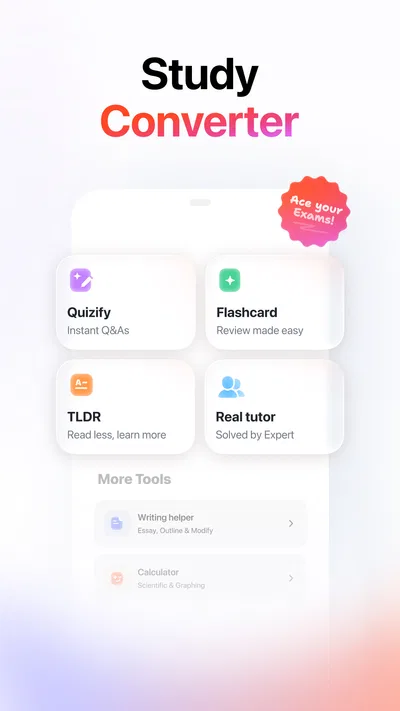
- Offers study tools such as AI tutoring and practice support.
Cons
- AI answers may be incorrect or incomplete.
- Some features may require a paid subscription.
- Photo scanning can struggle with unclear handwriting.
- Using it for answers may discourage independent problem-solving.
- Availability of features can vary by region or platform.
Best Education App 2026
Our verdict
Ask anything, get right answer
Frequently Asked Questions
What is Gauth: AI Study Companion, and what can it help me with?
Gauth is a study-support app designed to help learners work through questions and review school subjects. Depending on the tools available in your version, you can enter a question or share an image of a problem to receive an explanation and suggested steps. It may be useful for subjects such as mathematics, science, and other coursework, but its responses should support your learning rather than replace your own work.
How do I use Gauth to get help with a homework question?
Open the app and use the available question-entry or image-solving feature to submit the problem you want to understand. Make sure a photo is clear and includes all relevant information, or type the question carefully. Review the response and follow its reasoning instead of copying an answer straight into an assignment. The interface and available study tools can change with app updates, so check the current app for the exact options.
Is Gauth: AI Study Companion free to use?
The app may offer free access to some features, while other tools or usage limits may depend on a paid plan, credits, or a subscription. Pricing, trial availability, and included features can vary by country and change over time. Before starting a trial or subscribing, review the current in-app offer and the payment terms shown in Google Play or the App Store, including how and when a subscription renews.
Can I rely on Gauth's answers to be completely accurate?
No AI study tool should be treated as infallible. Gauth can provide useful explanations, but it may misunderstand a question, make a calculation error, or give an incomplete answer, especially when an image is blurry or the problem lacks context. Check important results against your textbook, class materials, or another trusted source, and ask a teacher when something does not make sense. Use the explanations to learn the method, not just the final answer.
What should I know about privacy and permissions before downloading Gauth?
To analyze questions, the app may need access to content you submit, such as typed text or photos, and it may request camera or photo-library permissions if you use image-based features. Grant only the permissions you are comfortable with, and avoid uploading personal, sensitive, or identifying information. Read the current privacy policy and the data disclosures on the relevant app-store listing, since data practices and available controls can change.

Download Gauth: AI Study Companion
Similar apps
View all 9.5
Duolingo: Language Lessons
Education
 9.2
Learn English, Spanish: Learna
Education
 9.1
ABCmouse: Kids Learning Games
Education
 9.2
Deepstash: Smarter Every Day!
Education


