- Award score
- 4.7Rating
- 500,000,000+installs
- Free
App information
- Version
- VARY
- Updated
- Requires
- Varies with device
- Price
- Free, in-app purchases
- Developer
- Duolingo
- Content rating
- Everyone
Screenshots
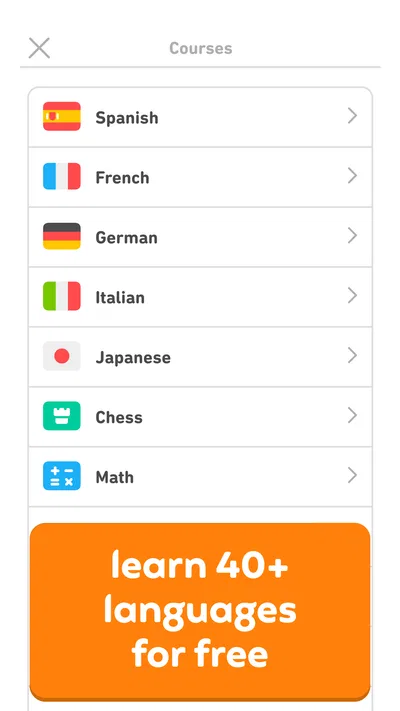
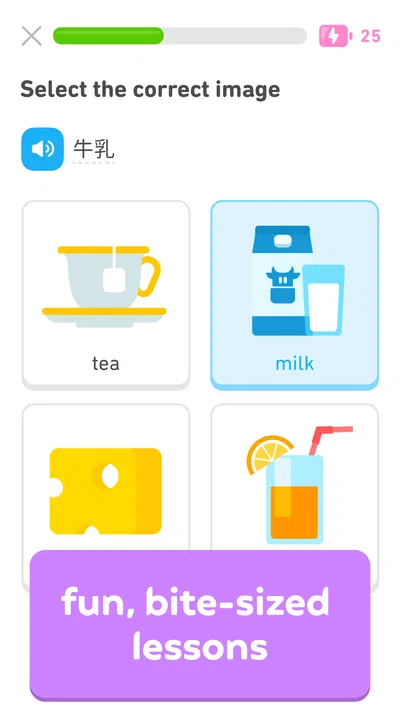
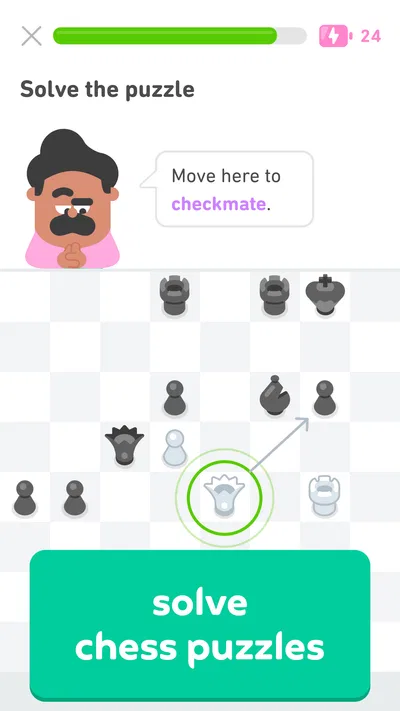
 Analysis byAppsAward
Our review of Duolingo: Language Lessons
I find Duolingo easiest to understand as a language-learning habit builder, rather than a complete substitute for a teacher or a conversation partner. Its short lessons make it simple to begin, and the familiar exercise format can help a learner return regularly without planning a full study session. That approach is useful for people fitting practice around work, school, or family life, though it does not suit everyone equally well.
Clear screens, quick lessons, and a familiar path
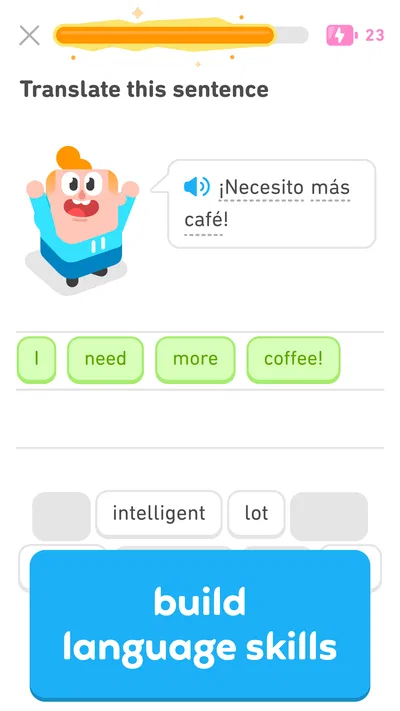
Duolingo is an education app from Duolingo, and its broad audience is reflected in its Everyone age rating. I find the learning path approachable: activities are broken into small steps, and the app makes it clear what to do next. That matters if you are new to language study or feel unsure about where to start. You can open a lesson, work through a focused set of prompts, and leave without needing to build your own syllabus first.
The visual presentation is lively, with recurring characters and a playful tone. For many learners, that makes practice feel less formal than opening a textbook. The trade-off is that the interface can feel busy if you prefer calm, uncluttered study materials. Progress cues and rewards draw attention, but they can also compete with the language itself. I recommend treating them as reminders to practise, not as a measure of how well you can actually communicate.
Reading support is strongest when the lesson puts a word or sentence directly in front of you and asks you to interpret or assemble it. Repeated encounters can make spelling and familiar phrases easier to recognize. For a useful routine, I would slow down on new material and read each prompt aloud when possible instead of tapping through by pattern. This small change helps expose whether you understand the sentence or have simply learned where the answer tends to appear.
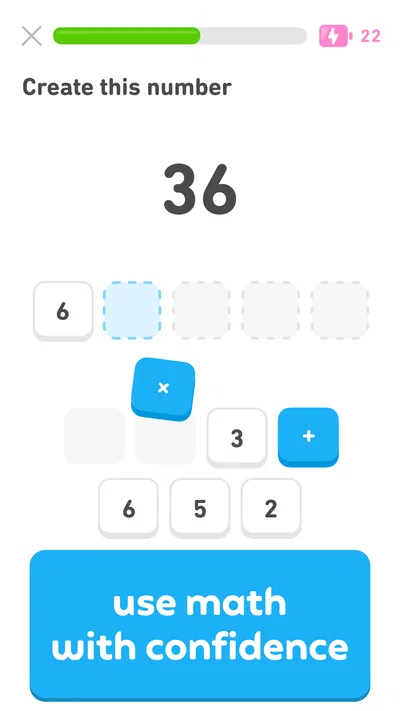
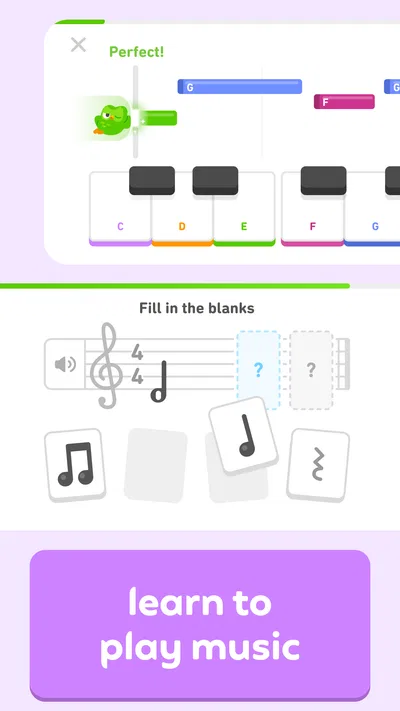
The app’s scope extends beyond language lessons: its store summary also mentions chess, math, and music. That breadth may appeal if you like keeping different kinds of practice in one place. Still, I would choose the course or subject that matches a specific goal rather than assuming every area offers the same kind of instruction or depth. A learner who wants one carefully structured language course may find the extra range less important than the quality and fit of that course.
Navigation that helps beginners, with a little noise
One practical strength is the low effort required to resume. When I have only a few minutes, I can follow the next suggested activity instead of deciding what to study. That convenience is especially helpful for someone who gets overwhelmed by a long list of grammar topics. If you are more experienced, however, a suggested route may not match what you need that day. Use it as a default, and deliberately revisit weak areas rather than assuming forward movement means every earlier skill is secure.
Duolingo is free to start, and optional in-app purchases range from $0.99 to $239.99 per item. I would try the basic learning routine before paying for anything: first decide whether the lesson style keeps you engaged and whether its exercises address your goal. The app has a 4.7 average from around 51 million ratings, and it has passed 500 million installs. That scale tells me it is widely used, but popularity alone cannot tell you whether its pace, presentation, or course content fits your needs.
Motor and sensory comfort depends on the learner
Most lesson interactions are brief and direct, which can make the app manageable when you do not want to navigate a complicated study tool. Yet many activities depend on selecting, arranging, or entering answers on a touchscreen. If repeated tapping is tiring or difficult, that interaction style may become a real obstacle. I would test a full lesson on the device you plan to use, rather than judging comfort from the first screen or a single exercise.
Audio is part of the learning experience, particularly when you want to hear how a phrase sounds. That can be valuable for pronunciation and listening practice, but it also means a quiet setting, headphones, or a willingness to work with sound can matter. In a noisy room, I would not expect listening prompts to be as useful as they are somewhere calm. If you need to keep sound off, focus on the written activities you can complete comfortably, while remembering that this leaves less room for listening practice.
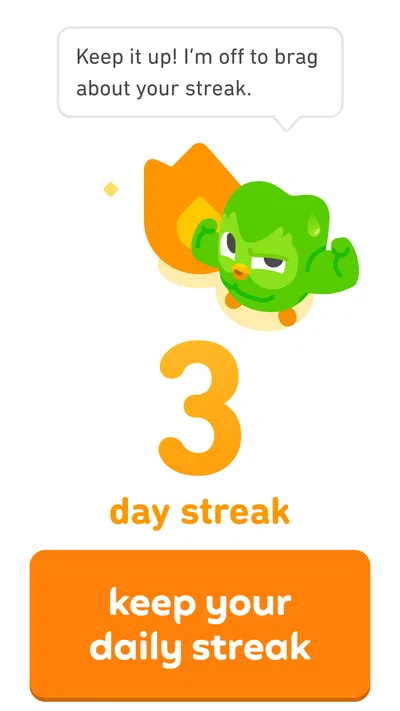
The playful look may be motivating for one person and distracting for another. Likewise, short prompts are convenient, but they may require frequent shifts of attention between reading, listening, and choosing an answer. I would take breaks when concentration starts to fade instead of pushing through just to preserve a streak. A steady, comfortable routine is more useful than a long session that leaves you frustrated.
Making practice work in real situations
A realistic use case is a learner who studies during a commute or while waiting for an appointment. A brief session can turn otherwise idle time into a little language exposure, provided the surroundings allow you to read and interact with the screen. If you are walking, driving, caring for someone, or need to keep your attention on your surroundings, put the lesson away. The app is best used when you can give its prompts the attention they need.
For a busy weekday, I would use Duolingo to keep contact with a language: complete a short lesson, note a phrase that feels unfamiliar, and later try to use it in a sentence of your own. That last step matters because selecting a prepared answer is not the same as retrieving language in conversation. Pairing app practice with a real-world task—such as writing a short message or describing your day aloud—can make the lesson feel more transferable.
Another helpful workflow is to use the app for repetition while keeping a separate place for questions. When a sentence surprises you, write down what you think the grammar is doing and check it against a textbook, teacher, or trusted explanation later. This prevents a quick exercise from becoming your only source of understanding. It also makes the app more useful for learners who enjoy its pace but want a clearer account of why a phrase works.
Where it fits among other ways to learn
Compared with a textbook, Duolingo asks for less planning and makes it easier to practise in short bursts. A textbook or structured course is usually a better choice when you want sustained explanations, a deliberate sequence, or room to study one topic in depth. Compared with a tutor or conversation group, the app is easier to fit into spare moments, but it cannot replace the give-and-take of speaking with another person. I see it as a convenient practice layer, not a complete path to fluency.
It is also worth being realistic about how much you can infer from success inside a lesson. Recognizing a translation or choosing a sentence from options shows useful progress, but it does not automatically mean you can understand a fast conversation or speak spontaneously. If your priority is an upcoming interview, travel conversation, or professional writing, combine app practice with activities that match that exact situation. If you need detailed feedback on your own speech or writing, a human instructor or a focused specialist resource is likely a better fit.
Who may find it useful—and who may not
I would recommend trying Duolingo if you are a beginner, returning to a language after a break, or looking for a small daily prompt that lowers the barrier to starting. Its friendly structure can be particularly useful when the alternative is doing no practice at all. The May 29, 2013 release date and its long presence in app stores show that it is an established product, but what matters more to me is whether its current routine keeps you coming back and supports the way you learn.
I would be more cautious if you dislike gamified cues, need extensive grammar explanations, find frequent screen interaction uncomfortable, or want a course tailored to a narrow specialist goal. Those are not reasons to dismiss it outright; they are reasons to test a few sessions before making it your main study plan. The app is free to begin, so you can judge the learning experience first and decide later whether any optional purchase is worthwhile to you.
A useful starting point, not a universal solution
My overall view is that Duolingo makes language practice easier to begin and easier to fit into ordinary life, while leaving important gaps for learners who need depth, personal feedback, or more flexible interaction. Its accessible, bite-sized structure can help many people build a routine, but comfort varies with reading preferences, hearing conditions, motor needs, and the setting in which someone studies. I would start with one language and a modest routine, notice which activities feel comfortable or frustrating, and add other learning methods where the app falls short.
For me, its best use is consistent, low-pressure practice that supports a broader learning plan. If that is what you need, it is worth trying. If your priority is live conversation, detailed instruction, or a sensory and interaction style that does not suit touchscreen lessons, choose a different resource as your main tool and use Duolingo only if it complements that approach.
Pros
- Short lessons make it easy to practice in spare moments.
- Speech exercises help learners practice pronunciation.
- A placement test can match lessons to your current level.
- Stories provide context for vocabulary and reading practice.
- Progress tracking helps learners maintain a daily study habit.
Cons
- Some lessons repeat familiar material often.
- The free version includes ads.
- Hearts can limit practice after mistakes.
- Grammar explanations may feel too brief for complex topics.
- Speaking exercises may be unavailable for some languages or devices.
Best Education App 2026
Our verdict
Make language learning fun with Spanish, French, English, chess, math & music.
Frequently Asked Questions
What is Duolingo: Language Lessons, and how does it work?
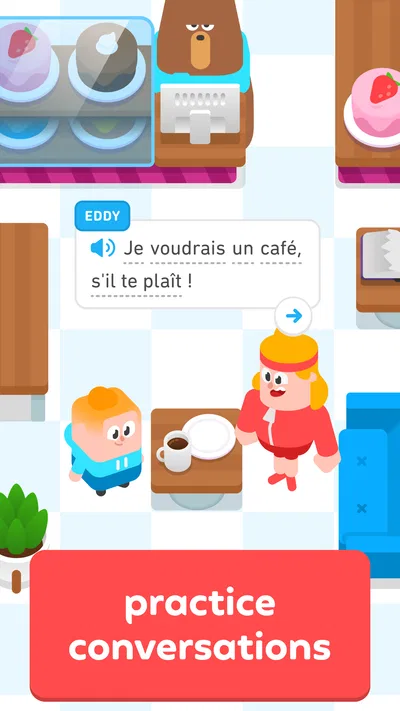
Duolingo is a language-learning app built around short, interactive lessons. Activities can include matching words, translating sentences, listening exercises, and speaking practice, with difficulty that develops as you progress. Lessons award points and maintain a streak, while reminders can encourage regular study. The app is designed to make practice approachable, but it works best as a supplement to deeper study and real conversations rather than a complete replacement for them.
Which languages can I learn with Duolingo?
Duolingo offers courses in a range of languages, though the available selection and course content can vary by the language you use for instruction and by platform. Before choosing a course, check the language list in the app or on Duolingo’s official site. Some courses include more extensive lessons or features than others, so it is worth confirming that your preferred language has the level and learning material you need.
Is Duolingo free to use, or do I need a subscription?
You can generally download Duolingo and access much of its core learning content without paying, though the free experience may include advertisements and restrictions or prompts related to certain features. Paid subscription options may provide benefits such as fewer interruptions or additional practice tools, depending on the current plan and region. Check the app’s subscription screen for up-to-date pricing, trial terms, and renewal details before subscribing.
Can Duolingo help me become fluent in a language?
Duolingo can help build vocabulary, reinforce grammar patterns, and establish a consistent daily study habit. Its bite-sized activities are useful for beginners and ongoing practice, but completing a course alone does not guarantee fluency. Speaking with people, listening to natural conversation, reading varied material, and writing independently are also important. Treat the app as one part of a broader learning routine, and set expectations based on the time and practice you can commit.
Does Duolingo work offline, and what should I know about privacy?
Offline access may be limited and can depend on your subscription, course, app version, and the lessons already available on your device, so plan to use an internet connection unless the app confirms otherwise. Duolingo may collect account, usage, and device information to provide and improve its services. Review the current privacy policy and permissions, and check your device’s app store listing for compatibility and the latest requirements before downloading.

Download Duolingo: Language Lessons
Similar apps
View all 9.6
Gauth: AI Study Companion
Education
 9.2
Learn English, Spanish: Learna
Education
 9.1
ABCmouse: Kids Learning Games
Education
 9.2
Deepstash: Smarter Every Day!
Education


