
- Award score
- 4.2Rating
- 1,000,000+installs
- Free
App information
- Version
- 1.03.06
- Updated
- Requires
- 10
- Price
- Free, in-app purchases
- Developer
- App Lab Studios
- Content rating
- Everyone
Screenshots
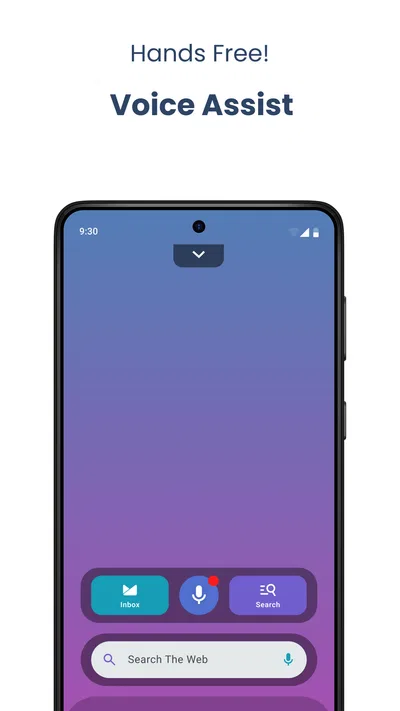
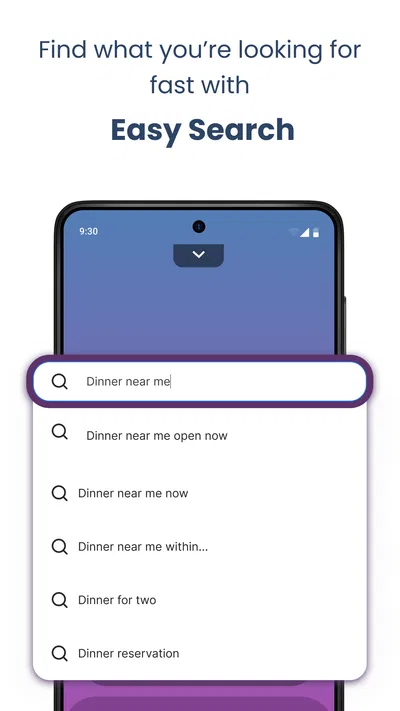
 Analysis byAppsAward
Our review of Easy Mail - Email Launcher
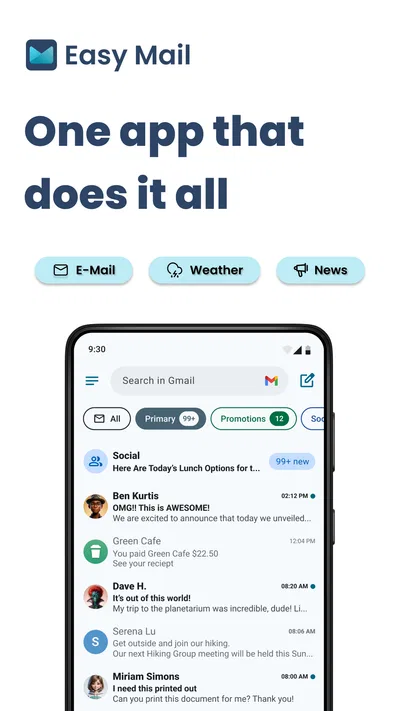
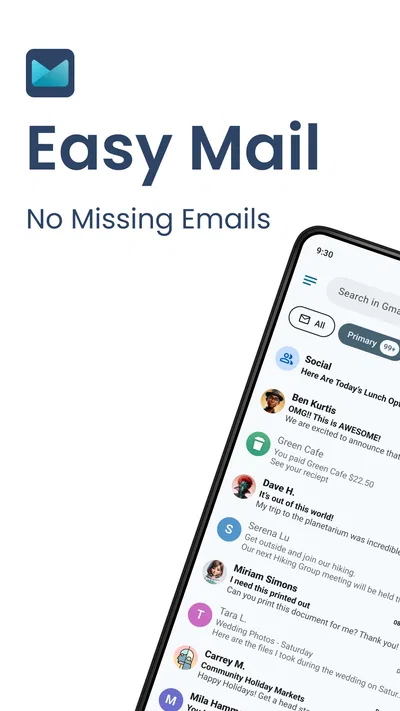
I like the idea behind Easy Mail: instead of making email feel like another place I have to go and check, it aims to put the inbox closer to the parts of my phone I already use. Its focus is quick access, a home-screen widget, and replies without extra fuss. That makes Easy Mail - Email Launcher most appealing to people who want less friction in everyday email, not to anyone looking for a feature-packed replacement for a full desktop mail workflow.
It is a free personalization app from App Lab Studios, rated for Everyone. Its 4.2 average from around 33,000 ratings and more than a million installs suggest that plenty of people have tried it, though those figures alone cannot tell you whether it fits your inbox habits. I would judge it by a simpler question: does placing email within easy reach help you deal with messages promptly, without creating more interruptions?
Quick access is the point, not a faster inbox engine
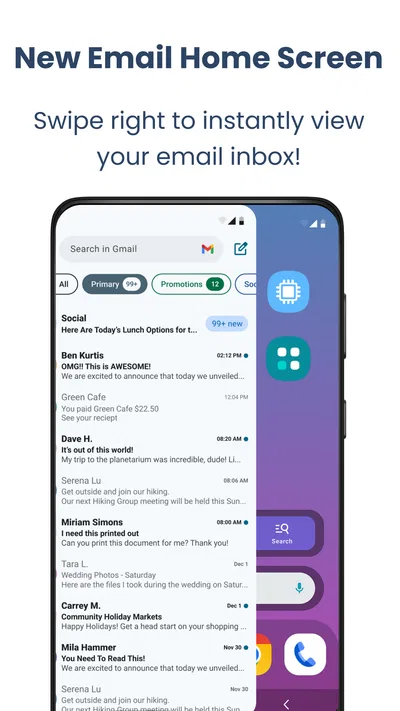
The app’s appeal is about the route into email. A swipe-based way to reach the inbox can feel more immediate than finding and opening a conventional mail app, while a home-screen widget can make checking a message feel like a glance rather than a small task. Quick replies are useful for the same reason: they can shorten the path from seeing a message to sending a brief response.
That is a different kind of speed from faster syncing or search. Easy Mail’s concept can reduce the steps involved in reaching email, but I would not treat it as proof that messages load, send, or update faster than they do in another mail client. The practical benefit depends on how often you check mail and whether the app’s shortcuts fit naturally into your phone routine.
For example, imagine that you are waiting for a delivery update while making dinner. A widget can make it easier to see whether anything new has arrived without opening a full app and navigating through several screens. If the message only needs a short answer, quick replies may help you finish the task and get back to what you were doing. If you need to compare several threads or write a careful response, the shortcut is less important than the tools in your regular email client.
Where the time savings can matter
The strongest use case is frequent, low-complexity checking: a reply from a colleague, a booking confirmation, a reminder, or a message that needs a quick acknowledgment. In those moments, placing inbox access on the home screen can make email feel less buried. I also see a potential benefit for someone who otherwise opens email repeatedly just to check whether anything has arrived; a visible entry point may make checking more deliberate, provided it does not become a constant prompt to tap.
A useful way to try it is to place the widget where you naturally pause, rather than on the first screen you stare at all day. That keeps it convenient without making every phone unlock an invitation to scan email. If you use quick replies, reserve them for messages where a short answer is genuinely enough. Sending a hurried acknowledgment to a complicated request can save a few seconds and create a longer conversation later.
There is a trade-off here: easier access can reduce the effort of handling mail, but it can also make checking more habitual. I would use the launcher as a shortcut for intentional inbox visits, not as a reason to respond to every notification immediately. People who already feel distracted by email may find that a more visible inbox adds pressure rather than convenience.
Busy inboxes and heavier use
Easy access is most valuable when the task is simple. During a busy day, however, email often becomes less simple: several threads need attention, a message contains details that must be checked, or a reply needs careful wording. A launcher-oriented approach may help you get to the inbox, but it should not be confused with a complete system for sorting, searching, or managing a large workload.
For heavier email use, I would keep a conventional mail app available for longer sessions. Use the shortcut for a quick look or a short response, then switch to the client you trust when you need to review a thread in context. This two-part workflow is especially sensible if you handle work and personal email differently, or if missing a detail in a hurried reply would cause trouble.
One small but useful habit is to avoid treating a widget glance as a complete review. A brief view can tell you that something may need attention, but it is not the same as checking a thread carefully. If you are dealing with travel plans, bills, or instructions that include several specifics, open the relevant conversation and verify the details before replying or acting. Convenience should shorten navigation, not replace reading.
People with a quiet inbox may notice little advantage over their existing app. If email is something you check once or twice a day, the extra entry point may not change much. At the other extreme, people who process a high volume of messages may want stronger organizational tools than a quick-access layer is intended to provide. The middle ground—regular checking, mostly short exchanges—is where the concept makes the clearest sense.
Reliability is about the whole routine
A shortcut is only helpful if it fits reliably into the way you use your phone. The widget and swipe access are central to the experience, so I would pay attention during ordinary use to whether they remain convenient after you rearrange a home screen or change your habits. I would not assume that a quicker route means that inbox updates or message delivery are more dependable; those are separate parts of email use.
If a message matters, use the normal checks you would use with any email app: confirm that it appears in the conversation, make sure a reply is actually sent, and revisit the thread if you are waiting on a time-sensitive answer. That is not a criticism unique to Easy Mail. It is a sensible boundary between a handy launcher and the underlying mail service, which is what ultimately matters when a message must reach someone.
The app’s current version is 1.03.06. I would still make my decision based on how it behaves on my own device and with my own email routine, rather than assuming a version number guarantees a particular level of polish. A short trial can answer the practical questions: do you reach the inbox more comfortably, does the widget earn its space, and do quick replies suit the messages you actually receive?
Device fit, cost, and who should pass
The minimum operating-system requirement is version 10, so a device running an older system is not a fit. Even on a supported phone, the value of a home-screen widget depends on personal layout preferences. If you keep your screen deliberately minimal, dislike persistent shortcuts, or rarely check email on your phone, you may prefer to stay with the mail app you already have rather than give inbox access more room.
There is no need to pay just to approach the app as a free download, but in-app purchases are offered, with listed items ranging from $9.99 to $59.94. I would decide whether the everyday shortcut is useful before considering any purchase. A paid option is harder to justify if your main need is simply occasional inbox access, so check what an item offers in the app before spending. The free starting point makes it easier to test the basic fit first.
Compared with a standard email client, Easy Mail is about reachability and quick interaction rather than replacing every tool you might need. Compared with other personalization apps, its purpose is unusually practical: it uses the home screen and swipe access to bring a specific everyday task forward. That focus is a strength if email is part of your routine, but a limitation if you expect a broader phone-customization suite or a deep mail-management workspace.
Easy Mail has a 4.2 average and around 8,500 written reviews, but I would treat public feedback as a starting point, not a substitute for trying the workflow yourself. App Lab Studios has kept the proposition easy to understand: get to email with less ceremony. Whether that matters depends less on how many messages you receive than on how often the usual route into your inbox feels like unnecessary effort.
My performance verdict
I would recommend Easy Mail - Email Launcher to someone who checks email throughout the day, values a convenient home-screen entry point, and often sends brief replies. Its likely speed advantage is a shorter route to email, not a claim that the underlying mail process is faster. That distinction sets fair expectations and helps explain why the app may feel useful to one person but unnecessary to another.
I would skip it if you want a full-featured mail manager, prefer a clean home screen, or are trying to reduce how often email pulls your attention. For everyone else, I would start with the free version and test it during a normal week: use the widget for purposeful checks, try quick replies only where they fit, and keep your regular client for messages that need a more careful read. If that routine saves effort without adding distraction, the app has earned its place; if it does not, the usual mail app is probably enough.
Pros
- Quickly opens your preferred email app from a simple launcher.
- Useful shortcut for people who check email throughout the day.
- Keeps email access separate from a crowded home screen.
- Lightweight design makes the main function easy to understand.
- Can help streamline a routine email-checking workflow.
Cons
- Requires a separate email app to read and send messages.
- Offers little value if your device already has an email shortcut.
- Does not provide a unified inbox for multiple accounts.
- Its usefulness depends on compatibility with installed email apps.
- Adds another launcher shortcut without managing email notifications.
Best Personalization App 2026
Our verdict
Make email easy with swipe inbox access, home screen widget, and quick replies
Frequently Asked Questions
What is Easy Mail - Email Launcher, and what does it do?
Easy Mail - Email Launcher is an email-focused app designed to make it easier to reach your inbox and handle common email tasks from a mobile device. Depending on the version and the email service you connect, it may provide shortcuts or launcher-style access to messages and account features. Check the app listing and its setup screens to confirm which providers, features, and Android or iOS versions are currently supported.
Which email accounts can I use with Easy Mail - Email Launcher?
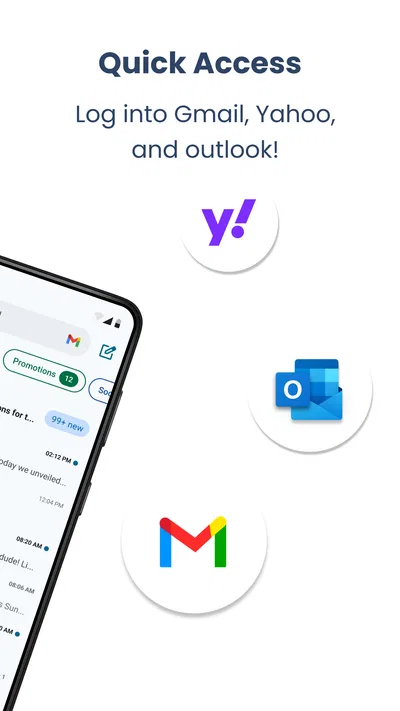
Account compatibility can vary by app version, operating system, and the email provider’s sign-in requirements. Before downloading, check the current store listing for supported services and look for any notes about IMAP, POP, or provider-specific login options. Some providers require modern authentication or an app password, and work or school accounts may have administrator restrictions. Do not assume every email address can be added.
Is Easy Mail - Email Launcher safe to use with my email account?
Email access involves sensitive information, so review the app’s developer details, privacy policy, requested permissions, and data-safety disclosures before signing in. Use the official Google Play or Apple App Store listing, and avoid entering your password on pages you cannot verify. If your provider offers two-factor authentication, keep it enabled. The app’s privacy practices and security features should be checked directly, as they can change over time.
Does Easy Mail - Email Launcher send or receive emails without an internet connection?
Email generally needs an internet connection to sync new messages or send mail. An app may let you view previously downloaded messages while offline, but this depends on its design and what has already been stored on your device. Messages composed without a connection may remain queued until service returns. Check the app’s current feature information, and verify that important mail has actually sent before relying on it.
Is Easy Mail - Email Launcher free, and what should I check before downloading?
Whether the app is free to install, includes advertising, or offers paid features can depend on the current store listing and region. Review the price, in-app purchase details, subscription terms, recent user feedback, last update date, and required permissions before installing. Also confirm that your device meets the listed requirements. These checks help you understand potential costs and compatibility rather than relying on outdated descriptions.

Download Easy Mail - Email Launcher
Similar apps
View all 9.3
Zedge™ Wallpapers & Ringtones
Personalization
 8.0
Easy Homescreen
Personalization
 8.3
Emoji Battery & Shimeji Pet
Personalization
 8.0
Super HomeScreen
Personalization


