
- Award score
- 4.7Rating
- 100,000,000+installs
- Free
App information
Screenshots
 Analysis byAppsAward
Our review of Indeed Job Search
When I’m looking for work, the hardest part is often not finding a job title to search for. It’s keeping useful openings, application details, and follow-ups from scattering across emails, browser tabs, and notes. Indeed Job Search is built around making that hunt easier to manage, especially when I’m checking several kinds of roles or applying over time. I find it most useful as a practical starting point, rather than a promise that the right job will appear without effort.
From a vague search to a focused shortlist
I’d start by turning a broad goal into a few searches I can actually compare. Instead of looking for “a better job,” I might search by role and location, then try a nearby title or a different schedule. That small change matters: job titles vary between employers, and a single search can miss relevant openings simply because companies describe similar work differently.
Indeed is a free business app from Indeed Jobs, and its purpose is straightforward: help people find work. The app has a 4.7 average from around 14 million ratings, with over 100 million installs. Those figures suggest it has become a familiar tool for job seekers, but popularity doesn’t guarantee that every listing will suit your experience or that every application will get a reply.
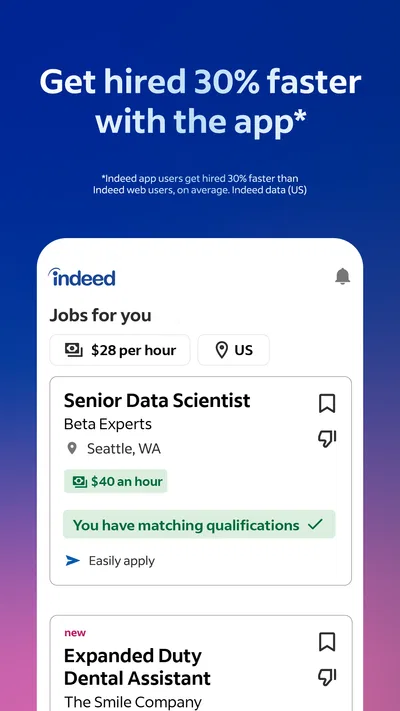
For a first pass, I’d use a focused search and read each result beyond its title. Check the location, required experience, working arrangement, and responsibilities before saving or applying. A role with the right title may still be a poor fit if the day-to-day duties or commute don’t work for you. Treating the listing as something to evaluate—not just a button to tap—helps keep the search manageable.
Build a search routine you can repeat
Once I know what I’m looking for, I’d make a short list of search variations: the exact title, a related title, and perhaps a broader phrase that captures the work rather than the job label. I’d also check nearby locations only if travelling there is realistic. This is more useful than endlessly widening the search, which can fill a feed with openings I would never accept.
A practical habit is to review results at set times rather than react to every new possibility. I might scan in the morning, save the listings that need a closer read, and reserve a separate block for applications. That creates a boundary between browsing and doing. It also makes it easier to notice when a search is too broad: if most results are irrelevant, adjust the terms before spending time on them.
When I find a promising opening, I’d compare its requirements with my own experience before moving forward. I would note one or two specific examples that show how I meet the employer’s needs, then tailor my application around those points. A generic application may be quicker to send, but it gives me less reason to believe the employer will see a fit. The app can help surface opportunities; the judgment and the evidence still have to come from me.
Turning a listing into an application
The application stage is where a job-search app either saves effort or simply moves the work to another screen. Before applying, I’d read the full posting and check whether the role’s expectations make sense for me. If the description is vague, contradictory, or missing details I need to make a decision, I’d pause and seek clarification through the employer’s stated process rather than assume the best.
Here’s a realistic example: I’m working full time and looking for a role with a shorter commute. During a lunch break, I search for a particular kind of position near home and save two plausible openings. Later, I compare the duties and experience requirements, discard the one that doesn’t match, and prepare a targeted application for the other. The useful outcome isn’t merely finding a listing; it’s moving from a quick browse to a considered next step without losing track of why I chose it.
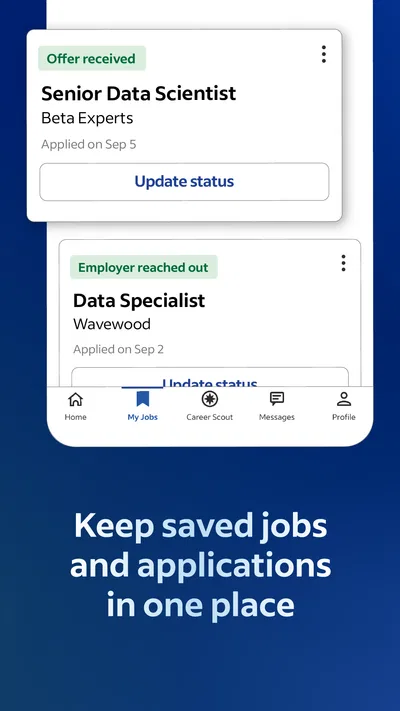
I’d keep a simple personal record of applications, including the employer, role, date, and any follow-up I plan to make. Even when an app makes discovery convenient, an independent note can be valuable if I’m applying across multiple platforms or need to remember what version of my résumé I sent. This is a small piece of organization that prevents the common mistake of applying twice or forgetting which role a recruiter is discussing.
The handoff from app to employer
A job-search app is not the same thing as the hiring team. Finding a role is one stage; submitting materials and communicating with the employer are another. I would read the application instructions carefully and make sure I know whether the next step is handled within the app or through a process the employer provides. The important point is to follow the actual instructions for each opening instead of assuming every employer handles applications in the same way.
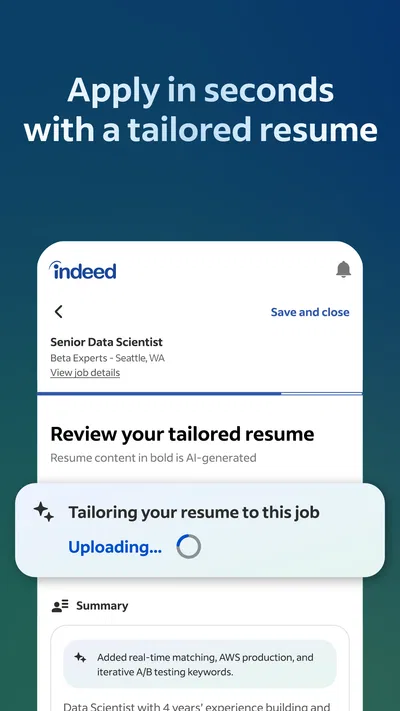
That handoff can introduce friction. An application may ask for information I have already prepared elsewhere, or the employer’s process may require a different format or extra steps. I’d keep a current résumé and a few adaptable examples of my work ready, but I wouldn’t send the same materials blindly to every role. A quick edit that connects my experience to the specific duties can make the application more coherent and also help me decide whether I genuinely want the job.
It’s also worth separating what the app can do from what it cannot control. It can help me discover openings and organize my search, but it cannot make an employer respond, tell me whether a workplace is a good fit, or guarantee that a listing reflects the role exactly as it will be in practice. I’d use the app as one channel in a broader search, alongside direct employer research and conversations with people who understand the field.
What a good result looks like
For me, success is not measured only by how many applications I send. A useful workflow produces a manageable shortlist, a clear reason for each application, and a record of what I’ve done next. That makes it easier to spend time on better-matched roles instead of treating volume as progress. If I’m getting few relevant results, I can revise my search terms; if I’m finding good roles but not hearing back, I can review how closely my application addresses their requirements.
The app is likely to suit people who are actively exploring several openings, comparing role descriptions, or trying to add structure to a search that otherwise happens in spare moments. It can also be a helpful first stop for someone who is unsure which job titles to try, provided they’re willing to inspect results rather than trust the first match. With an Everyone age rating, it is broadly accessible, though job applications still call for adult care with personal details and employer communications.
People with a very specialized career path may need more than a broad job-search app. A professional association, specialist recruiter, or employer’s own careers channel may be a better source when openings are concentrated in a narrow field. Similarly, if I already know the exact employer I want, going directly to its hiring channel may reduce an unnecessary step. I see Indeed as most useful when discovery and comparison are the challenge, not as the only route into every job market.
Where the routine can go wrong
The biggest trap is mistaking a long feed for a strong set of options. Broad searches can produce plenty to scroll through, but relevance depends on how carefully I define the role, location, and practical constraints. I’d rather review a smaller set with attention than apply to a pile of openings that don’t fit. Another risk is spending too long polishing an application for a role that does not meet my basic needs; deciding those limits first saves effort.
There can also be a gap between discovering a posting and knowing whether it is worth pursuing. Job descriptions may leave questions about schedule, responsibilities, or expectations. I would not fill those gaps with assumptions. If an opening seems promising but a key detail is unclear, I’d ask through the appropriate employer channel before committing substantial time. That may slow the process, but it is better than building a decision on guesswork.
Finally, the app cannot replace the emotional side of job hunting. Rejections and silence are frustrating, and more searching does not always make them easier. I’d set a realistic weekly routine, keep notes on applications, and make time for other routes such as referrals or direct outreach where appropriate. Using one tool consistently is helpful; depending on it exclusively can leave blind spots.
Who I’d recommend it to
At version 300.0.0, Indeed Job Search is a well-established, free option for people who want a central place to explore openings and move from browsing toward applications. Its strongest role in my routine is as a discovery and comparison tool: search with intent, inspect the posting, save the realistic choices, and handle each application deliberately. The scale of its community is reflected in roughly 296,000 written reviews, but I’d still judge it by whether its results fit my own location, experience, and goals.
I would recommend it to a friend who wants a broad starting point and is prepared to do the careful work that follows finding a listing. I would not recommend relying on it alone if the search is highly specialized, if direct employer channels are more relevant, or if scrolling is replacing focused applications. It supports the job hunt, but it does not make decisions for you.
My practical advice is to begin with a few precise searches, keep a shortlist, and track every application outside the feed if you’re using several channels. Read each posting closely, tailor the parts of your application that matter, and follow the employer’s instructions at the handoff. Used that way, Indeed Job Search can make a demanding process feel more organized—while leaving the important choices, and the final outcome, where they belong: with you and the employer.
Pros
- Search results can be filtered by location and job type.
- Users can save jobs to revisit later.
- Company reviews offer insight into workplace experiences.
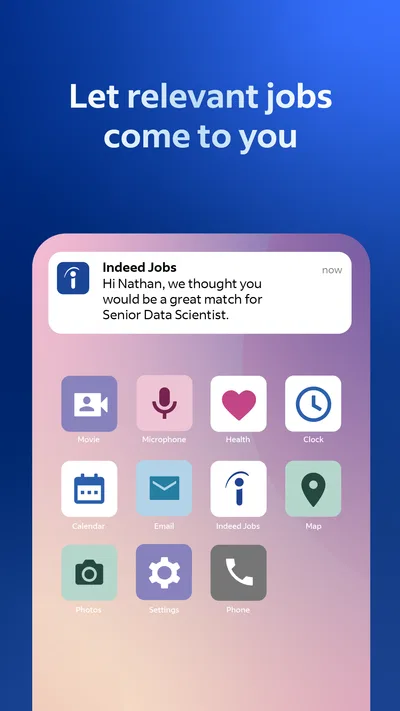
- Job alerts help users spot new matching listings.
- The app supports applications from a mobile device.
Cons
- Some listings redirect users to external application pages.
- Job availability varies widely by location and industry.
- Listings may include outdated or duplicated openings.
- Some application features require an Indeed account.
- Employer reviews can reflect individual experiences and opinions.
Best Business App 2026
Our verdict
We help people get jobs
Frequently Asked Questions
What can I do with the Indeed Job Search app?
Indeed Job Search lets you look for job openings by title, company, location, or keywords. You can review listings, compare details such as pay and job type when provided, save opportunities, and apply through the app or an employer’s application process. Available features and listing details can vary by job, employer, and location.
Is Indeed Job Search free to download and use?
The app is generally free for job seekers to download and use for searching and applying to jobs. Some application steps may take you to an employer’s website or another service, whose own terms and requirements apply. Be cautious of anyone asking you to pay for a job offer, interview, or access to an ordinary job application; verify such requests independently.
Do I need an account to search and apply for jobs on Indeed?
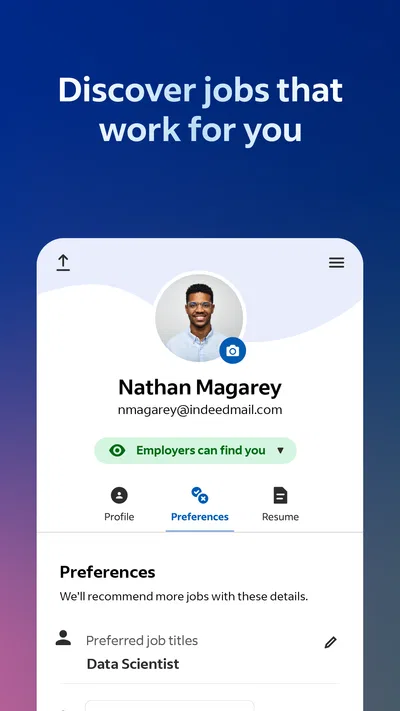
You can typically browse job listings without signing in, but creating or using an Indeed account can make it easier to save jobs, manage applications, and maintain a résumé or profile. The information an employer requests depends on the role and application method. Review your profile and submitted materials before applying, and share personal information only when it is relevant and appropriate.
How do applications work in the Indeed Job Search app?
Some listings support an application process within Indeed, while others direct you to an employer’s website or a separate application system. Read each listing carefully so you know where your information will be submitted and whether extra steps are required. Indeed can help organize job-search activity, but employers control hiring decisions and may contact applicants outside the app.
How can I tell whether a job listing is legitimate and protect my privacy?
Check the employer’s identity, the role’s responsibilities, location, and compensation details, and compare the listing with information on the company’s official website. Treat requests for upfront fees, banking details, passwords, or sensitive identity documents early in the process as warning signs. Use Indeed’s reporting options for suspicious posts, and review the app’s current privacy information before sharing résumé or profile data.

Download Indeed Job Search
Similar apps
View all 8.2
Zoom Workplace
Business
 9.3
Microsoft Teams
Business
 9.3
Microsoft Authenticator
Business
 9.1
DoorDash - Dasher
Business


