- Award score
- 4.7Rating
- 1,000,000+installs
- Free
App information
Screenshots
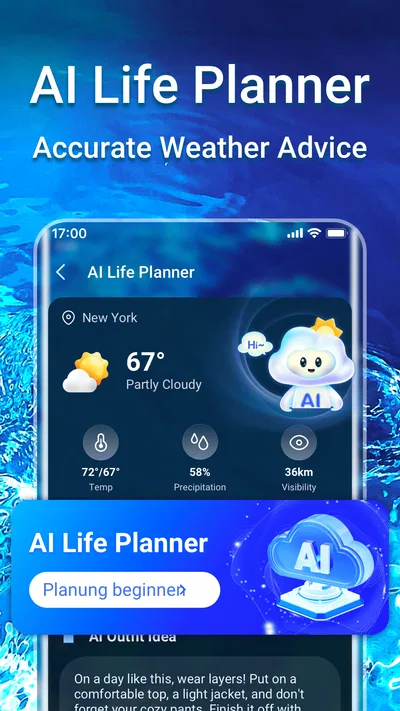
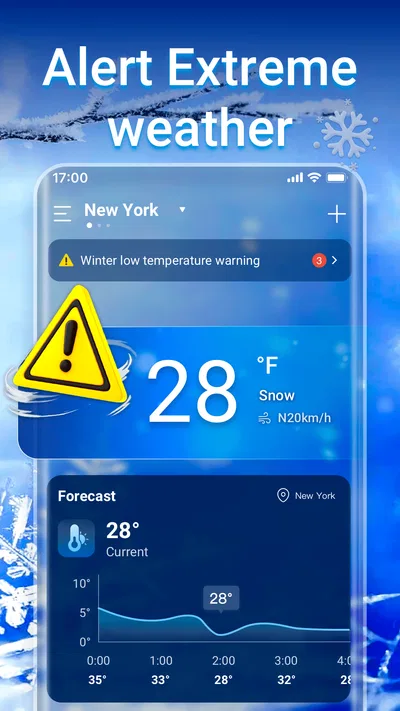
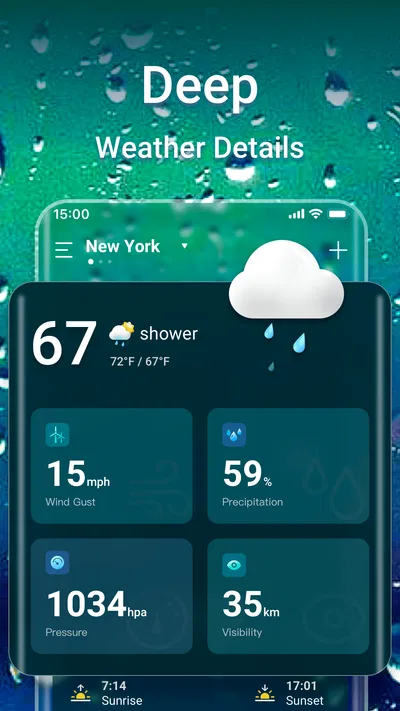
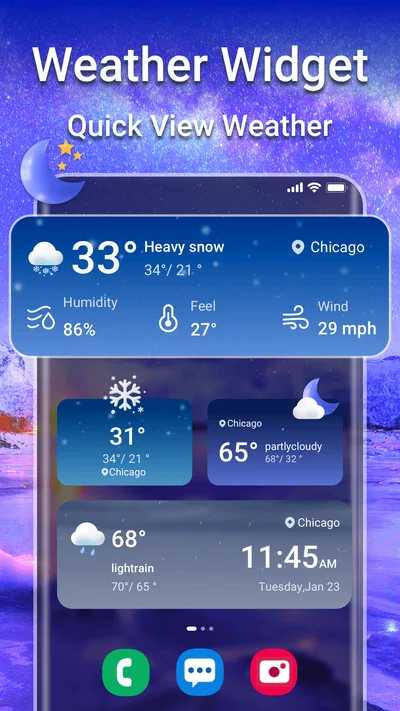
 Analysis byAppsAward
Our review of Weather Forecast & Live Radar
I like a weather app best when it helps me make one small decision quickly: take a coat, change my route, or postpone an outdoor plan. Weather Forecast & Live Radar is aimed at that everyday job, bringing daily and hourly forecasts together with local and national air-quality information. It is a free weather app from Weather 365 Days, and its broad appeal is reflected in a 4.7 average from around 48,000 ratings and over a million installs.
What to expect from the forecast
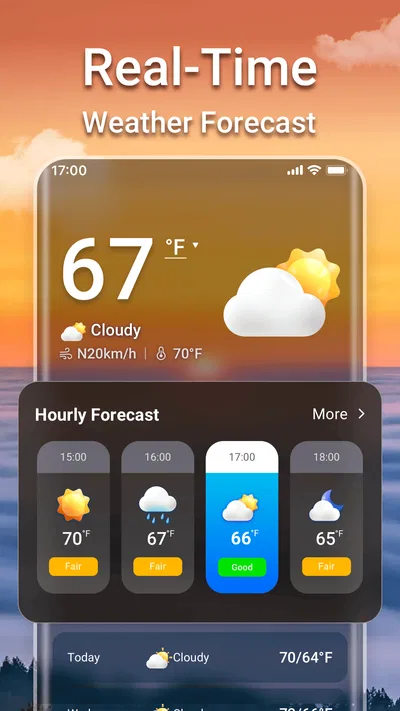
The app’s main value is the combination of short-term planning and a wider view of conditions. The daily forecast is useful when I’m thinking about the shape of the day, while the hourly outlook is the part I’d check before choosing when to walk, commute, or head out with children. Air-quality information adds another practical consideration, especially when someone in the household is sensitive to poor conditions or is planning strenuous exercise outdoors.
That mix makes the app more useful than a bare temperature display. A single number can tell me whether it feels warm, but it cannot help much with timing. Looking across the hours gives me a better chance of spotting a change before I leave. I’d still treat any forecast as guidance rather than a promise: local weather can shift, and conditions can differ across a city or between a town and nearby open country.
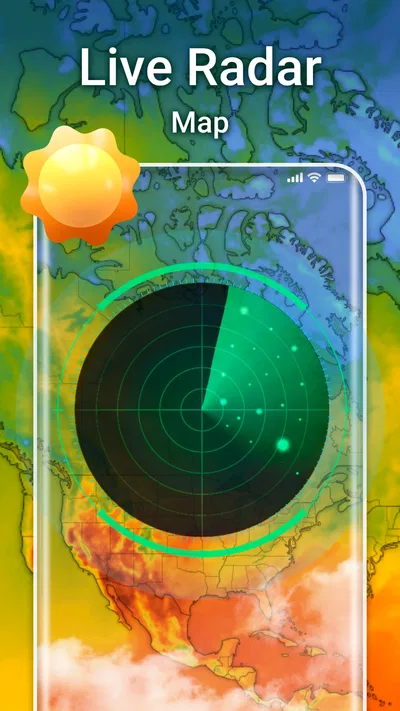
The name may suggest that radar is the central feature, but I would approach it first as a forecast and air-quality tool. The store summary emphasizes daily and hourly weather alongside air quality; that is the reliable expectation to set before installing. If your main need is a specialist storm-tracking experience, compare its actual map and alert options with a dedicated radar service rather than assuming the name alone tells you how detailed its radar is.
The app is rated for Everyone, runs on Android 6.0 or later, and its current version is 1.8.0. It was released on September 23, 2022. Those details make it straightforward to judge basic compatibility, though they do not guarantee that every device will feel equally quick or that every location will have the same level of forecast detail.
Getting started without overthinking it
For a first-time user, I’d begin by opening the app and getting a forecast for the place that matters most: home, work, or the destination of an upcoming trip. If the app asks how to determine the location, choose the option that feels comfortable and check that the displayed place is correct. A forecast for the wrong neighborhood is more misleading than no forecast at all, particularly when weather is changing quickly.
If you prefer not to rely on automatic location, look for a way to set or search for a place manually. That is often the better choice when you regularly check conditions for a family member, a workplace, or a weekend destination rather than wherever your phone happens to be. I would verify the place name before trusting the hourly details; nearby locations can have noticeably different conditions.
At setup, I would keep notifications and other optional interruptions under control until I know what the app offers and whether I want them. A weather app does not need to become a constant source of noise. Start with the forecast itself, then decide whether any available alerts genuinely help your routine. This keeps the first experience focused and makes it easier to tell whether the app is earning a place on your home screen.
The first useful check: plan one real outing
My first meaningful use would be to check the hourly outlook before a short trip rather than browsing every screen. Imagine leaving home for a school pickup or a walk after work: compare the conditions around the time you expect to go with the later part of the day. If the weather looks less favorable later, you can shift the outing earlier or pack an extra layer. That simple workflow turns a forecast into a decision instead of a stream of numbers.
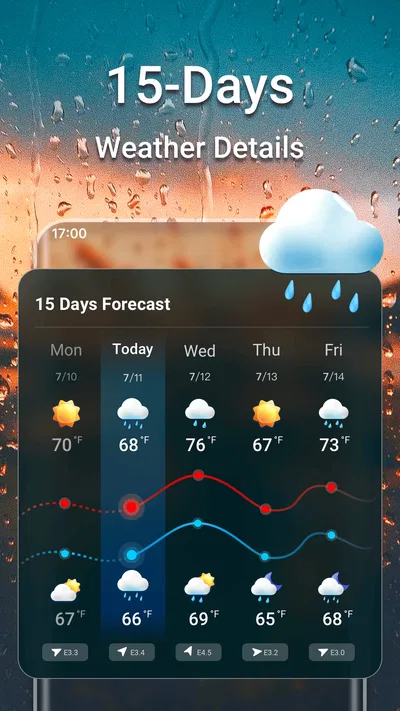
Then look at the daily view to see whether the broader picture agrees with the timing you have in mind. The two views answer different questions: the daily summary helps with the general plan, while the hourly forecast helps choose a window. Checking both is more useful than reacting to the current conditions alone, since clear skies at breakfast do not necessarily tell you how the afternoon will feel.
Air quality deserves a separate check rather than being treated as a decorative extra. For a relaxed errand, it may not change what I do; for a run, a long cycle, or an outdoor activity with someone who has respiratory sensitivities, it can influence whether I go outside, reduce the effort, or choose an indoor alternative. Local and national context can also help explain whether a reading is a neighborhood concern or part of a broader pattern.
Where the app fits among weather alternatives
Compared with the default weather app on a phone, this one is worth considering if you want weather and air-quality information in the same place and value having both daily and hourly forecasts available. A built-in app can be more convenient because it is already integrated into the device, and some people will prefer its familiar layout. I would not switch just for the sake of having another forecast; I would switch if the way this app groups the information makes checking conditions easier for me.
Compared with a specialist radar or severe-weather app, the trade-off is focus. A general forecast app can serve everyday planning without requiring me to interpret a complex map, while a dedicated service may be a better fit for following storm movement or monitoring hazardous conditions in detail. If the weather could affect travel, work, or safety, I’d cross-check important decisions with an authoritative local source rather than relying on one app alone.
There is also a practical difference between a forecast and a guarantee. Hourly forecasts help with timing, but they are not precise enough to promise that rain will begin at a particular minute at your doorstep. When the decision is important, I’d use the app to narrow down a plan and check again closer to departure. That habit is more sensible than treating any forecast as fixed for the whole day.
Small habits that make the information more useful
One useful routine is to check the app at the point when a decision is still easy to change: before leaving home, not after arriving at the bus stop. If I have a flexible lunch break, for example, I can compare the hourly conditions and move a walk to a more comfortable part of the day. This is a better use of hourly detail than repeatedly refreshing without a specific question in mind.
For travel, check the destination rather than relying only on the forecast for your current location. A common source of confusion is seeing a reassuring local outlook and assuming the same conditions will hold several miles away. When plans involve a different town, set or search for that place if the app supports it, and confirm the displayed location before making decisions. I would also recheck on the day, since a forecast viewed well ahead can change.
For air quality, use the information to guide the intensity and timing of an activity, not as a substitute for personal medical advice. Someone who knows that pollution affects them may reasonably choose a shorter or less strenuous outing when conditions are unfavorable. If air quality is not relevant to your routine, you can simply focus on the forecasts; the combined information is an option, not a requirement to change how you use the app.
What may feel confusing or limiting
Weather screens can present several kinds of information at once, and the temptation is to read every value as equally important. I find it more useful to start with the question at hand: “When should I leave?” points me to the hourly forecast; “Should I plan an outdoor day?” points me to the daily view and air quality. That approach cuts down on screen-scanning and makes the app easier to learn.
Another possible frustration is location mismatch. If a forecast seems out of step with what you see outside, first check that the app is showing the intended place, then compare again later. Conditions can vary locally, and forecasts can change as new information becomes available. It is reasonable to use another reputable source when the difference matters, especially for severe weather or a long journey.
The app has a substantial audience, with around 4,100 written reviews alongside its ratings, but popularity does not mean its presentation will suit everyone. Some users want a minimal glanceable temperature; others want detailed maps, customizable alerts, or a particular forecasting style. I would judge it by whether its daily, hourly, and air-quality views answer your own questions clearly, rather than by install totals alone.
Who should try it, and what to do next
I’d recommend giving it a try if you want a free, straightforward way to check the day ahead, choose a better time for an errand, and keep air quality in view without treating weather as a hobby. It is especially relevant for people who plan walks, commutes, outdoor exercise, or family activities around changing conditions. The developer, Weather 365 Days, has built an app that brings those everyday checks together in one weather-focused place.
I’d skip it if your priority is highly specialized storm analysis, if you already trust a built-in app that gives you everything you need, or if another service’s local forecasts consistently work better where you live. I would also avoid relying on it as the sole source for high-stakes decisions. For ordinary planning, it can be a handy guide; for emergencies, follow local alerts and official instructions.
My suggested next step is simple: install it, confirm your location, and use the hourly forecast to plan one real outing. Check the daily view for context, then look at air quality if the activity is outdoors or involves someone sensitive to it. If that process helps you make a clearer decision without extra effort, keep it in your routine. If you find yourself preferring another app’s maps or presentation, there is no reason to force the change. Weather Forecast & Live Radar works best when it turns a quick check into a practical plan.
Pros
- Hourly and daily forecasts make it easy to plan ahead.
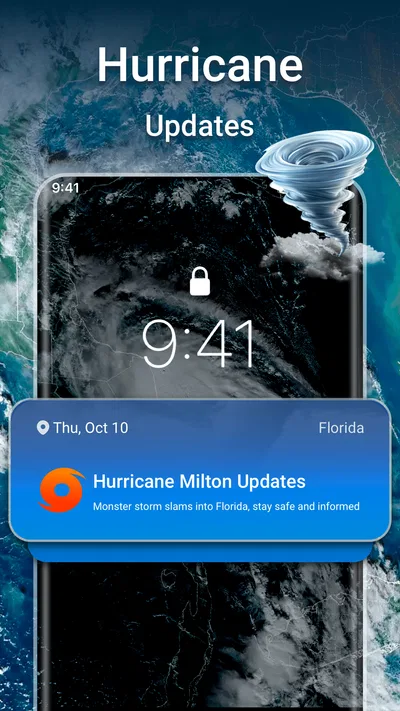
- Live radar helps track approaching rain and storms.
- Severe weather alerts can provide timely warnings.
- Location-based forecasts keep local conditions close at hand.
- A clear layout makes key weather details easy to scan.
Cons
- Radar and forecast updates depend on a reliable internet connection.
- Location access may be needed for accurate local forecasts.
- Frequent alerts can become distracting if not customized.
- Some advanced features may require a paid subscription.
- Forecast accuracy can vary by location and weather conditions.
Best Weather App 2026
Our verdict
Weather channel forecasts weather daily & hourly, local and national air quality
Frequently Asked Questions
What can I do with Weather Forecast & Live Radar?
Weather Forecast & Live Radar is designed to help you check current conditions, follow forecast details, and view radar information for a selected location. Depending on the version and the data available in your area, it may show details such as temperature, precipitation, wind, and upcoming conditions. Forecasts and radar updates are estimates, so check the app’s displayed update time and use official local alerts for urgent weather decisions.
Does Weather Forecast & Live Radar provide accurate forecasts and real-time updates?
The app presents weather information based on forecast and radar data, but accuracy can vary with location, local conditions, and how recently the data was updated. Radar imagery may also have a delay and should not be treated as a guaranteed live view. For travel, outdoor plans, or severe weather, compare the information with a trusted local weather service and follow official emergency guidance.
Does the app need access to my location?
Location access can help the app show conditions and forecasts for where you are, rather than requiring you to search for a place manually. If you prefer not to share your device location, you may be able to enter a city or other location yourself, depending on the app’s available features. Review the permission prompt and privacy information before granting access, and choose only the permissions you are comfortable with.
Can I receive severe weather alerts with Weather Forecast & Live Radar?
Alert availability depends on the app’s features, your region, device settings, and whether notification permission is enabled. Even when alerts are available, the app should not be your only source of warnings: delivery may be delayed or affected by connectivity, settings, or data coverage. Keep government emergency alerts enabled where offered, and follow instructions from local authorities during hazardous weather.
Is Weather Forecast & Live Radar free, and does it contain ads or in-app purchases?
Pricing and monetization can vary by platform, country, and app version. Before downloading, check the listing in the Google Play Store or Apple App Store for the current price, advertisements, subscriptions, and in-app purchases. If the app offers paid features, review the terms and renewal details before subscribing. Also check recent user reviews and the app’s permissions so you know what to expect.

Download Weather Forecast & Live Radar
Similar apps
View all 9.2
The Weather Channel - Radar
Weather
 8.1
Nice Weather
Weather
 8.4
Weather Radar Home
Weather
 6.1
Daily Weather Alarm - Radar
Weather


