
- Award score
- 4.8Rating
- 1,000,000,000+installs
- Free
App information
Screenshots

 Analysis byAppsAward
Our review of ChatGPT
I often reach for an AI assistant when a small task threatens to eat a surprising chunk of the day: tightening a rough email, making sense of a long question, or finding a clearer way to explain an idea. ChatGPT is built for that sort of everyday work. Rather than making me hunt through menus for a separate tool for every job, it lets me describe what I need in a conversation and refine the result from there. That simple approach is the app’s biggest strength—and the standard I use to judge whether it genuinely saves time.
When small tasks keep stealing time
Productivity problems are not always dramatic. More often, they are little interruptions: staring at a blank page, rewriting the same message three times, or trying to turn scattered thoughts into a sensible plan. Each one is manageable, but together they create friction. ChatGPT offers a quick place to get past that first hurdle by asking for a draft, an explanation, a summary, or a fresh angle in ordinary language.
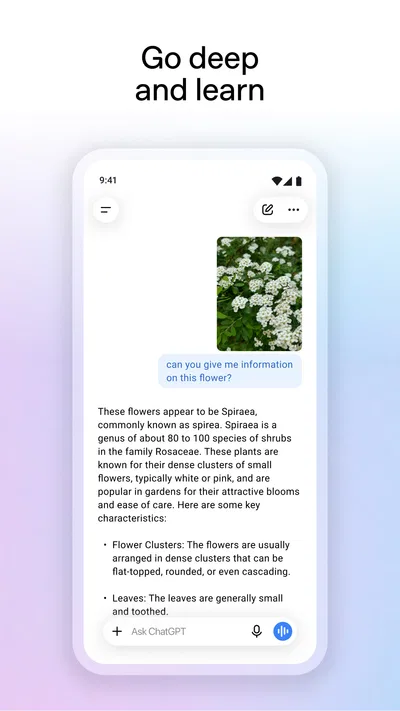
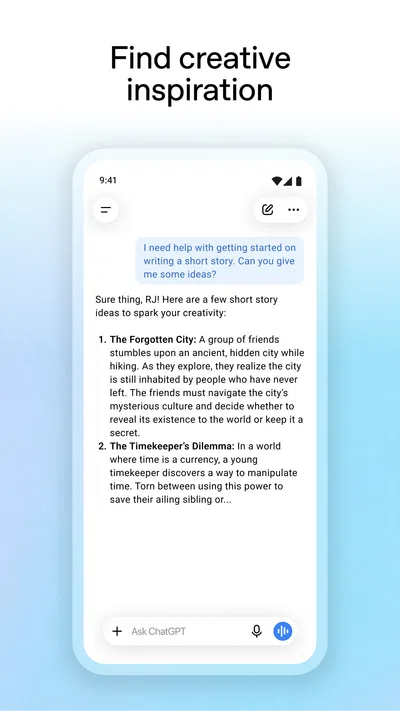
The app’s broad purpose is easy to grasp: it is an AI assistant for writing, search, image generation, and more. That range makes it useful beyond one narrow workflow. I can start with a practical question, switch to brainstorming, then ask for help polishing a piece of writing—all without treating each request as a separate project. The conversational format is approachable, especially if I know what outcome I want but not which tool or technique would get me there.
Articles related to ChatGPT
There is an important distinction, though: the app is best treated as a capable helper, not an unquestionable authority. It can give me a useful first pass and help me move forward, but I still need to check details that matter. That balance is central to its reliability. When the goal is to get unstuck or save time on a draft, it can be a strong companion; when accuracy has real consequences, human judgment remains part of the process.
A low-friction way to begin
Getting value from the app does not require an elaborate setup. I start by stating the task and adding enough context to make the request specific. “Write a note” leaves a lot open; “help me draft a polite note asking to reschedule, and keep it brief” gives the assistant a clearer target. The more useful the context, the less time I tend to spend correcting a response that missed the point.
I also get better results when I think of the first answer as a starting point rather than a finished product. If the wording feels too formal, I can ask for a warmer version. If a plan is too broad, I can request smaller steps. This back-and-forth is one of the app’s most practical qualities: instead of starting over whenever a draft is imperfect, I can steer it toward what I actually need.
For recurring work, it helps to keep a simple personal habit: explain the audience, purpose, and preferred tone when those details matter. A request for a professional reply will differ from one intended for a friend, and a summary for a quick check should not read like a formal report. Giving those cues upfront reduces unnecessary edits and makes the assistant feel less like a novelty and more like a usable productivity tool.
Everyday tasks where it earns its place
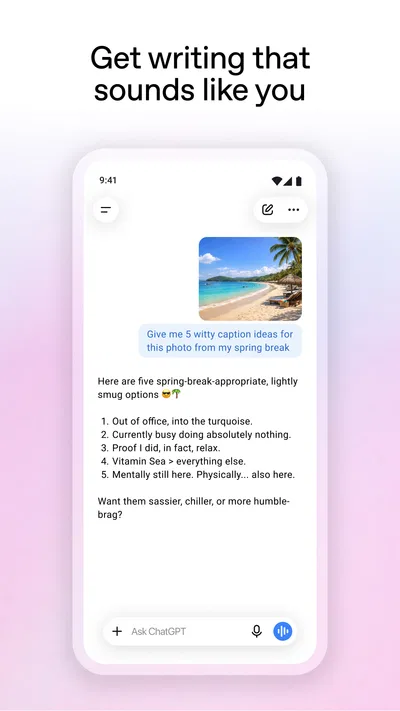
Writing is an obvious fit. I can use the app to organize a rough outline, improve the flow of a paragraph, suggest alternative wording, or make a message more concise. That does not mean every generated sentence deserves to be sent untouched. The real time saving often comes from escaping the blank page and having something concrete to revise. I remain responsible for checking the tone, facts, and personal details before using the result.
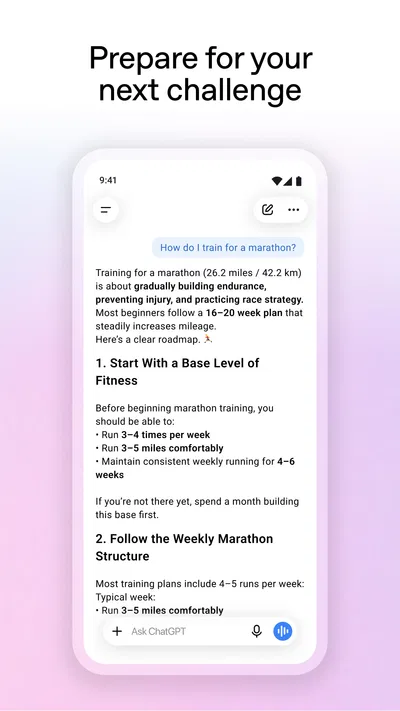
It is also handy for thinking through a problem. If I have several options and cannot see how to compare them, I can ask for a structured way to weigh the trade-offs. If a topic feels unfamiliar, I can request a plain-language explanation and follow up on the parts that remain confusing. This is less like receiving a perfect answer from an expert and more like having a patient starting point for exploration.
Planning is another natural use. A broad intention can be turned into a draft checklist or a sequence of manageable actions, then adjusted to fit the situation. I find that especially useful when the hard part is not doing the work but deciding where to begin. The assistant can provide momentum, while I decide which suggestions are realistic and which should be ignored.
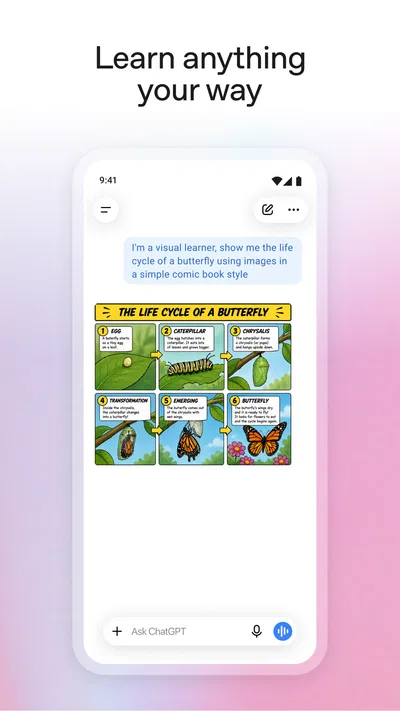
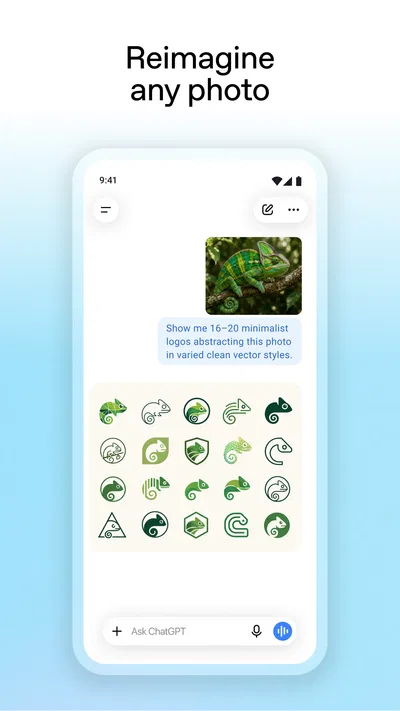
The app’s stated scope also includes search and image generation, alongside writing and other assistance. That breadth can make it a convenient option when I want to explore different kinds of requests in one place. Still, the same practical rule applies across tasks: I should be clear about the goal, review what comes back, and avoid assuming a confident-sounding response is automatically correct or suitable.
Less friction, with a human in the loop
The strongest productivity benefit is not that every task disappears. It is that the first step can become easier. A blank document becomes a rough draft; a vague question becomes a conversation; a pile of thoughts becomes a possible structure. That can save mental energy even when I still need to edit the output. For many routine tasks, getting to a workable version faster is more valuable than expecting a flawless final answer on the first try.
The conversational design makes refinement feel natural. I can point out what is missing, ask for a different emphasis, or narrow the request instead of learning a complicated interface. This is a sensible fit for people who work through ideas by asking questions. It also means that the quality of the exchange depends partly on how clearly I communicate. Specific prompts tend to make the interaction more efficient; vague prompts can lead to generic material and extra rounds of revision.
Reliability is where I keep my expectations measured. The app can help me research or understand a subject, but important claims deserve independent checking. The same caution applies to writing: a polished paragraph may still need corrections, and a suggested plan may overlook a constraint I did not mention. Used thoughtfully, the assistant reduces busywork. Used on autopilot, it can shift the work from composing an answer to catching mistakes in one.
That is why I see it as a productivity aid rather than a replacement for expertise or personal judgment. It can help me get moving, explore possibilities, and improve a draft, but it cannot know every detail of my circumstances unless I provide them—and even then, I need to decide whether the result fits. The best workflow is collaborative: ask, review, refine, and take responsibility for the final choice.
Who is likely to find it useful?
People who regularly write, plan, brainstorm, or need a quick explanation may find the app easy to work into the day. It can be particularly appealing when the obstacle is getting started or finding a clearer way to phrase something. Students, professionals, and curious readers can all use a conversational assistant for different purposes, provided they check the output and follow the expectations that apply to their work.
It may be less satisfying for someone who wants every answer to be definitive without follow-up. The app works best when I am willing to give context and evaluate the response. It is also not a substitute for doing careful research when a decision depends on precise, current, or consequential information. Those limits do not erase its usefulness; they describe the role it handles well: a fast, flexible helper for everyday thinking and drafting.
OpenAI’s app has a 4.8 average rating from around 66 million ratings, a sign of broad attention, though popularity alone cannot tell me whether it suits my own routine. It is free to download, with in-app purchases ranging from eight dollars to five hundred dollars per item. The app is rated Teen, and its first release was on July 21, 2023. It has since reached version 1.2026.293 and is available on systems starting with version 7.1.
What to keep in mind before relying on it
The assistant’s flexibility is also the reason to stay deliberate. A single conversation can cover different kinds of tasks, but I should not assume that every response has the same level of accuracy or that a useful draft is ready to publish. For routine wording and idea generation, a quick review may be enough. For factual, sensitive, or high-stakes matters, I should verify information and apply the appropriate expertise before acting on it.
There is also a small skill to prompting well. I do not need special terminology, but I do need to describe what success looks like. Naming the audience, desired length, tone, or constraints can prevent avoidable revisions. If I am not sure what to ask, I can begin with the problem itself and then narrow the request as the conversation develops. That makes the app accessible without pretending that every interaction will be equally precise.
For a productivity app, the right question is not whether it can do everything. It is whether it removes enough friction to justify becoming part of a routine. Here, the answer depends on how often I face tasks that benefit from a draft, explanation, or brainstorming partner. Used occasionally, it can still be handy. Used regularly and thoughtfully, it can shorten the distance between an idea and a first workable version.
My verdict: a useful assistant, not an autopilot
ChatGPT earns its place as a flexible everyday tool because it makes a wide range of requests feel approachable. I like the simple conversational approach, the ability to refine a response instead of starting from scratch, and the way it can help with writing, exploration, and planning. Its clearest payoff is momentum: it helps turn “I need to do this” into something I can actually review and improve.
The trade-off is that speed does not remove the need for judgment. I still have to check important details, provide enough context, and decide whether a response is appropriate for its intended use. If I expect a flawless answer every time, I am likely to be disappointed. If I treat it as a capable but imperfect collaborator, the experience makes much more sense.
Overall, I recommend it to anyone looking for an adaptable AI productivity assistant that can help with everyday writing and thinking tasks. It is at its best when I need a practical first step, a fresh perspective, or a quicker route to a draft—not when I want to hand over responsibility entirely. With that realistic expectation, ChatGPT can save effort, reduce blank-page friction, and make routine work feel a little easier to start.
Pros
- Helpful for brainstorming and drafting text.
- Can explain complex topics in simpler terms.
- Supports natural follow-up questions.
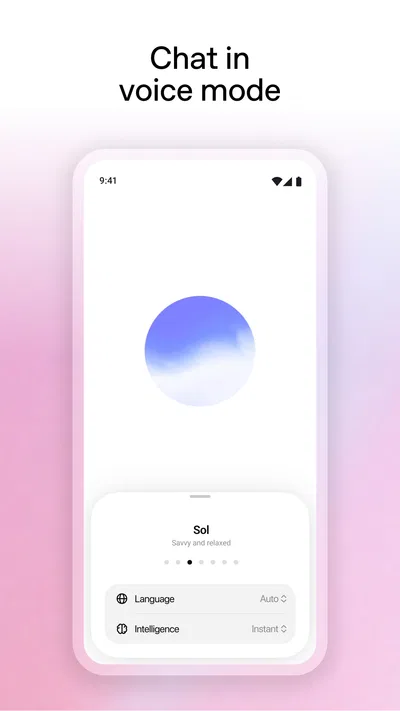
- Offers voice conversations on supported devices.
- Can analyze images in supported versions.
Cons
- Answers can sound confident while being incorrect.
- Some features require a paid subscription.
- Useful responses often depend on clear prompts.
- It may struggle with recent or niche information.
- Sensitive details should not be shared in chats.
Best Productivity App 2026
Our verdict
Your AI assistant for writing, search, image generation, and more
Frequently Asked Questions
What is ChatGPT, and what can I use it for?
ChatGPT is an AI assistant that responds to questions and prompts in a conversational format. You can use it to explain concepts, brainstorm ideas, draft or revise text, summarize information, practice languages, and help with certain coding tasks. Its abilities and available tools can vary by version and account. Treat its responses as suggestions: it can misunderstand a prompt or provide inaccurate information.
Is the ChatGPT app free to download and use?
The official ChatGPT app can generally be downloaded without paying, and access to a free tier may be available. Optional paid plans can offer different usage limits, features, or access to particular models, and availability may change over time or by region. Check the app listing and the plan details shown in your account before subscribing, including the price, renewal terms, and cancellation process.
How can I make sure I download the official ChatGPT app?
Look for ChatGPT in the Apple App Store or Google Play Store and confirm that OpenAI is listed as the developer or publisher. Check the developer information and app details carefully, because other apps may use similar names or branding. Avoid installing files from unfamiliar websites or following suspicious download links. The official app’s availability can depend on your country, device, and operating-system version.
Can ChatGPT give incorrect or outdated answers?
Yes. ChatGPT can produce answers that sound confident but contain errors, omit important context, or reflect information that is not current. It may also misunderstand ambiguous questions. For important decisions involving health, law, finances, safety, or current events, verify claims with trustworthy, up-to-date sources or a qualified professional. Providing clear context and asking for an explanation can help, but it does not guarantee accuracy.
Is it safe to share personal or sensitive information with ChatGPT?
Avoid entering passwords, payment details, private identification numbers, confidential work material, or other information you would not want processed by an online service. Review the privacy and data controls available in the app, as settings and policies can change. If you use ChatGPT for work or study, follow your organization’s rules about AI tools and protected information, and check responses before sharing them with others.