- Award score
- 4.3Rating
- 1,000,000,000+installs
- Free
App information
- Version
- VARY
- Updated
- Requires
- Varies with device
- Price
- Free, in-app purchases
- Developer
- Spotify AB
- Content rating
- Teen
Screenshots
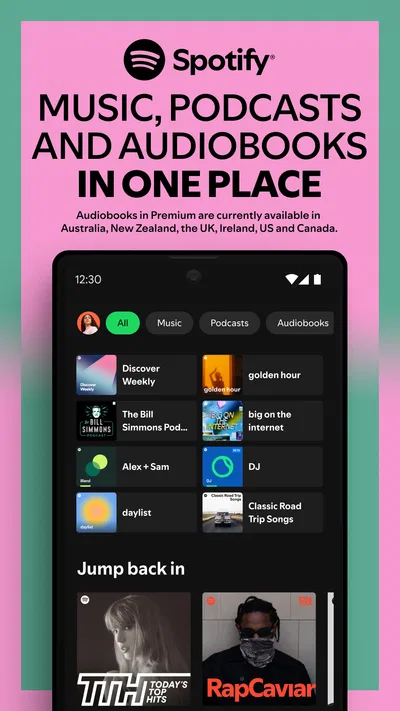
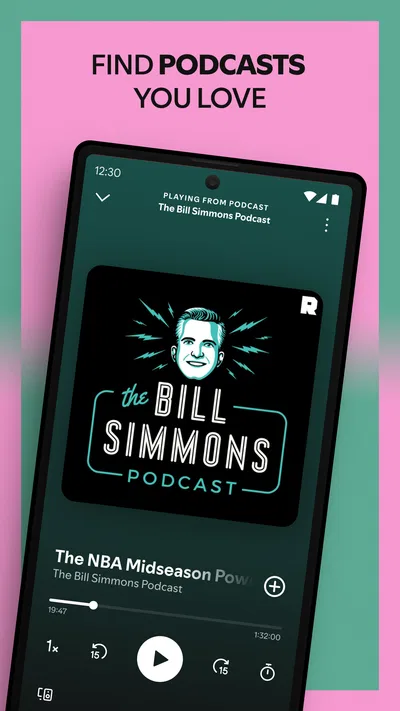
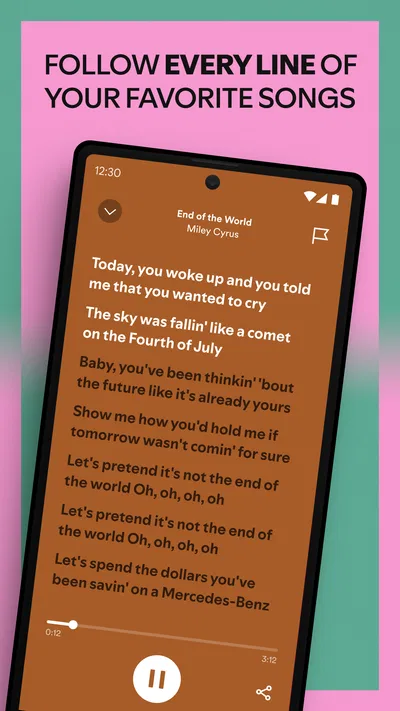
 Analysis byAppsAward
Our review of Spotify: Music and Podcasts
I judge a music app by what happens between deciding what I want to hear and actually hearing it. In that respect, Spotify is built around quick choices: search for a track, return to a familiar playlist, or let recommendations suggest something new. It is a music and audio app from Spotify AB, and its mix of music, podcasts, and personal playlists makes it useful for more than simply playing an album. My experience of its appeal is less about a single standout trick and more about how readily it fits into ordinary routines.
Getting from a search to a song
The interface gives several routes into listening, which helps when my mood is clear but my exact choice is not. I can look up a specific artist or track, pick a playlist I already know, or browse suggestions when I want background music without planning a queue. That flexibility is valuable on a commute or while getting ready: I do not have to settle on one album before opening the app.
Spotify’s large audience is reflected in its scale: it has more than a billion installs and an average rating of 4.3 from around 37 million ratings. Those figures do not tell me whether a particular search will feel instant on a particular phone, but they do underline that this is a well-established option rather than a niche player. In practical terms, the app’s familiar layout is easy to approach even if someone is switching from a simpler local music player.
Articles related to Spotify: Music and Podcasts
I would describe the speed expectation as “quick when the basics are in place,” not as a guarantee that every screen or recommendation will load immediately. Searching for a known song is a more direct task than browsing a long list of suggested playlists, and a weak connection can make any streaming app feel less responsive. If I am about to leave home, I make my listening choice before I am rushing out the door rather than assuming a discovery page will be ready at the exact moment I need it.
Why playlists work well in everyday routines
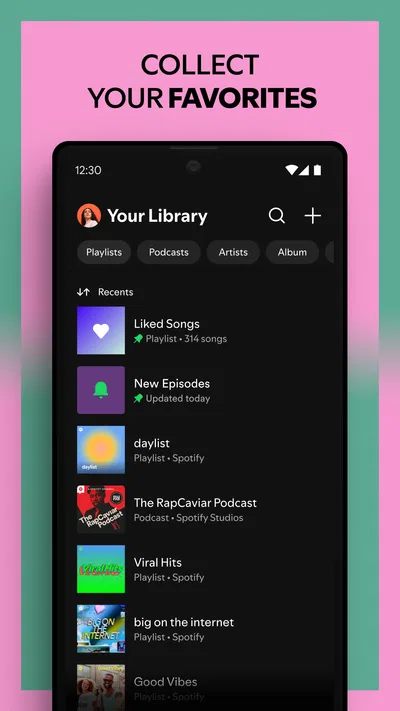
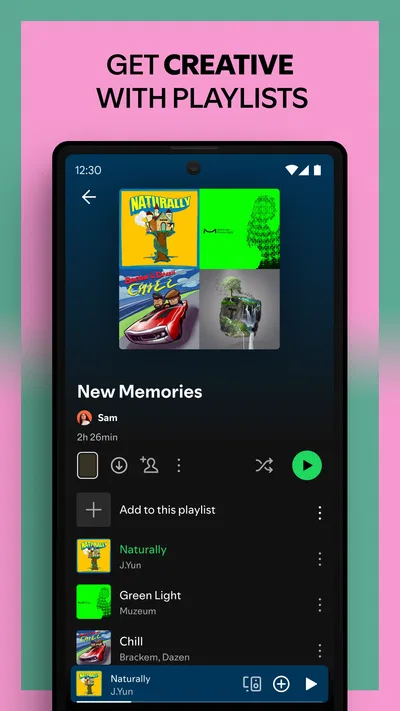
Playlists are more than a filing system here. They let me separate music by situation—focus, exercise, a shared drive, or winding down—so I can make one choice and leave the phone alone. A useful habit is to keep a few short, clearly named lists for recurring moods instead of putting everything into one enormous collection. That makes it easier to pick the right soundtrack quickly and reduces the temptation to keep searching while doing something else.
Discovery is most useful when I treat it as a source of candidates rather than a substitute for my own taste. If a recommendation leads to an artist I like, I can follow that thread by exploring related tracks and building a playlist around it. The trade-off is that recommendations can feel less satisfying when I want a very particular mood or have no patience for trial and error. For those moments, a saved playlist or direct search is the more reliable route.
The app also brings podcasts into the same listening environment as music. That is handy if I switch from songs during a walk to a spoken show on the way home and prefer not to juggle separate apps. At the same time, keeping two kinds of audio together can make the library feel busier for people who want a strict separation between music and spoken content. I would use its range as a convenience, but I would not assume every listener wants one app to organize both.
What changes during heavier use
A long listening session is where the app’s convenience becomes most apparent: I can move between a playlist, individual tracks, and podcasts without treating each change as a new setup. The heavier the session, though, the more I care about sensible preparation. If I know I will be travelling or exercising for a while, I choose what I want ahead of time and avoid relying on last-minute browsing. That is a simple workflow, but it can prevent a small connection delay from interrupting a routine.
Another practical point is managing attention. Search and discovery are rewarding when I am actively choosing music, but they can become a distraction if I am trying to study or work. I would start a suitable playlist before settling into a task, then leave the phone aside. This is not a special technical feature; it is a way to get the most from an app with so many listening choices without turning every quiet moment into another round of browsing.
Reliability also depends on the situation around the phone. A stable connection makes streaming feel straightforward; a poor connection can affect loading and playback in ways that are not unique to Spotify. I avoid judging the app from one awkward moment in a station or a crowded area, but I also would not plan an important listening session around the assumption that connectivity will always cooperate. If uninterrupted audio is essential, checking the available listening options in the app before leaving is the sensible step.
For recovery after an interruption, I value being able to return to a familiar playlist or search again rather than rebuilding my listening from scratch. Still, I would not claim that every interruption resolves identically across devices or network conditions. If playback stalls, I first check whether the connection has changed, then return to the track or playlist I meant to hear. That small troubleshooting order is more useful than repeatedly tapping controls in a hurry.
Free access, paid choices, and who should think twice
The app is free to install, which makes it easy to try without committing money up front. It also offers in-app purchases, with listed items ranging from about five dollars to just over two hundred dollars. I would check the purchase details carefully before choosing anything, because those figures cover a broad range rather than one simple universal plan. The right decision depends on how I listen and which options are presented to me, not on assuming that every useful feature is included at no cost.
Spotify is rated for teens, so it is aimed at an audience broader than adults looking for a specialist audio tool. A person choosing it for a younger listener should still make their own decision about what content and listening habits are appropriate. The app’s broad mix of music and podcasts can be a strength for a household with varied tastes, but it also means that different listeners may want different ways to manage what they browse and play.
Against the usual alternatives—music services centered on a particular device ecosystem, podcast-first apps, and basic players for files already on a phone—Spotify’s advantage is its combination of music discovery, playlists, and spoken audio in one place. The alternative can be better if someone wants to keep podcasts separate, avoids streaming, or already has a music workflow tied closely to another platform. I would not switch just because one app has more buttons; I would compare how easily each service handles the music I actually seek out and the devices I use day to day.
When phone limits matter
On an older or storage-constrained phone, I would pay attention to how much room other apps and media already occupy and keep my listening habits simple. Streaming is not the same as maintaining a large collection of downloaded files, but the overall experience still depends on the device and its available resources. I cannot promise the same responsiveness on every handset. If a phone is already struggling with several demanding apps, I would close what I do not need and test Spotify during an ordinary session before relying on it for a long trip.
For a person who listens casually, occasional searches and a few playlists are unlikely to feel like a complicated workload. A power listener who constantly switches between recommendations, albums, and podcasts may notice more waiting when the network or device is under pressure. My advice is to distinguish an app slowdown from a connection problem: try another known track, revisit a saved playlist, and see whether the issue is limited to browsing. That gives a clearer sense of whether the bottleneck is the current network, a particular screen, or the phone itself.
People who want exact control over a personal music collection may be happier with a dedicated local player. People who want to discover artists and keep many listening moods close at hand are more likely to appreciate Spotify’s approach. Its strengths are less compelling if the listener rarely explores, dislikes recommendation-led browsing, or prefers a separate app for every audio format. That is not a flaw so much as a mismatch between the product’s breadth and a user’s preferred routine.
My performance verdict
Spotify has been available since May 27, 2014, and its long-running presence helps explain why it feels like a familiar default for many listeners. The review count—around 1.9 million—also shows how much feedback the app has attracted, though a large crowd’s experience will never guarantee that every phone behaves alike. I see it as a practical, broad-purpose choice rather than a lightweight, single-job player.
My recommendation is strongest for someone who wants one place to search for music, organize playlists, and add podcasts to everyday listening. To make it feel smoother, I would save a few dependable playlists, decide on audio before a predictable commute, and use browsing when I have time to explore rather than when I am already in a rush. Those habits make the app’s breadth work for me instead of letting choice slow me down.
The main trade-off is breadth versus simplicity. Spotify gives me a lot of ways to find something to hear, but a basic player or a more specialized service may suit someone who wants fewer choices, a different ecosystem, or a sharply separated podcast experience. If those distinctions matter to you, compare your usual listening routine before settling in. For my own everyday mix of discovery, familiar playlists, and podcasts, Spotify is a convincing all-rounder—as long as I keep realistic expectations about network and device conditions.
Pros
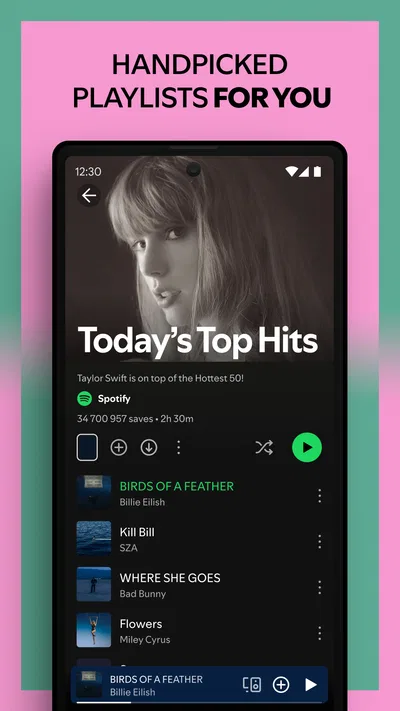
- Personalized playlists make it easy to find music that fits your taste.
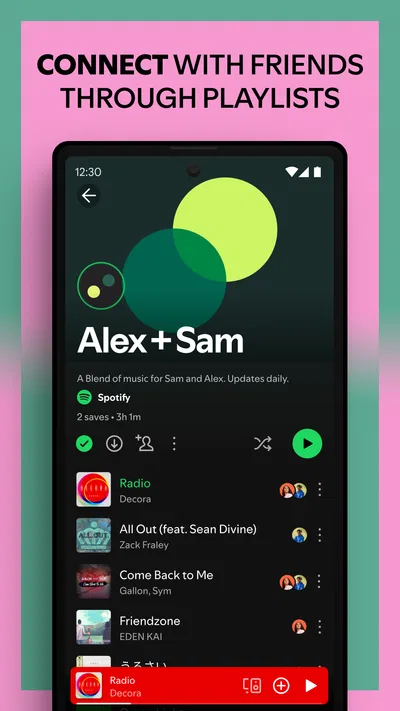
- Collaborative playlists let friends build a shared soundtrack.
- The queue gives you control over what plays next.
- Playback controls work with many smart speakers and devices.
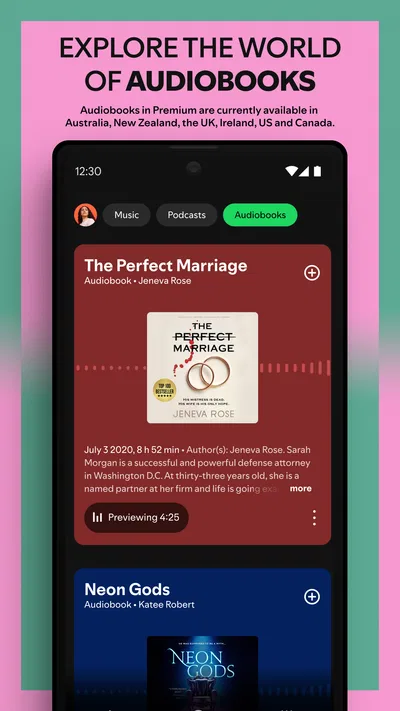
- Podcast pages keep episodes organized for convenient listening.
Cons
- Offline listening requires a Premium subscription.
- Free listening includes ads between tracks.
- Some songs may be unavailable in your region.
- Lyrics are not available for every track.
- The app can use significant mobile data when streaming.
Best Music & Audio App 2026
Our verdict
Listen to songs, play podcasts, create playlists and discover music you'll love
Frequently Asked Questions
What can I listen to on Spotify: Music and Podcasts?
Spotify offers a large catalog of music, podcasts, and other audio content, with availability varying by country and licensing agreements. You can search for artists, albums, tracks, and podcast shows, then play them on demand or explore personalized recommendations, playlists, charts, and radio-style mixes. Some content may be unavailable in your region, and the selection of features can differ between free and paid accounts.
Can I use Spotify for free, or do I need a Premium subscription?
Spotify can be used with a free account, so a subscription is not required to get started. The free experience may include advertisements and restrictions on how you choose or skip tracks, particularly when listening on mobile. Premium plans generally add benefits such as ad-free music, more playback control, and offline downloads. Plan options, prices, trial offers, and included features can change by region, so check the app before subscribing.
Can I download music and podcasts for offline listening?
Offline listening is generally a Premium feature for music, while podcast downloads may be available without a paid plan, depending on the content and current app rules. Downloaded audio must be saved in Spotify and usually cannot be exported as ordinary files or played in another music app. Downloads also need occasional internet access to remain available, and they may be removed if your subscription ends or you sign out.
Does Spotify work on different devices, and can I control playback between them?
Spotify is available on many supported phones, tablets, computers, smart speakers, TVs, and other devices, though compatibility depends on the model, operating system, and country. With the same account, you can use Spotify Connect to select a supported device and control playback from another device. Your account’s simultaneous listening limits still apply, and some devices may require the Spotify app, a network connection, or compatible hardware.
What should I know about Spotify’s privacy and account settings before using it?
Spotify can use listening activity and account information to personalize recommendations, playlists, and advertising, with details depending on your account type and region. Review the privacy and notification settings if you want to adjust how your activity is used or what communications you receive. You can also manage playlists and profile visibility. If you subscribe, check the billing terms and cancellation steps for your plan before confirming payment.

Download Spotify: Music and Podcasts
Similar apps
View all 7.8
Pandora - Music & Podcasts
Music & Audio
 8.8
Pocket FM: Audio Series
Music & Audio
 9.6
Suno - AI Music & Songs Maker
Music & Audio
 8.7
Volume Control Home
Music & Audio