- Award score
- 4.6Rating
- 10,000,000+installs
- Free
App information
Screenshots
 Analysis byAppsAward
Our review of Artmate: Drawing Together
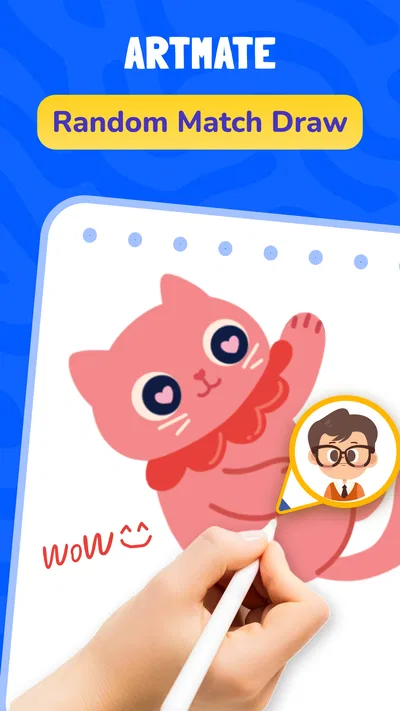
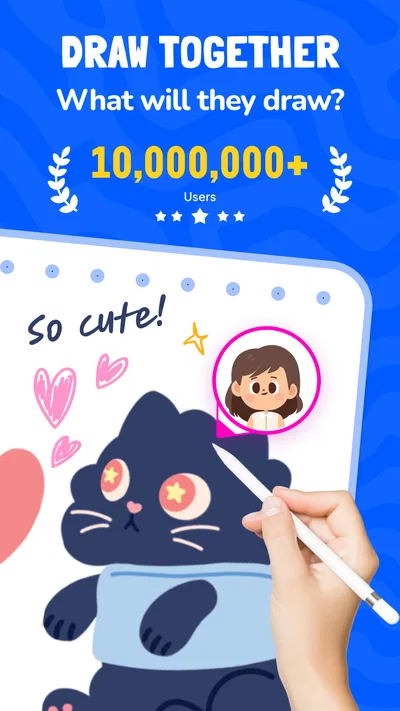
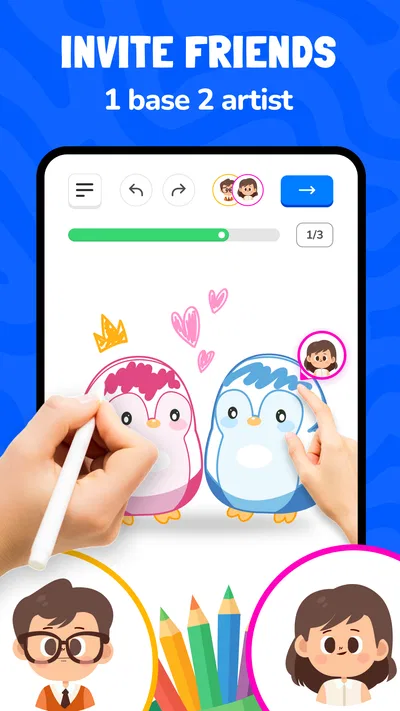
I can see the appeal of Artmate: Drawing Together right away: it makes drawing feel like a shared activity rather than a solo skill test. Braly JSC’s free Art & Design app pairs multiplayer drawing with easy lessons, giving friends a reason to make things together even if nobody considers themselves an artist. My first impression is that its best use is not producing polished work; it is making a little time to doodle, learn, and laugh with someone else.
That social focus also sets expectations. If you want a full-featured digital art studio for detailed illustrations, this is not the app I would choose. If you want a friendly creative break that is easier to start than a blank canvas, it has a clearer purpose. The key question is whether that quick shared pleasure becomes a habit after the novelty wears off.
Why the first sessions are easy to enjoy
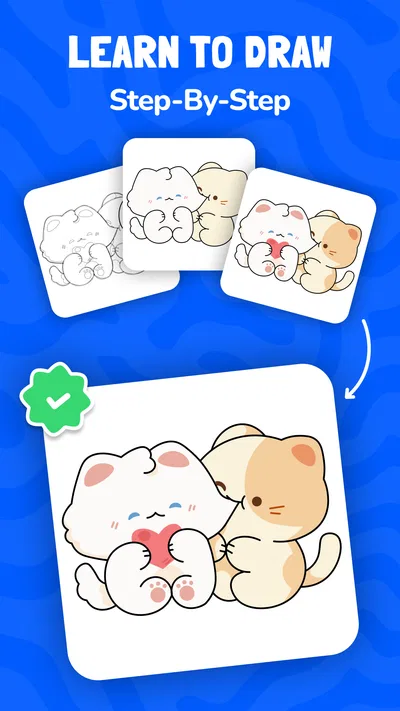
The combination of guided lessons and drawing with friends addresses two common reasons people hesitate to draw: not knowing what to make and feeling self-conscious about the result. A lesson gives the session a starting point, while a shared activity changes the mood from “make something good” to “let’s try this together.” That is a useful distinction for beginners, casual doodlers, or friends who simply want an activity that does not revolve around scrolling or watching.
Articles related to Artmate: Drawing Together
In a realistic everyday scenario, you might open it during a quiet evening and invite a friend to draw for a short while. Instead of deciding on a subject from scratch, you can use the lesson-led approach to get moving. The social element gives the session a natural endpoint too: you have made something together, rather than beginning an open-ended art project that demands hours of attention.
The strongest early benefit is lowered pressure. A beginner can take part without first learning a complicated toolset, and a more confident artist can enjoy the contrast between their own approach and a friend’s. That makes the app more welcoming than a traditional drawing program, where a large set of controls can be intimidating before the first mark even appears.
It is also a different kind of social app from one built around chatting or sharing finished posts. The drawing itself is the activity. That can make it a better fit when you want to do something together rather than merely exchange messages, though it depends on having someone willing to join in. If you usually draw alone, or your friends are not interested in making art, the central appeal will be harder to sustain.
What makes the format work for beginners
Easy lessons matter most when they help you cross the awkward first few minutes. My practical advice is to treat them as prompts, not tests. Follow the basic direction, then let the result be imperfect. In a multiplayer setting, that attitude is especially helpful: comparing drawings can be fun, but it can also turn a relaxed activity into a contest if everyone expects the same level of skill.
A useful way to keep the experience light is to agree on a small goal before starting: try the lesson, finish a quick sketch, or simply see what each person comes up with. That keeps the focus on participation instead of judging the final image. For parents or adults looking for an age-inclusive creative activity, the Everyone content rating makes the app broadly approachable, while the actual experience will still depend on how the people drawing together choose to use it.
Artmate has an average rating of 4.6 from around 23,000 ratings, and it has passed 10 million installs. Those figures suggest that the premise has found a wide audience, but they are not a substitute for fit: someone seeking detailed solo drawing tools may still prefer a conventional art app, even if this one is popular.
Whether it earns a place after the first week
The first-week test is simple: does drawing together feel pleasant enough that you want to repeat it? The month-to-month test is harder. A social activity relies on other people’s availability, while a solo art habit can happen whenever you have a spare moment. If your friends are only occasionally free, Artmate may be something you open for particular moments rather than a daily routine. That is not a flaw, but it does affect how much lasting value you get from it.
For recurring use, it helps to attach the app to an existing routine instead of waiting for inspiration. You could make it part of a regular catch-up with a friend or use it as a low-stakes activity when you both have a short break. The lesson structure gives you a starting point; the social appointment supplies the reason to return. Without either a dependable partner or a personal interest in guided drawing, the experience can become easy to postpone.
This is where Artmate differs from the usual alternatives in its category. A conventional drawing app is generally the better tool for practicing independently, building a detailed piece, or controlling a finished image. Artmate’s advantage is the company and guided entry point, not a promise of professional depth. If you switch between the two kinds of apps, they can serve different jobs: use a solo tool for focused practice and this one when the goal is shared, casual creativity.
That trade-off is worth considering before you make it part of your routine. If you want a place to refine technique privately, the multiplayer emphasis may feel like unnecessary friction. If you are the person in a group who often says “we should do something fun,” a short drawing session can be easier to organize than a larger plan. The app is most convincing when the social context is already there.
Keeping the habit light, not obligatory
One non-obvious way to get more from the app is to alternate between guided sessions and free experimentation where the experience allows it, rather than treating every visit as a lesson to complete. The point is to preserve the fun of making marks together. If every session feels like homework, an easy-learning app can still become another obligation, especially for someone who already has a busy schedule.
It can also help to vary who leads the activity. A beginner might choose the lesson one time, while a more experienced friend helps keep the next session playful rather than correcting every detail. That small change can make the experience feel more collaborative and less like one person is teaching the other. The app’s shared format is better suited to encouragement than formal instruction.
Another practical tip is to keep expectations modest about what a session should produce. A finished sketch is a satisfying bonus, but the app’s lasting value is more likely to come from the recurring conversation and the act of trying. If you judge it by whether it can replace a serious art workflow, it will disappoint. If you judge it by whether it can make a brief catch-up more interactive, it has a fairer chance to become a repeat choice.
Maintenance, friction, and reasons you might move on
There is not much to maintain in the same sense as a long-running creative project: you do not need to organize a portfolio or commit to a large piece just to get started. The more important maintenance is social. You need a friend who wants to draw at the same time, and you may need to suggest the activity yourself. For people who prefer activities they can pick up alone at any hour, that dependency can become the biggest practical drawback.
There is also a natural fatigue risk in any app built around a single central loop. Drawing together can feel fresh at first, but if every session has the same shape, the novelty may fade. Easy lessons help reduce the blank-page problem, yet they do not automatically create a lasting reason to return. I would use the app as one option in a broader mix of low-key activities, rather than expect it to become a complete creative routine for everyone.
Pricing deserves a quick look before you settle in. The app is free to download, with in-app purchases ranging from $0.49 to $14.99 per item. I would start with the free experience and decide whether it fits your group before spending anything. That is particularly sensible for a casual app: a purchase makes sense only if you already know that the way you use it is worth supporting, not simply because an initial session was enjoyable.
Artmate is currently at version 1.1.42 and requires Android 7.0 or later. Those details are useful if you are checking an older device before installing. I would still think about the actual people who will use it: compatible software is only part of the decision when the multiplayer activity depends on having a willing drawing partner.
For comparison, someone focused on polished, detailed illustrations should choose a dedicated drawing tool with controls suited to that work. Someone looking for independent practice may prefer a structured art-learning resource that does not require coordinating with friends. Artmate makes the most sense for a different need: turning a small amount of shared time into a creative activity without making artistic confidence a prerequisite.
Who is likely to keep using it
I would recommend Artmate: Drawing Together to friends who enjoy casual creative challenges, beginners who want a guided nudge, and families or groups seeking an easy activity that is more participatory than passive entertainment. Its Everyone rating and straightforward premise make it approachable, while its social nature gives it a distinct role among art apps. Braly JSC has built the experience around doing rather than simply looking at art, and that is the reason to try it.
I would suggest skipping it if you want advanced drawing controls, a private space for concentrated practice, or an activity that never depends on another person being available. Those are not small preferences; they point to a different kind of app. A serious illustrator is likely to outgrow the tool side quickly, while a solo beginner may get more consistent value from lessons designed around individual practice.
My long-term verdict is positive but conditional. Artmate earns a place when it becomes a shared ritual, even an occasional one, rather than an app you expect to open automatically every day. Its first-week charm is the low-pressure invitation to draw together; its lasting value depends on whether you and your friends enjoy repeating that invitation. If you have someone to share it with, it is an easy, friendly way to make creative time. If you do not, the novelty may fade before it becomes a habit.
Pros
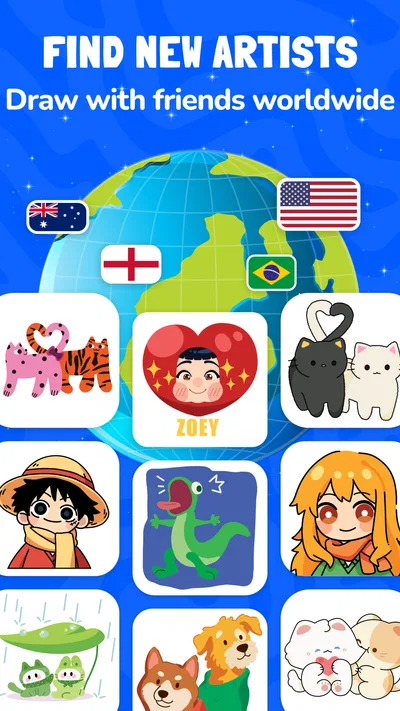
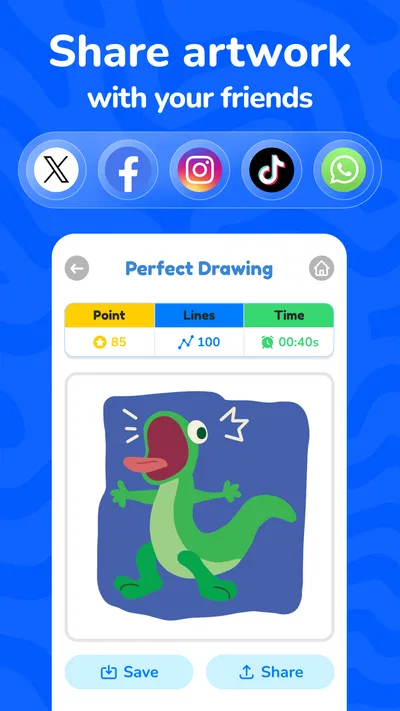
- Offers a welcoming space for artists to connect and share their work.
- Collaborative drawing can make creative sessions more social.
- Useful for finding inspiration from other users’ artwork.
- Supports creative expression across different skill levels.
- A community focus can help users stay motivated to draw.
Cons
- The experience may depend on having other artists available to join.
- Shared spaces may expose artwork to an unfamiliar audience.
- Community features can feel less useful to users who prefer drawing alone.
- Finding suitable collaborators may take time.
- The quality of interactions can vary between users.
Best Art & Design App 2026
Our verdict
Draw together with friends! A fun multiplayer drawing app with easy lessons.
Frequently Asked Questions
What is Artmate: Drawing Together?
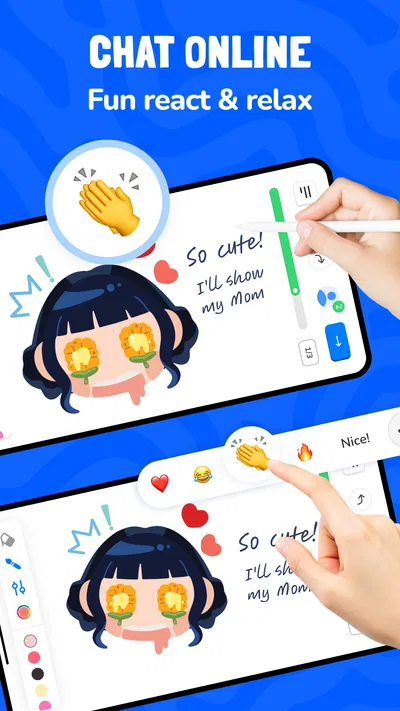
Artmate: Drawing Together is a social drawing app built around making art with other people. Depending on the available mode, you can create a drawing collaboratively, take turns adding to a shared canvas, or draw alongside friends. The experience is intended to be approachable for casual artists as well as more experienced users, though the exact tools and features can vary by app version.
Can I use Artmate: Drawing Together with friends?
The app is designed for shared drawing, so its main appeal is creating artwork with other people rather than working only on a private canvas. Before inviting friends, check which joining options are currently offered, such as room codes, invitations, or other in-app methods. A stable internet connection may be needed for collaborative sessions, and all participants may need compatible, up-to-date versions.
Is Artmate: Drawing Together suitable for beginners?
Yes, collaborative drawing can be enjoyable even if you have little drawing experience. You can contribute simple shapes, colors, or details without needing advanced artistic skills, and taking turns can make the activity feel less intimidating. However, ease of use depends on the available controls and tutorial guidance. If you prefer structured lessons or professional illustration features, check the app description before downloading.
Is Artmate: Drawing Together free, and does it include purchases or ads?
Pricing and monetization can change, so check the current Google Play or App Store listing for the latest details. An app may be free to install while offering optional in-app purchases, subscriptions, advertisements, or paid features. Review the store’s pricing information before starting a session, and if a child will use the app, consider setting appropriate purchase and screen-time controls on the device.
What should I check before downloading Artmate: Drawing Together?
Confirm that the app is available for your device and operating-system version, and review its current permissions, privacy information, and store rating. Because it focuses on interaction with other users, it is also sensible to check what communication, account, or sharing features are included and whether they can be controlled. Download only from an official app store, and use a reliable internet connection for online collaboration.

Download Artmate: Drawing Together
Similar apps
View all 9.6
Canva: AI Photo & Video Editor
Art & Design
 7.6
Google Flow
Art & Design
 7.5
Nexus - AI Video Generator
Art & Design
 8.5
Vidix-AI Photo Video Generator
Art & Design